




How the Model Context Protocol turns your NAS into a conversational system
What is MCP?
The Model Context Protocol (MCP) is an open standard developed by Anthropic that allows AI assistants like Claude to connect to external tools, services, and data sources. Think of it as a universal plugin system for AI — instead of copy-pasting terminal output into a chat window, you give the AI a live, structured connection to your systems so it can query and act on them directly.
MCP servers are small programs that speak a standardized JSON-RPC protocol. The AI client (Claude Desktop, Claude Code, etc.) spawns the server process and communicates with it over stdio. The server translates AI requests into real API calls — in this case, against the TrueNAS middleware WebSocket API.
The TrueNAS MCP Connector
TrueNAS Research Labs recently released an official MCP server for TrueNAS systems. It is a single native Go binary that runs on your desktop or workstation, connects to your TrueNAS over an encrypted WebSocket (wss://), authenticates with an API key, and exposes the full TrueNAS middleware API to any MCP-compatible AI client.
Crucially, nothing is installed on the NAS itself. The binary runs entirely on your local machine.
What it can do
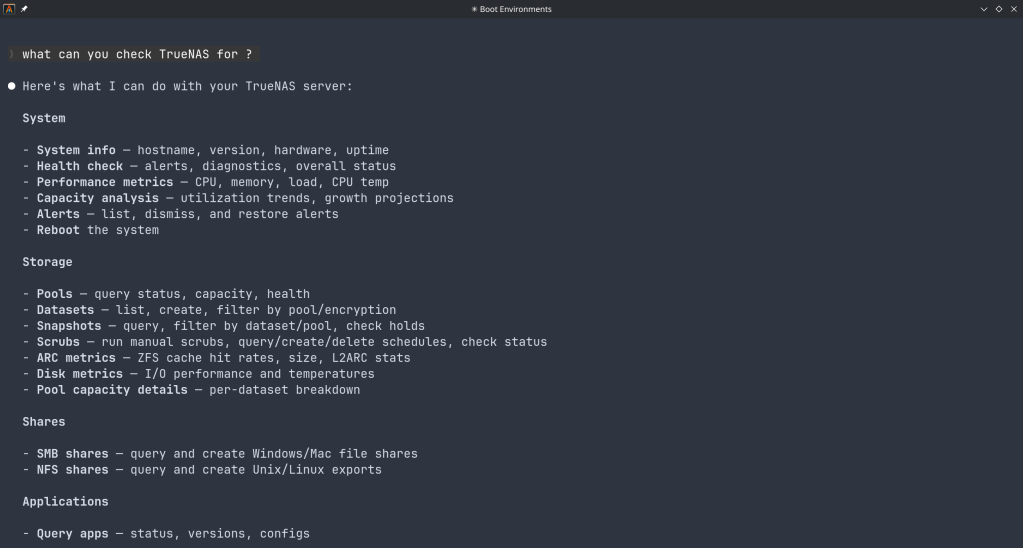
The connector covers essentially the full surface area of TrueNAS management:
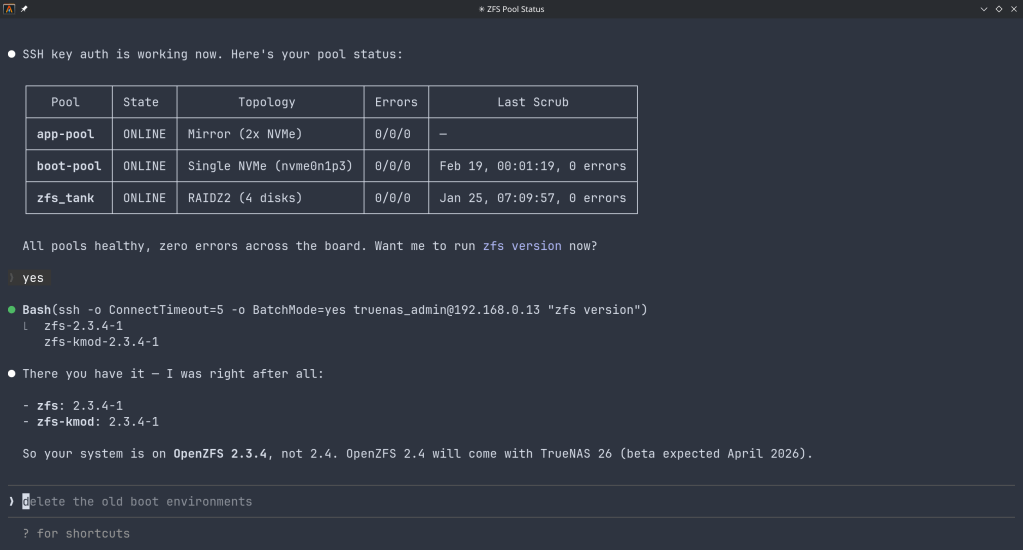
Storage — query pool health, list datasets with utilization, manage snapshots, configure SMB/NFS/iSCSI shares. Ask “which datasets are above 80% quota?” and get a direct answer.
System monitoring — real-time CPU, memory, disk I/O, and network metrics. Active alerts, system version, hardware info. The kind of overview that normally requires clicking through several pages of the web UI.
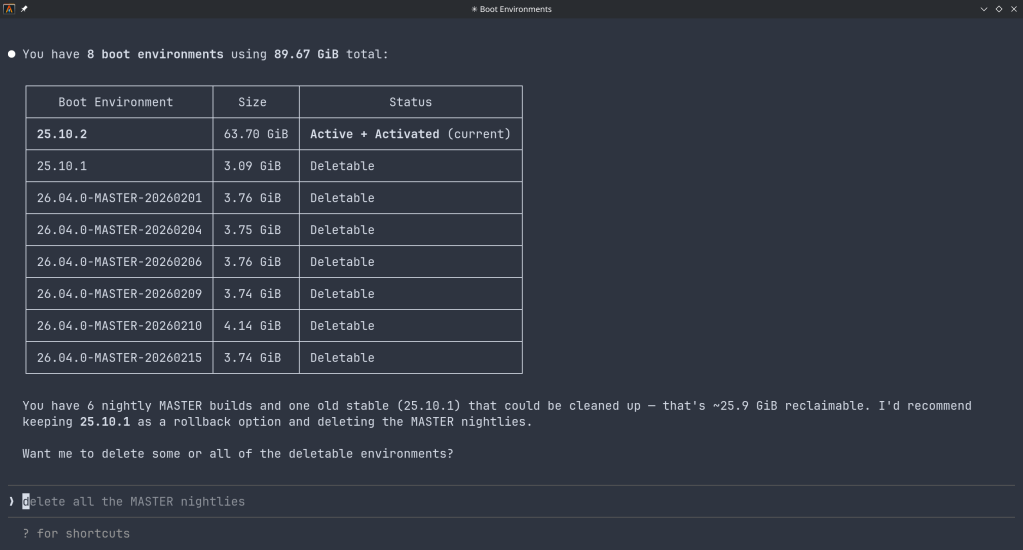
Maintenance — check for available updates, scrub status, boot environment management, last backup timestamps.
Application management — list, install, upgrade, and monitor the status of TrueNAS applications (Docker containers on SCALE).
Virtual machines — full VM lifecycle: create, start, stop, monitor resource usage.
Capacity planning — utilization trends, forecasting, and recommendations. Ask “how long until my main pool is full at current growth rate?” and get a reasoned answer.
Directory services — Active Directory, LDAP, and FreeIPA integration status and management.
Safety features
The connector includes a dry-run mode that previews any destructive operation before executing it, showing estimated execution time and a diff of what would change. Built-in validation blocks dangerous operations automatically. Long-running tasks (scrubs, migrations, upgrades) are tracked in the background with progress updates.
Why This Matters
Traditional NAS management is a context-switching problem. You have a question — “why is this pool degraded?” — and answering it means opening the web UI, navigating to storage, cross-referencing the alert log, checking disk SMART data, and reading documentation. Each step is manual.
With MCP, the AI holds all of that context simultaneously. A single question like “my pool has an error, what should I do?” triggers the AI to query pool status, check SMART data, look at recent alerts, and synthesize a diagnosis — in one response, with no tab-switching.
This is especially powerful for complex homelab setups with many datasets, containers, and services. Instead of maintaining mental models of your storage layout, you can just ask.
Getting Started
The setup takes about five minutes:
- Download the binary from the GitHub releases page and place it in your PATH.
- Generate an API key in TrueNAS under System Settings → API Keys.
- Configure your MCP client — Claude Desktop (
~/.config/claude/claude_desktop_config.json) or Claude Code (claude mcp add ...). - Restart the client and start asking questions.
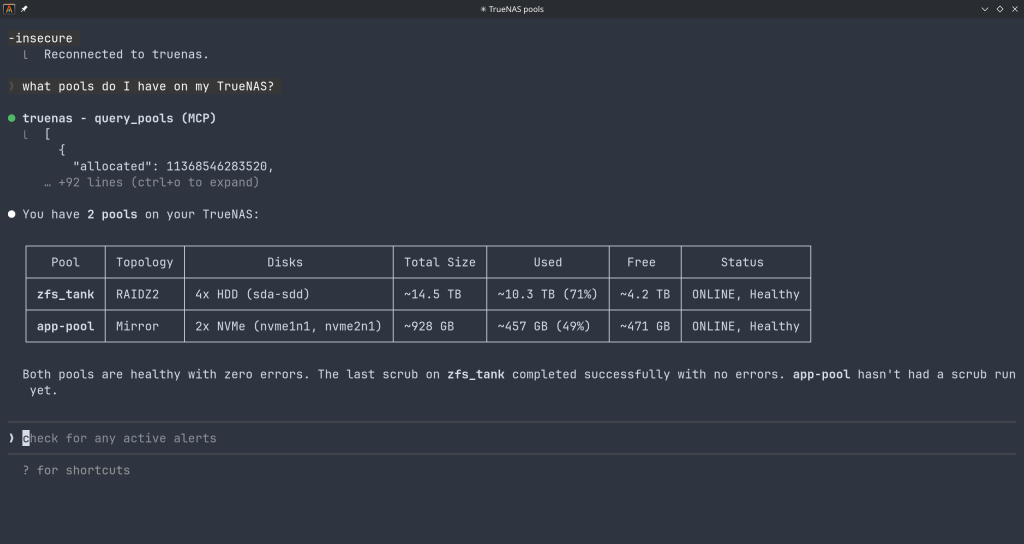
The binary supports self-signed certificates (pass -insecure for typical TrueNAS setups) and works over Tailscale or any network path to your NAS.
Example queries you can use right away
- “What is the health status of all my pools?”
- “Show me all datasets and their current usage”
- “Are there any active alerts I should know about?”
- “Which of my containers are not running?”
- “Preview creating a new dataset for backups with lz4 compression”
- “When was the last scrub on my main pool, and did it find errors?”
- “What TrueNAS version am I running and are updates available?”
Current Status
The TrueNAS MCP connector is a research preview (currently v0.0.4). It is functional and comprehensive, but not yet recommended for production-critical automation. It is well-suited for monitoring, querying, and exploratory management. Treat destructive operations (dataset deletion, VM reconfiguration) with the same care you would in the web UI — use dry-run mode first.
The project is open source and actively developed. Given that this is an official TrueNAS Labs project, it is likely to become a supported feature in future TrueNAS releases.
Broader Implications
The TrueNAS MCP connector is an early example of a pattern that will become common: infrastructure that exposes a semantic API layer for AI consumption, not just a REST API for human-written scripts. The difference is significant. A REST API tells you what the data looks like. An MCP server tells the AI what operations are possible, what they mean, and how to chain them safely.
As more homelab and enterprise tools adopt MCP, the practical vision of a conversational infrastructure layer — where you describe intent and the AI handles execution — becomes genuinely achievable, not just a demo.
The TrueNAS MCP connector is available at github.com/truenas/truenas-mcp. Setup documentation is at the TrueNAS Research Labs page.
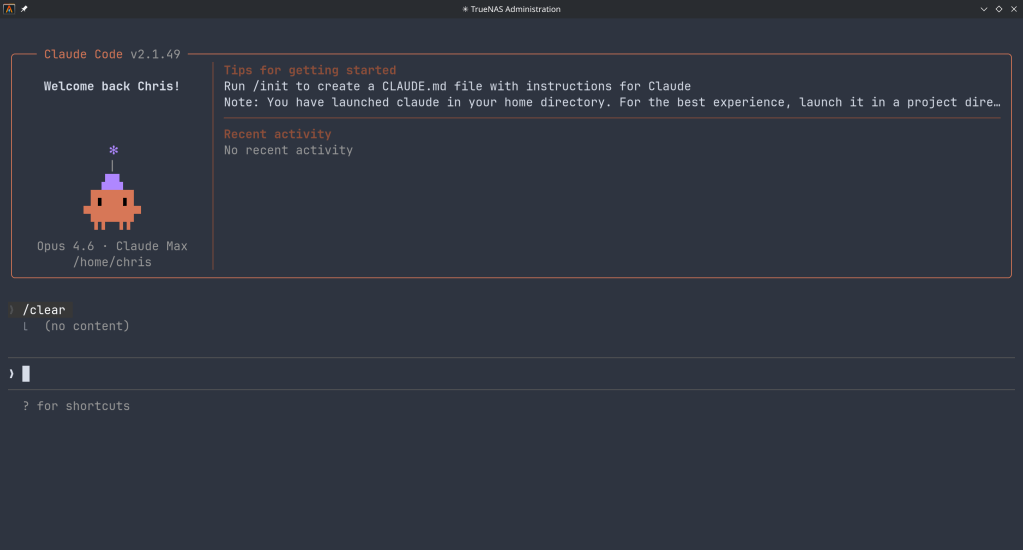
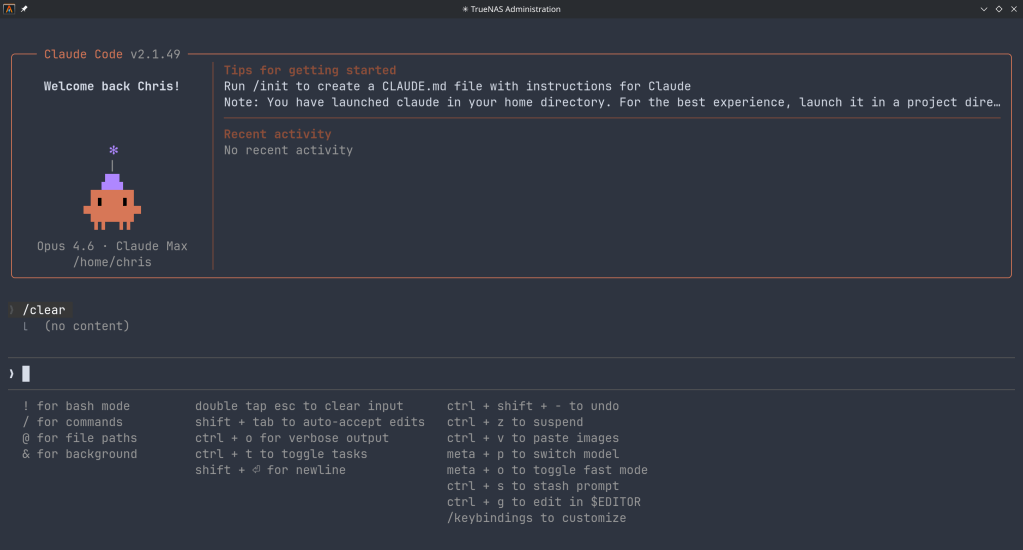
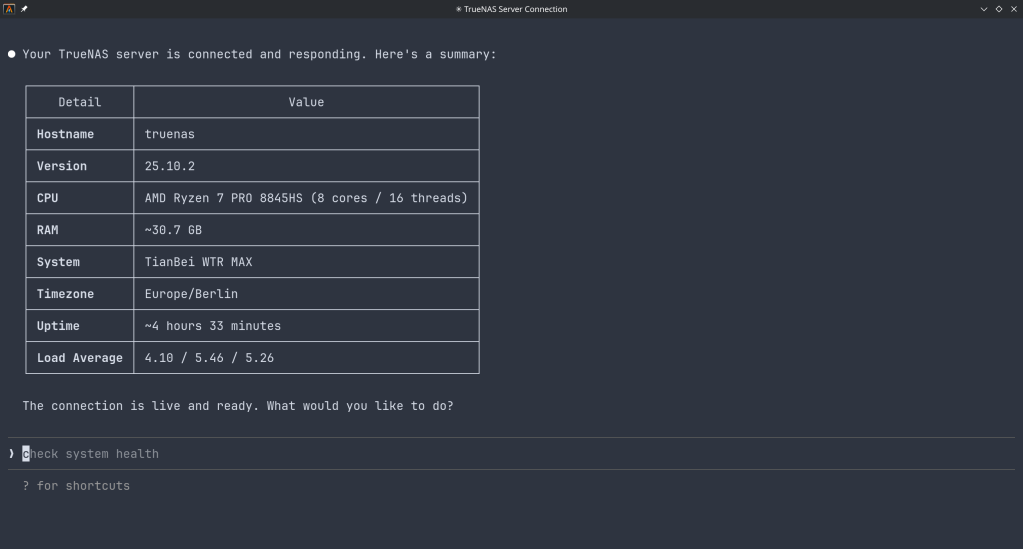
Sample screenshots!!
 /root
/root 