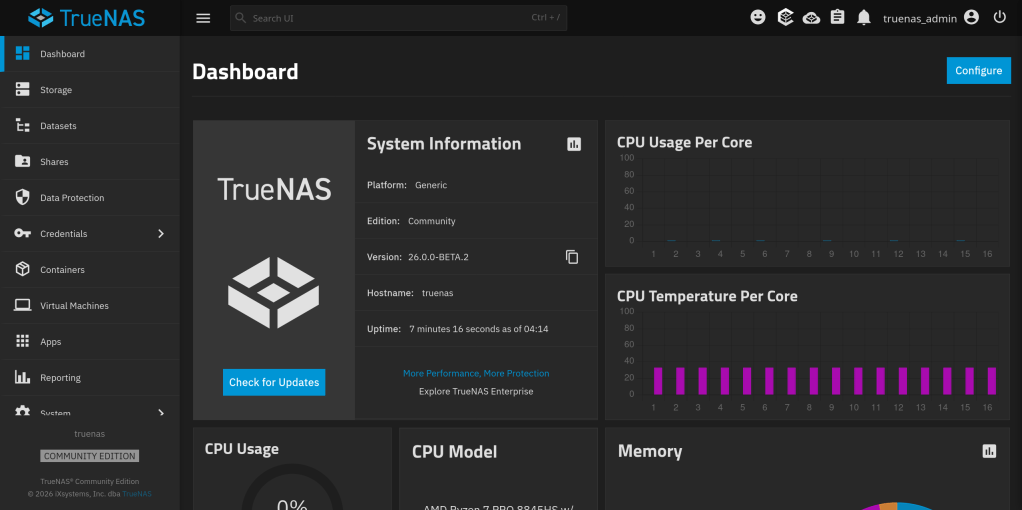
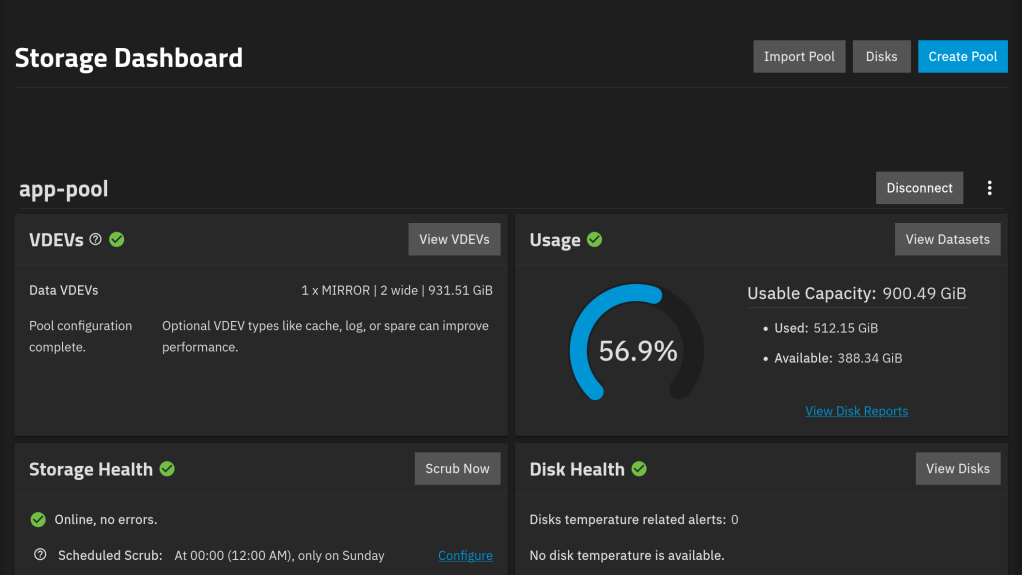
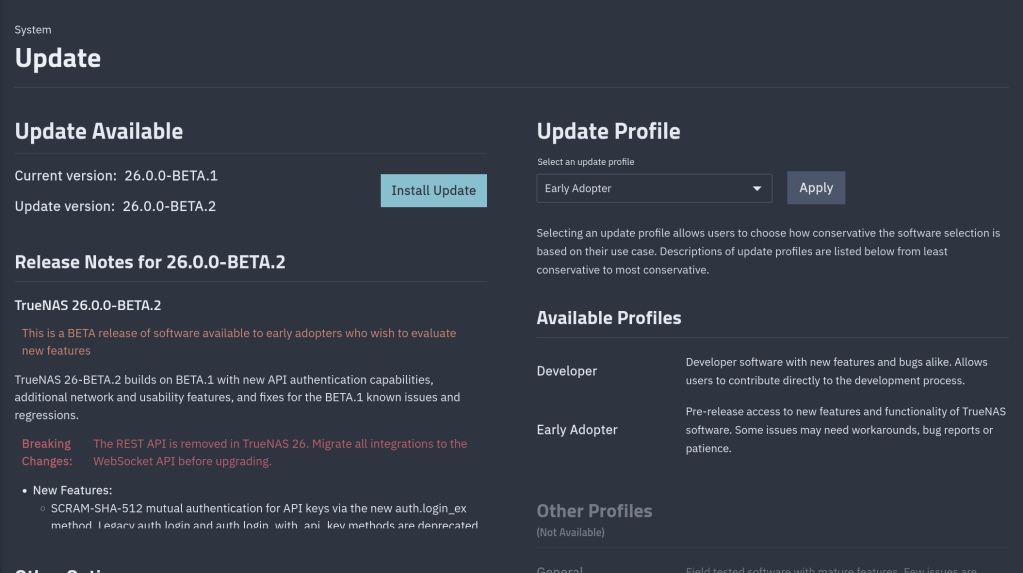
This is a guide of the steps I followed to downgrade from TrueNAS 26 MASTER to TrueNAS 26 BETA1. (specifically from 26.0.0-MASTER+20260405-020459 to 26.0.0-BETA.1)
TrueNAS considers MASTER a higher train than BETA. Attempting a manual update from MASTER to BETA.1 gives:
Unable to downgrade from 26.0.0-MASTER+20260405-020459 to 26.0.0-BETA.1
Step 1: Bypass the Downgrade Check
Step 2: Fix the Alembic Migration Mismatch
You need to find BETA.1’s head migration revision. Mount the .update file on another Linux machine:
sudo mkdir -p /tmp/truenas-beta
sudo mount -t squashfs -o ro,loop TrueNAS-26.0.0-BETA.1.update /tmp/truenas-beta
sudo mkdir -p /tmp/truenas-rootfs
sudo mount -t squashfs -o ro,loop /tmp/truenas-beta/rootfs.squashfs /tmp/truenas-rootfs
Find the last migration file and its revision ID:
ls /tmp/truenas-rootfs/usr/lib/python3/dist-packages/middlewared/alembic/versions/26.0/
grep “^revision” /tmp/truenas-rootfs/…/last_migration_file.py
Then on TrueNAS, stamp the database with that revision:
sudo sqlite3 /data/freenas-v1.db “UPDATE alembic_version SET version_num=”;”
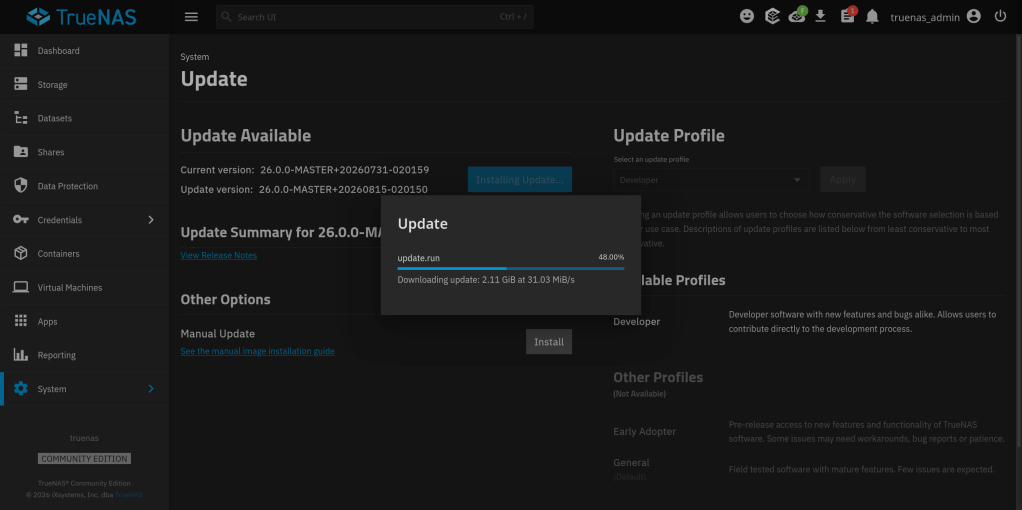
Step 3: Apply the Update

DISCLAIMER: Keep a backup of your settings!!!!
Happy to contribute not only to TrueNAS but also to OpenZFS upstream !!
The official announcement from iXsystems: https://www.truenas.com/blog/blog-truenas-26-beta1-release/
https://www.phoronix.com/news/TrueNAS-26-Beta
Download the BETA iso from here: https://download.truenas.com/TrueNAS-26-BETA/26.0.0-BETA.1/TrueNAS-26.0.0-BETA.1.iso
The .update file version is available here: https://update-public.sys.truenas.net/TrueNAS-26-BETA/TrueNAS-26.0.0-BETA.1.update
TrueNAS 26 BETA1 come up next week. Also a quite interesting discussion about air-gapped backups.
Running TrueNAS in VirtualBox is a great way to test configurations, experiment with ZFS pools, or learn the TrueNAS UI before deploying on real hardware. As of February 2026, the latest stable version is TrueNAS 25.10.2.1 (Goldeye), with TrueNAS 26 beta planned for April 2026.
Under System > Processor, make sure to enable PAE/NX. Under System > Acceleration, enable VT-x/AMD-V and Nested Paging.
For the disk controller, use AHCI (not IDE) for better performance and compatibility.
Note: If you’re on an AMD system and get a VERR_SVM_IN_USE error, you may need to unload the KVM modules first — see my post on VirtualBox AMD-V fix.
Once TrueNAS boots, it will display the web UI address on the console. Open it in your browser and create your ZFS pool using the additional virtual disks.

This setup is perfect for testing pool configurations, snapshots, replication, and apps before committing to production hardware.
The latest episode of TrueNAS Tech Talk (T3) — Episode 56 — dropped on March 6, 2026, and it’s packed with news that every TrueNAS homelab enthusiast and sysadmin will want to hear. Hosts Kris Moore and Chris Peredun (the TrueNAS HoneyBadger) cover the upcoming TrueNAS 26 release schedule, a deep dive into the new dataset tiering feature, and tackle eight viewer questions.
TrueNAS 26: A (Tentative!) Release Timeline
The big headline this week is that Kris and Chris finally lay out the tentative roadmap from the first TrueNAS 26 BETA release all the way through to the .0 general availability. If you’ve been waiting to know when you can get your hands on the next generation of TrueNAS software, this episode gives you the clearest picture yet. No more codenames, no more decimal versioning — as the team confirmed back in Ep. 52, TrueNAS is moving to a clean annual release cycle, and 26 is the first major fruit of that shift.
Dataset Tiering: Hybrid Storage Gets Smarter
One of the standout features coming to TrueNAS 26 is dataset tiering — the ability to mix fast flash and spinning-disk pools and automatically tier datasets (or shares) between them. This is an Enterprise-tier feature, meaning it won’t land in the Community Edition, but the architecture is fascinating for anyone interested in how ZFS and TrueNAS manage data placement at scale. Since this is implemented at the TrueNAS layer rather than directly in OpenZFS, pools remain compatible with standard OpenZFS if you ever need to migrate away, though some caveats may apply.
For those of us running pure Community Edition homelabs — Docker stacks, S3-compatible storage, and all — it’s still a great signal of the direction TrueNAS engineering is heading.
Eight Viewer Questions
As always, Kris and Chris close out the episode with a batch of community questions — likely touching on storage configuration, upgrade paths, and follow-up on ZFS AnyRaid and Spotlight search (truesearch) from recent episodes.
Why This Episode Matters for Homelab Users
If you’re self-hosting on TrueNAS Scale — running Docker containers, managing snapshots over Tailscale, or experimenting with S3-compatible backends like RustFS or Garage — TrueNAS 26 is a significant milestone. The annual cadence promises more predictable upgrade windows, and features like dataset tiering give a window into where the platform’s storage smarts are heading.
Watch the full episode on the TrueNAS blog or on YouTube.
T3 Tech Talk is a weekly podcast from the TrueNAS team. New episodes drop every Thursday.
So …

Notable changes:
path_suffix variable substitutions failed middleware validation. The SMB share configuration forms became unusable in the web interface as a result.https://forums.truenas.com/t/truenas-25-10-2-1-is-now-available/63998
How the Model Context Protocol turns your NAS into a conversational system
The Model Context Protocol (MCP) is an open standard developed by Anthropic that allows AI assistants like Claude to connect to external tools, services, and data sources. Think of it as a universal plugin system for AI — instead of copy-pasting terminal output into a chat window, you give the AI a live, structured connection to your systems so it can query and act on them directly.
MCP servers are small programs that speak a standardized JSON-RPC protocol. The AI client (Claude Desktop, Claude Code, etc.) spawns the server process and communicates with it over stdio. The server translates AI requests into real API calls — in this case, against the TrueNAS middleware WebSocket API.
TrueNAS Research Labs recently released an official MCP server for TrueNAS systems. It is a single native Go binary that runs on your desktop or workstation, connects to your TrueNAS over an encrypted WebSocket (wss://), authenticates with an API key, and exposes the full TrueNAS middleware API to any MCP-compatible AI client.
Crucially, nothing is installed on the NAS itself. The binary runs entirely on your local machine.
The connector covers essentially the full surface area of TrueNAS management:
Storage — query pool health, list datasets with utilization, manage snapshots, configure SMB/NFS/iSCSI shares. Ask “which datasets are above 80% quota?” and get a direct answer.
System monitoring — real-time CPU, memory, disk I/O, and network metrics. Active alerts, system version, hardware info. The kind of overview that normally requires clicking through several pages of the web UI.
Maintenance — check for available updates, scrub status, boot environment management, last backup timestamps.
Application management — list, install, upgrade, and monitor the status of TrueNAS applications (Docker containers on SCALE).
Virtual machines — full VM lifecycle: create, start, stop, monitor resource usage.
Capacity planning — utilization trends, forecasting, and recommendations. Ask “how long until my main pool is full at current growth rate?” and get a reasoned answer.
Directory services — Active Directory, LDAP, and FreeIPA integration status and management.
The connector includes a dry-run mode that previews any destructive operation before executing it, showing estimated execution time and a diff of what would change. Built-in validation blocks dangerous operations automatically. Long-running tasks (scrubs, migrations, upgrades) are tracked in the background with progress updates.
Traditional NAS management is a context-switching problem. You have a question — “why is this pool degraded?” — and answering it means opening the web UI, navigating to storage, cross-referencing the alert log, checking disk SMART data, and reading documentation. Each step is manual.
With MCP, the AI holds all of that context simultaneously. A single question like “my pool has an error, what should I do?” triggers the AI to query pool status, check SMART data, look at recent alerts, and synthesize a diagnosis — in one response, with no tab-switching.
This is especially powerful for complex homelab setups with many datasets, containers, and services. Instead of maintaining mental models of your storage layout, you can just ask.
The setup takes about five minutes:
~/.config/claude/claude_desktop_config.json) or Claude Code (claude mcp add ...).The binary supports self-signed certificates (pass -insecure for typical TrueNAS setups) and works over Tailscale or any network path to your NAS.
The TrueNAS MCP connector is a research preview (currently v0.0.4). It is functional and comprehensive, but not yet recommended for production-critical automation. It is well-suited for monitoring, querying, and exploratory management. Treat destructive operations (dataset deletion, VM reconfiguration) with the same care you would in the web UI — use dry-run mode first.
The project is open source and actively developed. Given that this is an official TrueNAS Labs project, it is likely to become a supported feature in future TrueNAS releases.
The TrueNAS MCP connector is an early example of a pattern that will become common: infrastructure that exposes a semantic API layer for AI consumption, not just a REST API for human-written scripts. The difference is significant. A REST API tells you what the data looks like. An MCP server tells the AI what operations are possible, what they mean, and how to chain them safely.
As more homelab and enterprise tools adopt MCP, the practical vision of a conversational infrastructure layer — where you describe intent and the AI handles execution — becomes genuinely achievable, not just a demo.
The TrueNAS MCP connector is available at github.com/truenas/truenas-mcp. Setup documentation is at the TrueNAS Research Labs page.
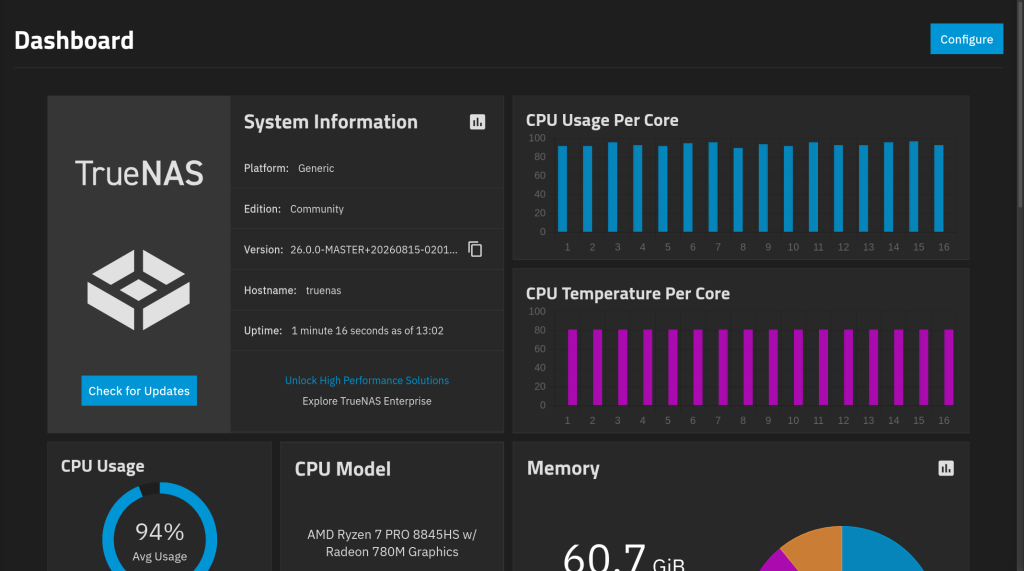
Sample screenshots!!