Tag: ZFS
-
-
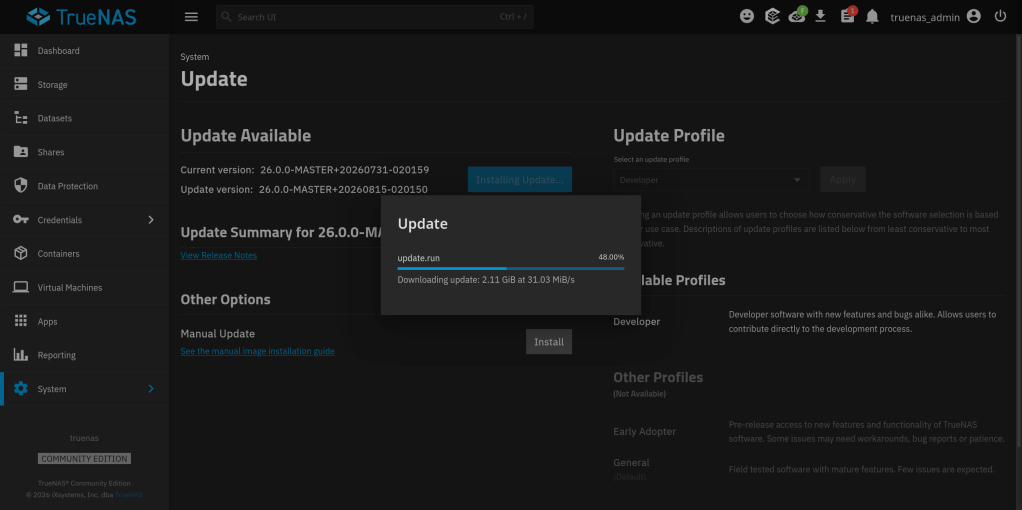
This is a guide of the steps I followed to downgrade from TrueNAS 26 MASTER to TrueNAS 26 BETA1. (specifically from 26.0.0-MASTER+20260405-020459 to 26.0.0-BETA.1)
TrueNAS considers MASTER a higher train than BETA. Attempting a manual update from MASTER to BETA.1 gives:
Unable to downgrade from 26.0.0-MASTER+20260405-020459 to 26.0.0-BETA.1
Step 1: Bypass the Downgrade Check
- SSH into TrueNAS and remount /usr read-write:
- sudo mount -o remount,rw /usr
- Edit the middleware update file:
- sudo nano /usr/lib/python3/dist-packages/middlewared/plugins/update_/install_linux.py
- Find and remove these two lines (around line 64-65):
- if not can_update(old_version, new_version): raise CallError(f’Unable to downgrade from {old_version} to {new_version}’)
- Restart the middleware:
- sudo systemctl restart middlewared
Step 2: Fix the Alembic Migration Mismatch
You need to find BETA.1’s head migration revision. Mount the .update file on another Linux machine:
sudo mkdir -p /tmp/truenas-beta
sudo mount -t squashfs -o ro,loop TrueNAS-26.0.0-BETA.1.update /tmp/truenas-beta
sudo mkdir -p /tmp/truenas-rootfs
sudo mount -t squashfs -o ro,loop /tmp/truenas-beta/rootfs.squashfs /tmp/truenas-rootfsFind the last migration file and its revision ID:
ls /tmp/truenas-rootfs/usr/lib/python3/dist-packages/middlewared/alembic/versions/26.0/
grep “^revision” /tmp/truenas-rootfs/…/last_migration_file.pyThen on TrueNAS, stamp the database with that revision:
sudo sqlite3 /data/freenas-v1.db “UPDATE alembic_version SET version_num=”;”
Step 3: Apply the Update

DISCLAIMER: Keep a backup of your settings!!!!
- SSH into TrueNAS and remount /usr read-write:
-
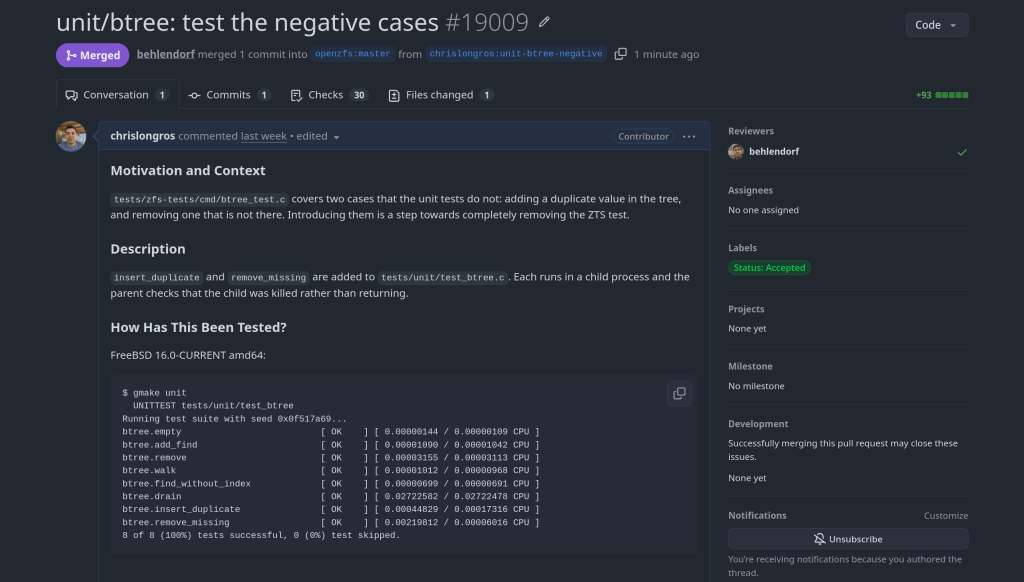
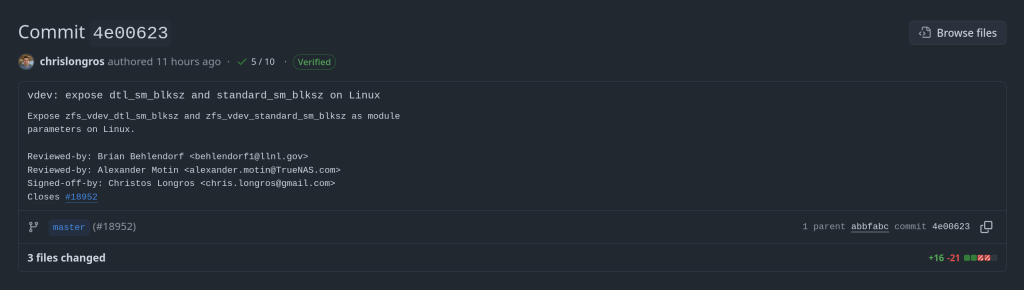
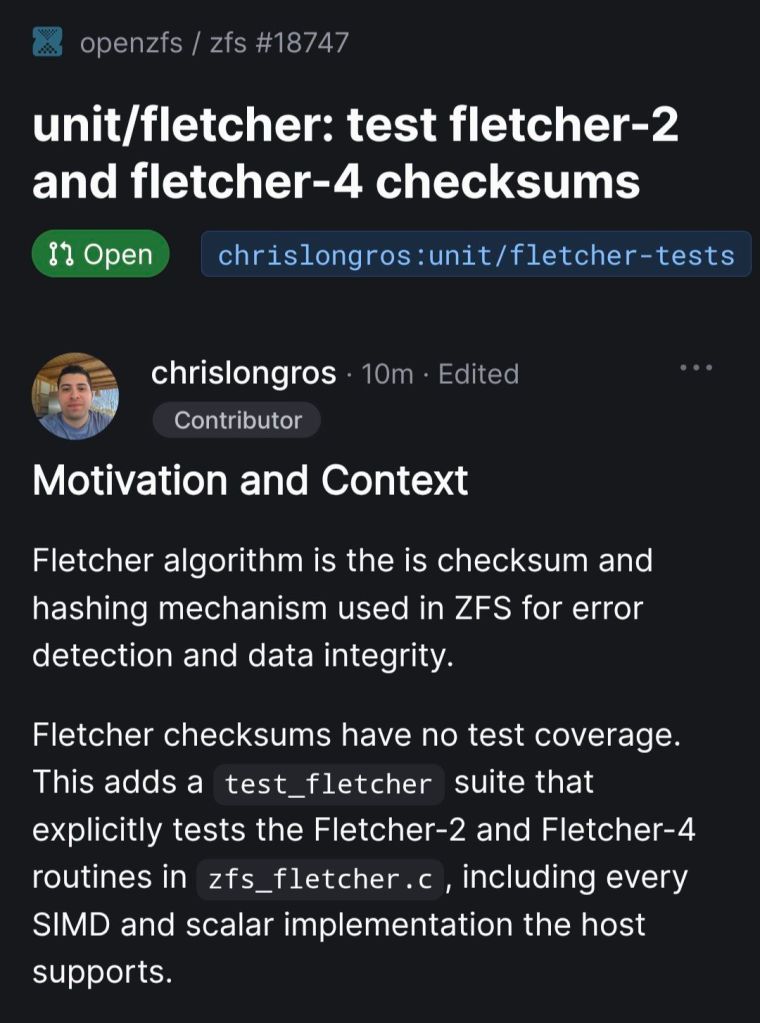
Happy to contribute not only to TrueNAS but also to OpenZFS upstream !!
The official announcement from iXsystems: https://www.truenas.com/blog/blog-truenas-26-beta1-release/
https://www.phoronix.com/news/TrueNAS-26-Beta
Download the BETA iso from here: https://download.truenas.com/TrueNAS-26-BETA/26.0.0-BETA.1/TrueNAS-26.0.0-BETA.1.iso
The .update file version is available here: https://update-public.sys.truenas.net/TrueNAS-26-BETA/TrueNAS-26.0.0-BETA.1.update
-
Officially an OpenZFS contributor 🙂

https://github.com/openzfs/zfs/commit/a7157221db1d3a7c3517dee98f5124c13a515053
-
Running TrueNAS in VirtualBox is a great way to test configurations, experiment with ZFS pools, or learn the TrueNAS UI before deploying on real hardware. As of February 2026, the latest stable version is TrueNAS 25.10.2.1 (Goldeye), with TrueNAS 26 beta planned for April 2026.
VM Settings
- Type: BSD, FreeBSD (64-bit)
- RAM: 8 GB minimum (ZFS needs memory)
- CPU: 2+ cores
- Disk 1: 16 GB (boot drive)
- Disk 2-4: Create additional virtual disks for your ZFS pool (e.g., 3x 20 GB for a RAIDZ1)
- Network: Bridged adapter (so TrueNAS gets its own IP on your LAN)
Important VirtualBox Settings
Under System > Processor, make sure to enable PAE/NX. Under System > Acceleration, enable VT-x/AMD-V and Nested Paging.
For the disk controller, use AHCI (not IDE) for better performance and compatibility.
Note: If you’re on an AMD system and get a VERR_SVM_IN_USE error, you may need to unload the KVM modules first — see my post on VirtualBox AMD-V fix.
Installation
- Download the TrueNAS 25.10 ISO from truenas.com
- Mount the ISO in VirtualBox’s optical drive
- Boot the VM and follow the installer
- Install to the 16 GB boot disk
- Remove the ISO and reboot
After Installation
Once TrueNAS boots, it will display the web UI address on the console. Open it in your browser and create your ZFS pool using the additional virtual disks.

This setup is perfect for testing pool configurations, snapshots, replication, and apps before committing to production hardware.
-
The latest episode of TrueNAS Tech Talk (T3) — Episode 56 — dropped on March 6, 2026, and it’s packed with news that every TrueNAS homelab enthusiast and sysadmin will want to hear. Hosts Kris Moore and Chris Peredun (the TrueNAS HoneyBadger) cover the upcoming TrueNAS 26 release schedule, a deep dive into the new dataset tiering feature, and tackle eight viewer questions.
TrueNAS 26: A (Tentative!) Release Timeline
The big headline this week is that Kris and Chris finally lay out the tentative roadmap from the first TrueNAS 26 BETA release all the way through to the .0 general availability. If you’ve been waiting to know when you can get your hands on the next generation of TrueNAS software, this episode gives you the clearest picture yet. No more codenames, no more decimal versioning — as the team confirmed back in Ep. 52, TrueNAS is moving to a clean annual release cycle, and 26 is the first major fruit of that shift.
Dataset Tiering: Hybrid Storage Gets Smarter
One of the standout features coming to TrueNAS 26 is dataset tiering — the ability to mix fast flash and spinning-disk pools and automatically tier datasets (or shares) between them. This is an Enterprise-tier feature, meaning it won’t land in the Community Edition, but the architecture is fascinating for anyone interested in how ZFS and TrueNAS manage data placement at scale. Since this is implemented at the TrueNAS layer rather than directly in OpenZFS, pools remain compatible with standard OpenZFS if you ever need to migrate away, though some caveats may apply.
For those of us running pure Community Edition homelabs — Docker stacks, S3-compatible storage, and all — it’s still a great signal of the direction TrueNAS engineering is heading.
Eight Viewer Questions
As always, Kris and Chris close out the episode with a batch of community questions — likely touching on storage configuration, upgrade paths, and follow-up on ZFS AnyRaid and Spotlight search (truesearch) from recent episodes.
Why This Episode Matters for Homelab Users
If you’re self-hosting on TrueNAS Scale — running Docker containers, managing snapshots over Tailscale, or experimenting with S3-compatible backends like RustFS or Garage — TrueNAS 26 is a significant milestone. The annual cadence promises more predictable upgrade windows, and features like dataset tiering give a window into where the platform’s storage smarts are heading.
Watch the full episode on the TrueNAS blog or on YouTube.
T3 Tech Talk is a weekly podcast from the TrueNAS team. New episodes drop every Thursday.
So …
- Beta 1 at the end of March
- Beta 2 at the end of May
- RC in July
- Official release in September
-
Here’s a scenario most ZFS users have run into at least once. You reboot your server, maybe a drive didn’t spin up in time, or mdadm grabbed a partition before ZFS could — and
zpool importhits you with this:The pool metadata is corrupted.
Action: Destroy and re-create the pool.Your stomach drops. Corrupted? You start mentally cataloging your backups. Maybe you even reach for
zpool destroy.Except… the metadata isn’t corrupted. ZFS just couldn’t see all the disks. The data is fine. The pool is fine. The error message is the problem.
I’ve hit this myself on my TrueNAS box when a drive temporarily disappeared after a reboot. The first time I saw it I genuinely panicked. After digging into the source code, I realized that
ZPOOL_STATUS_CORRUPT_POOLis basically a catch-all. Anytime the root vdev gets tagged withVDEV_AUX_CORRUPT_DATA— whether from actual corruption or simply missing devices — you get the same scary message. No distinction whatsoever.This has been a known issue since 2018. Seven years. Plenty of people complained about it, but nobody got around to fixing it.
So I did. The PR is pretty straightforward — it touches four user-facing strings across the import and status display code paths. The core change:
Before
“The pool metadata is corrupted.”
→ Destroy and re-create the pool.After
“The pool metadata is incomplete or corrupted.”
→ Check that all devices are present first.The recovery message also changed. Instead of jumping straight to “destroy the pool”, it now tells you to make sure your devices aren’t claimed by another subsystem (mdadm, LVM, etc.) and try the import again. You know, the thing you should actually try first before nuking your data.
Brian Behlendorf reviewed it, said it should’ve been cleaned up ages ago, and merged it into master today. Not a glamorous contribution — no new features, no performance gains, just four strings. But if it saves even one person from destroying a perfectly healthy pool because of a misleading error message, that’s a win.
PR: openzfs/zfs#18251 — closes #8236
-
How the Model Context Protocol turns your NAS into a conversational system
What is MCP?
The Model Context Protocol (MCP) is an open standard developed by Anthropic that allows AI assistants like Claude to connect to external tools, services, and data sources. Think of it as a universal plugin system for AI — instead of copy-pasting terminal output into a chat window, you give the AI a live, structured connection to your systems so it can query and act on them directly.
MCP servers are small programs that speak a standardized JSON-RPC protocol. The AI client (Claude Desktop, Claude Code, etc.) spawns the server process and communicates with it over stdio. The server translates AI requests into real API calls — in this case, against the TrueNAS middleware WebSocket API.
The TrueNAS MCP Connector
TrueNAS Research Labs recently released an official MCP server for TrueNAS systems. It is a single native Go binary that runs on your desktop or workstation, connects to your TrueNAS over an encrypted WebSocket (
wss://), authenticates with an API key, and exposes the full TrueNAS middleware API to any MCP-compatible AI client.Crucially, nothing is installed on the NAS itself. The binary runs entirely on your local machine.
What it can do
The connector covers essentially the full surface area of TrueNAS management:
Storage — query pool health, list datasets with utilization, manage snapshots, configure SMB/NFS/iSCSI shares. Ask “which datasets are above 80% quota?” and get a direct answer.
System monitoring — real-time CPU, memory, disk I/O, and network metrics. Active alerts, system version, hardware info. The kind of overview that normally requires clicking through several pages of the web UI.
Maintenance — check for available updates, scrub status, boot environment management, last backup timestamps.
Application management — list, install, upgrade, and monitor the status of TrueNAS applications (Docker containers on SCALE).
Virtual machines — full VM lifecycle: create, start, stop, monitor resource usage.
Capacity planning — utilization trends, forecasting, and recommendations. Ask “how long until my main pool is full at current growth rate?” and get a reasoned answer.
Directory services — Active Directory, LDAP, and FreeIPA integration status and management.
Safety features
The connector includes a dry-run mode that previews any destructive operation before executing it, showing estimated execution time and a diff of what would change. Built-in validation blocks dangerous operations automatically. Long-running tasks (scrubs, migrations, upgrades) are tracked in the background with progress updates.
Why This Matters
Traditional NAS management is a context-switching problem. You have a question — “why is this pool degraded?” — and answering it means opening the web UI, navigating to storage, cross-referencing the alert log, checking disk SMART data, and reading documentation. Each step is manual.
With MCP, the AI holds all of that context simultaneously. A single question like “my pool has an error, what should I do?” triggers the AI to query pool status, check SMART data, look at recent alerts, and synthesize a diagnosis — in one response, with no tab-switching.
This is especially powerful for complex homelab setups with many datasets, containers, and services. Instead of maintaining mental models of your storage layout, you can just ask.
Getting Started
The setup takes about five minutes:
- Download the binary from the GitHub releases page and place it in your PATH.
- Generate an API key in TrueNAS under System Settings → API Keys.
- Configure your MCP client — Claude Desktop (
~/.config/claude/claude_desktop_config.json) or Claude Code (claude mcp add ...). - Restart the client and start asking questions.
The binary supports self-signed certificates (pass
-insecurefor typical TrueNAS setups) and works over Tailscale or any network path to your NAS.Example queries you can use right away
- “What is the health status of all my pools?”
- “Show me all datasets and their current usage”
- “Are there any active alerts I should know about?”
- “Which of my containers are not running?”
- “Preview creating a new dataset for backups with lz4 compression”
- “When was the last scrub on my main pool, and did it find errors?”
- “What TrueNAS version am I running and are updates available?”
Current Status
The TrueNAS MCP connector is a research preview (currently v0.0.4). It is functional and comprehensive, but not yet recommended for production-critical automation. It is well-suited for monitoring, querying, and exploratory management. Treat destructive operations (dataset deletion, VM reconfiguration) with the same care you would in the web UI — use dry-run mode first.
The project is open source and actively developed. Given that this is an official TrueNAS Labs project, it is likely to become a supported feature in future TrueNAS releases.
Broader Implications
The TrueNAS MCP connector is an early example of a pattern that will become common: infrastructure that exposes a semantic API layer for AI consumption, not just a REST API for human-written scripts. The difference is significant. A REST API tells you what the data looks like. An MCP server tells the AI what operations are possible, what they mean, and how to chain them safely.
As more homelab and enterprise tools adopt MCP, the practical vision of a conversational infrastructure layer — where you describe intent and the AI handles execution — becomes genuinely achievable, not just a demo.
The TrueNAS MCP connector is available at github.com/truenas/truenas-mcp. Setup documentation is at the TrueNAS Research Labs page.
Sample screenshots!!


-
TrueNAS 25.10.2 Released: What’s New
iXsystems has released TrueNAS 25.10.2, a maintenance update to the 25.10 branch. If you’re running TrueNAS Scale on the Early Adopter channel, this is a recommended update — it fixes several critical issues including an upgrade path bug that could leave systems unbootable.
Critical Fixes
Upgrade failure fix (NAS-139541). Some systems upgrading from TrueNAS 25.04 to 25.10 encountered a “No space left on device” error during boot variable preparation, leaving the system unbootable after the failed attempt. This is fixed in 25.10.2.
SMB service startup after upgrade (NAS-139076). Systems with legacy ACL configurations from older TrueNAS versions could not start the SMB service after upgrading to 25.10.1. The update now automatically converts legacy permission formats during service initialization.
Disk replacement validation (NAS-138678). A frustrating bug rejected replacement drives with identical capacity to the failed drive, showing a “device is too small” error. Fixed — identical capacity replacements now work correctly.
Performance Improvements
NFS performance for NFSv4 clients (NAS-139128). Support for
STATX_CHANGE_COOKIEhas been added, surfacing ZFS sequence numbers to NFS clients via knfsd. Previously, the system synthesized change IDs based on ctime, which could fail to increment consistently due to kernel timer coarseness. This improves client attribute cache invalidation and reduces unnecessary server requests.ZFS pool import performance (NAS-138879). Async destroy operations — which can run during pool import — now have a time limit per transaction group. Pool imports that previously stalled due to prolonged async destroy operations will complete significantly faster.
Containerized app CPU usage (NAS-139089). Background CPU usage from Docker stats collection and YAML processing has been reduced by optimizing asyncio_loop operations that were holding the Global Interpreter Lock during repeated container inspections.
Networking
Network configuration lockout fix (NAS-139575). Invalid IPv6 route entries in the routing table could block access to network settings, app management, and bug reporting. The system now handles invalid route entries gracefully.
Network bridge creation fix (NAS-139196). Pydantic validation errors were preventing bridge creation through the standard workflow of removing IPs from an interface, creating a bridge, and reassigning those IPs.
IPv6 Kerberos fix (NAS-139734). Active Directory authentication failed when using IPv6 addresses for Kerberos Distribution Centers. IPv6 addresses are now properly formatted with square brackets in
krb5.conf.SMB Hosts Allow/Deny controls (NAS-138814). IP-based access restrictions are now available for SMB shares across all relevant purpose presets. Also adds the ability to synchronize Kerberos keytab SPNs with Active Directory updates.
UI and Cloud
Dashboard storage widget (NAS-138705). Secondary storage pools were showing “Unknown” for used and free space in the Dashboard widget. Fixed.
Cloud Sync tasks invisible after CORE → SCALE upgrade (NAS-138886). Tasks were functional via CLI but invisible in the web UI due to a data inconsistency where the
bwlimitfield contained empty objects instead of empty arrays.S3 endpoint validation (NAS-138903). Cloud Sync tasks now validate that S3 endpoints include the required
https://protocol prefix upfront, with a clear error message instead of the unhelpful “Invalid endpoint” response.Session expiry fix (NAS-138467). Users were being unexpectedly logged out during active operations despite configured session timeout settings. Page refresh (F5) was also triggering the login screen during active sessions. Both are now fixed.
Error notifications showing placeholder text (NAS-139010). Error notifications were displaying “%(err)s Warning” instead of actual error messages.
Users page now shows Directory Services users by default (NAS-139073). Directory Services users now appear in the default view without requiring a manual filter change.
SSH access removal fix (NAS-139130). Clearing the SSH Access option appeared to save successfully but the SSH indicator persisted in the user list. Now properly disabled through the UI.
Certificate management for large DNs (NAS-139056). Certificates with Distinguished Names exceeding 1024 characters — typically those with many Subject Alternative Names — can now be properly imported and managed.
Notable Security Change
The root account’s group membership is now locked to
builtin_administratorsand cannot be modified through the UI. This prevents accidental removal of privileges that could break scheduled tasks, cloud sync, and cron jobs. To disable root UI access, use the Disable Password option in Credentials → Local Users instead.Upgrade
Update via System → Update in the web UI, or download from truenas.com. Full release notes and changelog are available at the TrueNAS Documentation Hub.


https://forums.truenas.com/t/truenas-25-10-2-is-now-available/63778
-
How a failed nightly update left my TrueNAS server booting into an empty filesystem — and the two bugs responsible.
I run TrueNAS Scale on an Aoostar WTR Max as my homelab server, with dozens of Docker containers for everything from Immich to Jellyfin. I like to stay on the nightly builds to get early access to new features and contribute bug reports when things go wrong. Today, things went very wrong.
The Update Failure
It started innocently enough. I kicked off the nightly update from the TrueNAS UI, updating from
26.04.0-MASTER-20260210-020233to the latest20260213build. Instead of a smooth update, I got this:error
[EFAULT] Error: Command ['zfs', 'destroy', '-r', 'boot-pool/ROOT/26.04.0-MASTER-20260213-020146-1'] failed with exit code 1: cannot unmount '/tmp/tmpo8dbr91e': pool or dataset is busyThe update process was trying to clean up a previous boot environment but couldn’t unmount a temporary directory it had created. No big deal, I thought — I’ll just clean it up manually.
Down the Rabbit Hole
I checked what was holding the mount open:
bash
$ fuser -m /tmp/tmpo8dbr91e # nothing $ lsof +D /tmp/tmpo8dbr91e # nothing (just Docker overlay warnings)Nothing was using it. A force unmount also failed:
bash
$ sudo umount -f /tmp/tmpo8dbr91e umount: /tmp/tmpo8dbr91e: target is busy.Only a lazy unmount worked:
bash
$ sudo umount -l /tmp/tmpo8dbr91eSo I unmounted it and destroyed the stale boot environment manually. Then I retried the update. Same error, different temp path. Unmount, destroy, retry. Same error again. Each attempt, the updater would mount a new temporary directory, fail to unmount it, and bail out.
I even tried stopping Docker before the update, thinking the overlay mounts might be interfering. No luck.
The Real Problem
Frustrated, I rebooted the server thinking a clean slate might help. The server didn’t come back. After 10 minutes of pinging with no response, I plugged in a monitor and saw this:
console
Mounting 'boot-pool/ROOT/26.04.0-MASTER-20260213-020146' on '/root/' ... done. Begin: Running /scripts/local-bottom ... done. Begin: Running /scripts/nfs-bottom ... done. run-init: can't execute '/sbin/init': No such file or directory Target filesystem doesn't have requested /sbin/init. run-init: can't execute '/etc/init': No such file or directory run-init: can't execute '/bin/init': No such file or directory run-init: can't execute '/bin/sh': No such file or directory No init found. Try passing init= bootarg. BusyBox v1.37.0 (Debian 1:1.37.0-6+b3) built-in shell (ash) Enter 'help' for a list of built-in commands. (initramfs)The system had booted into the incomplete boot environment from the failed update — an empty shell with no operating system in it. The update process had set this as the default boot environment before it was fully built.
The Recovery
Fortunately, ZFS boot environments make this recoverable. I rebooted again, caught the GRUB menu, and selected my previous working boot environment (
20260210-020233). After booting successfully, I locked in the correct boot environment as the default:bash
$ sudo zpool set bootfs=boot-pool/ROOT/26.04.0-MASTER-20260210-020233 boot-poolThen cleaned up the broken environment:
bash
$ sudo zfs destroy -r boot-pool/ROOT/26.04.0-MASTER-20260213-020146Server back to normal.
Two Bugs, One Update
There are actually two separate bugs here:
Bug 1 — Stale Mount Cleanup The update process mounts the boot environment into a temp directory but can’t clean it up when something fails.umount -fdoesn’t work; onlyumount -ldoes. And since each retry creates a new temp mount, the problem is self-perpetuating.Bug 2 — Premature Bootfs Switch (Critical) This is the dangerous one. The updater sets the new boot environment as the GRUB default before it’s fully populated. When the update fails mid-way, you’re left with a system that will boot into an empty filesystem on the next reboot. If you don’t have physical console access and a keyboard handy, you could be in serious trouble.What Happens During a Failed Update
Update starts→Sets new bootfs→Build fails→Reboot = initramfsThe Fix Should Be Simple
The updater should only set the new boot environment as the default after the update is verified complete. And it should use
umount -las a fallback whenumount -ffails, since the standard force unmount clearly isn’t sufficient here.I’ve filed this as NAS-139794 on the TrueNAS Jira. If you’re running nightly builds, be aware of this issue — and make sure you have console access to your server in case you need to select a different boot environment from GRUB.
Lessons Learned
Running nightly builds is inherently risky, and I accept that. But an update failure should never leave a system unbootable. The whole point of ZFS boot environments is to provide a safety net — but that net has a hole when the updater switches the default before the new environment is ready.
In the meantime, keep a monitor and keyboard accessible for your TrueNAS box, and remember: if you ever drop to an initramfs shell after an update, your data is fine. Just reboot into GRUB and pick the previous boot environment.