“A modern web-based management interface for ZFS pools, datasets, snapshots, and SMART disk monitoring built with Python FastAPI and HTMX. Runs on Linux, FreeBSD, and NetBSD.”
WebZFS v0.75:
WebZFS is an open-source, lightweight web interface for managing OpenZFS systems. It provides centralized ZFS administration, monitoring, replication, and maintenance directly through a browser.
- No database required: Interacts directly with the operating system.
- Authentication: Uses existing system accounts through PAM.
- Security: Binds to localhost by default; remote access through SSH tunneling is recommended.
Key Features
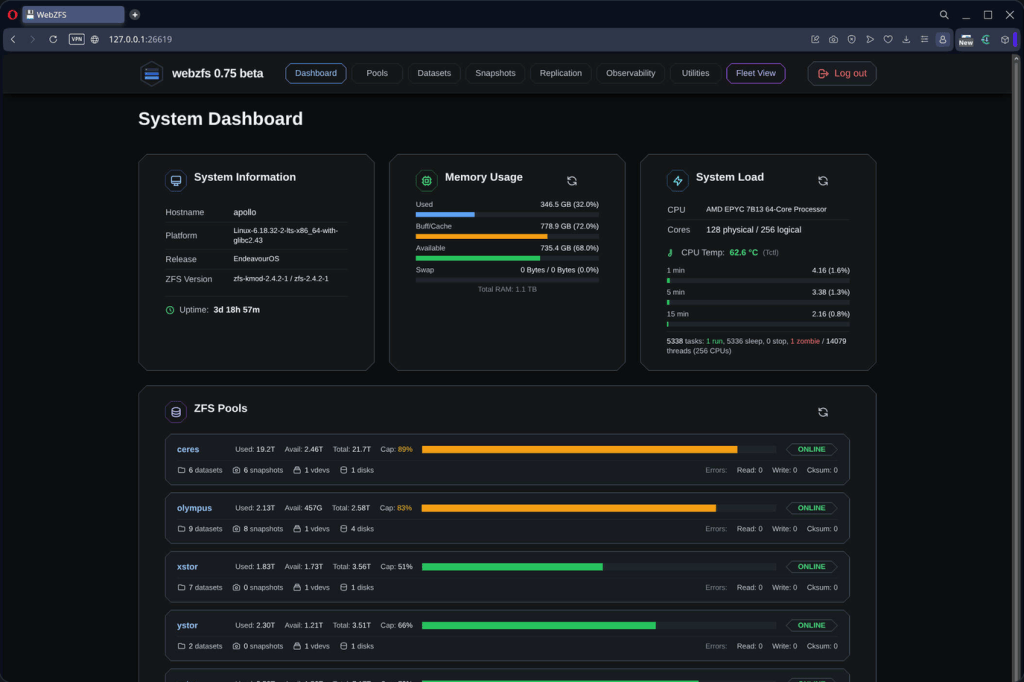
- Dashboard: Pool health, storage capacity, CPU, memory, and ARC statistics.
- Pool Management: Create, import, export, scrub, and inspect ZFS pools and vdev topology.
- Dataset Management: Create, rename, mount, unmount, and configure filesystems and volumes.
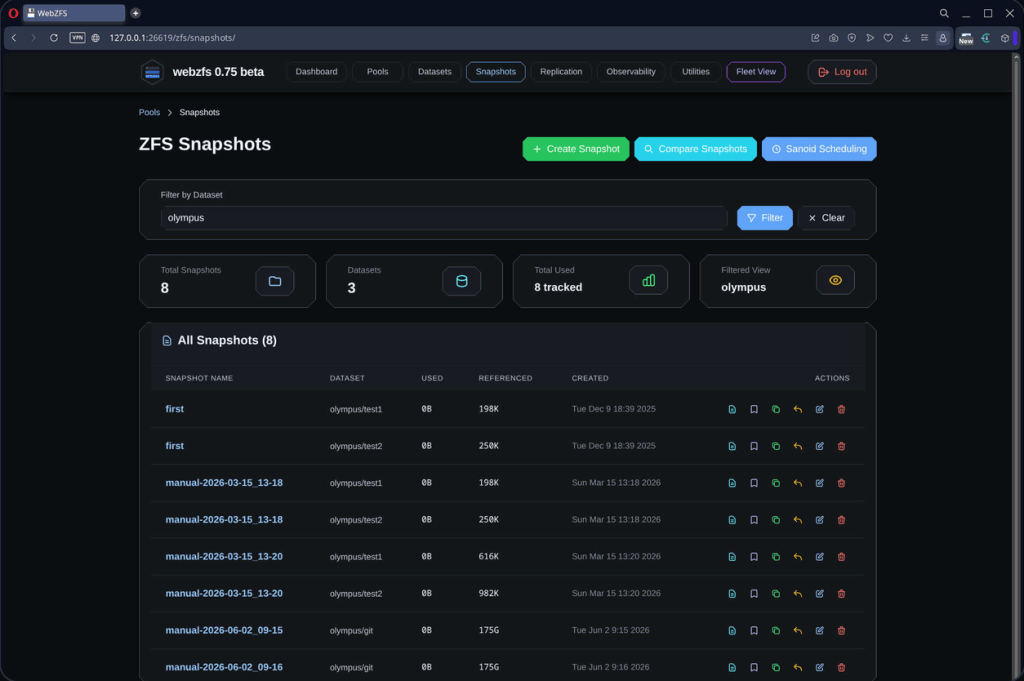
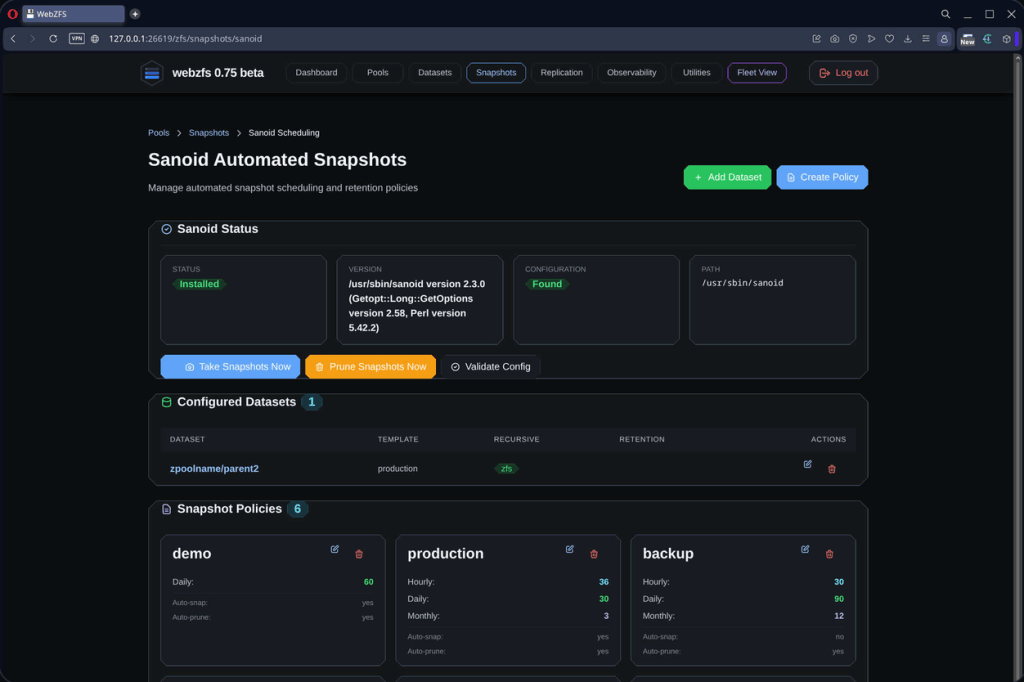
- Snapshots: Create, rollback, clone, rename, and compare snapshots. Supports Sanoid automation.
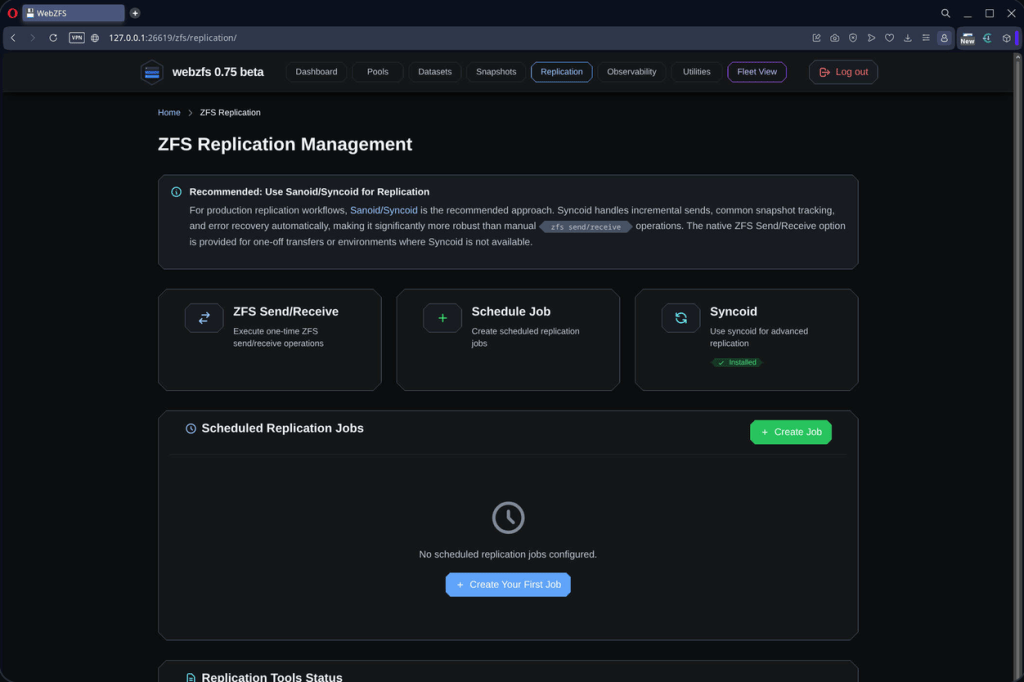
- Replication: Native ZFS send/receive with Syncoid integration for local and remote replication.
- Observability: Pool history, system events, kernel logs, and ZFS module parameters.
- Performance: Real-time I/O statistics, ARC hit rates, process monitoring, and capacity analysis.
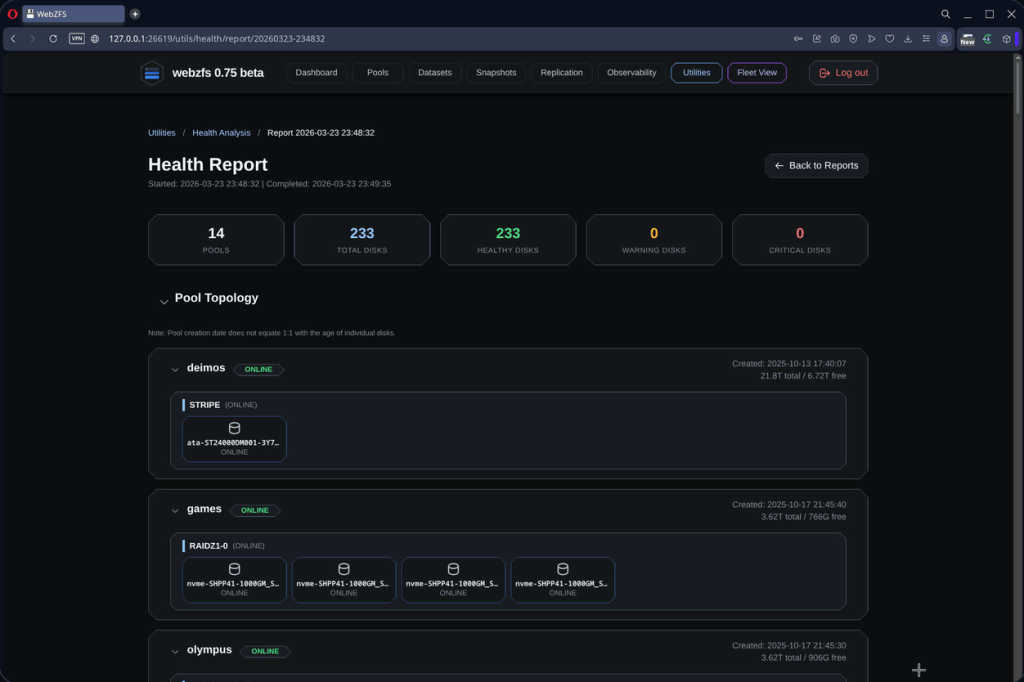
- Health Analysis: SMART monitoring, scrub verification, disk health checks, and pool topology visualization.
- Fleet View: Monitor multiple ZFS servers through SSH from a centralized dashboard.
Additional Administration Tools
- Browser-based shell terminal and file manager.
- Built-in text editor.
- SMART disk monitoring and testing.
- SSH connection manager.
- Scrub scheduling and audit logs.
- Read-only system service monitoring.
- 26 interface themes and configurable session timeouts.
Platform Compatibility
| Platform | Support |
|---|---|
| Linux | Full support; tested on Ubuntu, Debian, Fedora, Arch, and others |
| FreeBSD | Full support for FreeBSD 13.x and later |
| NetBSD | Partial support; platform-specific functionality still in development |
Installation
WebZFS provides automated installation scripts.
Linux:
git clone https://github.com/webzfs/webzfs.gitcd webzfssudo bash install_linux.sh
FreeBSD:
sudo bash install_freebsd.sh
Recommended remote access:
ssh -L 26619:127.0.0.1:26619 user@your-server
Then open http://127.0.0.1:26619 in a browser.
GitHub: webzfs/webzfs
Snapshot Management
Sanoid Integration
Replication
Health Report