• About
    • Contact

/root

  • Introducing ankiR: Analyze Your Anki Data in R with FSRS Support

    January 11th, 2026

    If you use Anki for spaced repetition learning, you’ve probably wondered about your study patterns. How many cards have you reviewed? What’s your retention like? Which cards are giving you trouble?

    I built ankiR to make this easy in R.

    The Problem

    Anki stores everything in a SQLite database, but accessing it requires writing raw SQL queries. Python users have ankipandas, but R users had nothing—until now.

    Installation

    # From GitHub
    remotes::install_github("chrislongros/ankiR")
    
    # Arch Linux (AUR)
    yay -S r-ankir


    Basic Usage

    ankiR auto-detects your Anki profile and provides a tidy interface:

    library(ankiR)
    
    # See available profiles
    anki_profiles()
    
    # Load your data as tibbles
    notes <- anki_notes()
    cards <- anki_cards()
    reviews <- anki_revlog()
    
    # Quick stats
    nrow(notes)    # Total notes
    nrow(cards)    # Total cards  
    nrow(reviews)  # Total reviews


    FSRS Support

    The killer feature: ankiR extracts FSRS parameters directly from your collection.

    FSRS (Free Spaced Repetition Scheduler) is the modern scheduling algorithm in Anki that calculates optimal review intervals based on your memory patterns.

    fsrs_cards <- anki_cards_fsrs()


    This gives you:

    • stability – memory stability in days (how long until you forget)
    • difficulty – card difficulty on a 1-10 scale
    • retention – your target retention rate (typically 0.9 = 90%)
    • decay – the decay parameter used in calculations

    Example: Visualize Your Card Difficulty

    library(ankiR)
    library(dplyr)
    library(ggplot2)
    
    anki_cards_fsrs() |>
      filter(!is.na(difficulty)) |>
      ggplot(aes(difficulty)) +
      geom_histogram(bins = 20, fill = "steelblue") +
      labs(
        title = "Card Difficulty Distribution",
        x = "Difficulty (1-10)",
        y = "Count"
      ) +
      theme_minimal()


    Example: Stability vs Difficulty

    anki_cards_fsrs() |>
      filter(!is.na(stability)) |>
      ggplot(aes(difficulty, stability)) +
      geom_point(alpha = 0.3, color = "steelblue") +
      scale_y_log10() +
      labs(
        title = "Memory Stability vs Card Difficulty",
        x = "Difficulty",
        y = "Stability (days, log scale)"
      ) +
      theme_minimal()


    Example: Review History Over Time

    anki_revlog() |>
      count(review_date) |>
      ggplot(aes(review_date, n)) +
      geom_line(color = "steelblue") +
      geom_smooth(method = "loess", se = FALSE, color = "red") +
      labs(
        title = "Daily Review History",
        x = "Date",
        y = "Reviews"
      ) +
      theme_minimal()


    Calculate Retrievability

    You can also calculate the probability of recalling a card after N days:

    # What's my retention after 7 days for a card with 30-day stability?
    fsrs_retrievability(stability = 30, days_since_review = 7)
    # Returns ~0.93 (93% chance of recall)


    Links

    • GitHub: github.com/chrislongros/ankiR
    • AUR: aur.archlinux.org/packages/r-ankir

    I built this because I wanted to analyze my USMLE study data in R. If you find it useful, let me know!
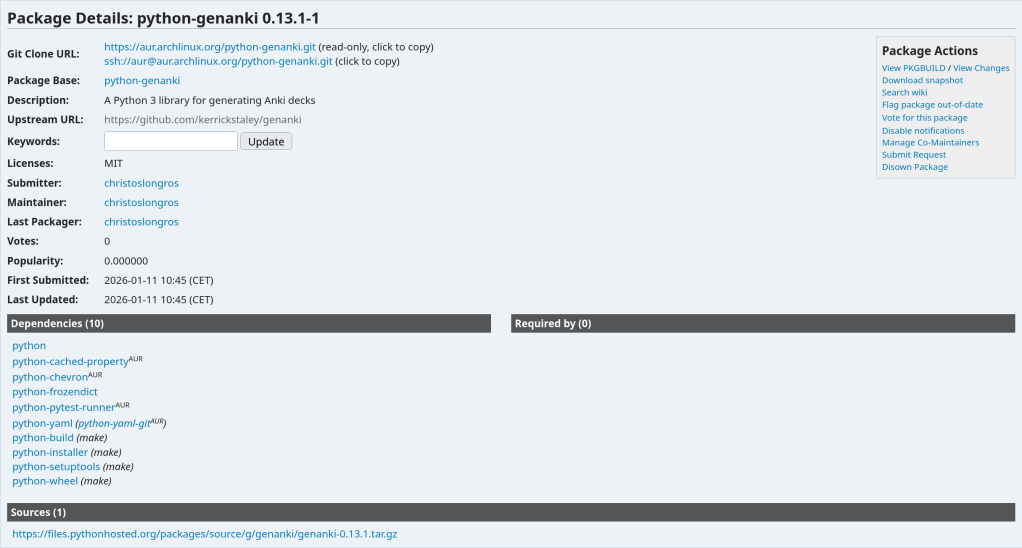
  • My first AUR package python-genanki 0.13.1-1

    January 11th, 2026

    https://aur.archlinux.org/packages/python-genanki

  • Building Anki from Source on Arch Linux with Python 3.14: A PyO3 Compatibility Fix

    January 11th, 2026

    If you’re running Arch Linux and trying to build Anki from source, you may have encountered a frustrating build failure related to Python 3.14. Here’s what went wrong and how I fixed it.

    The Problem

    Arch Linux recently updated to Python 3.14.2 as the system default. When attempting to build Anki from the main branch, the build failed with this error:

    error: the configured Python interpreter version (3.14) is newer than PyO3's maximum supported version (3.13)
    = help: please check if an updated version of PyO3 is available. Current version: 0.23.3
    

    The issue is that Anki depends on orjson, a fast JSON library written in Rust. This library uses PyO3 for Python bindings, and the bundled version (0.23.3) only supports Python up to 3.13.

    Why UV_PYTHON and .python-version Didn’t Work

    My first attempts involved setting the UV_PYTHON environment variable and creating a .python-version file in the repository root. Neither worked because Anki’s build runner wasn’t passing these settings through to uv when creating the virtual environment. The build system kept detecting and using /usr/bin/python3 (3.14.2) regardless.

    The Solution

    The fix is to install Python 3.13 via pyenv and put it first in your PATH so it gets detected before the system Python.

    First, install pyenv and Python 3.13:

    sudo pacman -S pyenv
    pyenv install 3.13.1
    

    Then, for your build session, prepend Python 3.13 to your PATH:

    export PATH="$HOME/.pyenv/versions/3.13.1/bin:$PATH"
    

    Now clean the build directory and rebuild:

    cd ~/ankidev/anki
    rm -rf out
    ./tools/runopt
    

    The build should now complete successfully, with the virtual environment using Python 3.13.1:

    ./out/pyenv/bin/python --version
    Python 3.13.1
    

    Making It Permanent

    If you regularly build Anki, add the PATH modification to your shell configuration:

    echo 'export PATH="$HOME/.pyenv/versions/3.13.1/bin:$PATH"' >> ~/.bashrc
    

    Alternatively, create a simple wrapper script for building Anki that sets the PATH temporarily.

    Conclusion

    This is a temporary issue that will resolve itself once orjson updates its bundled PyO3 to a version that supports Python 3.14. Until then, using pyenv to provide Python 3.13 is a clean workaround that doesn’t require downgrading your system Python or breaking other applications.

    The Arch Linux philosophy of staying on the bleeding edge occasionally runs into these compatibility gaps with projects that have Rust dependencies—something to keep in mind when building from source.

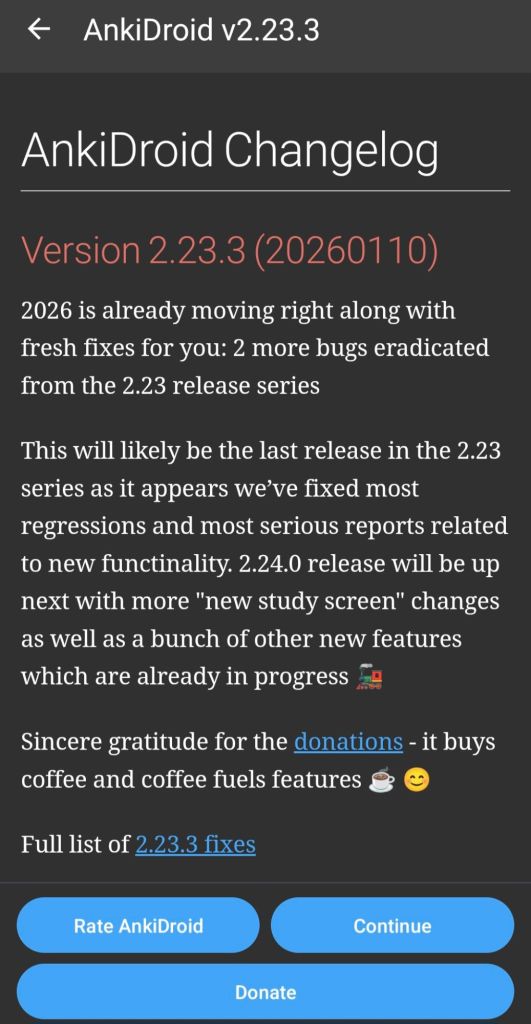
  • AnkiDroid v2.23.3

    January 11th, 2026
  • Prices are getting ABSURD !!

    January 10th, 2026
  • Finding your SSD model in Linux

    January 10th, 2026

    lsblk -o NAME,FSTYPE,LABEL,MOUNTPOINT,SIZE,MODEL

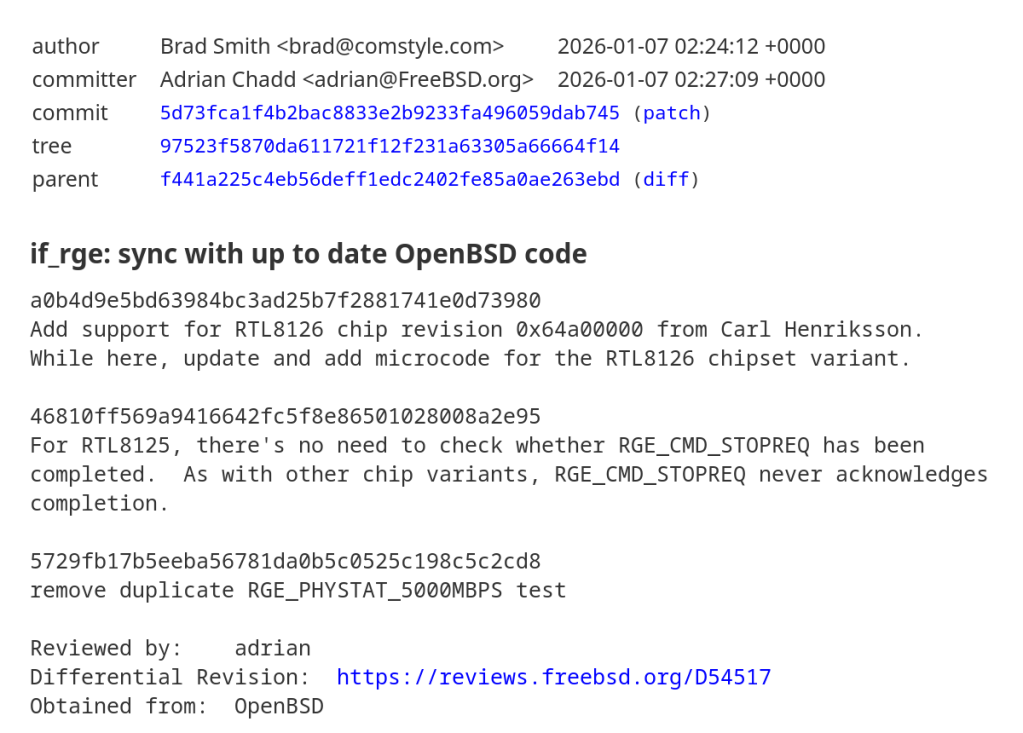
  • RTL8125 has been ported to FreeBSD CURRENT Branch

    January 10th, 2026

    https://cgit.freebsd.org/src/commit/?id=5d73fca1f4b2bac8833e2b9233fa496059dab745

  • January 9th, 2026
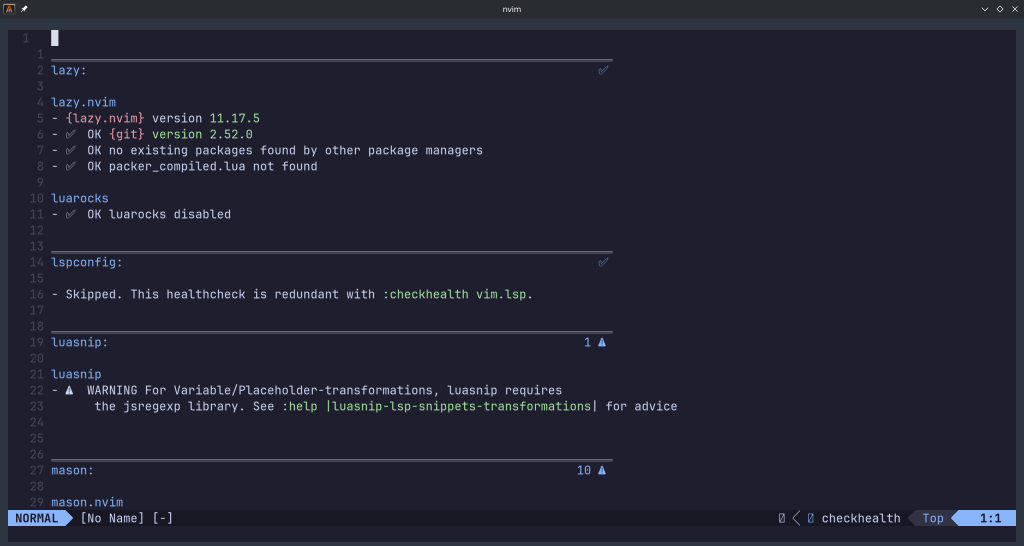
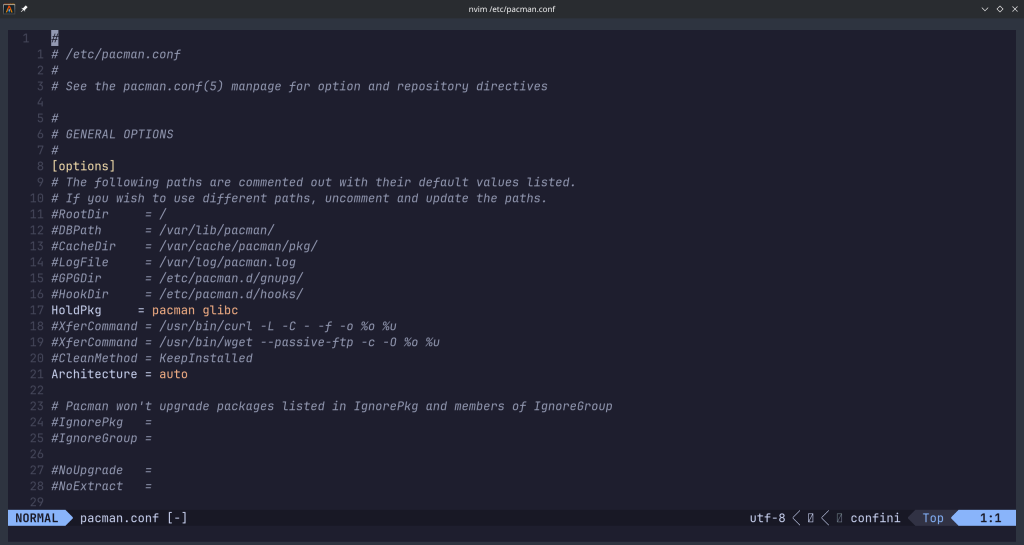
  • My neovim lua configuration !

    January 4th, 2026

    https://github.com/chrislongros/neovim-config

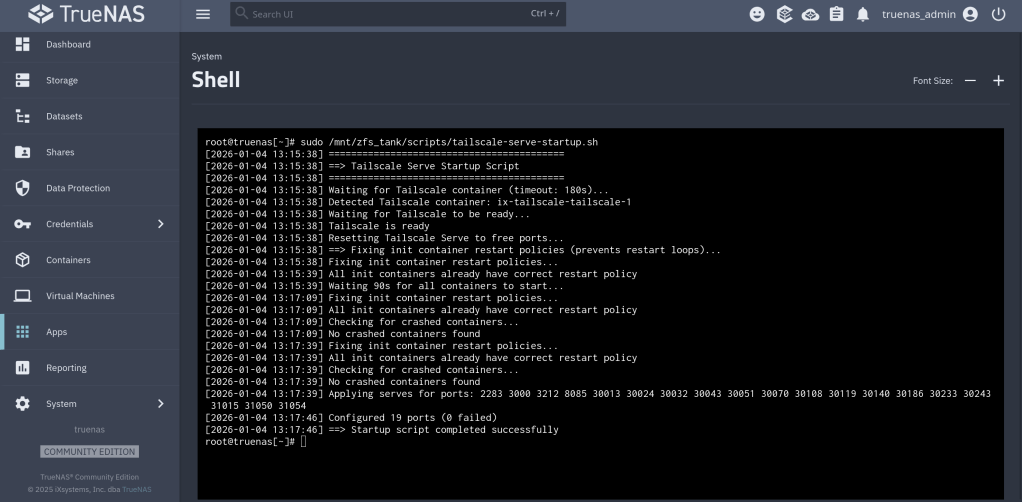
  • Tailscale serve at startup script v1.1

    January 4th, 2026

    New version that is “battlefield tested” on my home server !!

    https://github.com/chrislongros/docker-tailscale-serve-preserve/releases/tag/v1.1.0

    https://github.com/chrislongros/docker-tailscale-serve-preserve/tree/main

  • Happy New Year !!

    January 2nd, 2026

    My GitHub Repo for Alacritty configuration file:

    https://github.com/chrislongros/alacritty-config

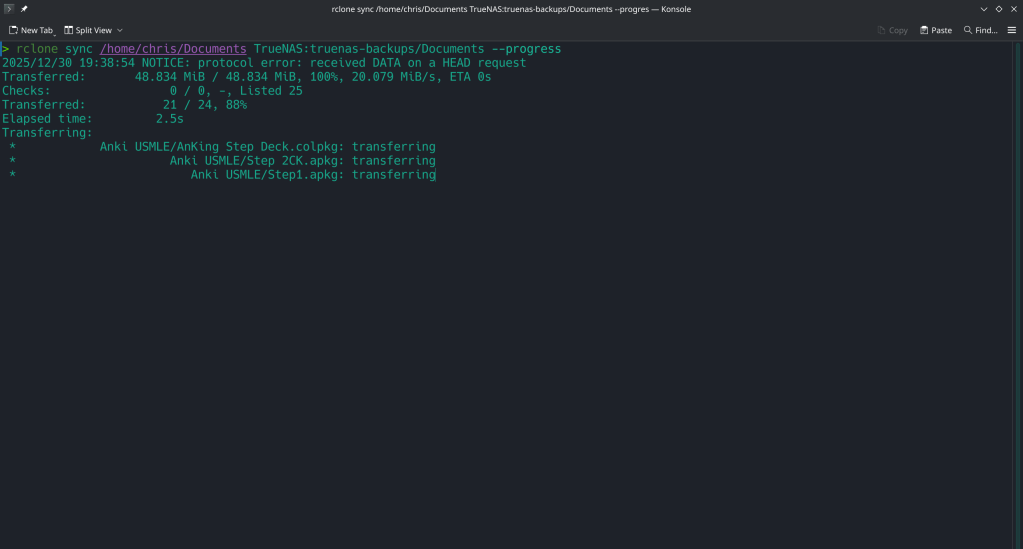
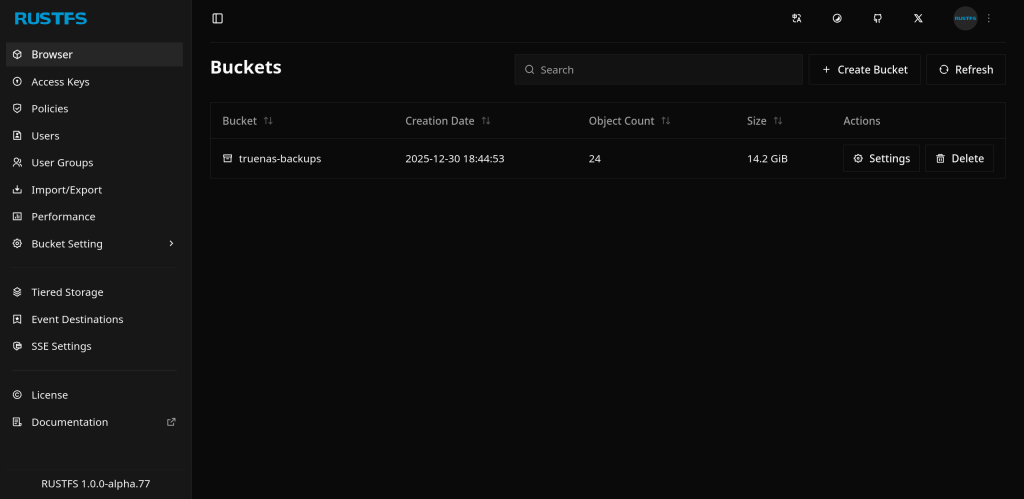
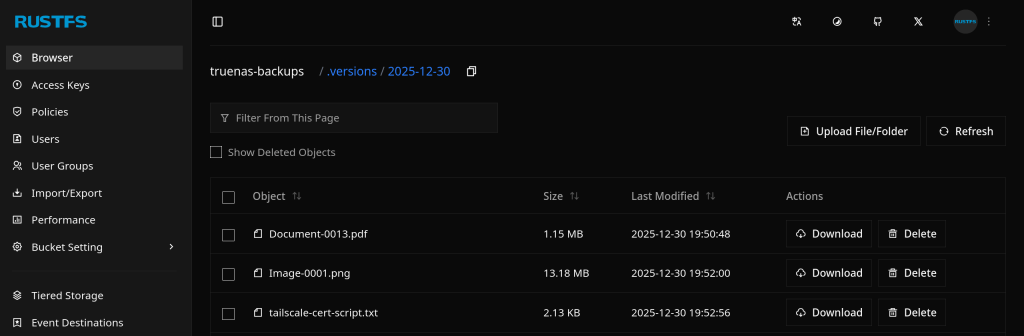
  • Rclone backups to RustFS bucket 🪣

    December 31st, 2025

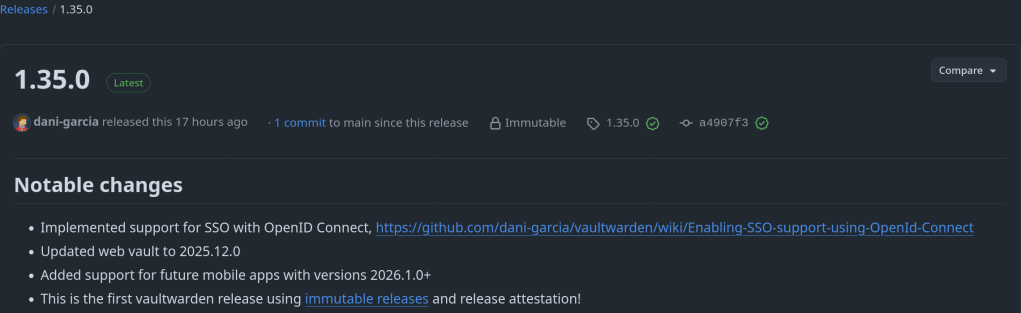
  • Vaultwarden 1.35 brings SSO support

    December 28th, 2025

    Implemented support for SSO with OpenID Connect: https://github.com/dani-garcia/vaultwarden/wiki/Enabling-SSO-support-using-OpenId-Connect

    https://github.com/dani-garcia/vaultwarden/releases/tag/1.35.0

  • First release of my Cloze Deletion Note Type

    December 28th, 2025

    Modern dark-themed Anki cloze note type for medical students with expandable resource hints (UWorld, AMBOSS, First Aid, etc.)

    https://github.com/chrislongros/Anki-Cloze-Deletion/releases/tag/v1.0.0

  • TrueNAS 26.04 will make our life EASIER!!

    December 27th, 2025
←Previous Page
1 … 3 4 5 6 7 … 136
Next Page→

Blog at WordPress.com.

Privacy & Cookies: This site uses cookies. By continuing to use this website, you agree to their use.
To find out more, including how to control cookies, see here: Cookie Policy
 

Loading Comments...
 

    • Subscribe Subscribed
      • /root
      • Already have a WordPress.com account? Log in now.
      • /root
      • Subscribe Subscribed
      • Sign up
      • Log in
      • Report this content
      • View site in Reader
      • Manage subscriptions
      • Collapse this bar