Skip to content
    • About
    • Contact

/root

OpenZFS
  • Sharing my /etc/pacman.conf, the Pacman configuration file

    September 5th, 2023

    Pacman is the default package manager of Arch Linux and Arch Linux based distributions. It is considered as the most robust binary package manager along with Portage of Gentoo, a powerful source code package manager.

    One of the most important modifications of my setup is the number of parallel downloads and kde-unstable repository

    #
    # /etc/pacman.conf
    #
    # See the pacman.conf(5) manpage for option and repository directives
    
    #
    # GENERAL OPTIONS
    #
    [options]
    # The following paths are commented out with their default values listed.
    # If you wish to use different paths, uncomment and update the paths.
    #RootDir     = /
    #DBPath      = /var/lib/pacman/
    CacheDir = /var/cache/pacman/pkg/
    #LogFile     = /var/log/pacman.log
    #GPGDir      = /etc/pacman.d/gnupg/
    #HookDir     = /etc/pacman.d/hooks/
    HoldPkg      = pacman glibc manjaro-system
    # If upgrades are available for these packages they will be asked for first
    SyncFirst    = manjaro-system archlinux-keyring manjaro-keyring
    #XferCommand = /usr/bin/curl -L -C - -f -o %o %u
    #XferCommand = /usr/bin/wget --passive-ftp -c -O %o %u
    #CleanMethod = KeepInstalled
    #UseDelta    = 0.7
    Architecture = auto
    
    # Pacman won't upgrade packages listed in IgnorePkg and members of IgnoreGroup
    #IgnorePkg   =
    #IgnoreGroup =
    
    #NoUpgrade   =
    #NoExtract   =
    
    # Misc options
    #UseSyslog
    Color
    #NoProgressBar
    # We cannot check disk space from within a chroot environment
    CheckSpace
    VerbosePkgLists
    ParallelDownloads = 5
    
    # By default, pacman accepts packages signed by keys that its local keyring
    # trusts (see pacman-key and its man page), as well as unsigned packages.
    SigLevel    = Required DatabaseOptional
    LocalFileSigLevel = Optional
    #RemoteFileSigLevel = Required
    
    # NOTE: You must run `pacman-key --init` before first using pacman; the local
    # keyring can then be populated with the keys of all official Manjaro Linux
    # packagers with `pacman-key --populate archlinux manjaro`.
    
    #
    # REPOSITORIES
    #   - can be defined here or included from another file
    #   - pacman will search repositories in the order defined here
    #   - local/custom mirrors can be added here or in separate files
    #   - repositories listed first will take precedence when packages
    #     have identical names, regardless of version number
    #   - URLs will have $repo replaced by the name of the current repo
    #   - URLs will have $arch replaced by the name of the architecture
    #
    # Repository entries are of the format:
    #       [repo-name]
    #       Server = ServerName
    #       Include = IncludePath
    #
    # The header [repo-name] is crucial - it must be present and
    # uncommented to enable the repo.
    #
    
    # The testing repositories are disabled by default. To enable, uncomment the
    # repo name header and Include lines. You can add preferred servers immediately
    # after the header, and they will be used before the default mirrors.
    
    
    #[kde-unstable]
    #Include = /etc/pacman.d/mirrorlist
    
    [core]
    SigLevel = PackageRequired
    Include = /etc/pacman.d/mirrorlist
    
    [extra]
    SigLevel = PackageRequired
    Include = /etc/pacman.d/mirrorlist
    
    [community]
    SigLevel = PackageRequired
    Include = /etc/pacman.d/mirrorlist
    
    # If you want to run 32 bit applications on your x86_64 system,
    # enable the multilib repositories as required here.
    
    [multilib]
    SigLevel = PackageRequired
    Include = /etc/pacman.d/mirrorlist
    
    # An example of a custom package repository.  See the pacman manpage for
    # tips on creating your own repositories.
    #[custom]
    #SigLevel = Optional TrustAll
    #Server = file:///home/custompkgs
    
    
  • “No Anki 3.0, as the version numbering system is likely to change soon”

    September 5th, 2023

    According to Damien Elmes, the author of Anki

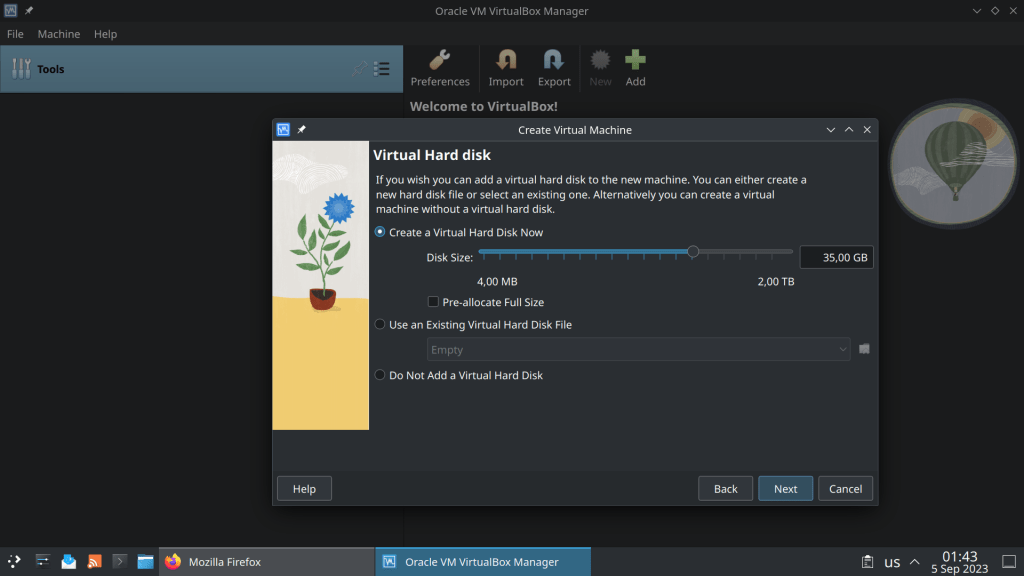
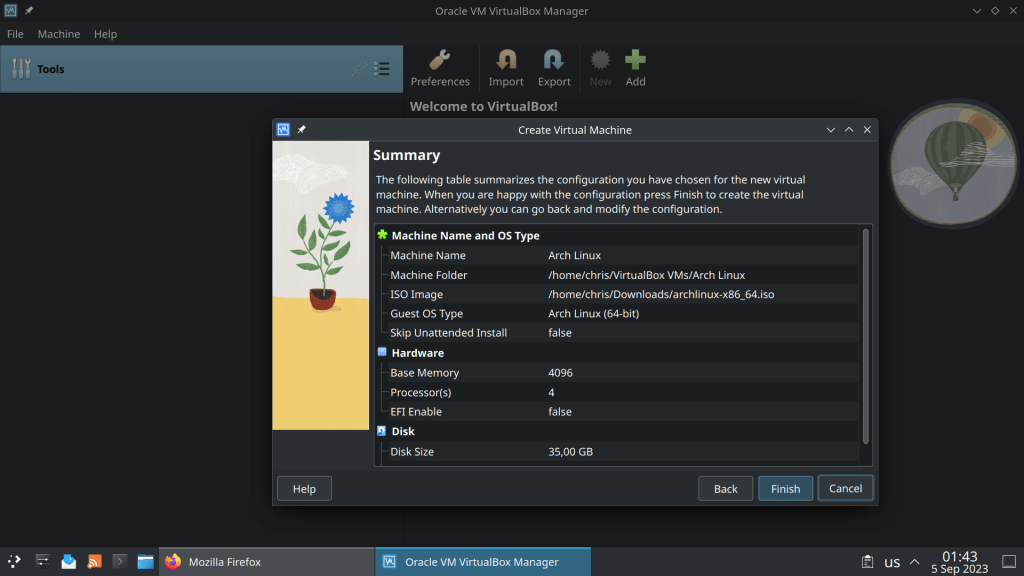
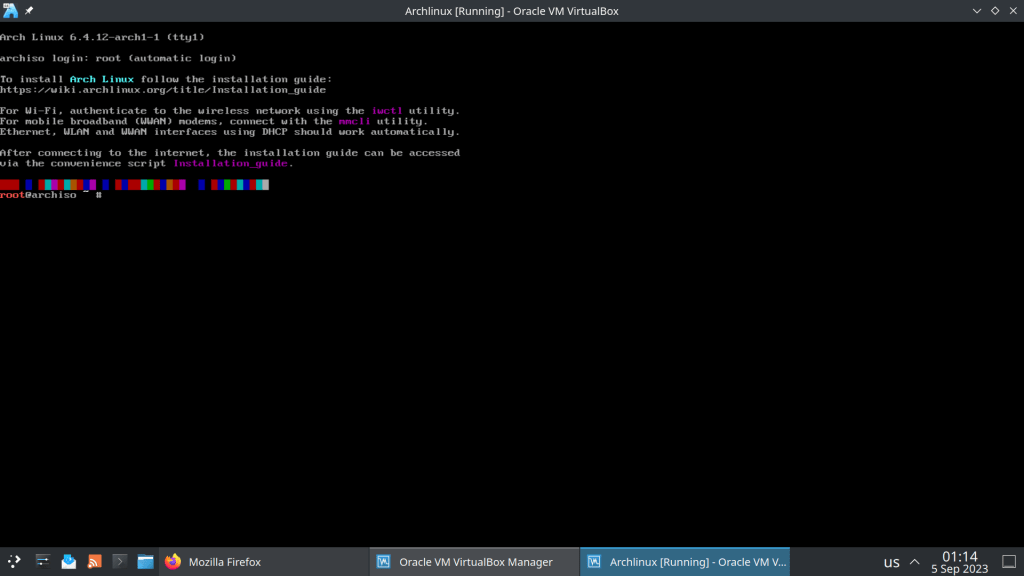
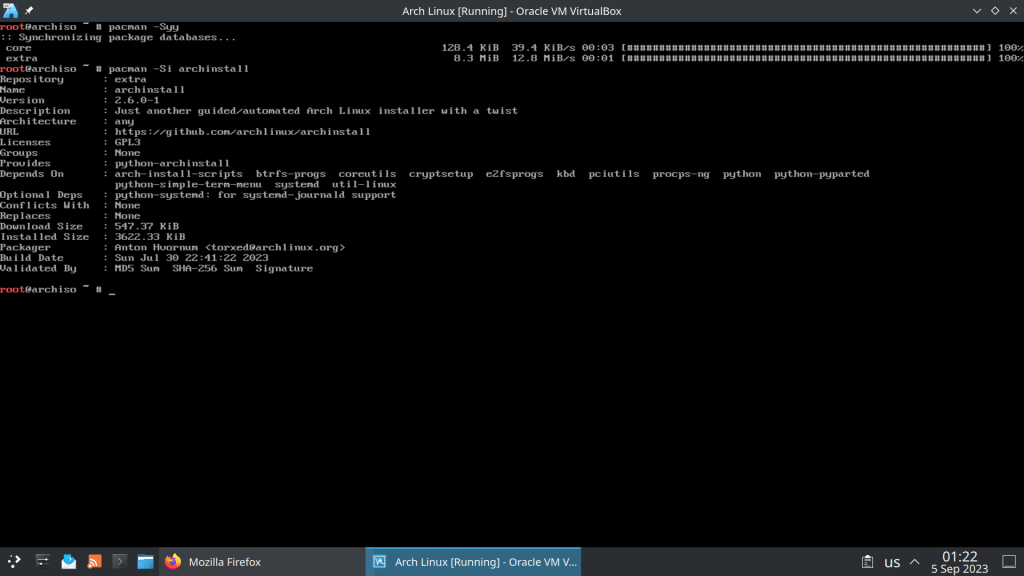
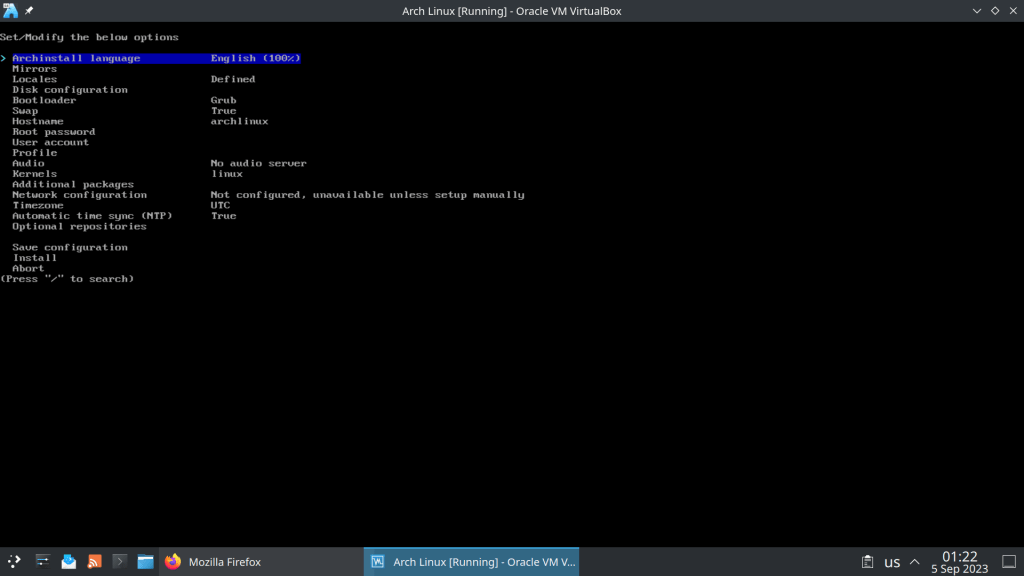
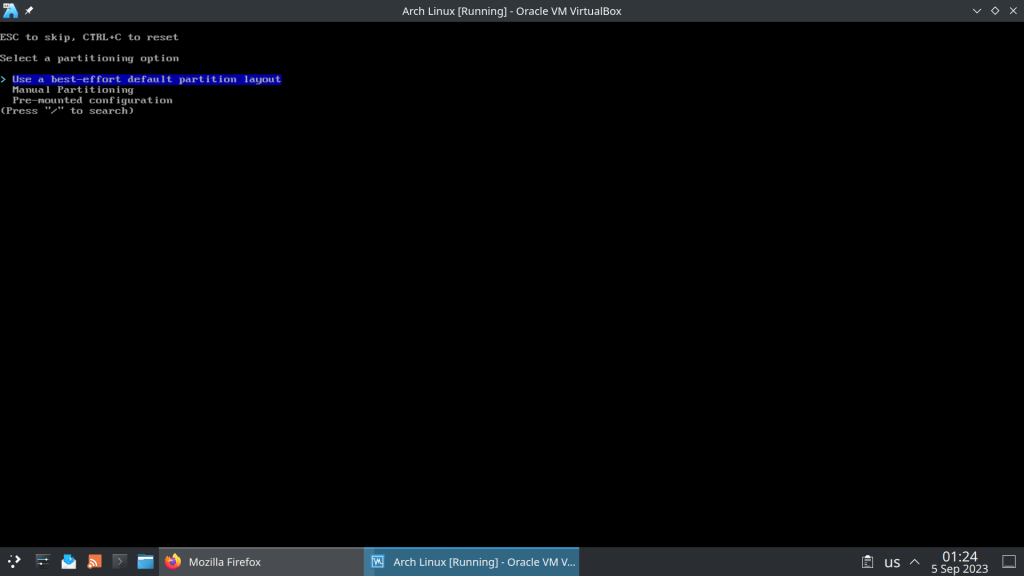
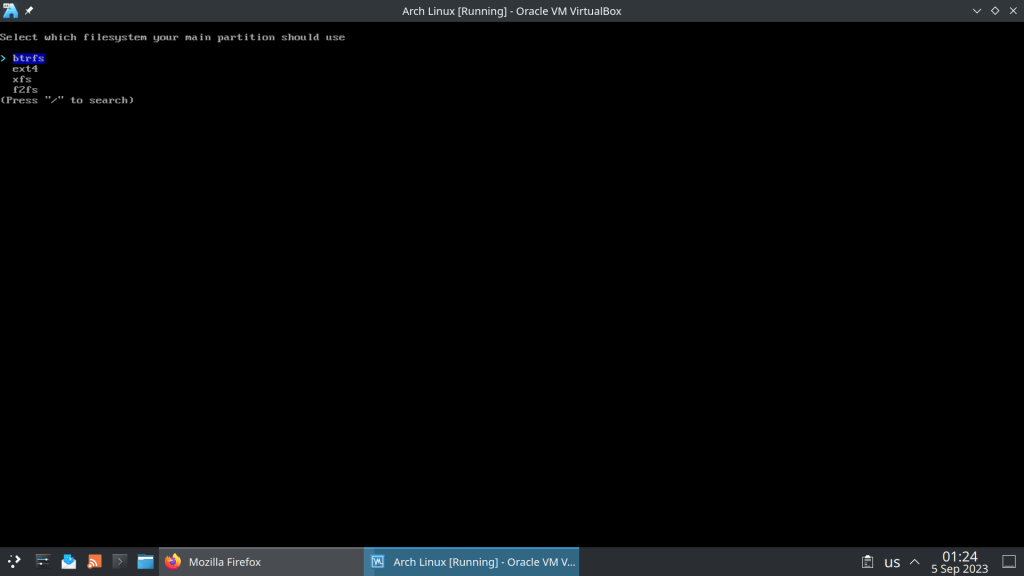
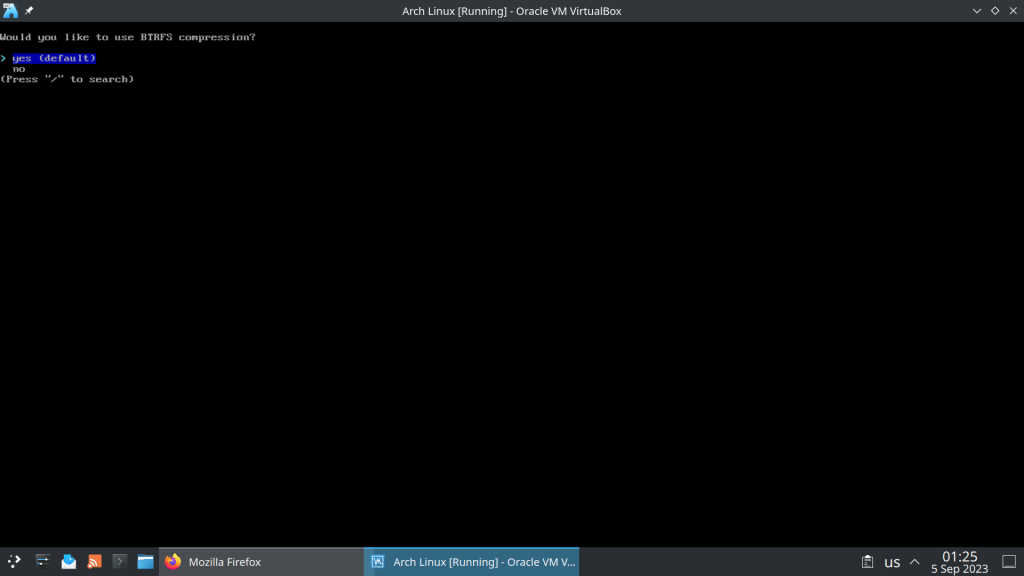
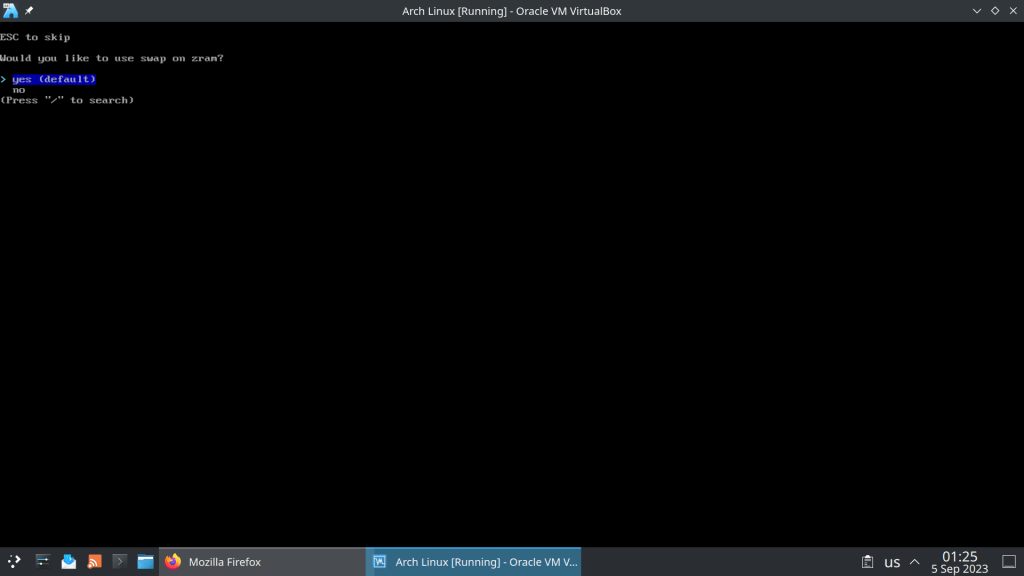
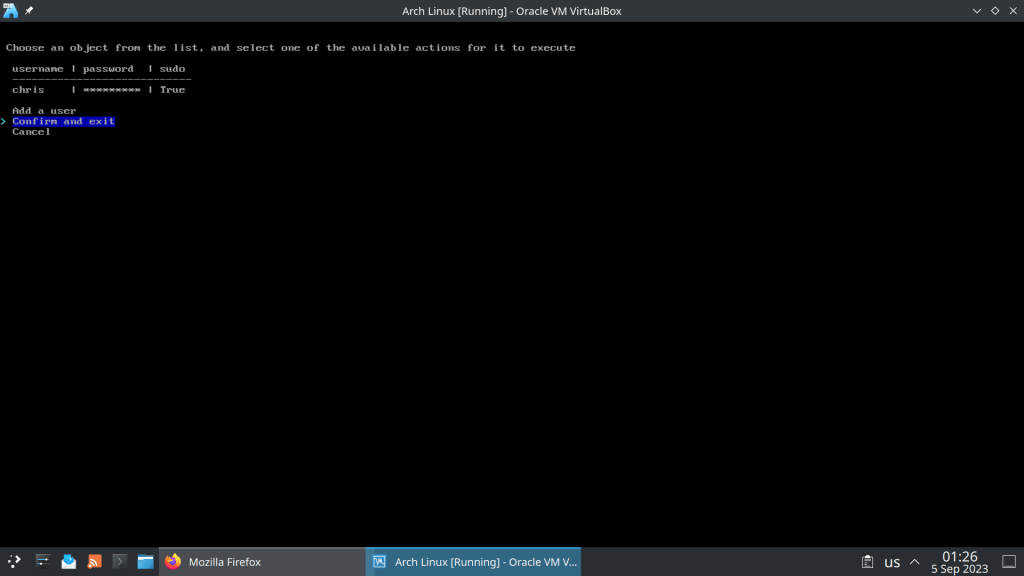
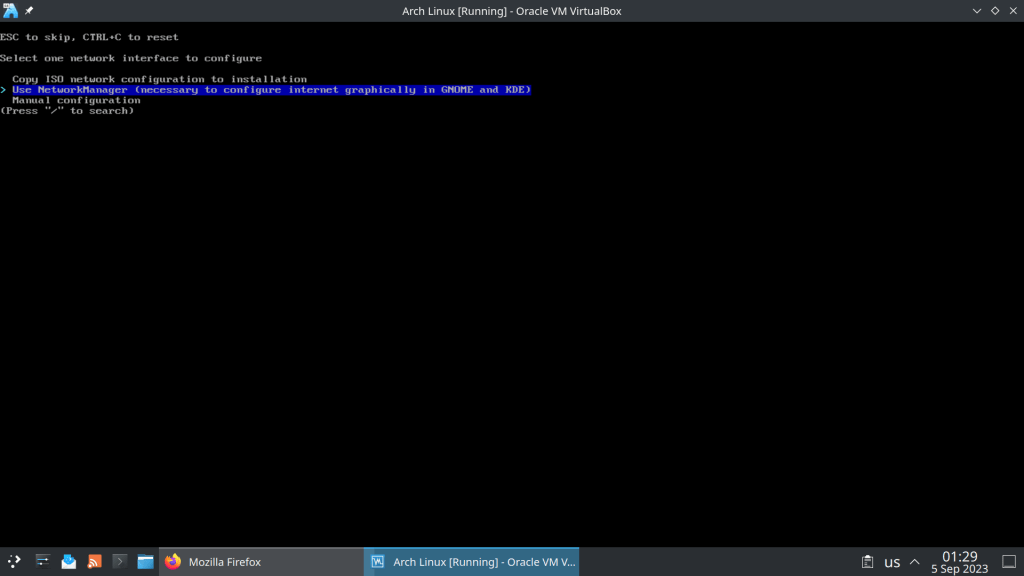
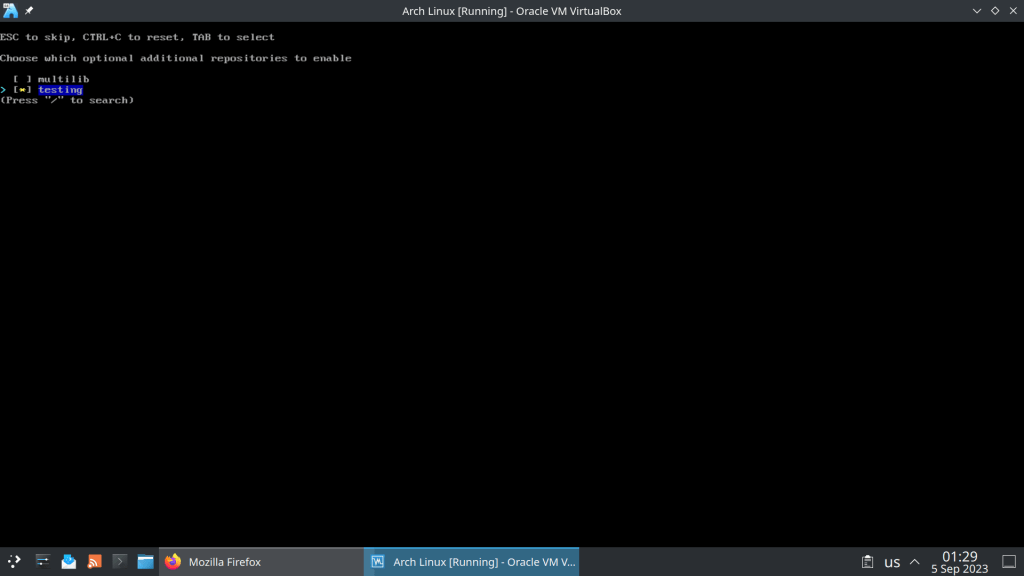
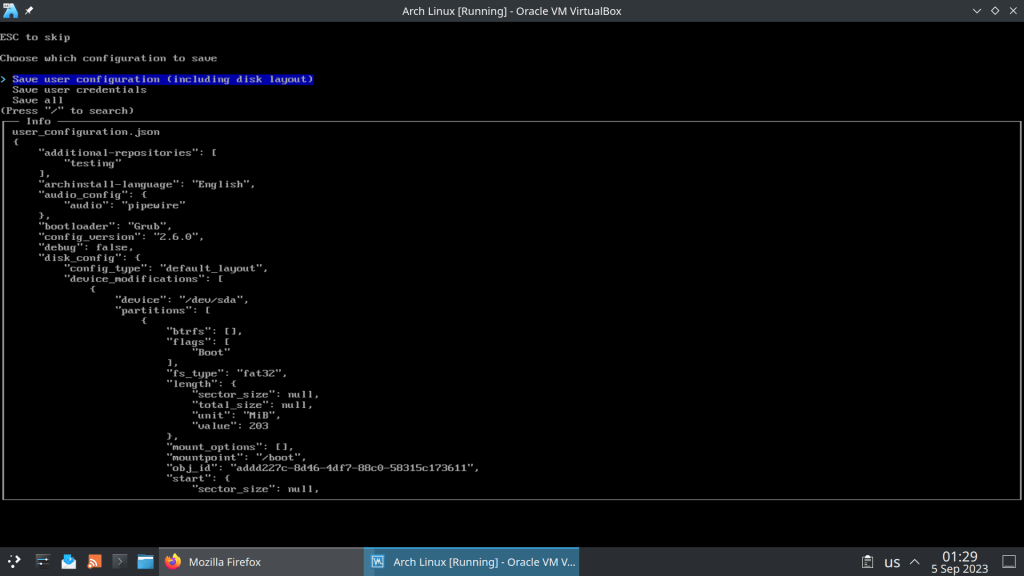
  • Testing Arch Linux ISO 1.9.2023 in Virtual Box

    September 5th, 2023

    Comes with 6.4.12 Kernel and archinstall 2.6.0-1, a python installation script

  • Best online resources for understanding UNIX/Linux and filesystems in general

    August 28th, 2023
    1. Arch Linux Wiki (https://wiki.archlinux.org/)
    2. Arch Linux man pages (https://man.archlinux.org/)
    3. FreeBSD Handbook (https://docs.freebsd.org/en/books/handbook/)
    4. FreeBSD man pages https://man.freebsd.org/cgi/man.cgi
    5. https://vermaden.wordpress.com/
    6. https://klarasystems.com/articles/
    7. https://openzfs.github.io/openzfs-docs/
    8. https://btrfs.readthedocs.io/en/latest/

    These are only the resources that come to mind in a couple of seconds. Will update them later 🙂

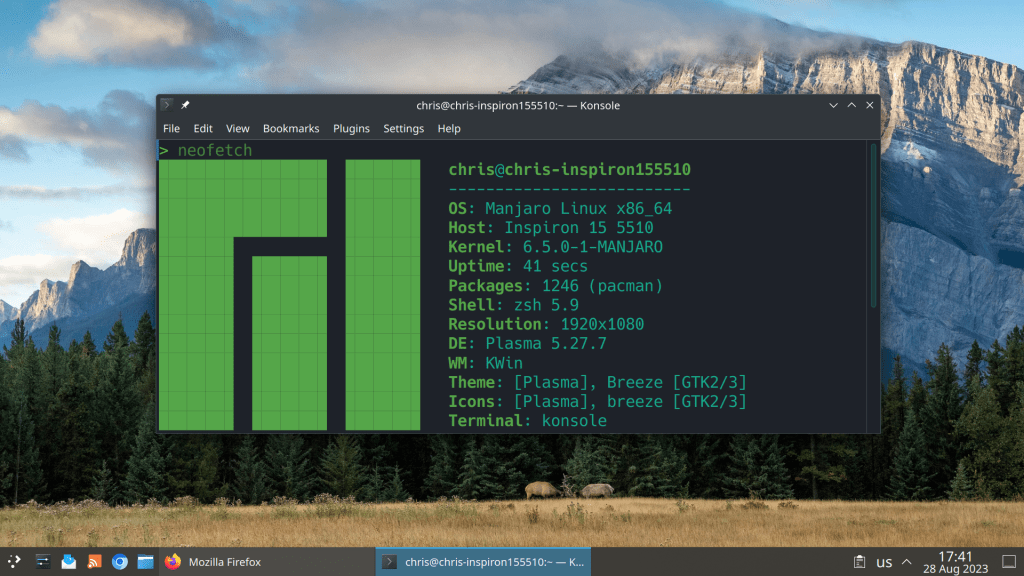
  • Installed the new 6.5 kernel today :)

    August 28th, 2023
  • FreeBSD 14 stable branch created in GitHub

    August 28th, 2023

    https://github.com/freebsd/freebsd-src/tree/stable/14

  • Anki 2.1.66 released with default v3 scheduling

    August 28th, 2023

    For further changes, features and bug fixes visit https://github.com/ankitects/anki/releases/tag/2.1.66

  • KDE Gear 23.08

    August 25th, 2023

    https://kde.org/announcements/gear/23.08.0/?fbclid=IwAR1wtdOAww7rzzfAyT643WSlVzaBC1999Z15EQs7q3T3_2sCdiHL-Crjq9Y

  • Version numbering system change of LibreOffice

    August 25th, 2023

    Devs will leave semantic versioning behind and will adopt a year.month system

    At least not like Firefox’s development system 🙂

    https://www.phoronix.com/news/LibreOffice-24.2-Up-Next

  • FreeBSD 14 Alpha 3 available for download

    August 25th, 2023

    https://download.freebsd.org/snapshots/amd64/amd64/ISO-IMAGES/14.0/

  • Σαν σήμερα το 1991…

    August 25th, 2023

    Ο Linus Torvalds ανακοίνωσε ένα νέο λειτουργικό σύστημα βασισμένο στο Minix. Και τα υπόλοιπα είναι ιστορία 🙂

  • Voting for the final KDE 6 release

    August 22nd, 2023

    https://nuudel.digitalcourage.de/qqpRbUMFIQdLP1ZP

  • Nvidia … just a pain …

    August 21st, 2023

    I would never use Nvidia again with open source operating systems … Only AMD Radeon. It is just counterproductive and I would have to literally reinvent the wheel just to get a FreeBSD functional system running …

    As Linus Torvalds once said: “NVIDIA is the single worst company we have ever dealt with”

    https://www.phoronix.com/news/FreeBSD-Port-Linux-DRM-KO

  • FreeBSD 14 Alpha 2 released

    August 20th, 2023

    “The betas of FreeBSD 14.0 are expected to begin in early September and run through the month until FreeBSD 14 RC1 at the end of September. If all goes well after a few weekly release candidates, FreeBSD 14.0-RELEASE should debut before the end of October.”

    FreeBSD 14 is the last version supporting 32-bit systems and will be EOLed 5 years after the release of 14.0. Given an estimated release date of October 2023 for 14.0, support for 32-bit platforms would end in October 2028.

    Another important feature is the fwget utility for fetching firmware updates, initially of AMD and Intel GPUs as currently only the pci subsystem is supported.

    https://www.phoronix.com/news/FreeBSD-14-Alpha-2

    https://github.com/freebsd/freebsd-src/blob/main/RELNOTES

  • I hate double clicking :)

    August 19th, 2023

    https://www.phoronix.com/news/KDE-Plasma-6-Double-Click

←Previous Page
1 … 142 143 144 145 146 … 148
Next Page→

Blog at WordPress.com.

Privacy & Cookies: This site uses cookies. By continuing to use this website, you agree to their use.
To find out more, including how to control cookies, see here: Cookie Policy
Loading Comments...
  • Subscribe Subscribed
    • /root
    • Already have a WordPress.com account? Log in now.
    • /root
    • Subscribe Subscribed
    • Sign up
    • Log in
    • Report this content
    • View site in Reader
    • Manage subscriptions
    • Collapse this bar