FreeBSD’s website got a new design and it looks beautiful !!!
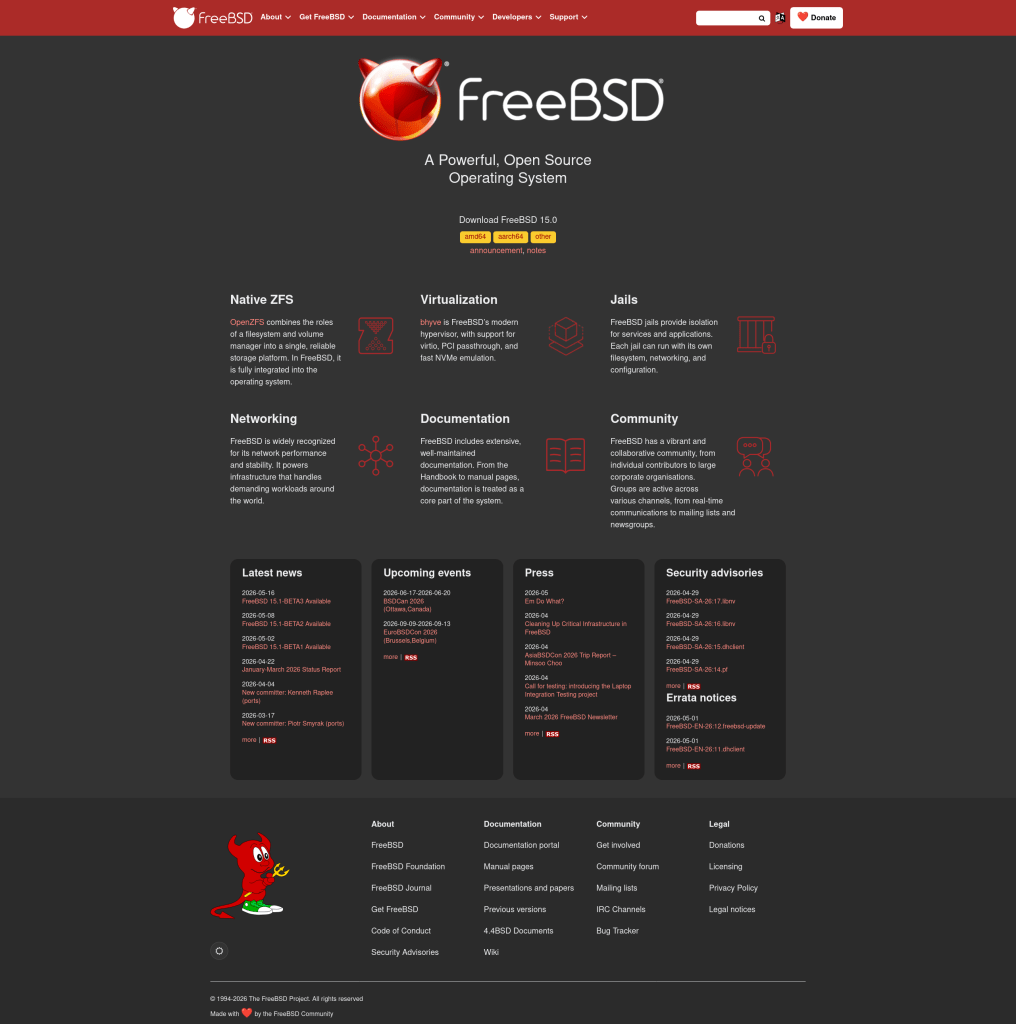
FreeBSD’s website got a new design and it looks beautiful !!!
If you’re running FreeBSD on an AM5 board with a recent BIOS update and your system freezes during boot — right after the EFI framebuffer line — you’re probably hitting a firmware bug in AGESA 1.3.0.0a.
After updating my Gigabyte B650 GAMING X AX V2 to BIOS F41a (AGESA 1.3.0.0a, released March 2026), FreeBSD stopped booting entirely. All versions — 14.2, 14.4, and 16.0-CURRENT — freeze hard after printing EFI framebuffer information. No panic, no output, complete CPU lockup (caps lock LED goes dead). The same issue has been reported on ASRock X870 boards with Ryzen 9600X on the FreeBSD forums.
I built a diagnostic FreeBSD loader with printf calls at every stage of the EFI boot handoff. The results were clear: the hang occurs inside the UEFI firmware’s ExitBootServices() call. The loader calls into firmware, and firmware never returns.
An interesting secondary finding: adding printf (which calls the UEFI OutputString boot service) between GetMemoryMap and ExitBootServices invalidates the memory map key. The firmware then hangs on the stale key instead of returning an error — which is itself a firmware bug. Well-behaved firmware should return EFI_INVALID_PARAMETER and let the caller retry.
Knowing that stale memory map keys were part of the picture, I wrote a patch for the FreeBSD EFI loader (stand/efi/loader/bootinfo.c) that:
AllocatePages inside the loopExitBootServicesGetMemoryMap followed immediately by ExitBootServices, with zero intervening boot service callsThis matches the strategy used by the Linux EFI stub, which has had these hardening measures for years.
Unfortunately, the patched loader still hangs on BIOS F41a. The firmware bug in AGESA 1.3.0.0a is not just about stale keys — ExitBootServices is fundamentally broken, even with a fresh memory map key.
The only workaround is to downgrade your BIOS. I flashed back to F37 (AGESA 1.2.0.3g) using Q-Flash, and FreeBSD boots perfectly again. Here’s the full test matrix:
| FreeBSD Version | Loader | BIOS F37 (AGESA 1.2.0.3g) | BIOS F41a (AGESA 1.3.0.0a) |
|---|---|---|---|
| 14.4-RELEASE | Stock | Boots | Hangs |
| 16.0-CURRENT | Stock | Boots | Hangs |
| 16.0-CURRENT | Patched | Boots | Hangs |
I avoided BIOS versions F38–F40 (AGESA 1.2.8.0) as there are reports of boot failures on some AM5 boards with that AGESA version as well.
The loader hardening patch didn’t fix the AGESA bug, but it’s still valid as defensive improvement — it eliminates a class of firmware interaction bugs by keeping the ExitBootServices retry loop free of boot service calls. I’ll be submitting it upstream to FreeBSD as a hardening measure.
If you’re hitting this issue: downgrade your BIOS to any version before AGESA 1.3.0.0a. For Gigabyte B650 boards, F37 is a safe choice.
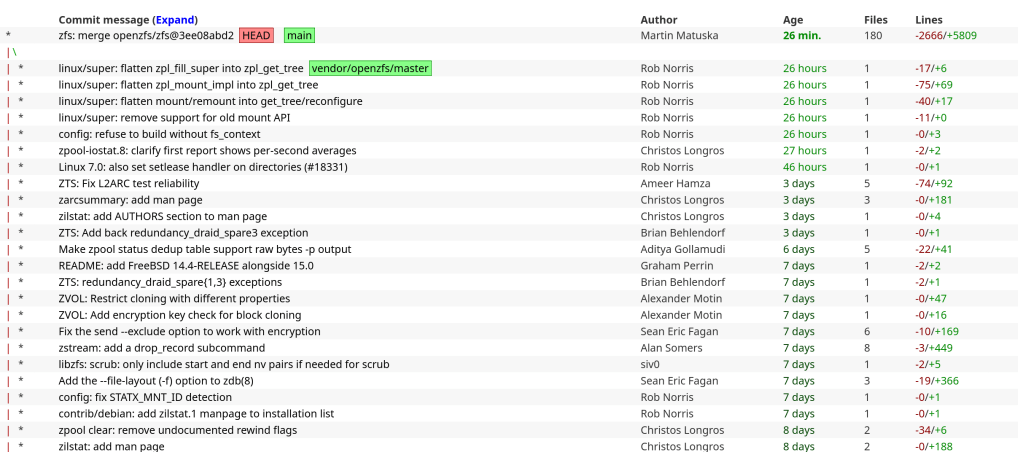
Officially an OpenZFS contributor 🙂
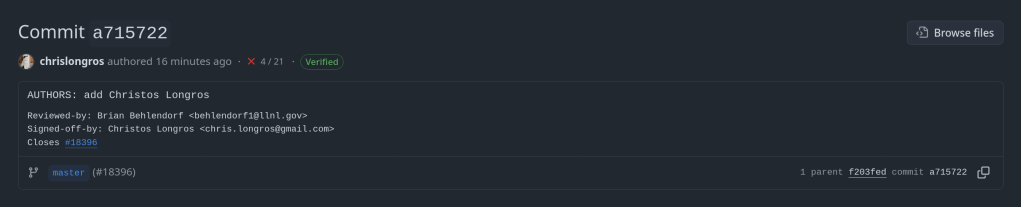
https://github.com/openzfs/zfs/commit/a7157221db1d3a7c3517dee98f5124c13a515053
“Over 30 years of ‘FreeBSD’ commit activity and contributor growth. Includes daily commit counts and new committer data extracted from the cloned git repository (1993-2026), plus ‘Phabricator’ signup statistics (2013-2026). Contains no personal data – only aggregated counts. Useful for time series analysis, growth modeling, and studying open source community dynamics.”
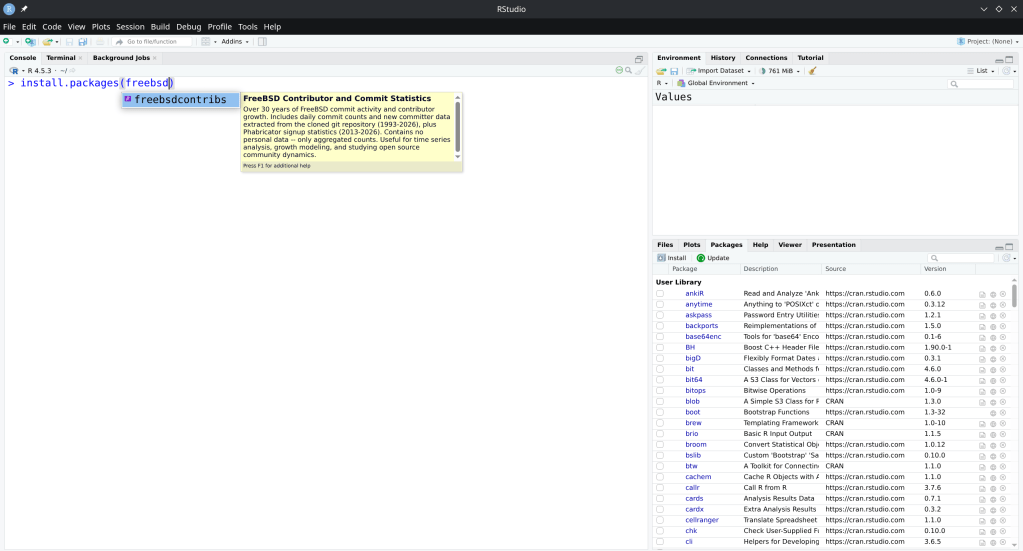
https://cran.r-project.org/web/packages/freebsdcontribs/index.html
If you run a FreeBSD VM under QEMU with -nographic and the terminal goes silent right after the kernel modules load — no login prompt, no panic, just nothing — the VM hasn’t frozen. It booted successfully. The issue is that kernel output is going somewhere you can’t see.
This post explains why that happens and how to fix it properly.
FreeBSD supports two console backends: vidconsole (virtual VGA framebuffer) and comconsole (serial port, ttyu0). Official VM disk images from download.freebsd.org default to vidconsole — a reasonable choice for hypervisors that expose a graphical display.
QEMU’s -nographic mode suppresses the display window and maps your terminal to the VM’s serial port instead. The problem is the FreeBSD kernel is unaware of this. It continues writing to vidconsole, which effectively goes nowhere in a -nographic session.
The bootloader, however, outputs to both VGA and serial simultaneously. That’s why you see the FreeBSD logo, the boot menu, and the kernel module lines — all of that is bootloader output. The moment the kernel takes control, it drops to vidconsole only, and your terminal goes quiet.
The handoff point is visible in the output:
/boot/kernel/zfs.ko size 0x788828 at 0x2795000
/etc/hostid size=0x25
/boot/entropy size=0x1000
Everything after that last line is the kernel running — login prompt included — just on a VGA console you can’t access from a -nographic session.
To get through without modifying the image, interrupt autoboot when you see the countdown. Press Space to pause it, then at the loader prompt:
set console="comconsole"
boot
This tells the kernel to route console I/O through the serial port for this boot only. You’ll see full kernel output and get a working login prompt.
Once inside the VM, make the change persistent:
echo 'console="comconsole"' >> /boot/loader.conf
From the next boot onward, the kernel will direct all console output to ttyu0 automatically. No more intercepting the bootloader, no more silent boots. This is the right fix if you’re using this image regularly for development or testing.
If you don’t need to observe the boot sequence at all, daemonize the VM and access it over SSH:
qemu-system-x86_64 \
    -enable-kvm \
    -m 4G \
    -smp 4 \
    -hda ~/vms/FreeBSD-16.0-CURRENT-amd64-zfs.qcow2 \
    -display none \
    -daemonize \
    -nic user,hostfwd=tcp::2222-:22
Give it roughly 30 seconds to reach multi-user mode, then:
ssh -p 2222 root@localhost
When you’re done:
kill $(pgrep qemu-system)
This approach sidesteps the console issue entirely and works well for quick test sessions where sshd is already enabled in the image.
The bootloader’s dual-output behavior is what makes this particularly deceptive. Because you do get output right up to the kernel handoff, it’s natural to assume something went wrong during kernel initialization — a ZFS import failure, a module panic, something with entropy. In practice, none of that. The system is fully operational, just talking to a VGA display you have no visibility into.
Kernels built with BOOT_COMCONSOLE in their config, or images specifically targeting headless/serial environments, won’t exhibit this. The stock VM images are built for general-purpose use, so VGA is the sensible default — it just doesn’t play well with -nographic out of the box.
| Goal | Solution |
|---|---|
| Fix for one boot | Press Space → set console="comconsole" → boot |
| Fix permanently | echo 'console="comconsole"' >> /boot/loader.conf |
| Skip console, SSH only | -display none -daemonize + SSH after ~30s |
Adding console="comconsole" to /boot/loader.conf is the one-time fix that makes FreeBSD under QEMU behave predictably for all subsequent work. After that, -nographic sessions give you full console output from boot to login with no intervention required.
The push for a modern graphical installer in FreeBSD has been ongoing for a while. With FreeBSD 15.0 released in December 2025, many expected it to ship with a graphical installation option — but it didn’t make the cut. The good news: it’s coming in FreeBSD 15.1.
FreeBSD 15.0 shipped with the traditional bsdinstall text-based installer. While functional, it’s showing its age — the text-based dialogs work fine for experienced admins, but they’re a barrier for adoption compared to what Linux distros offer.
According to the FreeBSD Q4 2025 status report and the Foundation’s laptop project updates, FreeBSD 15.1 will include:
This is part of the FreeBSD Foundation’s broader laptop usability initiative, which has received over $750,000 in funding throughout 2025 and continues into 2026. The project covers Wi-Fi, graphics drivers, audio, power management, and installation experience.
FreeBSD has always been technically excellent but lagged behind Linux in user-friendliness. A graphical installer with KDE won’t change the OS itself, but it removes one of the biggest friction points for new users. Combined with improvements like PkgBase, s2idle sleep support, and the new SPMC power management driver, FreeBSD is becoming more approachable without sacrificing what makes it great.
For those of us who’ve been installing FreeBSD since the sysinstall days, it’s exciting to see the project evolve while keeping its identity. The FreeBSD 15.1 release schedule is worth keeping an eye on.