Skip to content
    • About
    • Contact

/root

OpenZFS
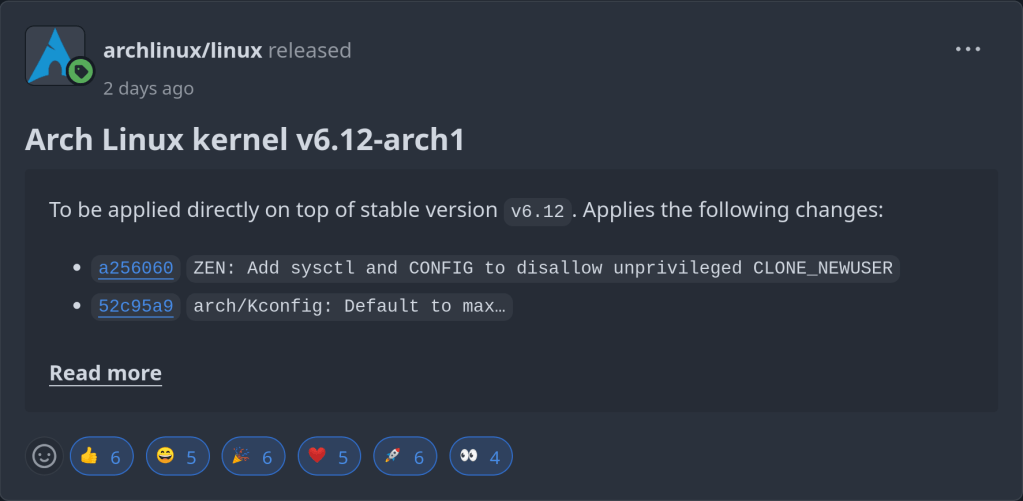
  • Arch Linux kernel v6.12-arch1

    November 20th, 2024
  • Hyprland 0.45.2

    November 20th, 2024

    Includes 2 patches backported on top of 0.45.1.

    https://github.com/hyprwm/Hyprland/releases/tag/v0.45.2
  • Self-hostable FreshRSS feed aggregator with Docker

    November 20th, 2024

    System and software requirements:

    1. Firefox/Chromium or a modern web-browser
    2. A Web Server eg. Apache2.4+ or nginx
    3. PHP 8+
    4. SQLite, MariaDB or PostgreSQL

    Firstly install Docker eg. sudo pacman -S docker

    Then set a docker container with the following command:

      Complete the setup by visiting http://localhost:8080

      Final result. Enjoy ! 🙂

      https://hub.docker.com/r/freshrss/freshrss
      https://github.com/FreshRSS/FreshRSS
    1. BSD Now – ZFS Copy Offloading

      November 19th, 2024
      https://www.bsdnow.tv/584
    2. Arch Linux to license pkg sources under 0BSD

      November 19th, 2024
      https://archlinux.org/news/providing-a-license-for-package-sources/
    3. ChronShield

      November 19th, 2024

      A new backup tool. It provides many advantages compared to TimeShift such as:

      1. Snapshots compression with LZ4 or ZStd
      2. Deduplication
      3. Encryption

      Caveat: It is not free …

      https://teejeetech.com/chronshield-compare/
    4. November 18th, 2024
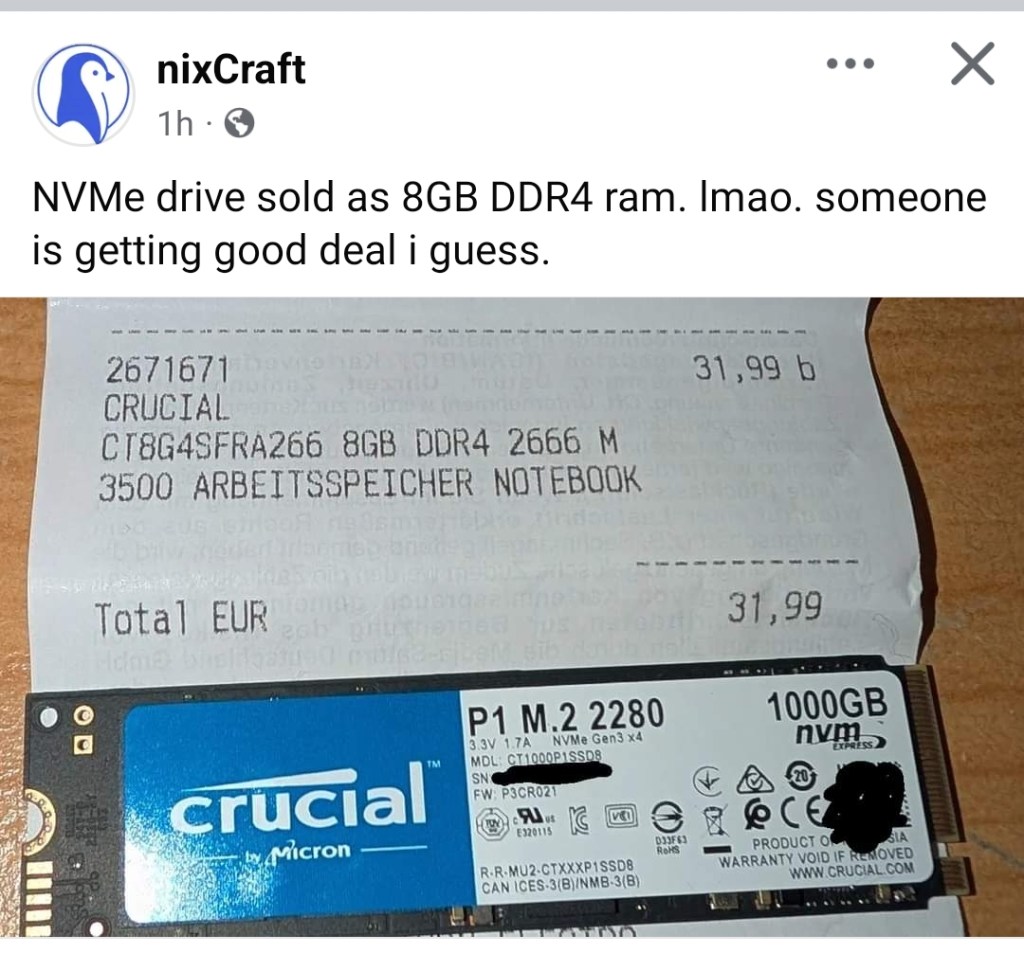
    5. 😂

      November 18th, 2024
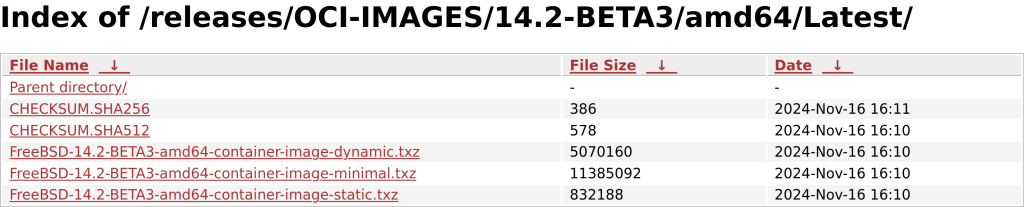
    6. FreeBSD 14.2 BETA 3

      November 18th, 2024

      Now with OCI container images.

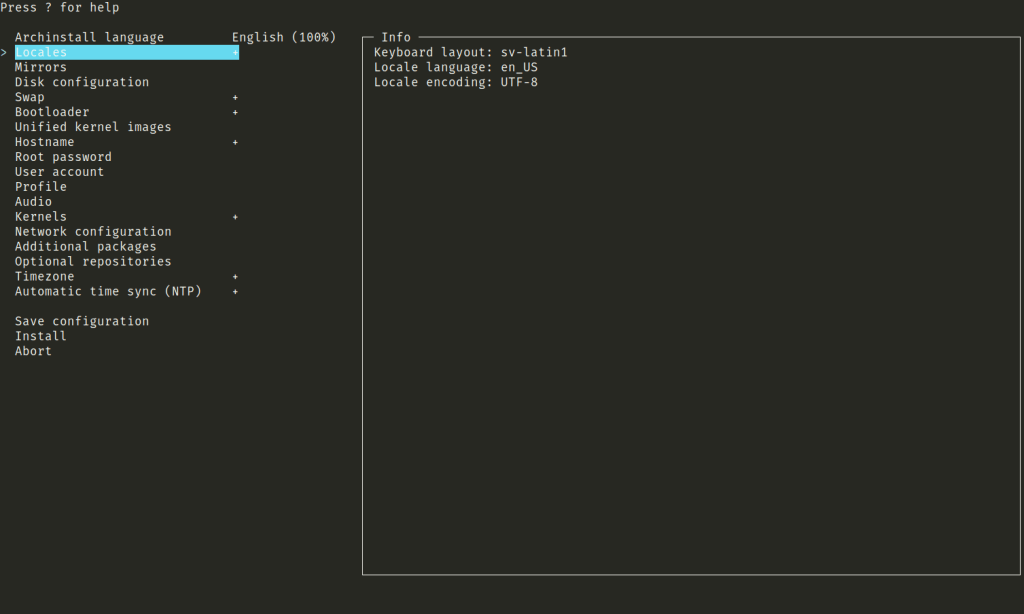
    7. Archinstall 3.0 integrates curses

      November 17th, 2024

      “TUI has been reworked and now uses curses, which allows us to do more complex layouts as well as give a new but familiar look and feel.”
      https://github.com/archlinux/archinstall/releases/tag/v3.0.0
      https://github.com/archlinux/archinstall/pull/2663
    8. GCC sets C23 as the default

      November 17th, 2024

      The default language version for C compilation was set to -std=gnu23 from -std=gnu17

      https://github.com/gcc-mirror/gcc/commit/55e3bd376b2214e200fa76d12b67ff259b06c212
    9. Anki – self-hosted sync server

      November 17th, 2024

      Anki provides the option the self host your own sync server. It is an advanced feature for experienced users.

      SYNC_USER1=user:pass anki –syncserver from the command line starts the sync server. If you use a firewall such as ufw you have to adjust the rules to allow IP addresses from 192.168.0.xxx or 192.168.1.xxx with:

      ufw allow from 192.168.0.0/24

      or

      ufw allow from 192.128.1.0/24

      Then you get a message like this, indicating a functioning sync server:

      Anki starting…
      2024-11-16T18:31:41.598515Z INFO listening addr=0.0.0.0:8080

      In order to sync your Anki clients towards this server you have to set a URL link to the server’s IP address (in my case 192.168.1.195 => http://192.168.1.195:8080). The server listens to port 8080 as default.

      Another option to set a sync server is using a docker container. You can find a sample Dockerfile under the /docs/syncserver path of the git repository: https://github.com/ankitects/anki/tree/main/docs/syncserver

      The first step is building the image using:

      sudo docker buildx build docs/syncserver/<Dockerfile> –no-cache –build-arg ANKI_VERSION=<version> -t anki-sync-server .

      (Please use the <> brackets !!! as well an version available in https://github.com/ankitects/anki/releases, because the script searches through release tags !!!

      You should execute this command from the Dockerfile PATH

      The build command is deprecated !!! Use buildx)

      The command at the end should look like this:

      sudo docker build ~/syncserver/<Dockerfile> –no-cache –build-arg ANKI_VERSION=24.06.3 -t anki-sync-server
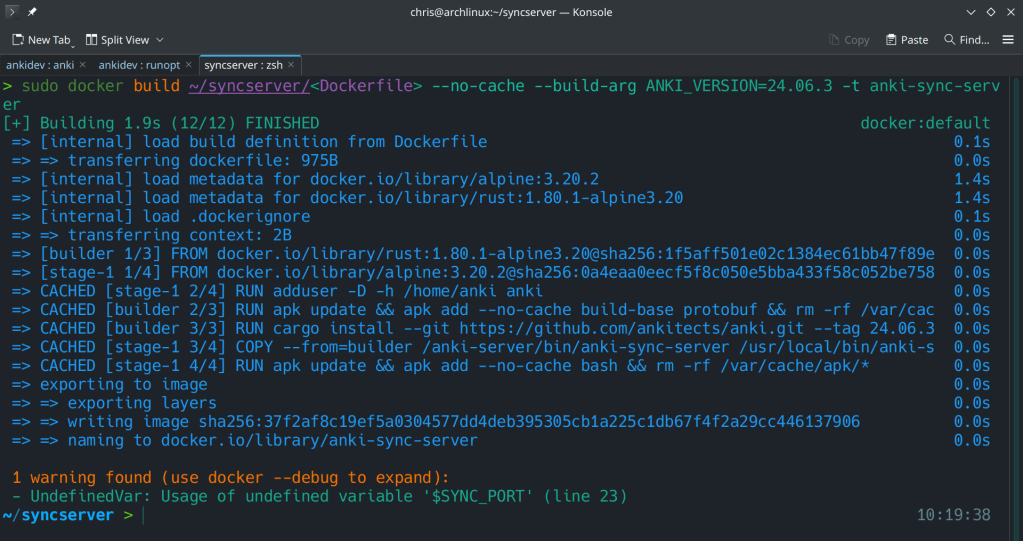
      The second step is to run the docker container with:

      docker run -d -e “SYNC_USER1=admin:admin” -p 8080:8080 –name anki-sync-server anki-sync-server

      You can check the container’s status with sudo docker ps -a

      https://docs.ankiweb.net/sync-server.html#self-hosted-sync-server
      https://github.com/ankitects/anki/tree/main/docs/syncserver
    10. digiKam 8.5.0 is released

      November 16th, 2024

      The best open-source Professional Photo Management tool.

      1. More than 160 bugs have been fixed (https://bugs.kde.org/buglist.cgi?f1=cf_versionfixedin&limit=0&list_id=2536450&o1=equals&order=bug_id&product=digikam&v1=8.5.0)
      2. Improved localization
      3. Updated LibRAW and ExifTool
      4. Apple Silicon package
      5. YuNet is now the default model for face detection
      6. and many more !!

      https://www.digikam.org/news/2024-11-16-8.5.0_release_announcement/
    11. Thomas Kurtz, Co-Creator of Computer Language Basic, Dies at 96

      November 16th, 2024
      https://www.bnnbloomberg.ca/business/company-news/2024/11/14/thomas-kurtz-co-creator-of-computer-language-basic-dies-at-96/
    12. KDE Unstable repo updates

      November 16th, 2024

      Before the 6.2.4 bugfix release of 2024-11-26.

      https://blogs.kde.org/2024/11/16/this-week-in-plasma-discover-and-system-monitor-with-a-side-of-wine/
    ←Previous Page
    1 … 69 70 71 72 73 … 152
    Next Page→

    Blog at WordPress.com.

    Privacy & Cookies: This site uses cookies. By continuing to use this website, you agree to their use.
    To find out more, including how to control cookies, see here: Cookie Policy
    Loading Comments...
    • Subscribe Subscribed
      /root

      Have a WordPress.com account? Log in now.

    • /root
      View site in Reader
      Manage subscriptionsSign upLog in
      Report this content
      Collapse this bar