-
One of them is associated with the update process of the freebsd-update tool, as it incorrectly deleted files in /etc/, in case that the file to be
updated matched the new release and was different than the old release …Yeap sounds pretty … serious 🙂 Funny is that in order to apply the patch you have to use the same freebsd-update command lol
https://www.freebsd.org/security/advisories/FreeBSD-EN-23:09.freebsd-update.asc
-
With this commit in Github the version system of Anki adopts a new year.month.patch approach. That means that the current version is 23.09. Damien decided this time period as this version brings some major features including FSRS and Image Occlusion

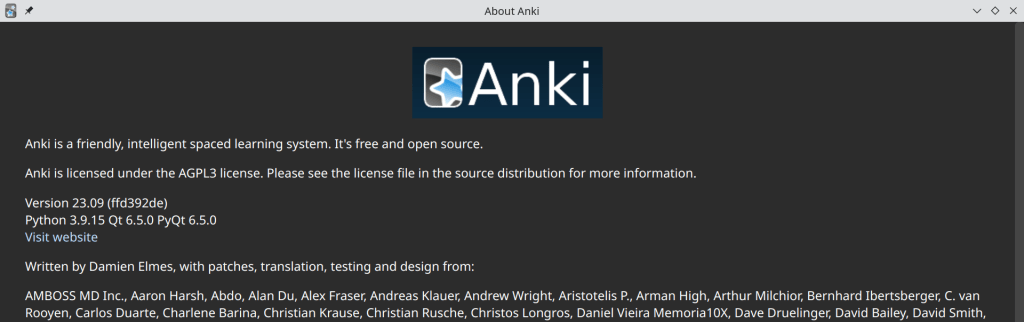
https://github.com/ankitects/anki/commit/ffd392de211d8c107b1927c6755d103b34bbae23
-
“A chroot is an operation that changes the apparent root directory for the current running process and their children. A program that is run in such a modified environment cannot access files and commands outside that environmental directory tree. This modified environment is called a chroot jail.”
I always have a spare USB device with an Arch Linux bootable iso just in case my system does not boot or after a package update that totally breaks my system.
In August 2022 there was a major GRUB bug that caused many systems failing to boot. At that time I was not in a home setting so chroot from a USB literally saved me.

Another case was using ibt=off in /etc/default/grub that turns off the Indirect Branch Tracking security feature, after a bug affected Nvidia drivers.
https://github.com/NVIDIA/open-gpu-kernel-modules/issues/256
-
With Gnome 44 and Plasma KDE 5.27 LTS with KDE Gear 23.08
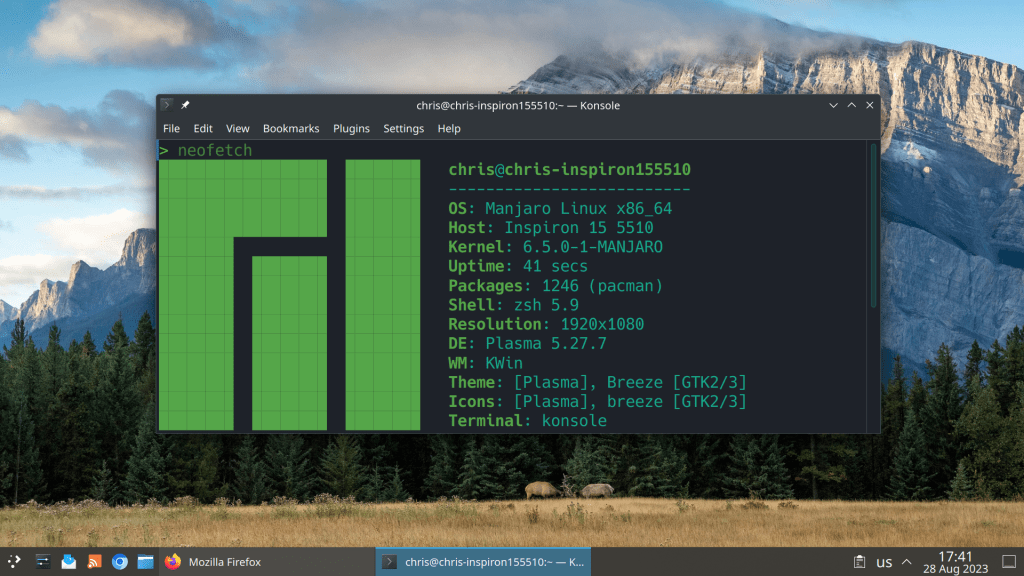
https://forum.manjaro.org/t/manjaro-23-0-uranos-released/147448
-
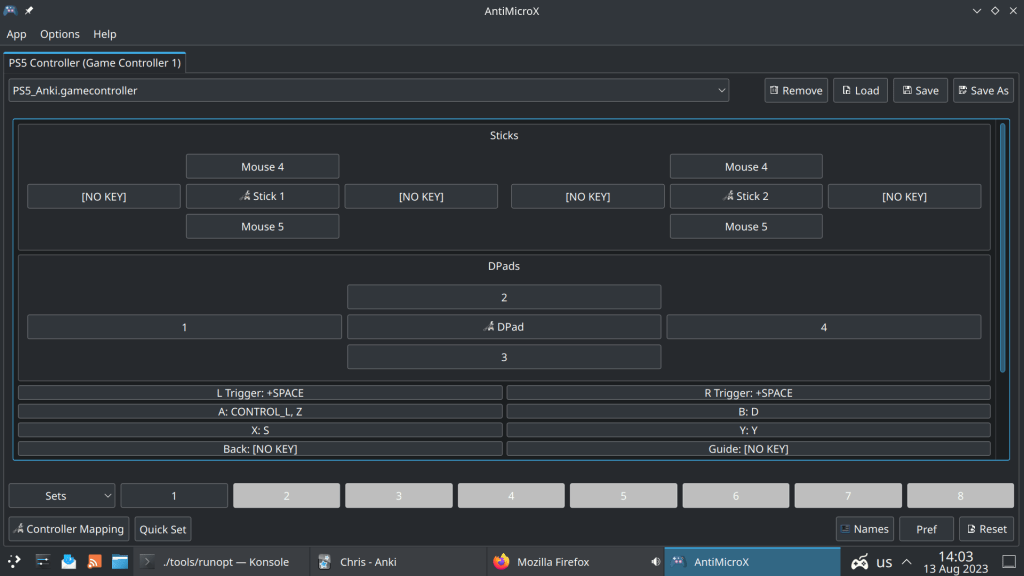
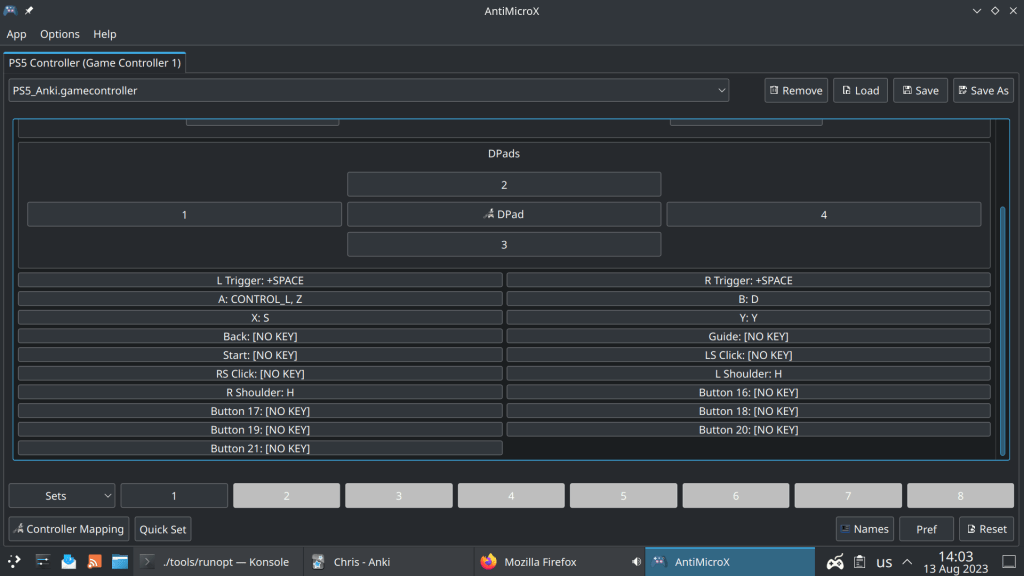
Using Anki at the beginning can be pretty unconfortable, as pressing the spacebar and 1,2,3,4 keys a million times can lead to tendonitis and makes reviews not enjoyable 😦
Instead using a PS4, Xbox or PS4 game controller gives a gaming character to your daily reviews, is easy and can be used while connecting your Laptop with an Ultra HDTV
Installing AntiMicroX, a graphical program used to map gamepad keys to keyboard, mouse, scripts and macros in Arch Linux Distros:
> yay -Ss antimicrox
aur/antimicrox-git 3.3.3.r2.g7a39dc43-1 (+4 0.05)
   Map keyboard and mouse actions to gamepad buttons, inspired by qjoypad.
Antimicro fork
aur/antimicrox 3.3.4-1 (+115 0.26) (Installed)
   Graphical program used to map keyboard buttons and mouse controls to a
gamepad
antimicrox is the stable release while antimicrox-git is the cutting edge, with the latest commits version.
-
2 of the most common commands that I use all the time is sudo pacman -Syu for updating packages and sudo pacman -Scc for clearing the package cache
Setting aliases saves a lot of time 🙂
#Aliasesalias update="sudo pacman -Syu && yay -Syu"alias clearcache="sudo pacman -Scc && yay -Scc"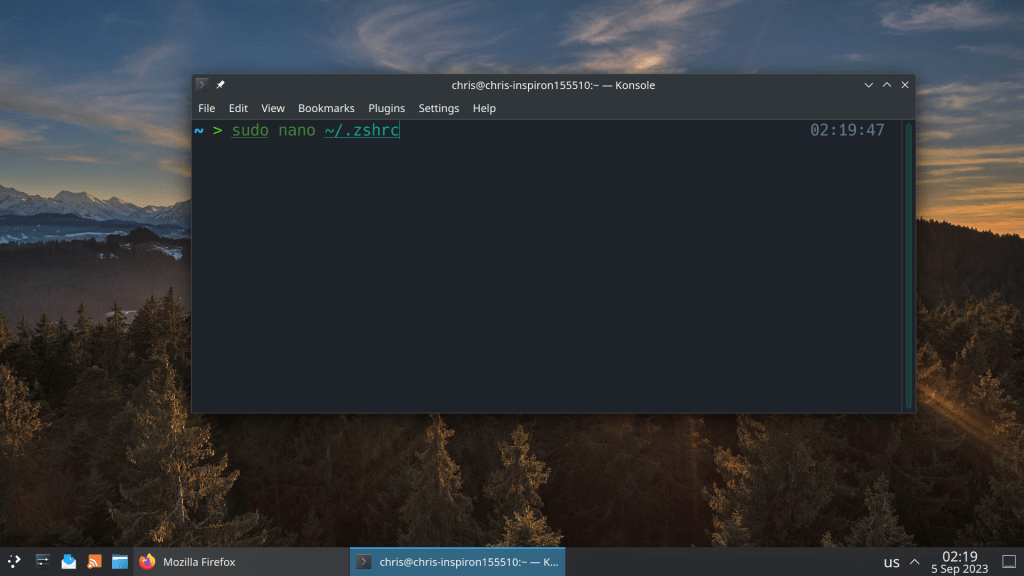
# Enable Powerlevel10k instant prompt. Should stay close to the top of ~/.zshrc. # Initialization code that may require console input (password prompts, [y/n] # confirmations, etc.) must go above this block; everything else may go below. if [[ -r "${XDG_CACHE_HOME:-$HOME/.cache}/p10k-instant-prompt-${(%):-%n}.zsh" ]]; then source "${XDG_CACHE_HOME:-$HOME/.cache}/p10k-instant-prompt-${(%):-%n}.zsh" fi # Use powerline USE_POWERLINE="true" # Source manjaro-zsh-configuration if [[ -e /usr/share/zsh/manjaro-zsh-config ]]; then source /usr/share/zsh/manjaro-zsh-config fi # Use manjaro zsh prompt if [[ -e /usr/share/zsh/manjaro-zsh-prompt ]]; then source /usr/share/zsh/manjaro-zsh-prompt fi # To customize prompt, run `p10k configure` or edit ~/.p10k.zsh. [[ ! -f ~/.p10k.zsh ]] || source ~/.p10k.zsh #Aliases alias update="sudo pacman -Syu && yay -Syu" alias clearcache="sudo pacman -Scc && yay -Scc" -
Pacman is the default package manager of Arch Linux and Arch Linux based distributions. It is considered as the most robust binary package manager along with Portage of Gentoo, a powerful source code package manager.
One of the most important modifications of my setup is the number of parallel downloads and kde-unstable repository
#
# /etc/pacman.conf
#
# See the pacman.conf(5) manpage for option and repository directives

#
# GENERAL OPTIONS
#
[options]
# The following paths are commented out with their default values listed.
# If you wish to use different paths, uncomment and update the paths.
#RootDir     = /
#DBPath      = /var/lib/pacman/
CacheDir = /var/cache/pacman/pkg/
#LogFile     = /var/log/pacman.log
#GPGDir      = /etc/pacman.d/gnupg/
#HookDir     = /etc/pacman.d/hooks/
HoldPkg      = pacman glibc manjaro-system
# If upgrades are available for these packages they will be asked for first
SyncFirst    = manjaro-system archlinux-keyring manjaro-keyring
#XferCommand = /usr/bin/curl -L -C - -f -o %o %u
#XferCommand = /usr/bin/wget --passive-ftp -c -O %o %u
#CleanMethod = KeepInstalled
#UseDelta    = 0.7
Architecture = auto

# Pacman won't upgrade packages listed in IgnorePkg and members of IgnoreGroup
#IgnorePkg   =
#IgnoreGroup =

#NoUpgrade   =
#NoExtract   =

# Misc options
#UseSyslog
Color
#NoProgressBar
# We cannot check disk space from within a chroot environment
CheckSpace
VerbosePkgLists
ParallelDownloads = 5

# By default, pacman accepts packages signed by keys that its local keyring
# trusts (see pacman-key and its man page), as well as unsigned packages.
SigLevel    = Required DatabaseOptional
LocalFileSigLevel = Optional
#RemoteFileSigLevel = Required

# NOTE: You must run `pacman-key --init` before first using pacman; the local
# keyring can then be populated with the keys of all official Manjaro Linux
# packagers with `pacman-key --populate archlinux manjaro`.

#
# REPOSITORIES
#   - can be defined here or included from another file
#   - pacman will search repositories in the order defined here
#   - local/custom mirrors can be added here or in separate files
#   - repositories listed first will take precedence when packages
#     have identical names, regardless of version number
#   - URLs will have $repo replaced by the name of the current repo
#   - URLs will have $arch replaced by the name of the architecture
#
# Repository entries are of the format:
#       [repo-name]
#       Server = ServerName
#       Include = IncludePath
#
# The header [repo-name] is crucial - it must be present and
# uncommented to enable the repo.
#

# The testing repositories are disabled by default. To enable, uncomment the
# repo name header and Include lines. You can add preferred servers immediately
# after the header, and they will be used before the default mirrors.


#[kde-unstable]
#Include = /etc/pacman.d/mirrorlist

[core]
SigLevel = PackageRequired
Include = /etc/pacman.d/mirrorlist

[extra]
SigLevel = PackageRequired
Include = /etc/pacman.d/mirrorlist

[community]
SigLevel = PackageRequired
Include = /etc/pacman.d/mirrorlist

# If you want to run 32 bit applications on your x86_64 system,
# enable the multilib repositories as required here.

[multilib]
SigLevel = PackageRequired
Include = /etc/pacman.d/mirrorlist

# An example of a custom package repository.  See the pacman manpage for
# tips on creating your own repositories.
#[custom]
#SigLevel = Optional TrustAll
#Server = file:///home/custompkgs
-
According to Damien Elmes, the author of Anki

-
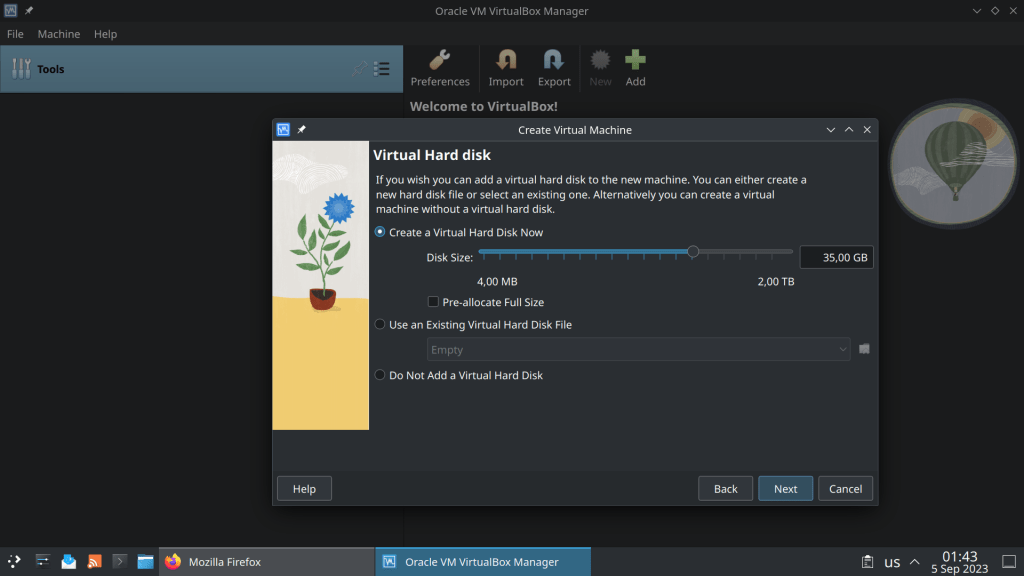
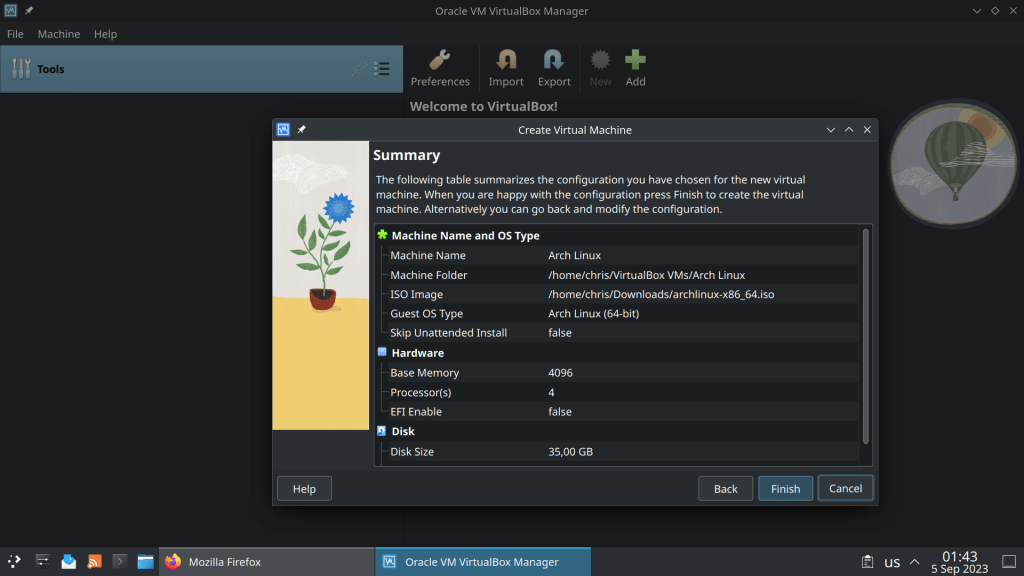
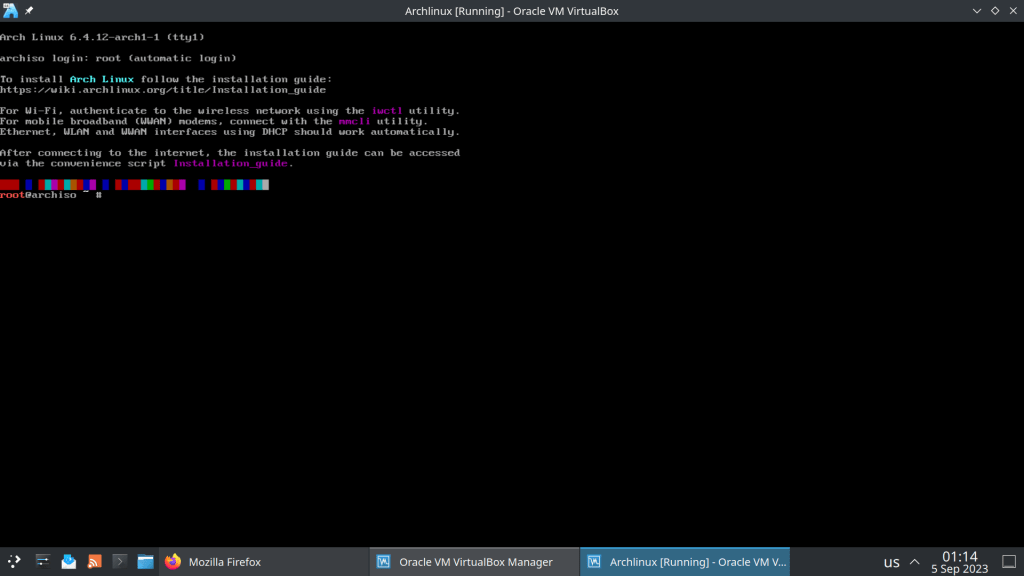
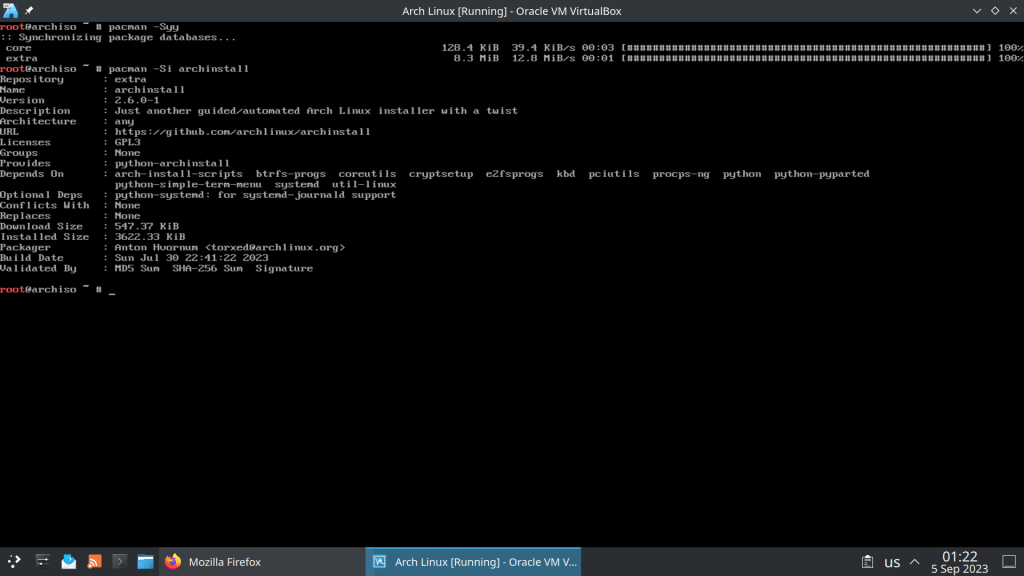
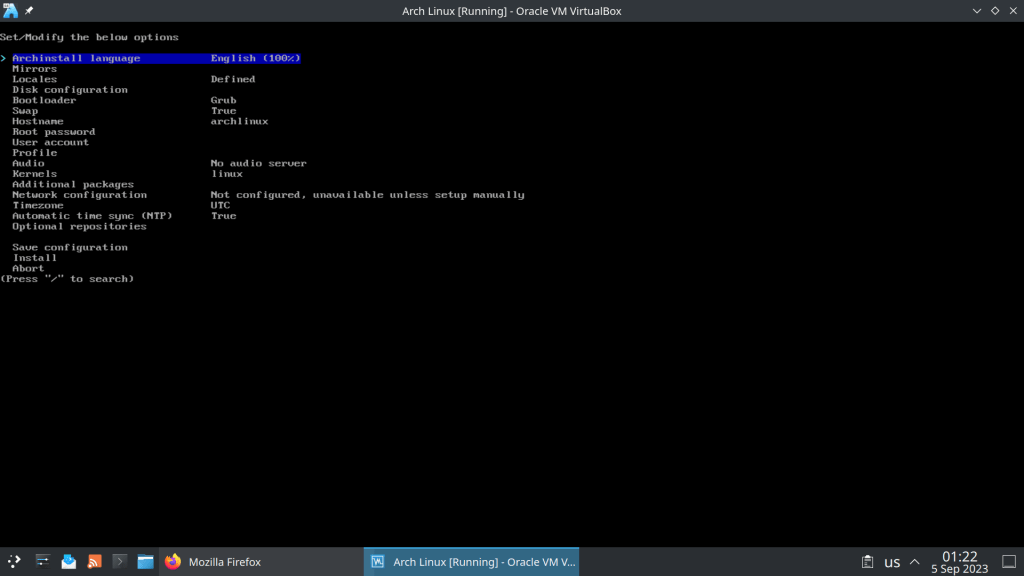
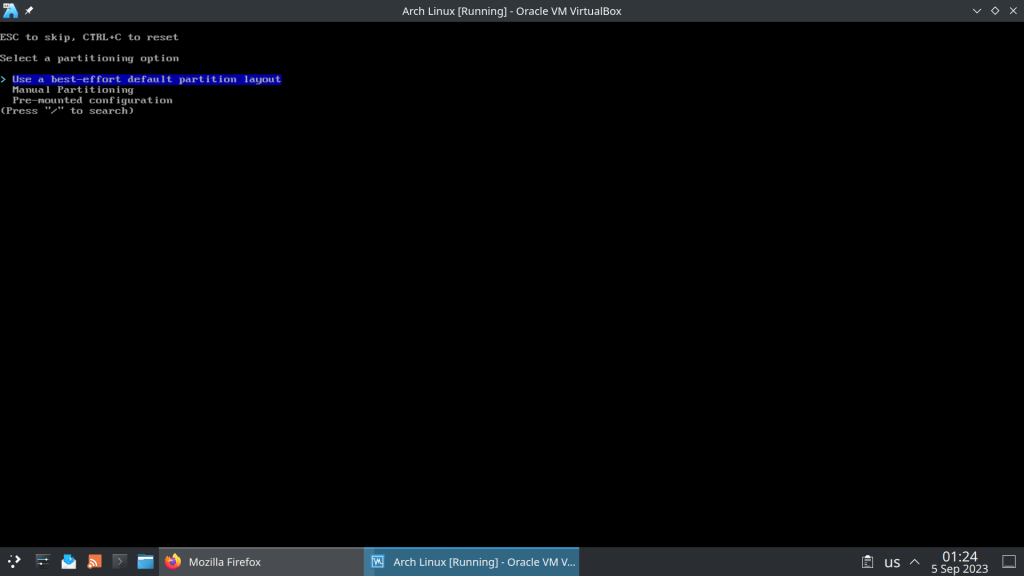
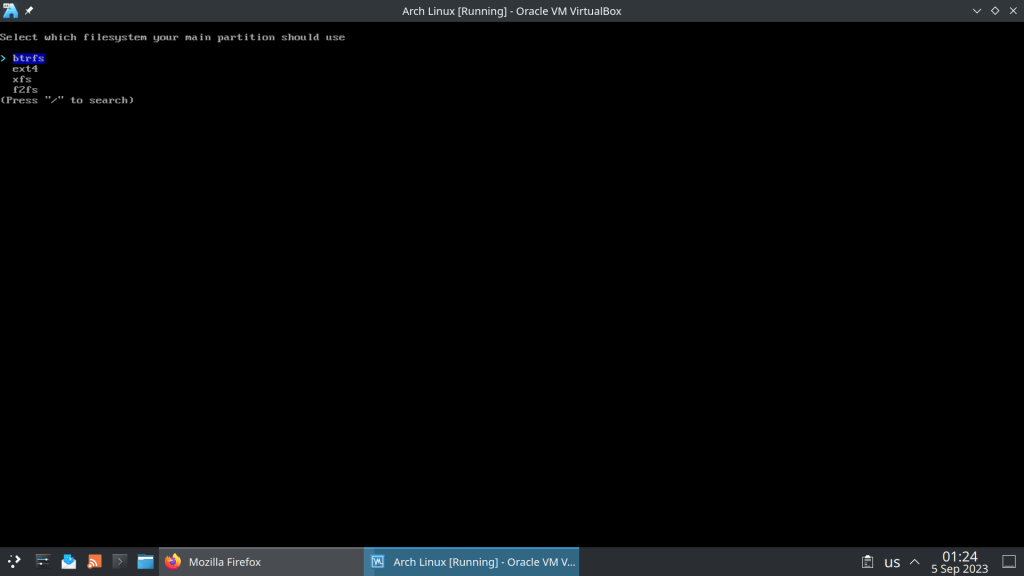
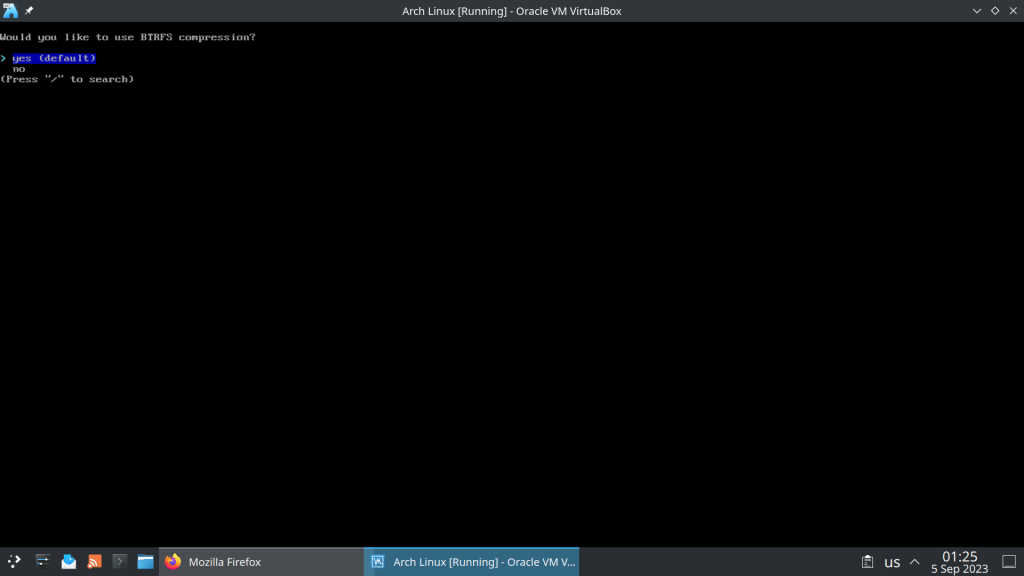
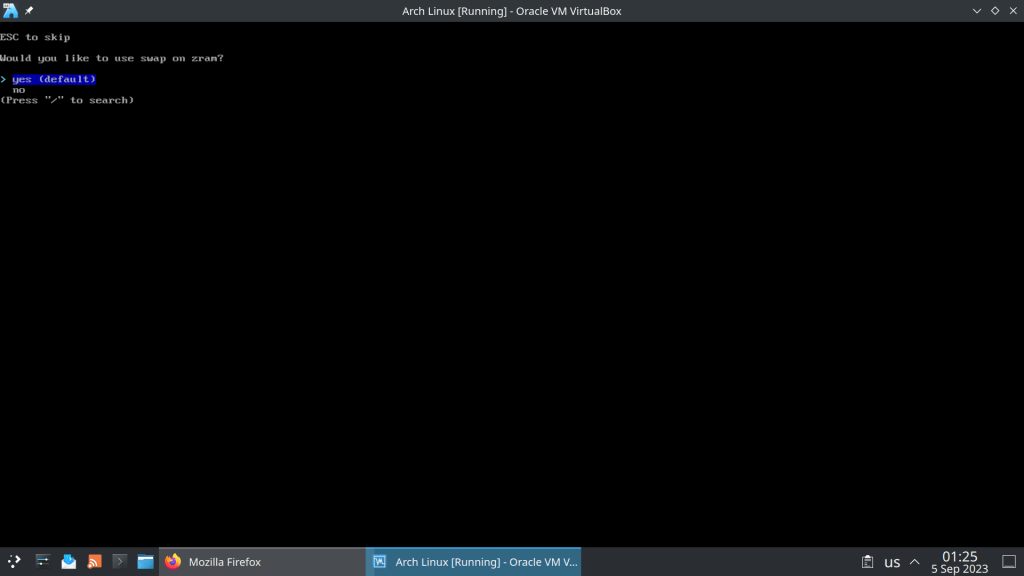
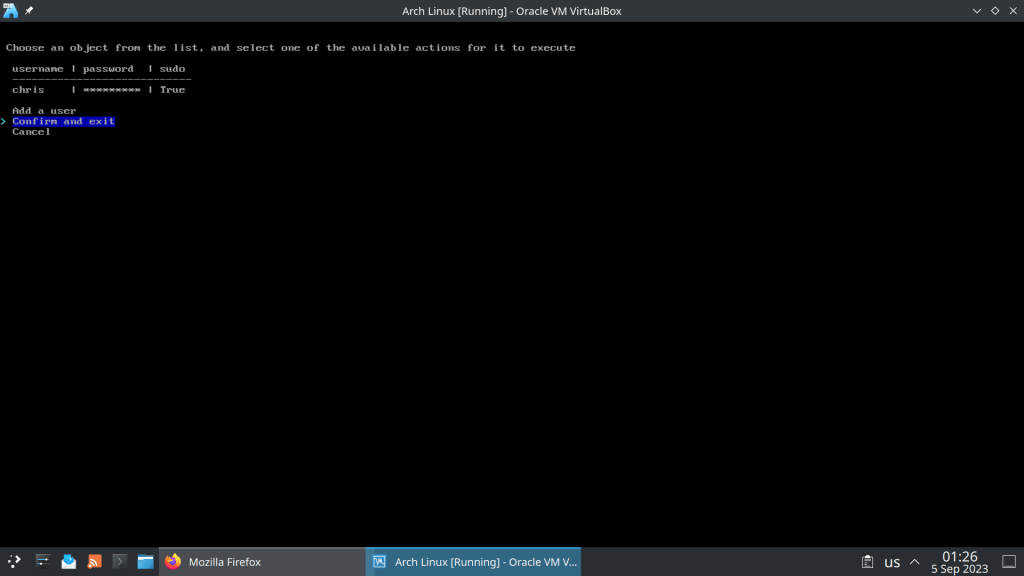
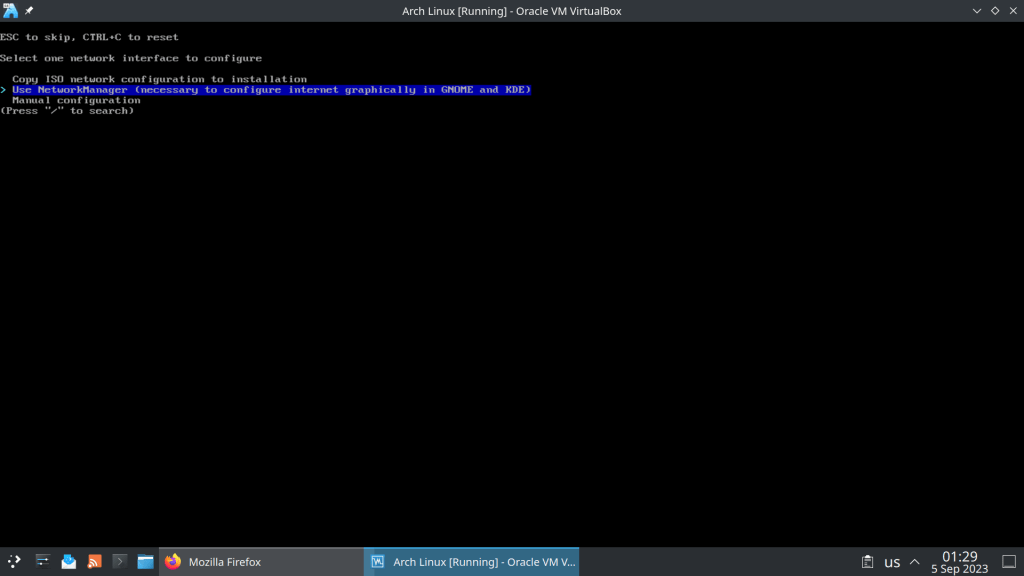
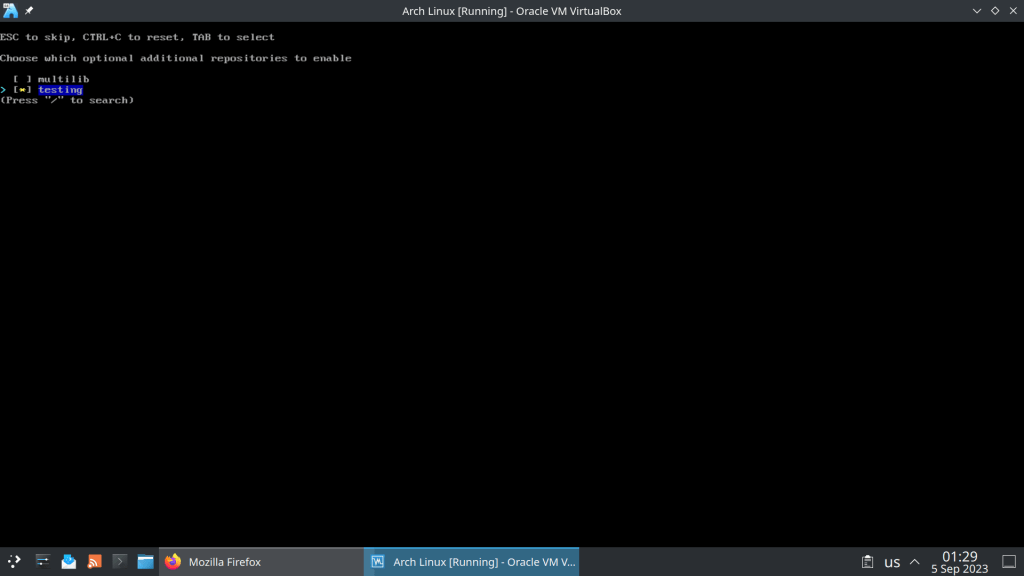
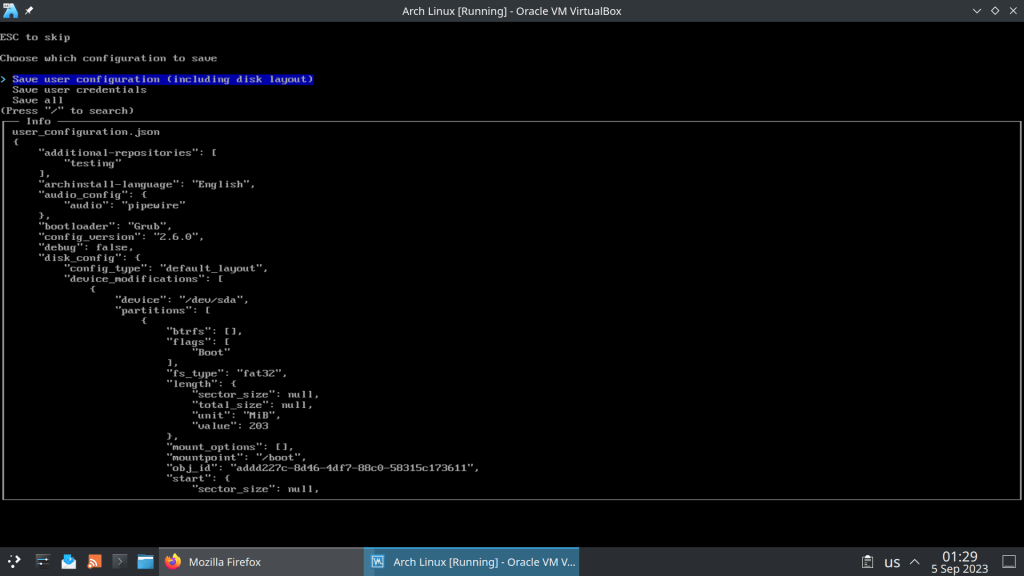
Comes with 6.4.12 Kernel and archinstall 2.6.0-1, a python installation script













-
- Arch Linux Wiki (https://wiki.archlinux.org/)
- Arch Linux man pages (https://man.archlinux.org/)
- FreeBSD Handbook (https://docs.freebsd.org/en/books/handbook/)
- FreeBSD man pages https://man.freebsd.org/cgi/man.cgi
- https://vermaden.wordpress.com/
- https://klarasystems.com/articles/
- https://openzfs.github.io/openzfs-docs/
- https://btrfs.readthedocs.io/en/latest/
These are only the resources that come to mind in a couple of seconds. Will update them later 🙂
-
For further changes, features and bug fixes visit https://github.com/ankitects/anki/releases/tag/2.1.66