




Significant changes:
- AMD IOMMU driver
- audio mixer supports hot-swapping
- dhclient to speed-up during boot process with a 2 second gain
- Realtek wireless drivers rtw88, rtw99 modifications
- XDG config paths
Significant changes:
I didn’t even notice that my name is listed in the status report.

“DanGer@ and myself have migrated the forums over to a new server with bigger specs, running on FreeBSD 14/ZFS, Nginx, MariaDB, PHP 8.3.
The forums software itself (XenForo) will be brought to the latest version at a later date.
Forum plug-ins should work, no longer work, or work again soon”

Was about to report this, but it got fixed: https://github.com/freebsd/freebsd-src/commit/c2ba66d4d01f23303352bfe3cbd50ff5d9a05947

On time according to the release schedule

“A set of scripts that generates a bootable image, ISO file or boot files only, that create a working minimal installation of FreeBSD. This minimal installation gets completely loaded into memory.”
The ISO file is like 100MB big and it provides a minimal fully functional FreeBSD working environment.
Originally developed by Martin Matuška aka mmatuska a prolific FreeBSD source committer and ZFS developer.
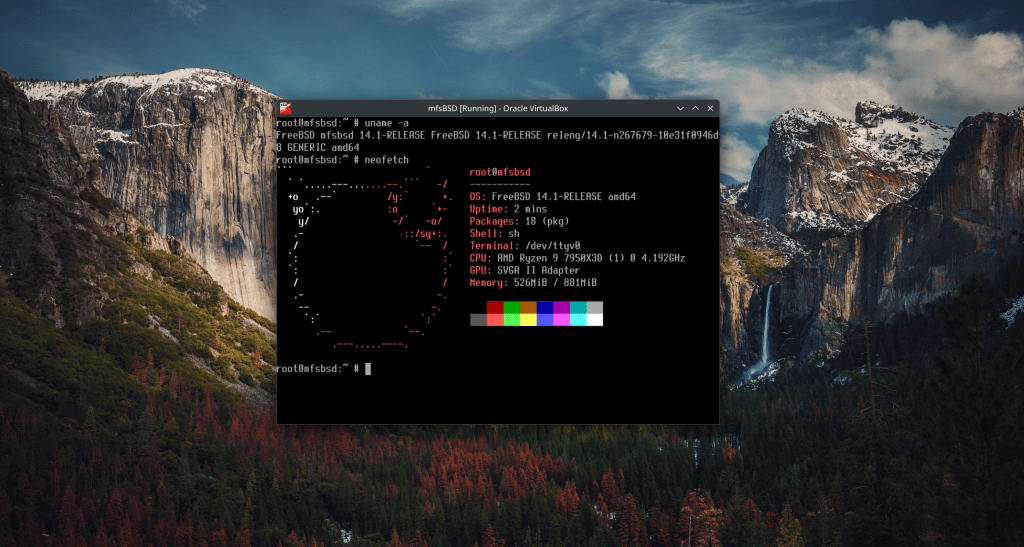
Sub 10 seconds in the main branch !!


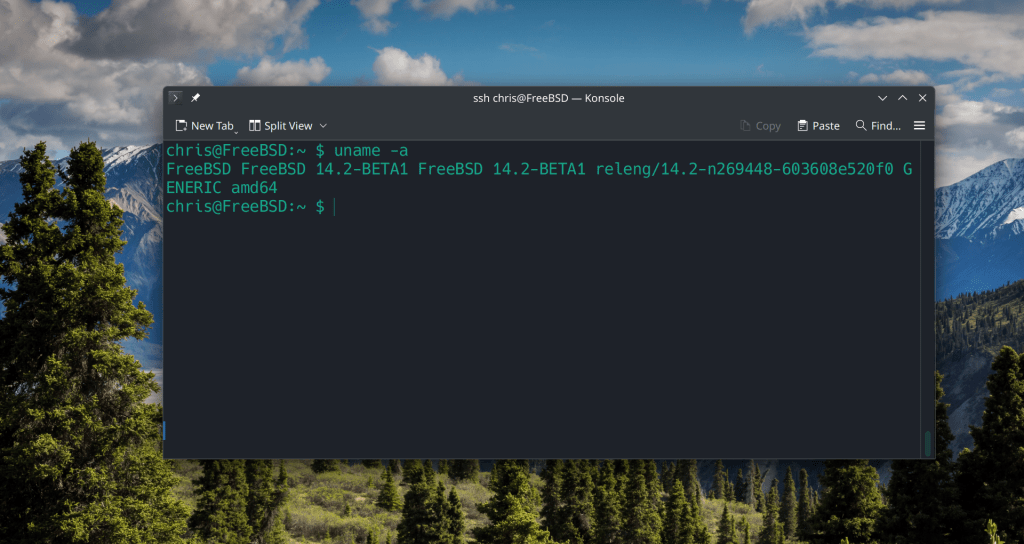


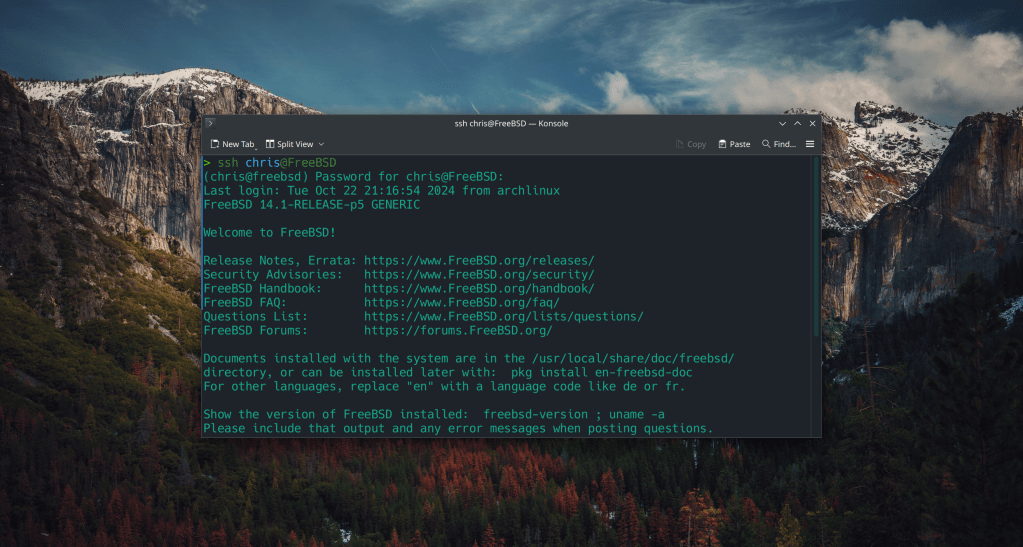

 /root
/root 