Category: FreeBSD
-
“The Zero-Trust Build project is scheduled from Jan-Aug 2025 and centers on the FreeBSD build process, and in particular, release building. The primary goal of this work is to enable the entire release process to run without requiring root access, and that build artifacts build reproducibly – that is, that a third party can build bit-for-bit identical artifacts.”
-
bsdimp is by far the most prolific FreeBSD contributor with just over 10k commits. His first commit was on 1996-09-22 on the 2.2.0 RELEASE.


-
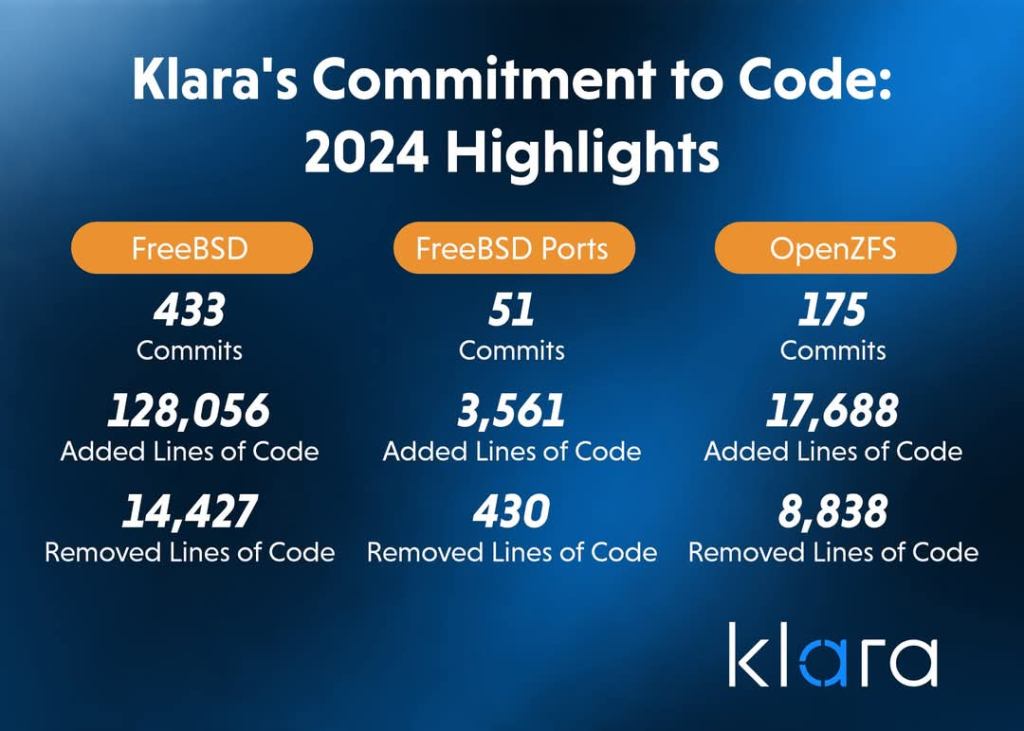
433 FreeBSD commits and 175 contributions to my favorite filesystem ZFS💪🏾
-
“The FreeBSD Release Engineering Team is pleased to announce the availability of FreeBSD 14.2-RELEASE. This is the third release of the stable/14 branch.
The FreeBSD Project dedicates the FreeBSD 14.2-RELEASE to the memory of Mike Karels, who spent more than 40 years contributing to BSD and was the Deputy Release Engineering Lead at the time of his passing.”
-
The official release announcement is tomorrow on 3rd of December.

-
“A summary of changes since BETA3 includes:
- The “minimal” OCI container image now contains libraries required
for pkg(8) to operate. - The disc1 and dvd images now include more wifi firmware, allowing wifi to be used from the installer on more systems.
- The installer is now able to download and install firmware packages.”

- The “minimal” OCI container image now contains libraries required
-
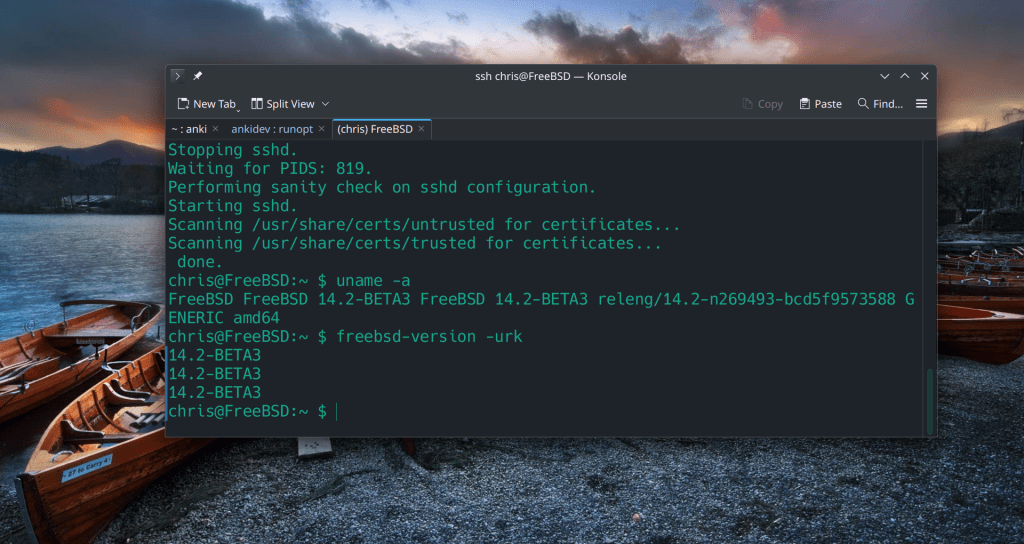
Steps for a version upgrade eg. from 14.2-BETA2 to BETA3:
- sudo freebsd-update upgrade -r 14.2-BETA3
- sudo freebsd-update install
- sudo reboot
- sudo freebsd-update install