Category: FreeBSD
-
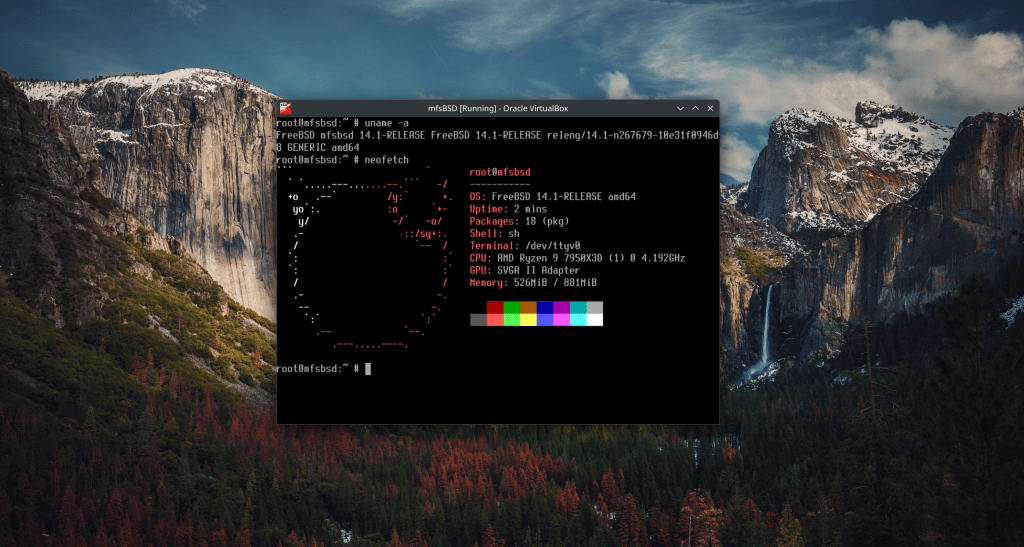
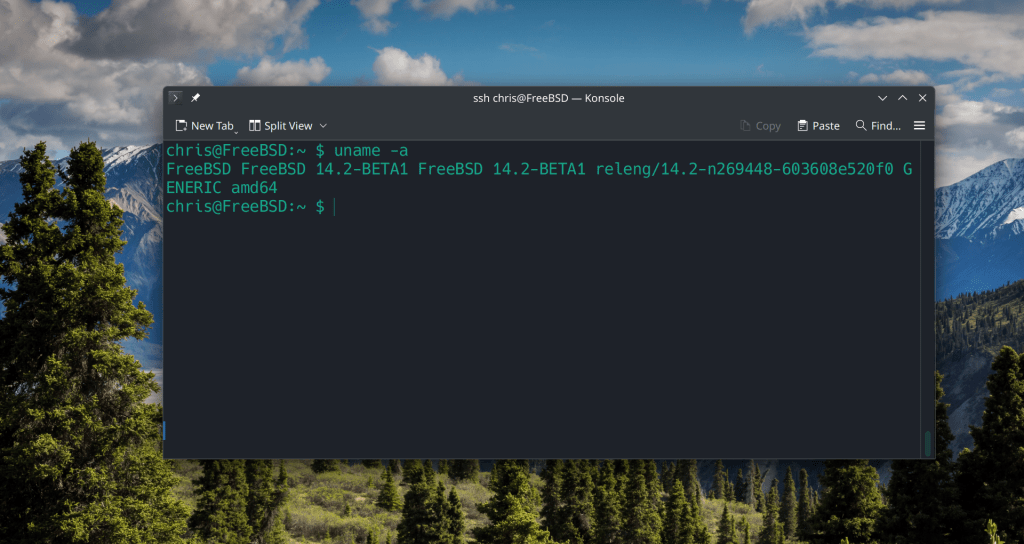
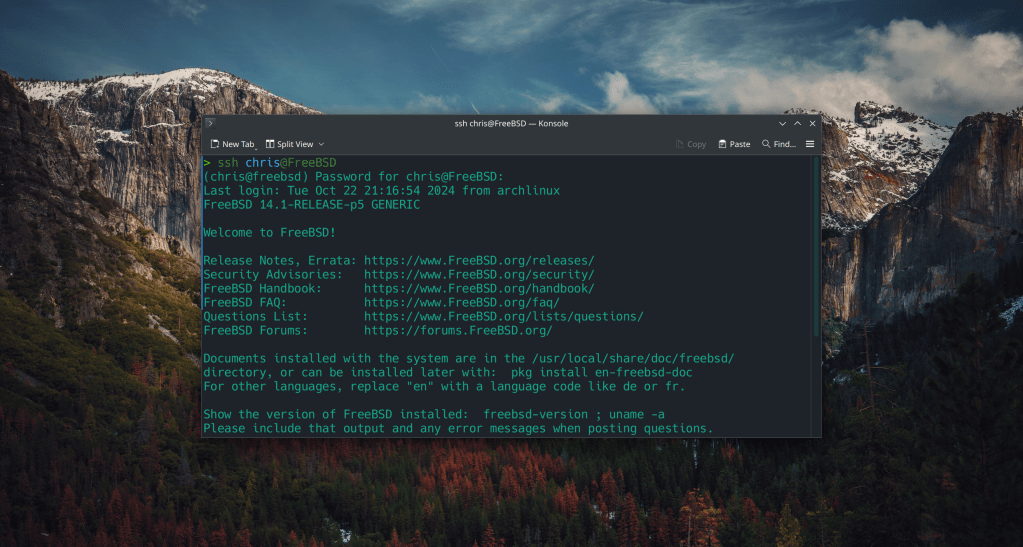
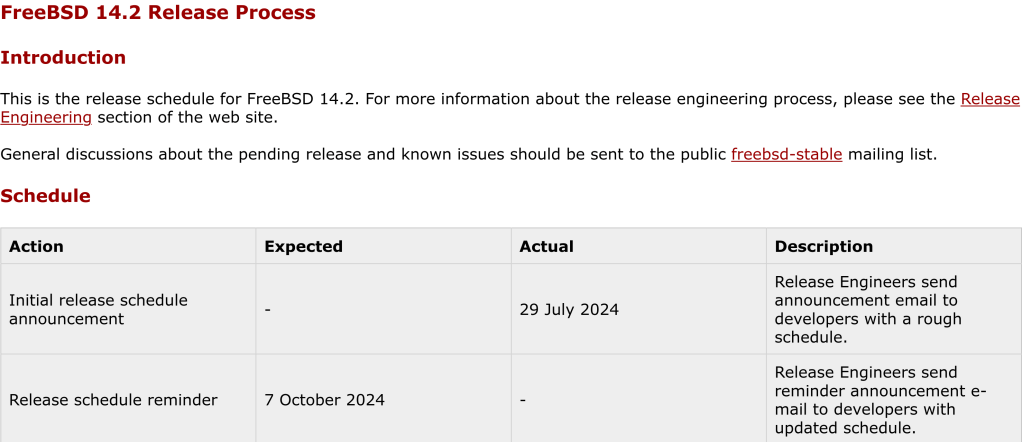
After installing the 14.1 point release I decided to follow the stable/14 branch.
First step was to pull the source code and checkout to the stable branch. After that build world and build the kernel. I used 4 jobs as my processor has 4 cores. Use this command accordingly to your core/thread number.
Curious to see how my AMD Ryzen 9 7950x3d performs !!
- cd /usr/src/
- git clone –branch stable/14 https://git.FreeBSD.org/src.git
- make -j4 -DNO_CLEAN buildworld
- make -j4 -DNO_CLEAN buildkernel
- make installkernel
- shutdown -r now
- cd /usr/src
- make installworld
- shutdown -r now
Kernel build in 716 seconds ~ 11 minutes

Voilà !

-
Activating the NO_CLEAN variable using make -DNO_CLEAN keeps object files so that you can resume the build process later on.

-
Loading the drm-61-kmod (6.1.92) driver at boot time leads to kernel panic and system freeze.
https://github.com/freebsd/drm-kmod/issues/305
This commit: https://github.com/freebsd/freebsd-src/pull/1308 ensures that the right firmware for AMD Raphael GPUs is installed via fwget. It solves the kernel panic but not the system freeze/hanging. I did not test it on my PC as I am currently away from home, but it is promising.

I am waiting patiently until this issue is fixed or else I am buying a cheap GPU, e.g. RX 570 that runs smoothly with FreeBSD.
-
On a fresh installed FreeBSD 14.1 system and ifconfig returns only the loop (lo0) device and my RTL8125 was not even listed!! Offline with no options … Compiling the net/realtek-re-kmod does not work due to distfile requirements that have to be downloaded.
root@:" # pciconf -1v I grep -A1-B3 network none2@pc10:6:0:0:
vendor class=0x028000 rev=0x01 hdr=0x00 vendor=0x10ec device=0xc852 subvendor=0x10ec subdevice=0xc852
= 'Realtek Semiconductor Co., Ltd.' device = 'RTL8852CE PCIe 802.11ax Wireless Network Controller'
class = network
none3@pcie:7:0:0:
class=0x020008 rev=0x05 hdr=0x00 vendor=0x10ec device=0x8125 subvendor=0x1458 subdevice=0xe000
vendor 'Realtek Semiconductor Co., Ltd.' ='RTL8125 2.5GbE Controller'
device class = network
subclass = ethernet
root@: # ifconfig-a
100: flags=1008049 metric 8 mtu 16384 options=688003
inet 127.0.0.1 netmask 0x1100000
inet6:1 prefixlen 128
inet6 fe80:: 1%100 prefixlen 64 scopeid 0x1 groups: lo nd6 options=21
roote: #Solution:
- download the Realtek driver (realtek-re-kmod-1100.00.pkg) on a USB and mount it on your system. [https://freebsd.pkgs.org/14/freebsd-amd64/realtek-re-kmod-1100.00.pkg.html]
- tar xzf realtek-re-kmod-1100.00.pkg (uncopress the .pkg file)
- cd boot/modules
- cp if_re.ko /boot/modules/ #copy the module to your boot directory
- modify the /etc/rc.conf in order to load the kernel module at boot-up. Should contain the following 2 lines:
- if_re_load=”YES”
if_re_name=”/boot/modules/if_re.ko”
- if_re_load=”YES”
- reboot and follow the typical ethernet setup according to the Handbook
-
A very useful site before buying hardware. Allows you to see the compatibility of various hardware components with an operating system, Linux or BSD.
Seems that the AMD Ryzen 9 7950x3D and Gigabyte B650 motherboards work just fine under the latest 14 Release.
You can upload your own data by downloading hw-probe and executing sudo -E hw-probe -all -upload