




Category: FreeBSD
-
On a fresh installed FreeBSD 14.1 system and ifconfig returns only the loop (lo0) device and my RTL8125 was not even listed!! Offline with no options … Compiling the net/realtek-re-kmod does not work due to distfile requirements that have to be downloaded.
root@:" # pciconf -1v I grep -A1-B3 network none2@pc10:6:0:0:
vendor class=0x028000 rev=0x01 hdr=0x00 vendor=0x10ec device=0xc852 subvendor=0x10ec subdevice=0xc852
= 'Realtek Semiconductor Co., Ltd.' device = 'RTL8852CE PCIe 802.11ax Wireless Network Controller'
class = network
none3@pcie:7:0:0:
class=0x020008 rev=0x05 hdr=0x00 vendor=0x10ec device=0x8125 subvendor=0x1458 subdevice=0xe000
vendor 'Realtek Semiconductor Co., Ltd.' ='RTL8125 2.5GbE Controller'
device class = network
subclass = ethernet
root@: # ifconfig-a
100: flags=1008049 metric 8 mtu 16384 options=688003
inet 127.0.0.1 netmask 0x1100000
inet6:1 prefixlen 128
inet6 fe80:: 1%100 prefixlen 64 scopeid 0x1 groups: lo nd6 options=21
roote: #
Solution:
- download the Realtek driver (realtek-re-kmod-1100.00.pkg) on a USB and mount it on your system. [https://freebsd.pkgs.org/14/freebsd-amd64/realtek-re-kmod-1100.00.pkg.html]
- tar xzf realtek-re-kmod-1100.00.pkg (uncopress the .pkg file)
- cd boot/modules
- cp if_re.ko /boot/modules/ #copy the module to your boot directory
- modify the /etc/rc.conf in order to load the kernel module at boot-up. Should contain the following 2 lines:
- if_re_load=”YES”
if_re_name=”/boot/modules/if_re.ko”
- if_re_load=”YES”
- reboot and follow the typical ethernet setup according to the Handbook
-
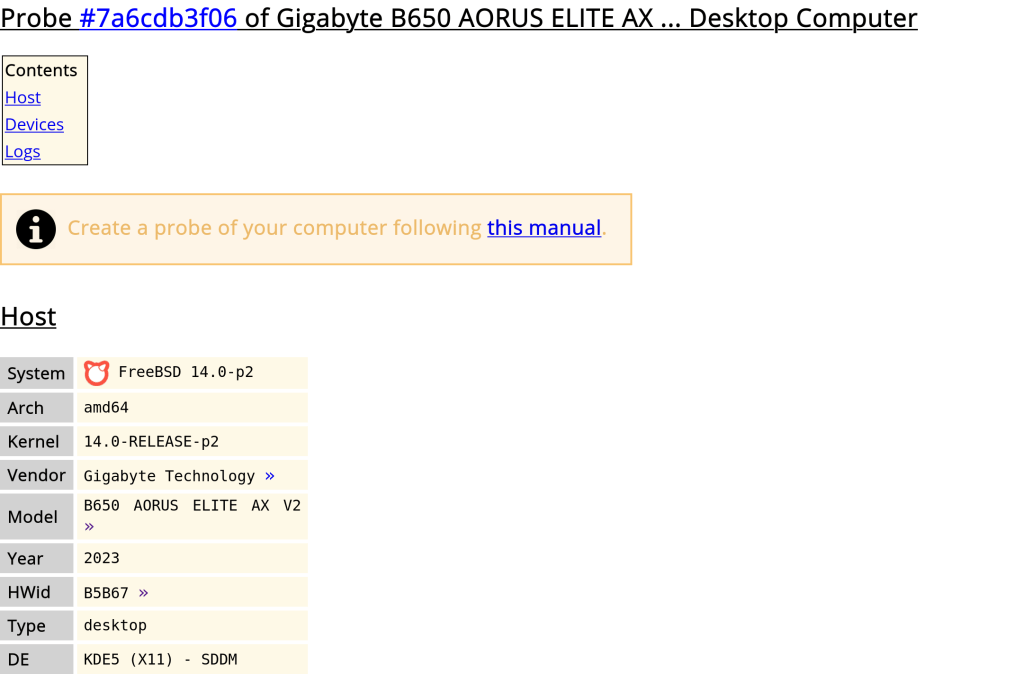
A very useful site before buying hardware. Allows you to see the compatibility of various hardware components with an operating system, Linux or BSD.
Seems that the AMD Ryzen 9 7950x3D and Gigabyte B650 motherboards work just fine under the latest 14 Release.
You can upload your own data by downloading hw-probe and executing sudo -E hw-probe -all -upload
-
The binary size difference is caused by the linker used.
Linux used GNU ld while FreeBSD used llvm lld. lld runs faster and produces smaller binaries.
https://forums.freebsd.org/threads/why-are-freebsd-binaries-smaller-than-linux-ones.93571/
-
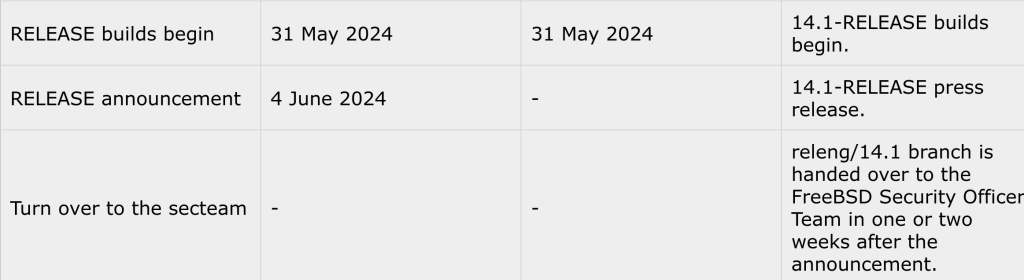
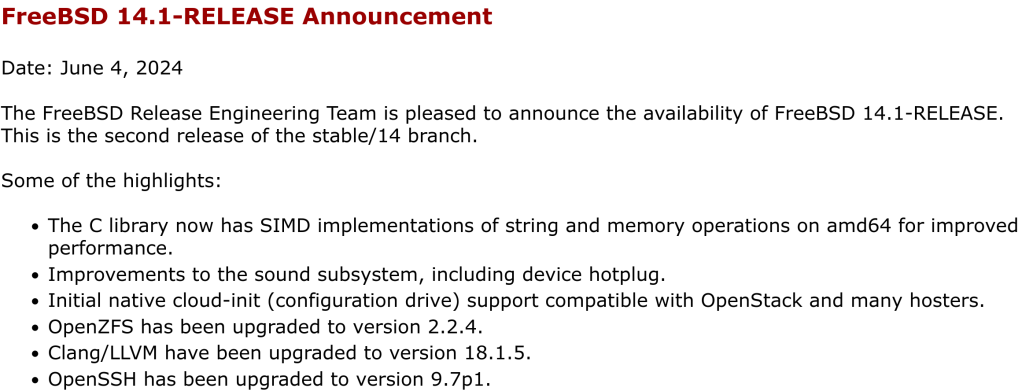
Official release announcement is not yet made though.
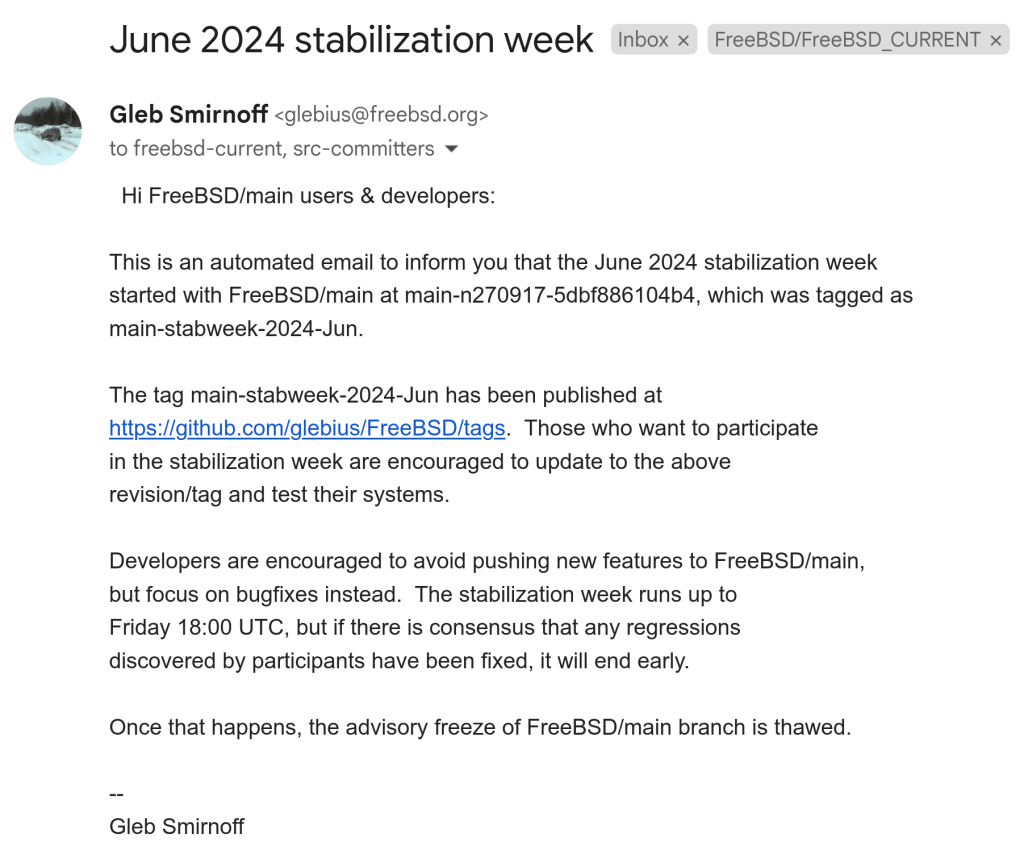
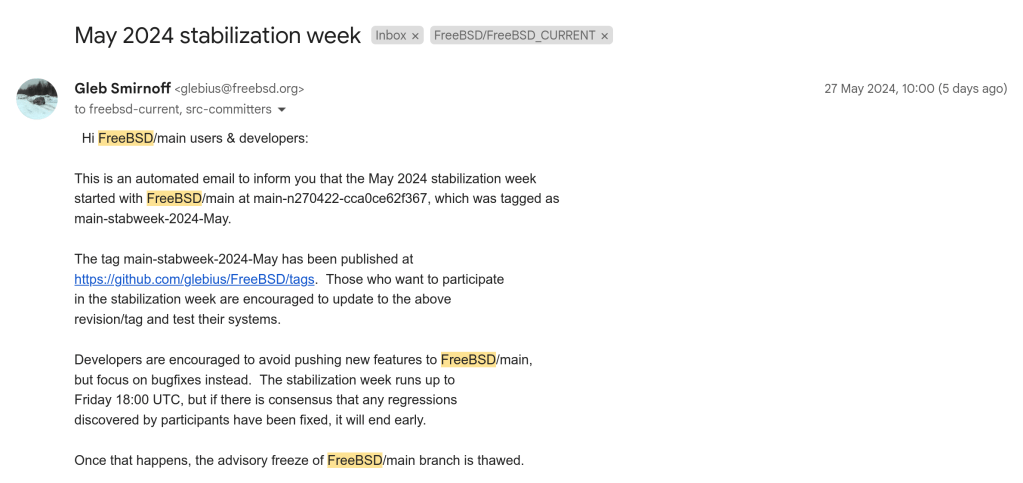
Iso images are available for download after the stabilization week at the end of May. In that phase of the development, committers were encouraged to stop adding features and address bugs instead.
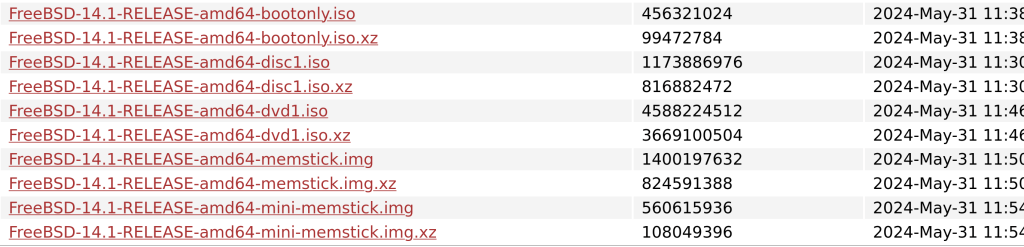
https://download.freebsd.org/releases/amd64/amd64/ISO-IMAGES/14.1/
-
I wish you an easy and productive update 🙂
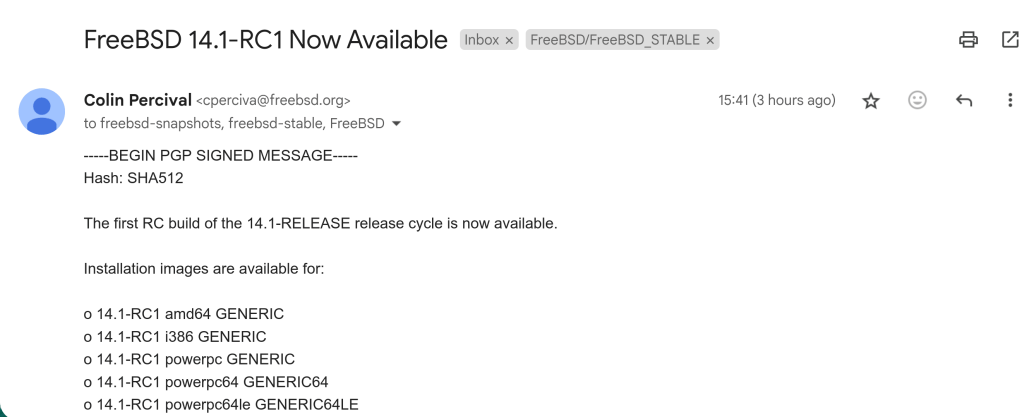
https://download.freebsd.org/releases/ISO-IMAGES/14.1/FreeBSD-14.1-RC1-amd64-bootonly.iso

 /root
/root 