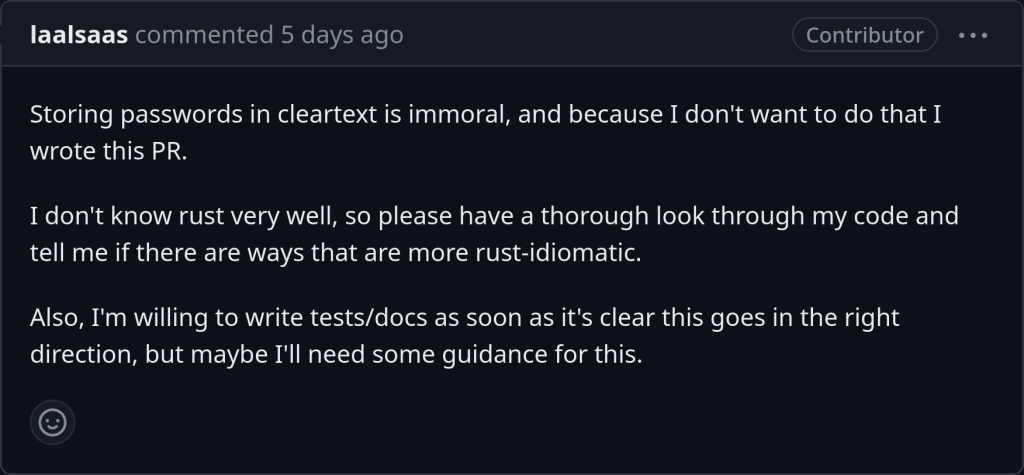
So this commit displays errors organized by each addon and auto-disables them on start-up. If you click the addon names it redirects you to their webpage on https://ankiweb.net/shared/addons.
I find this change very good as previously you would receive 100 lines of error codes without knowing which addon is responsible.
After 12 years, from age 17 to age 29, of using every spaced repetition tool under the sun to learn all kinds of weird little things, this is the advice I have to give to anyone feeling like they’re dying under the burden of Anki repetitions.
Every minute of your life which passes resculpts, often imperceptibly, the way your neurons are wired together. Anki is a tool which allows you to get certain neurons to fire together at an interval which science has loosely deemed ‘optimal’ for keeping them wired together.
That’s it. That’s all it does. And you can choose anything to put in there. Your shoe size. The names and faces of your coworkers. Pictures from your wedding. Videos of your kids playing in a sprinkler park. The last words of famous men. Leetcode problems. A simple list of life lessons you discovered when you were younger and decided it made sense to steer by. Things you notice make your 2 year old niece howl with laughter. Mistakes you will never make again. Gwern’s list of ordinary life improvements since the 1990s. Photos of delicious things you made with instructions on the back. An instruction to mentally run up and down the Lydian scale on a fretboard. Minecraft recipes. The names of different kinds of clouds.
It is up to you. But no matter what, at the end of the day, all you are doing is sculpting your brain. Don’t fall hostage to the chisel.
Error An error occurred. Please start Anki while holding down the shift key, which will temporarily disable the add-ons you have installed. If the issue only occurs when add-ons are enabled, please use the Tools > Add-ons menu item to disable some add-ons and restart Anki, repeating until you discover the add-on that is causing the problem. When you’ve discovered the add-on that is causing the problem, please report the issue to the add-on author. Debug info: Anki 23.10 (c2b1ab5e) Python 3.9.15 Qt 6.5.0 PyQt 6.5.0 Platform: Linux-6.5.4-1-MANJARO-x86_64-with-glibc2.38 Flags: frz=False ao=True sv=3 Add-ons, last update check: 2023-09-21 16:34:38
Caught exception: Traceback (most recent call last): File “/home/chris/ankidev/qt/aqt/taskman.py”, line 138, in _on_closures_pending closure() File “/home/chris/ankidev/qt/aqt/taskman.py”, line 82, in lambda future: self.run_on_main(lambda: on_done(future)) File “/home/chris/ankidev/qt/aqt/taskman.py”, line 102, in wrapped_done on_done(fut) File “/home/chris/ankidev/qt/aqt/sync.py”, line 100, in on_future_done mw.col.db.begin() File “/home/chris/ankidev/pylib/anki/dbproxy.py”, line 36, in begin self._backend.db_begin() File “/home/chris/ankidev/pylib/anki/_backend.py”, line 100, in db_begin return self._db_command(dict(kind=”begin”)) File “/home/chris/ankidev/pylib/anki/_backend.py”, line 116, in _db_command raise backend_exception_to_pylib(err) anki.errors.DBError: DbError { info: “SqliteFailure(Error { code: Unknown, extended_code: 1 }, Some(\”cannot start a transaction within a transaction\”))”, kind: Other }
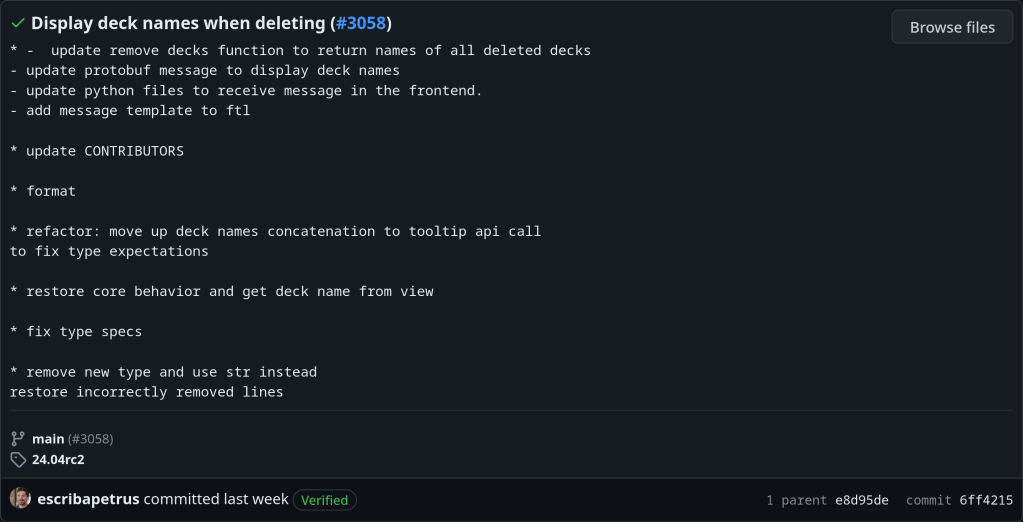
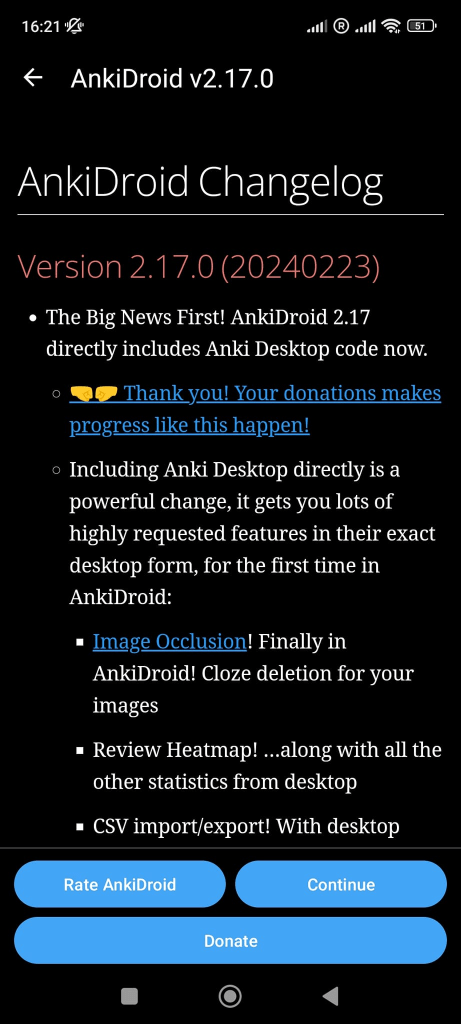
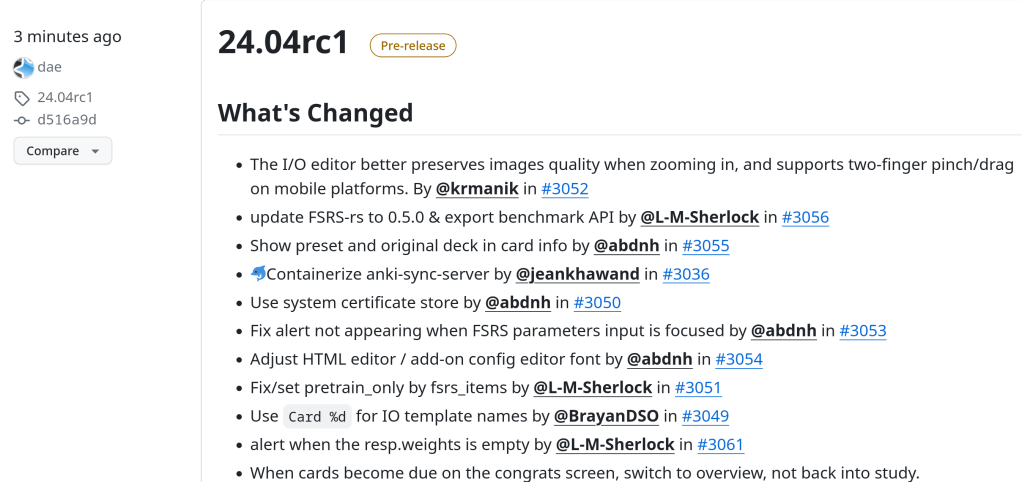
With this commit in Github the version system of Anki adopts a new year.month.patch approach. That means that the current version is 23.09. Damien decided this time period as this version brings some major features including FSRS and Image Occlusion
Using Anki at the beginning can be pretty unconfortable, as pressing the spacebar and 1,2,3,4 keys a million times can lead to tendonitis and makes reviews not enjoyable 😦
Instead using a PS4, Xbox or PS4 game controller gives a gaming character to your daily reviews, is easy and can be used while connecting your Laptop with an Ultra HDTV
Installing AntiMicroX, a graphical program used to map gamepad keys to keyboard, mouse, scripts and macros in Arch Linux Distros:
> yay -Ss antimicrox
aur/antimicrox-git 3.3.3.r2.g7a39dc43-1 (+4 0.05)
Map keyboard and mouse actions to gamepad buttons, inspired by qjoypad.
Antimicro fork
aur/antimicrox 3.3.4-1 (+115 0.26) (Installed)
Graphical program used to map keyboard buttons and mouse controls to a
gamepad
antimicrox is the stable release while antimicrox-git is the cutting edge, with the latest commits version.