Skip to content
    • About
    • Contact

/root

OpenZFS
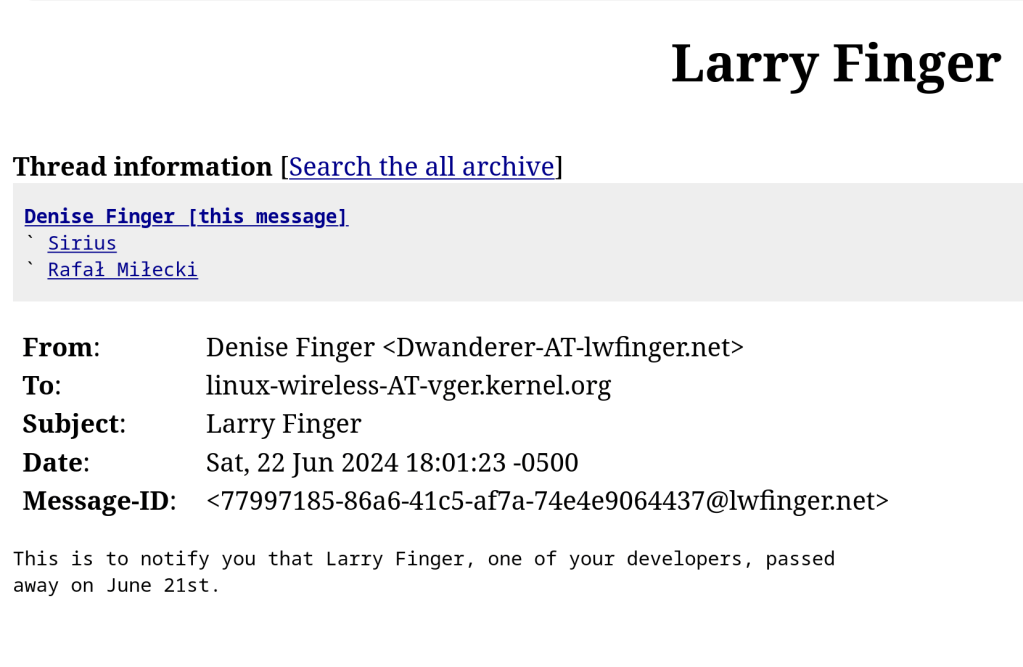
  • Larry Finger – wireless driver developer passed away

    June 23rd, 2024

    Thank you for your contributions back when wireless driver support was not even imaginable. Still coded to his 80s too.
    https://github.com/lwfinger

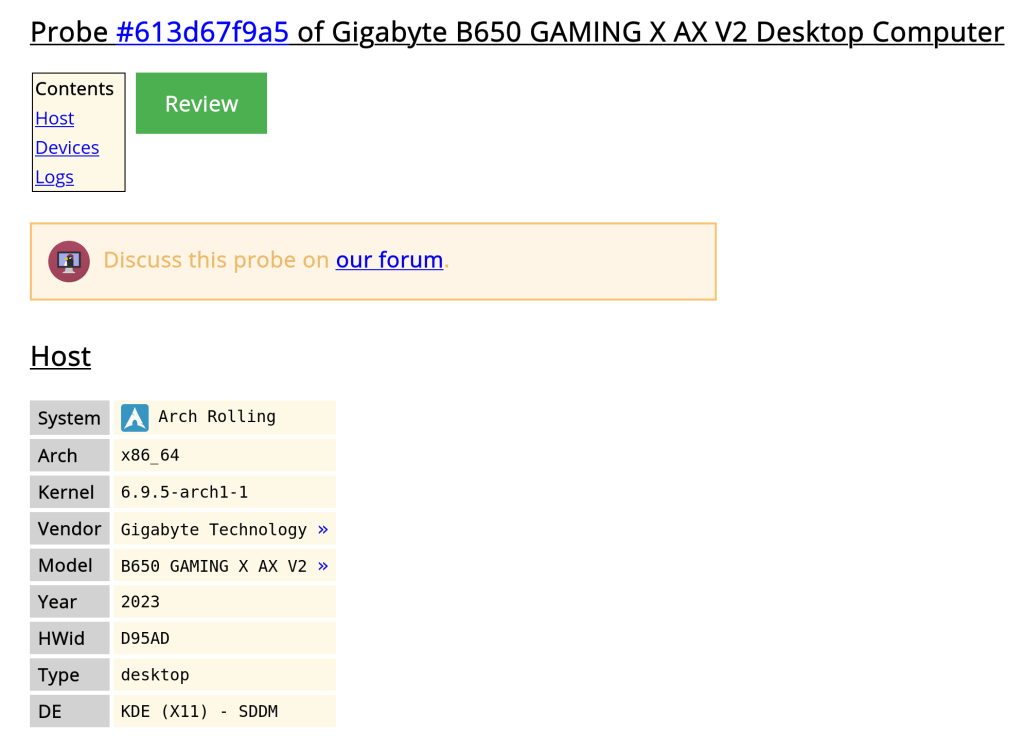
  • My system hardware probe

    June 23rd, 2024

    https://linux-hardware.org/?probe=613d67f9a5

  • 6.1.1 on the way

    June 23rd, 2024
    This week in KDE: Plasma 6.1 cleanups
  • Hitting some good speeds

    June 23rd, 2024

    Ping is high though …

  • June 23rd, 2024
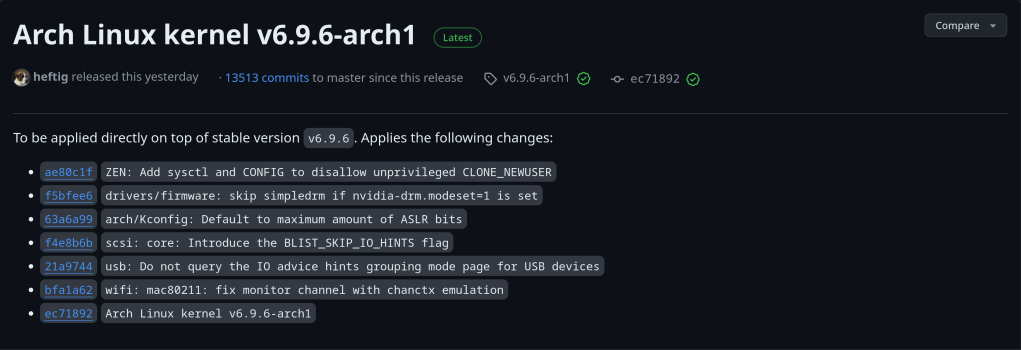
  • 6.9.6

    June 22nd, 2024

    https://github.com/archlinux/linux/releases/tag/v6.9.6-arch1

  • Realtek 8125 on FreeBSD

    June 22nd, 2024

    On a fresh installed FreeBSD 14.1 system and ifconfig returns only the loop (lo0) device and my RTL8125 was not even listed!! Offline with no options … Compiling the net/realtek-re-kmod does not work due to distfile requirements that have to be downloaded.

    root@:" # pciconf -1v I grep -A1-B3 network none2@pc10:6:0:0:
    vendor class=0x028000 rev=0x01 hdr=0x00 vendor=0x10ec device=0xc852 subvendor=0x10ec subdevice=0xc852
    = 'Realtek Semiconductor Co., Ltd.' device = 'RTL8852CE PCIe 802.11ax Wireless Network Controller'
    class = network
    none3@pcie:7:0:0:
    class=0x020008 rev=0x05 hdr=0x00 vendor=0x10ec device=0x8125 subvendor=0x1458 subdevice=0xe000
    vendor 'Realtek Semiconductor Co., Ltd.' ='RTL8125 2.5GbE Controller'
    device class = network
    subclass = ethernet
    root@: # ifconfig-a
    100: flags=1008049 metric 8 mtu 16384 options=688003
    inet 127.0.0.1 netmask 0x1100000
    inet6:1 prefixlen 128
    inet6 fe80:: 1%100 prefixlen 64 scopeid 0x1 groups: lo nd6 options=21
    roote: #

    Solution:

    1. download the Realtek driver (realtek-re-kmod-1100.00.pkg) on a USB and mount it on your system. [https://freebsd.pkgs.org/14/freebsd-amd64/realtek-re-kmod-1100.00.pkg.html]
    2. tar xzf realtek-re-kmod-1100.00.pkg (uncopress the .pkg file)
    3. cd boot/modules
    4. cp if_re.ko /boot/modules/ #copy the module to your boot directory
    5. modify the /etc/rc.conf in order to load the kernel module at boot-up. Should contain the following 2 lines:
      • if_re_load=”YES”
        if_re_name=”/boot/modules/if_re.ko”
    6. reboot and follow the typical ethernet setup according to the Handbook
  • KDE Plasma 6.1 official release announcement

    June 22nd, 2024

    https://kde.org/announcements/plasma/6/6.1.0/

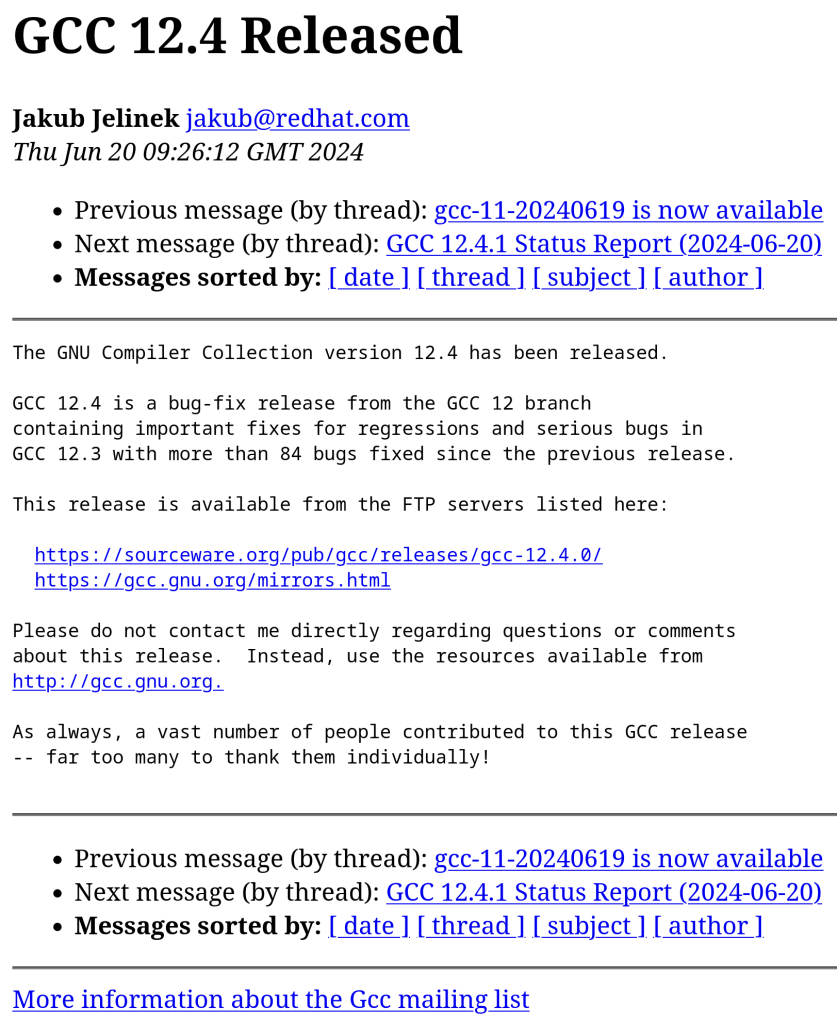
  • GCC 12.4

    June 21st, 2024

    84 bug fixes back-ported to the GCC 12 codebase in the past thirteen months
    https://gcc.gnu.org/gcc-12/changes.html

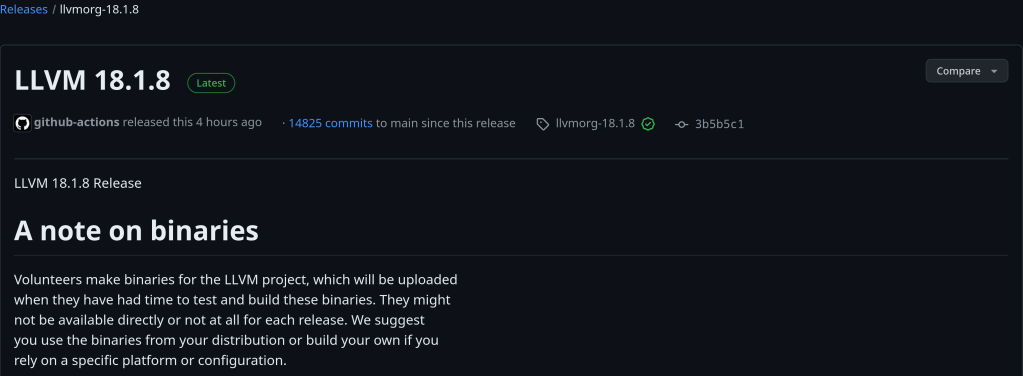
  • LLVM 18.1.8

    June 21st, 2024

    https://github.com/llvm/llvm-project/releases/tag/llvmorg-18.1.8

  • Ryzen 9 7950X3D drops to $491, only $5 more expensive than Ryzen 9 7950X

    June 20th, 2024

    https://www.tomshardware.com/pc-components/cpus/ryzen-9-7950x3d-gaming-cpu-drops-to-491-only-5-more-expensive-than-the-regular-ryzen-9-7950x

  • June 20th, 2024
  • June 20th, 2024
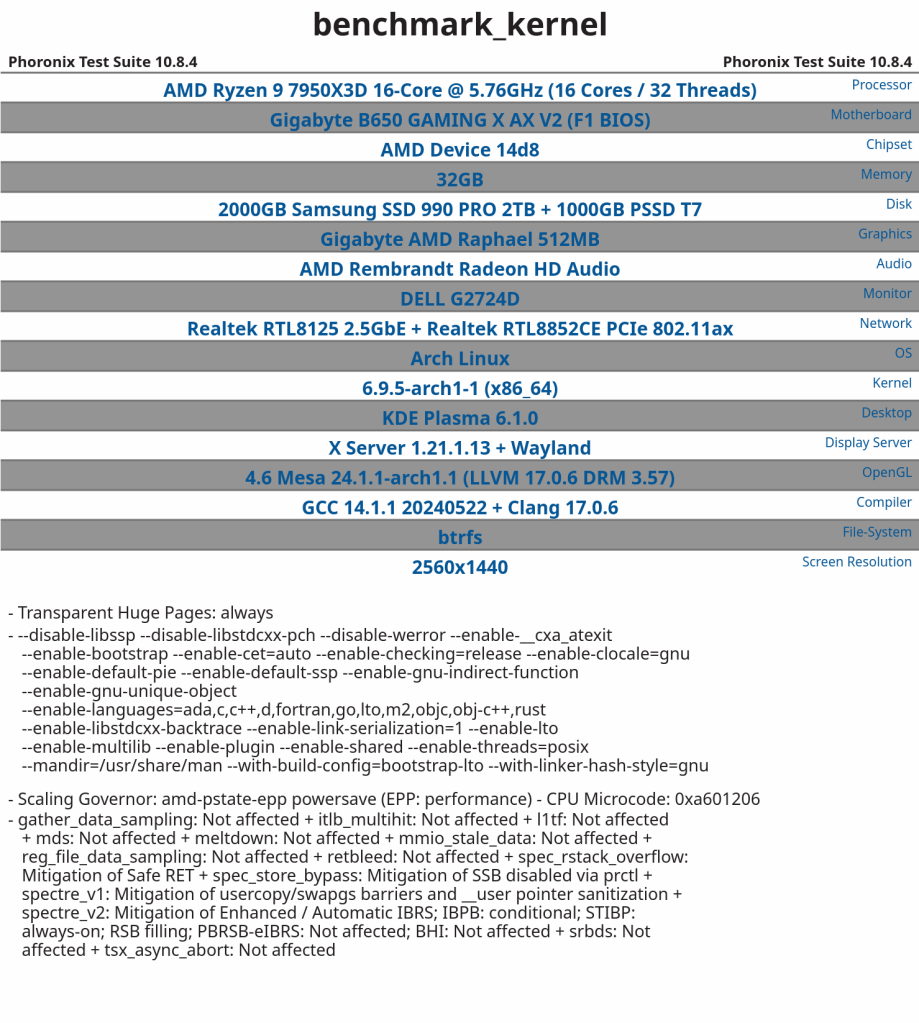
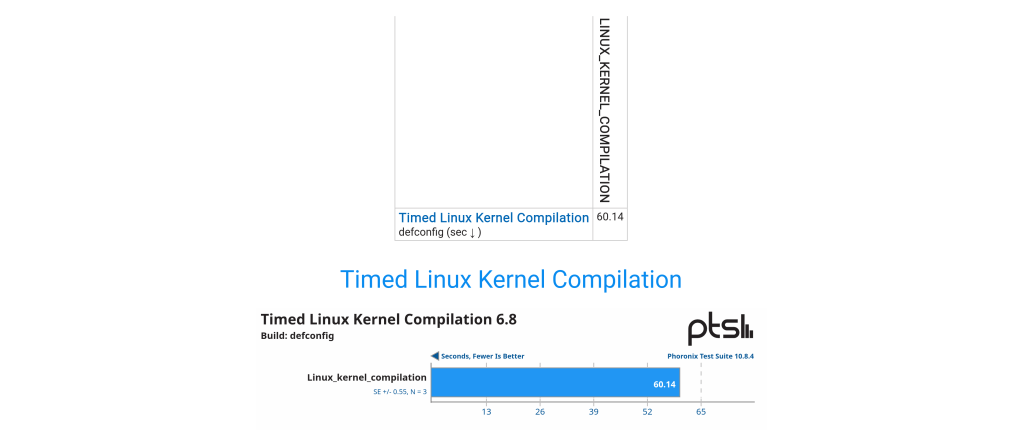
  • Linux kernel compilation in 59 seconds with Phoronix Test suite

    June 20th, 2024
  • FreeBSD birthday

    June 20th, 2024
←Previous Page
1 … 95 96 97 98 99 … 152
Next Page→

Blog at WordPress.com.

Privacy & Cookies: This site uses cookies. By continuing to use this website, you agree to their use.
To find out more, including how to control cookies, see here: Cookie Policy
Loading Comments...
  • Subscribe Subscribed
    /root

    Have a WordPress.com account? Log in now.

  • /root
    View site in Reader
    Manage subscriptionsSign upLog in
    Report this content
    Collapse this bar