





-
This pull request adds a very handy feature to strip cards from their cloze formatting during search. The new keyword is sc.

This way the following cloze deletion card is displayed during search for erheblich:
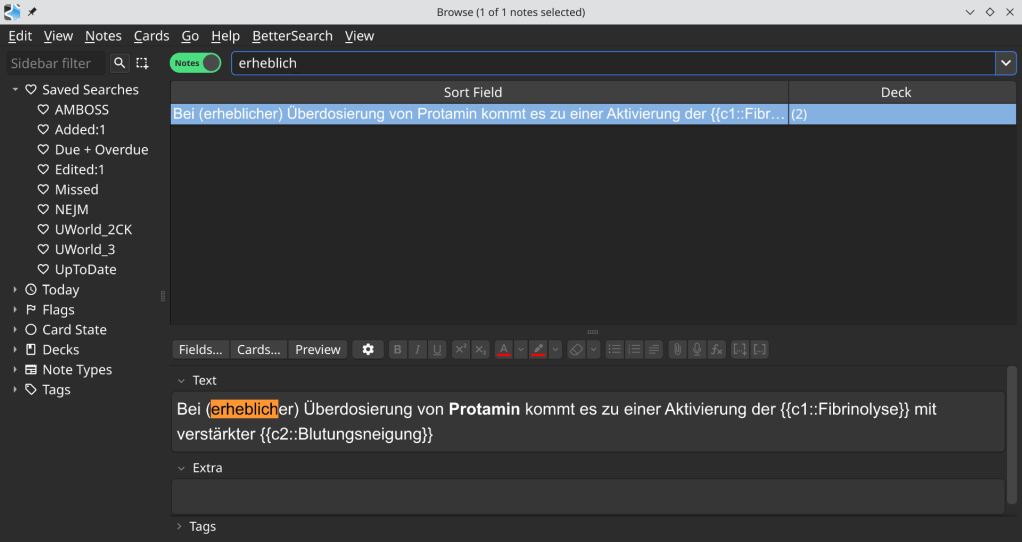
Now using sc:erheblich

-
A user created a dataset containing more comprehensive information scraped from the Addons List, GitHub, and the Anki Forum.
The dataset is available in Hugging Face as an Excel and JSON file.

https://forums.ankiweb.net/t/anki-addons-dataset-a-detailed-list-of-addons/63090
-
There is currently no release notes available.

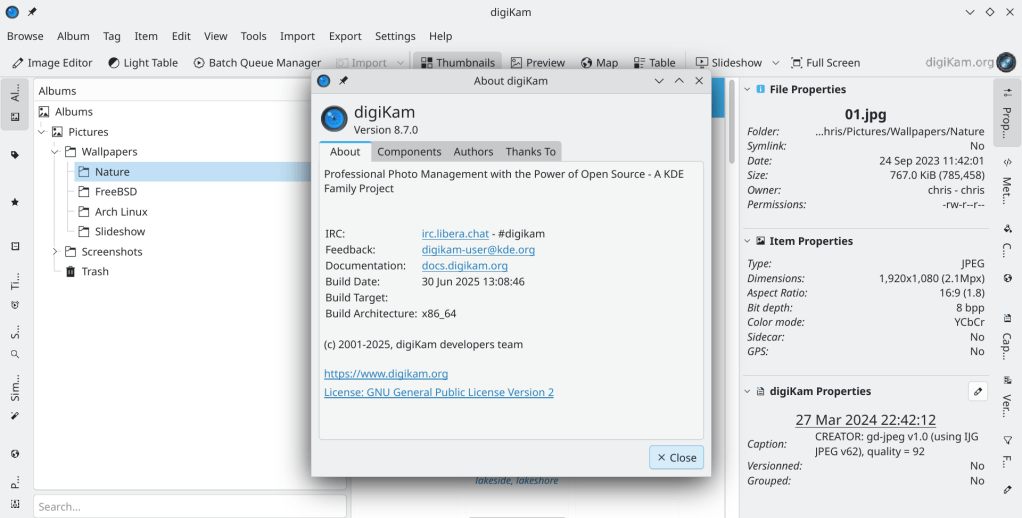
Edit: official release announcement
https://www.digikam.org/news/2025-06-30-8.7.0_release_announcement/
-
A very useful R package for importing RedCap database data into R Studio as tidy tibbles.

-
This feature will allow the maximal use of storage in a ZFS pool consisted by drives of different capacity.
https://hexos.com/blog/introducing-zfs-anyraid-sponsored-by-eshtek
-
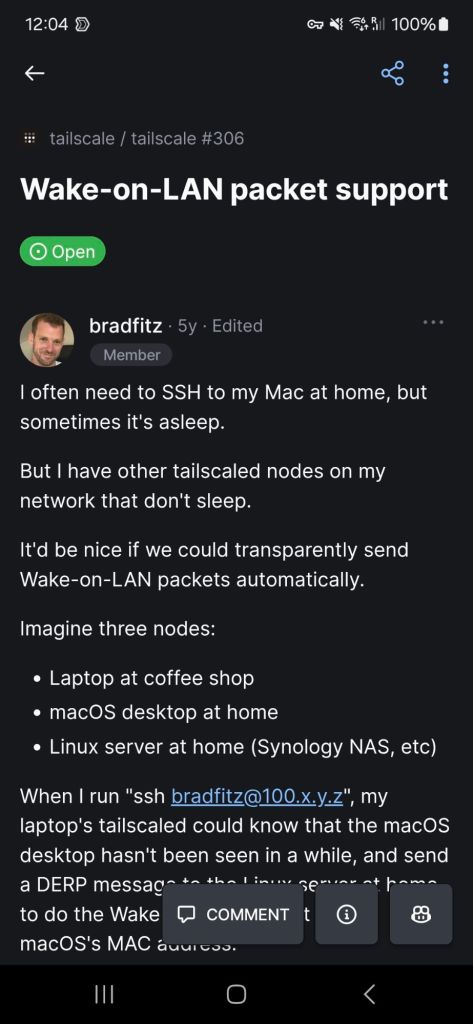
Very useful feature that is currently not natively supported (a pull request is under review and testing). An alternative is the tailscale-wakeonlan project.





 /root
/root 