






-
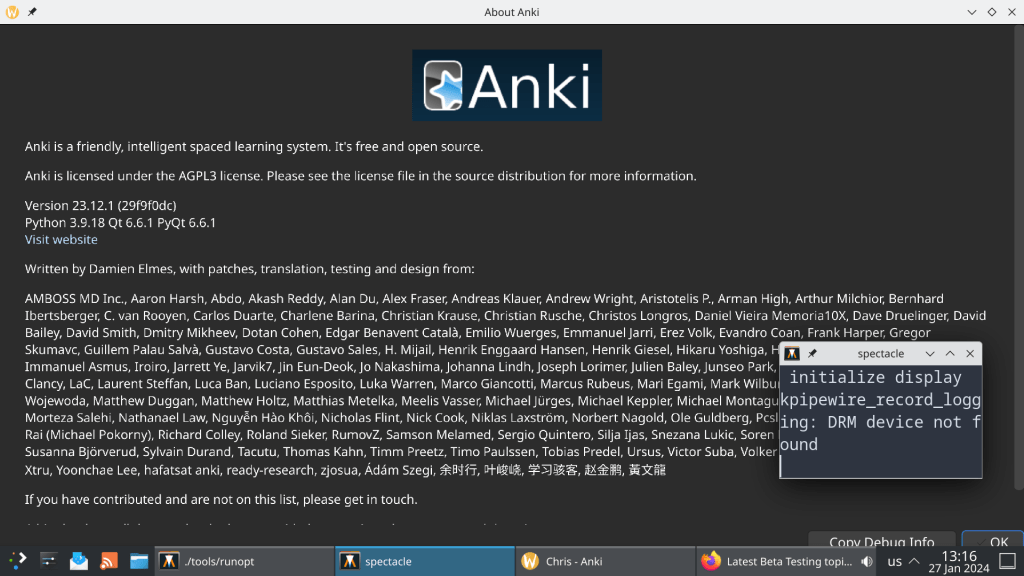
Fractional scaling in Anki yields in blurry fonts. Tried setting the environmental variable to ANKI_WAYLAND=1, in order to “force” Wayland mode.
Apparently this did not work due to a QT bug that is still unresolved: https://github.com/ankitects/anki/issues/1767, https://github.com/qutebrowser/qutebrowser/issues/6914
A temporary bypass is setting the env variable QT_QPA_PLATFORM to xcb aka using X11 mode until the bug is fixed.
P.S.: Starting Anki with QT_SCALE_FACTOR_ROUNDING_POLICY=RoundPreferFloor works and there is no need to use X11 legacy mode!!
https://forums.ankiweb.net/t/anki-in-wayland/40361/5
-
A promising filesystem back in the 2000s, whose creator murdered his wife…
Now is declared as obsolete.
-
Waiting with excitement for Release Candidate 2 next week !!
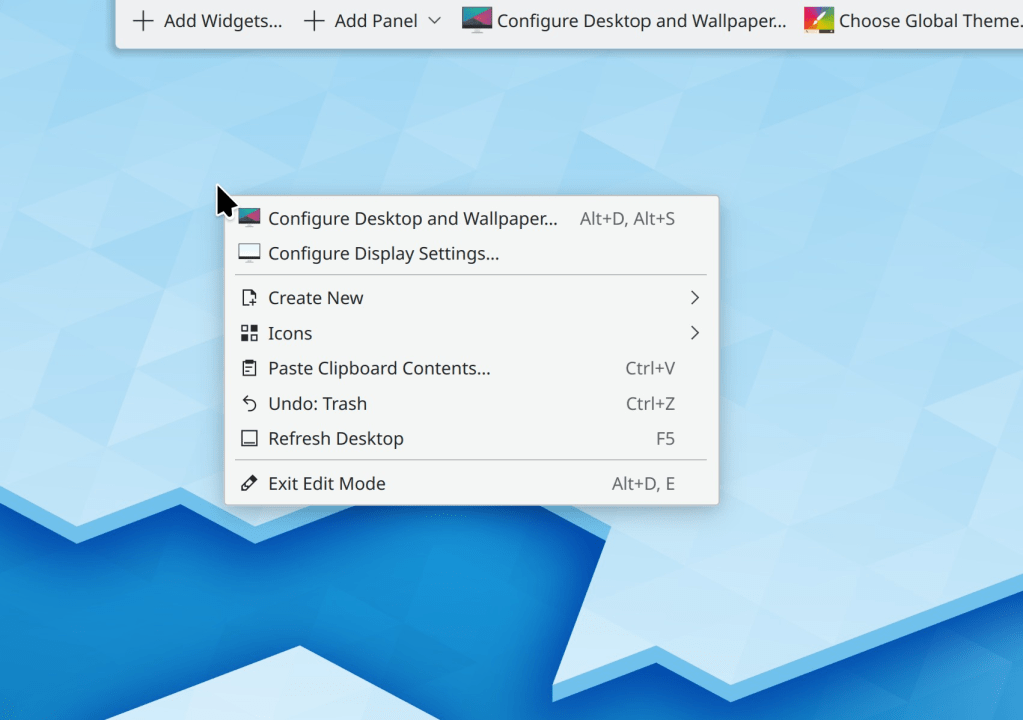
One very interesting feature is Auto Saving in Dolphin
-
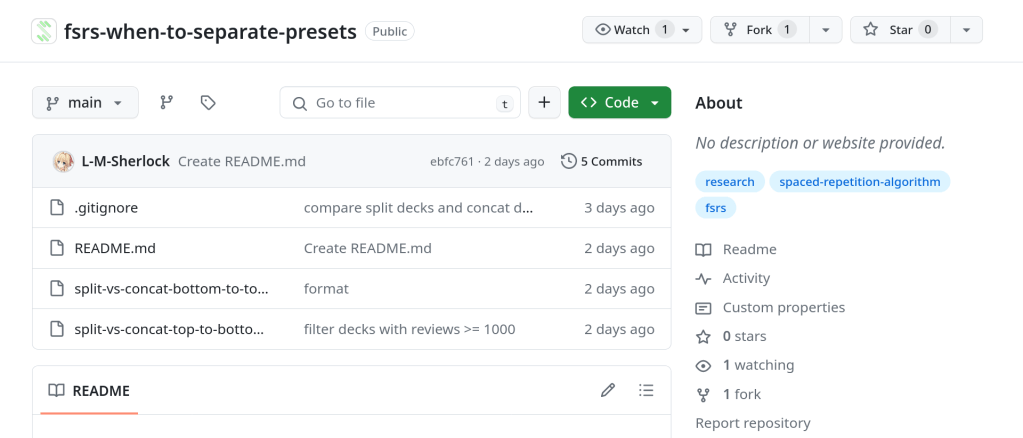
New repository regarding presets and collection vs deck level optimization
-

Configuration file:
syntax on
set tabstop=4
set shiftwidth=4
set softtabstop=4
set autoindent
set smartindent
“set termguicolors
colorscheme desert
set number
set laststatus=2
set nocompatible
set wrap
set encoding=utf-8
set cursorline
set cursorcolumn
“set spell
set mouse=a
set hlsearch
if filereadable(expand(“~/.vimrc.plug”))
source ~/.vimrc.plug
endif” VIMSCRIPT ————————————————————– {{{
” Enable the marker method of folding.
augroup filetype_vim
autocmd!
autocmd FileType vim setlocal foldmethod=marker
augroup END” If the current file type is HTML, set indentation to 2 spaces.
autocmd Filetype html setlocal tabstop=2 shiftwidth=2 expandtab” If Vim version is equal to or greater than 7.3 enable undofile.
” This allows you to undo changes to a file even after saving it.
if version >= 703
set undodir=~/.vim/backup
set undofile
set undoreload=10000
endif” You can split a window into sections by typing
:splitor:vsplit.
” Display cursorline and cursorcolumn ONLY in active window.
augroup cursor_off
autocmd!
autocmd WinLeave * set nocursorline nocursorcolumn
autocmd WinEnter * set cursorline cursorcolumn
augroup END





 /root
/root 