




I plan to use it longterm
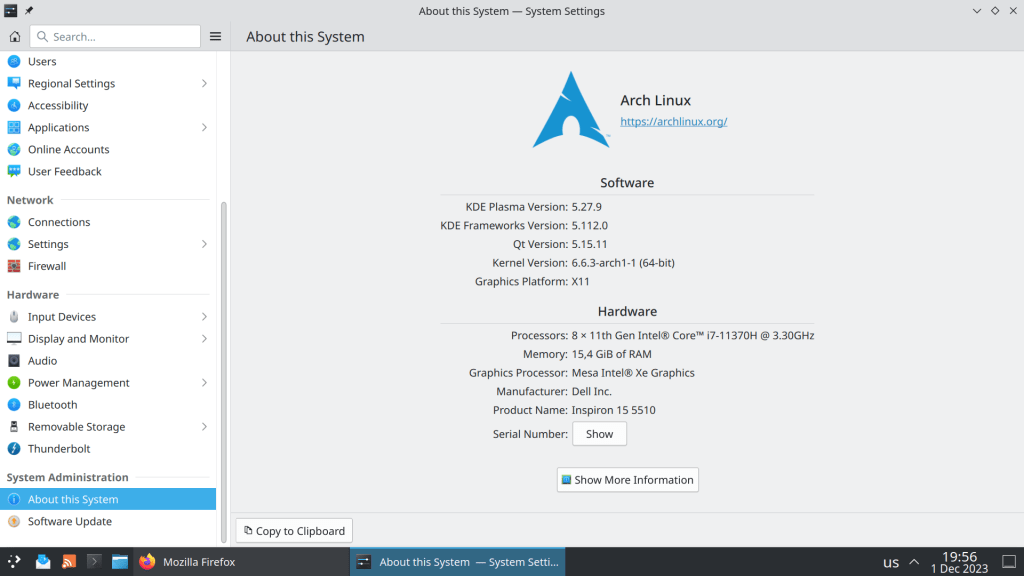

I plan to use it longterm
So from this point on the two packages will be in conflict if they are installed in the same system.
JDK is for executing and compiling Java applications
JRE/JRE-headless is only for Java Runtime

https://archlinux.org/news/incoming-changes-in-jdk-jre-21-packages-may-require-manual-intervention/
ArchWiki registration requires the output of the following command as a verification process:
pacman -V|base32|head -1
BIQC4LJNFYQCAIBAEAQCAIBAEAQCAIBAEAQCAICQMFRW2YLOEB3DMLRQFYZCALJANRUWEYLMOBWS
But what does this even mean? Let’s break it down.
(pacman -V)’s output is piped to base32, the result of which is processed by head.
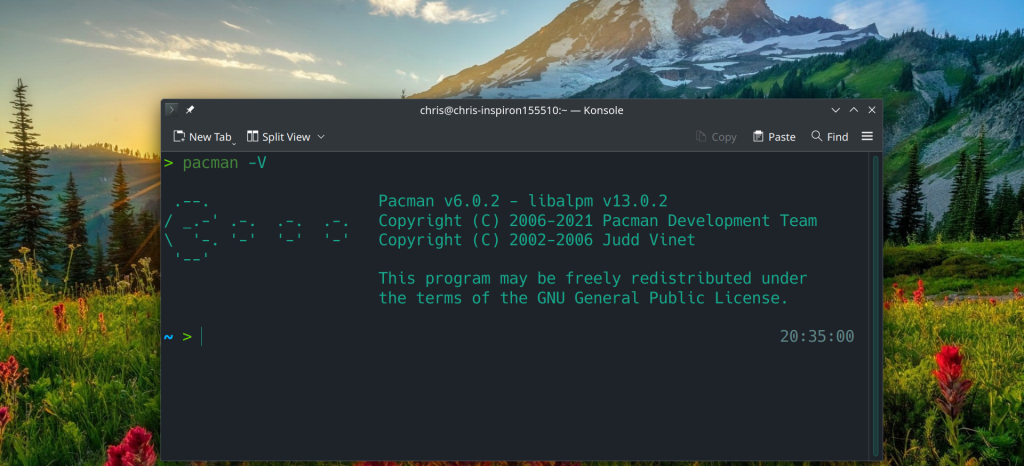
pacman -V gives info about the current version of pacman
> pacman -V
.–. Pacman v6.0.2 – libalpm v13.0.2
/ _.-‘ .-. .-. .-. Copyright (C) 2006-2021 Pacman Development Team
\ ‘-. ‘-‘ ‘-‘ ‘-‘ Copyright (C) 2002-2006 Judd Vinet
‘–‘
This program may be freely redistributed under
the terms of the GNU General Public License.
base32 transforms data read from a file into base32 encoded form and uses printable ASCII characters to represent binary data.
In my case pacman -V|base32 output is:
BIQC4LJNFYQCAIBAEAQCAIBAEAQCAIBAEAQCAICQMFRW2YLOEB3DMLRQFYZCALJANRUWEYLMOBW
S
A5RRGMXDALRSBIXSAXZOFUTSALRNFYQCALRNFYQCALRNFYQCAICDN5YHS4TJM5UHIIBIIMUSAMR
Q
GA3C2MRQGIYSAUDBMNWWC3RAIRSXMZLMN5YG2ZLOOQQFIZLBNUFFYIBAE4WS4IBHFUTSAIBHFUT
S
AIBHFUTSAIBAINXXA6LSNFTWQ5BAFBBSSIBSGAYDELJSGAYDMICKOVSGIICWNFXGK5AKEATS2LJ
H
BIQCAIBAEAQCAIBAEAQCAIBAEAQCAIBAEAQCAICUNBUXGIDQOJXWO4TBNUQG2YLZEBRGKIDGOJS
W
K3DZEBZGKZDJON2HE2LCOV2GKZBAOVXGIZLSBIQCAIBAEAQCAIBAEAQCAIBAEAQCAIBAEAQCAID
U
NBSSA5DFOJWXGIDPMYQHI2DFEBDU4VJAI5SW4ZLSMFWCAUDVMJWGSYZAJRUWGZLOONSS4CQK


https://man.archlinux.org/man/base32.1.en
https://www.gnu.org/software/coreutils/manual/html_node/base32-invocation.html#base32-invocation
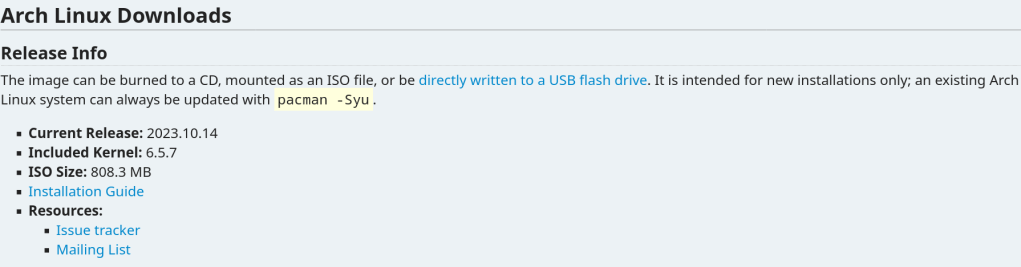
Today is 9th October and yet the October’s ISO is not yet available in the main site because the developer is busy.
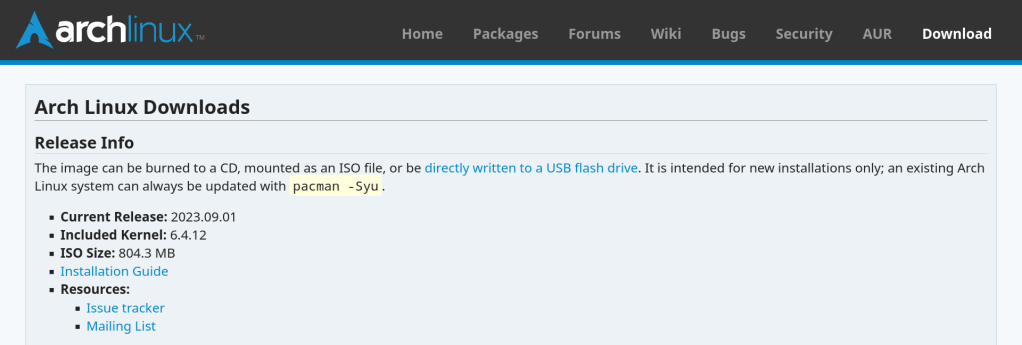
So instead of waiting for the new release we can build an ISO using the archiso utility.
https://wiki.archlinux.org/title/archiso
- sudo pacman -Sy –needed archiso git
- cd $(mktemp -d)
- cp -r /usr/share/archiso/configs/releng/ archlive
- sudo mkarchiso -v archlive
It is probably one of the most toxic Reddit communities. Some members offer help while other just make fun of novices, downvoting responses and posts for no reason or being total arrogant.
In contrast FreeBSD is the most welcoming community with experienced users in the IT world …
Just an observation that I made during the past couple of months.
The stable version of Chomium does not allow me to sync my data across devices, while beta functions as supposed to be.
“Version 117.0.5938.149 (Official Build) Arch Linux (64-bit)” vs “Version 118.0.5993.54 (Official Build) beta (64-bit)”


UPDATE: The problem is related with the limited Private API availability and is present from March 15 2021. Unfortunately the Stackoverflow instructions were unsuccessful
https://stackoverflow.com/questions/67459316/enabling-chromium-to-sync-with-google-account
Now with support for Ly display manager and custom number of parallel downloads

The new version is not yet in the Package Database but will be likely included in the October’s ISO.

https://github.com/archlinux/archinstall/releases/tag/v2.6.1
It was chosed against SHA512 because it offers 2 major advantages:
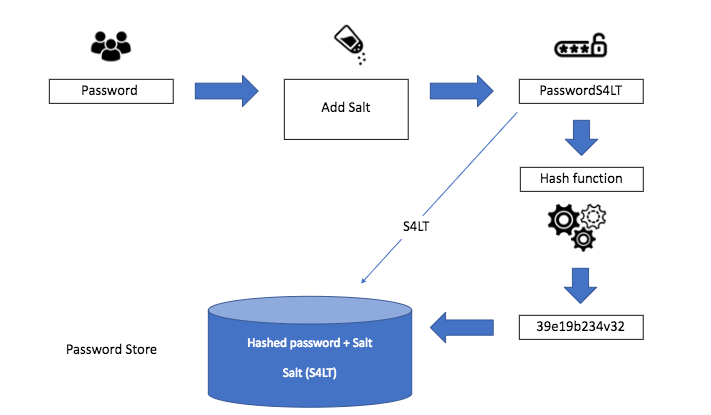

https://archlinux.org/news/changes-to-default-password-hashing-algorithm-and-umask-settings/
The problem:

The solution:
sudo rm /var/lib/pacman/db.lck removes the lock of the package database that pacman created when a package is about to get altered. This mechanism prevents a different instance of pacman to perform simultaneous changes but the lock can sometimes remain stale

More about pacman troubleshooting: https://wiki.archlinux.org/title/Pacman#Troubleshooting
“A chroot is an operation that changes the apparent root directory for the current running process and their children. A program that is run in such a modified environment cannot access files and commands outside that environmental directory tree. This modified environment is called a chroot jail.”
I always have a spare USB device with an Arch Linux bootable iso just in case my system does not boot or after a package update that totally breaks my system.
In August 2022 there was a major GRUB bug that caused many systems failing to boot. At that time I was not in a home setting so chroot from a USB literally saved me.

Another case was using ibt=off in /etc/default/grub that turns off the Indirect Branch Tracking security feature, after a bug affected Nvidia drivers.
https://github.com/NVIDIA/open-gpu-kernel-modules/issues/256
2 of the most common commands that I use all the time is sudo pacman -Syu for updating packages and sudo pacman -Scc for clearing the package cache
Setting aliases saves a lot of time 🙂
#Aliases
alias update="sudo pacman -Syu && yay -Syu"
alias clearcache="sudo pacman -Scc && yay -Scc"
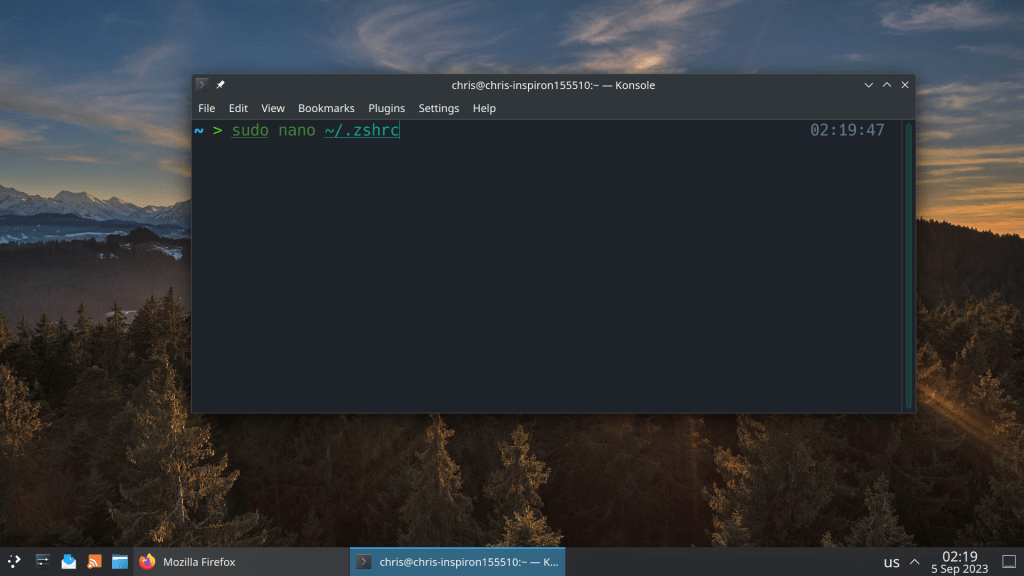
# Enable Powerlevel10k instant prompt. Should stay close to the top of ~/.zshrc.
# Initialization code that may require console input (password prompts, [y/n]
# confirmations, etc.) must go above this block; everything else may go below.
if [[ -r "${XDG_CACHE_HOME:-$HOME/.cache}/p10k-instant-prompt-${(%):-%n}.zsh" ]]; then
  source "${XDG_CACHE_HOME:-$HOME/.cache}/p10k-instant-prompt-${(%):-%n}.zsh"
fi

# Use powerline
USE_POWERLINE="true"
# Source manjaro-zsh-configuration
if [[ -e /usr/share/zsh/manjaro-zsh-config ]]; then
  source /usr/share/zsh/manjaro-zsh-config
fi
# Use manjaro zsh prompt
if [[ -e /usr/share/zsh/manjaro-zsh-prompt ]]; then
  source /usr/share/zsh/manjaro-zsh-prompt
fi

# To customize prompt, run `p10k configure` or edit ~/.p10k.zsh.
[[ ! -f ~/.p10k.zsh ]] || source ~/.p10k.zsh


#Aliases
alias update="sudo pacman -Syu && yay -Syu"
alias clearcache="sudo pacman -Scc && yay -Scc"
Pacman is the default package manager of Arch Linux and Arch Linux based distributions. It is considered as the most robust binary package manager along with Portage of Gentoo, a powerful source code package manager.
One of the most important modifications of my setup is the number of parallel downloads and kde-unstable repository
#
# /etc/pacman.conf
#
# See the pacman.conf(5) manpage for option and repository directives

#
# GENERAL OPTIONS
#
[options]
# The following paths are commented out with their default values listed.
# If you wish to use different paths, uncomment and update the paths.
#RootDir     = /
#DBPath      = /var/lib/pacman/
CacheDir = /var/cache/pacman/pkg/
#LogFile     = /var/log/pacman.log
#GPGDir      = /etc/pacman.d/gnupg/
#HookDir     = /etc/pacman.d/hooks/
HoldPkg      = pacman glibc manjaro-system
# If upgrades are available for these packages they will be asked for first
SyncFirst    = manjaro-system archlinux-keyring manjaro-keyring
#XferCommand = /usr/bin/curl -L -C - -f -o %o %u
#XferCommand = /usr/bin/wget --passive-ftp -c -O %o %u
#CleanMethod = KeepInstalled
#UseDelta    = 0.7
Architecture = auto

# Pacman won't upgrade packages listed in IgnorePkg and members of IgnoreGroup
#IgnorePkg   =
#IgnoreGroup =

#NoUpgrade   =
#NoExtract   =

# Misc options
#UseSyslog
Color
#NoProgressBar
# We cannot check disk space from within a chroot environment
CheckSpace
VerbosePkgLists
ParallelDownloads = 5

# By default, pacman accepts packages signed by keys that its local keyring
# trusts (see pacman-key and its man page), as well as unsigned packages.
SigLevel    = Required DatabaseOptional
LocalFileSigLevel = Optional
#RemoteFileSigLevel = Required

# NOTE: You must run `pacman-key --init` before first using pacman; the local
# keyring can then be populated with the keys of all official Manjaro Linux
# packagers with `pacman-key --populate archlinux manjaro`.

#
# REPOSITORIES
#   - can be defined here or included from another file
#   - pacman will search repositories in the order defined here
#   - local/custom mirrors can be added here or in separate files
#   - repositories listed first will take precedence when packages
#     have identical names, regardless of version number
#   - URLs will have $repo replaced by the name of the current repo
#   - URLs will have $arch replaced by the name of the architecture
#
# Repository entries are of the format:
#       [repo-name]
#       Server = ServerName
#       Include = IncludePath
#
# The header [repo-name] is crucial - it must be present and
# uncommented to enable the repo.
#

# The testing repositories are disabled by default. To enable, uncomment the
# repo name header and Include lines. You can add preferred servers immediately
# after the header, and they will be used before the default mirrors.


#[kde-unstable]
#Include = /etc/pacman.d/mirrorlist

[core]
SigLevel = PackageRequired
Include = /etc/pacman.d/mirrorlist

[extra]
SigLevel = PackageRequired
Include = /etc/pacman.d/mirrorlist

[community]
SigLevel = PackageRequired
Include = /etc/pacman.d/mirrorlist

# If you want to run 32 bit applications on your x86_64 system,
# enable the multilib repositories as required here.

[multilib]
SigLevel = PackageRequired
Include = /etc/pacman.d/mirrorlist

# An example of a custom package repository.  See the pacman manpage for
# tips on creating your own repositories.
#[custom]
#SigLevel = Optional TrustAll
#Server = file:///home/custompkgs
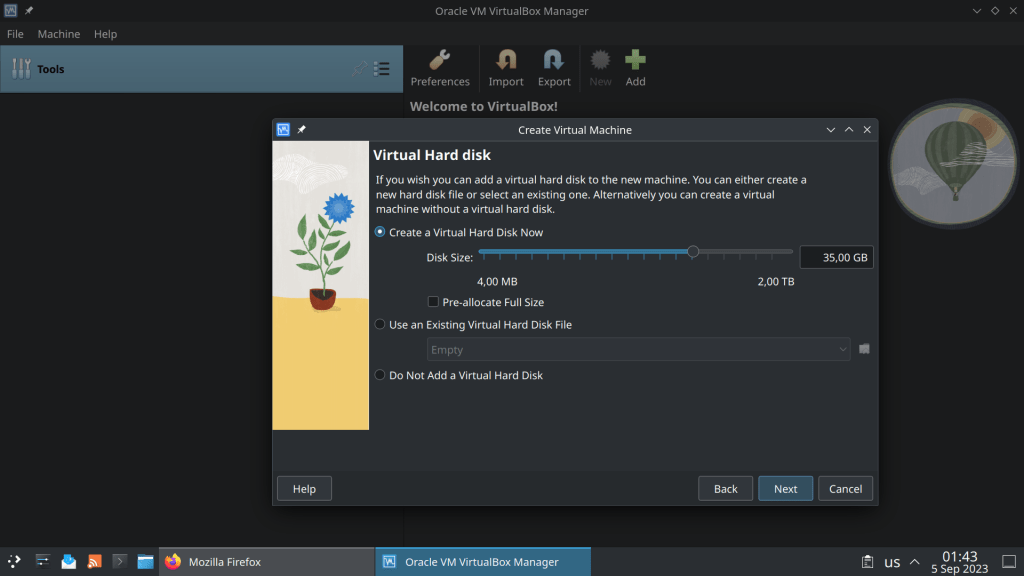
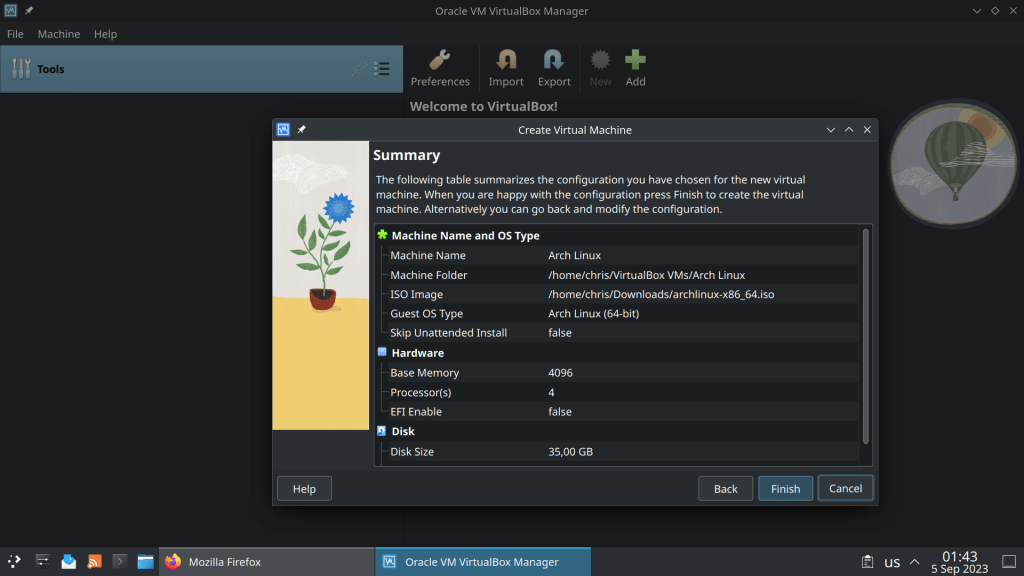
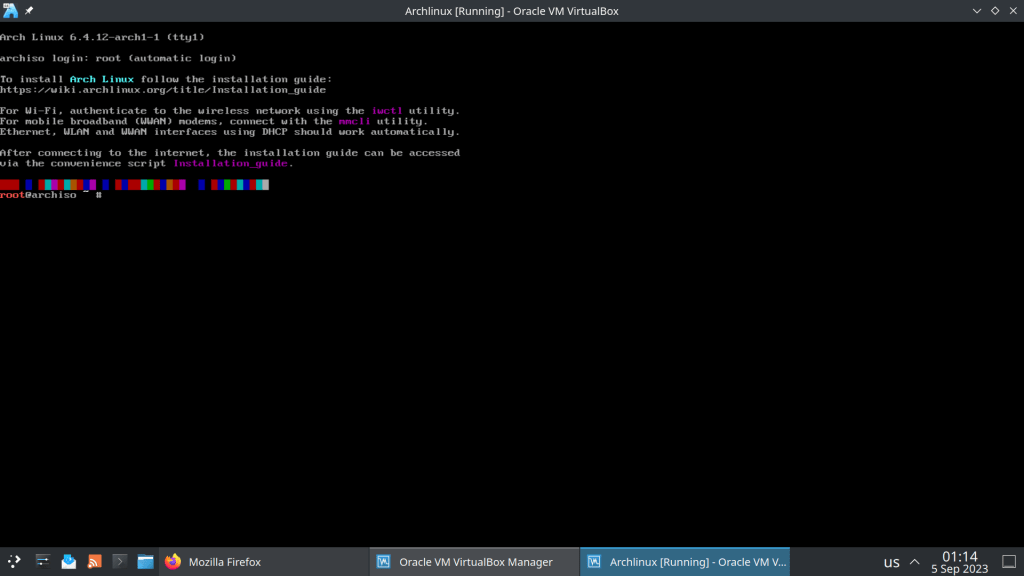
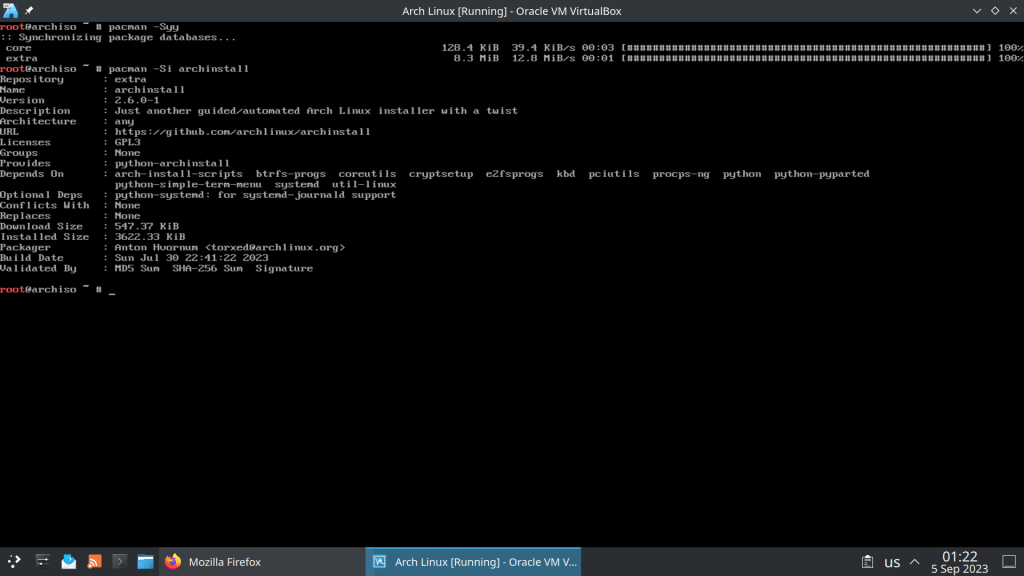
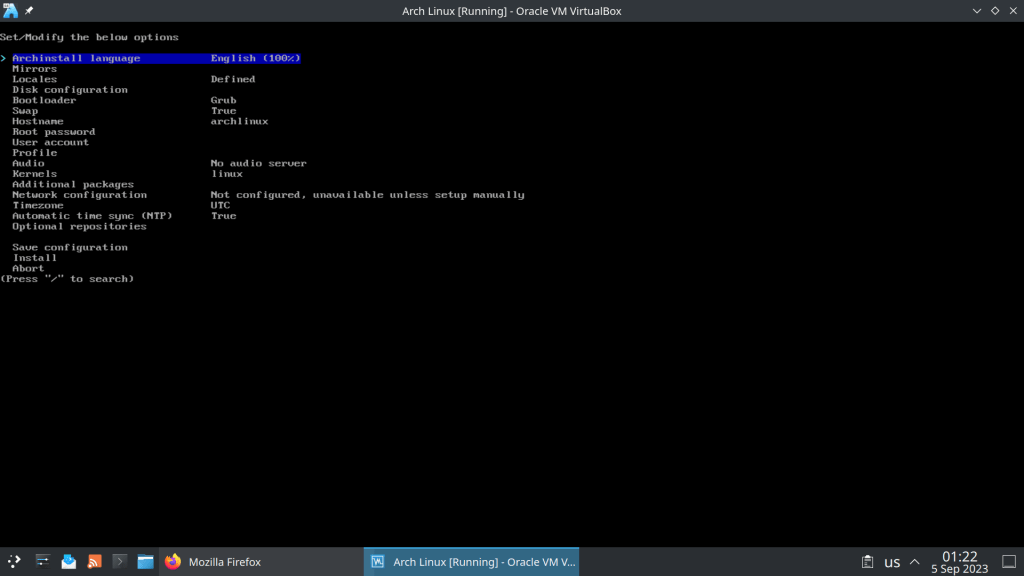
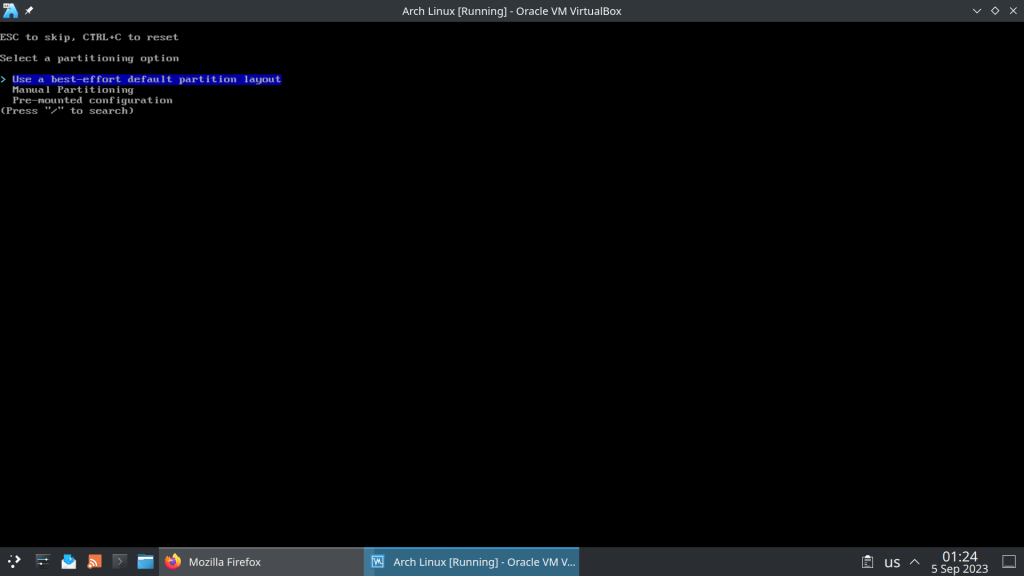
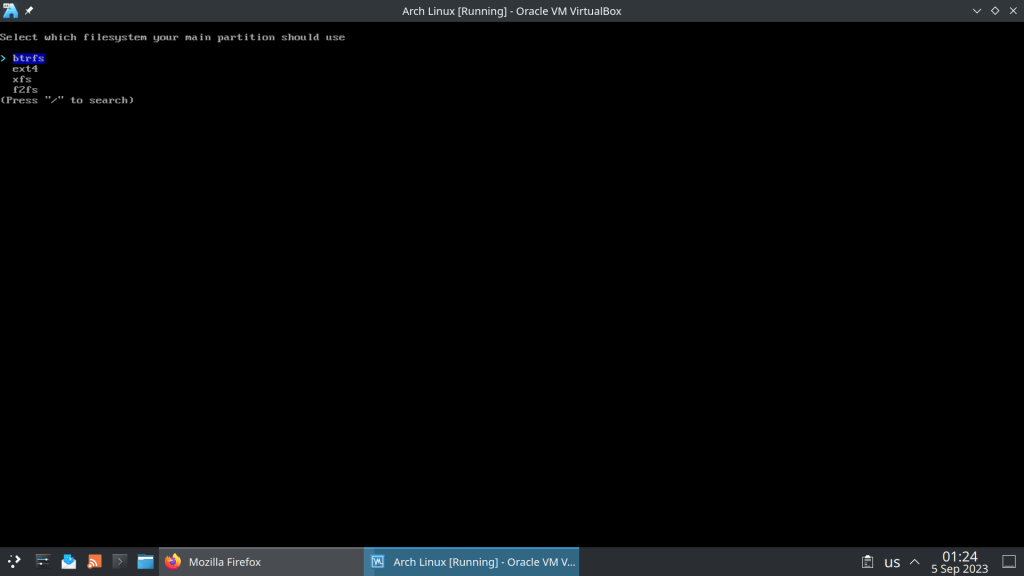
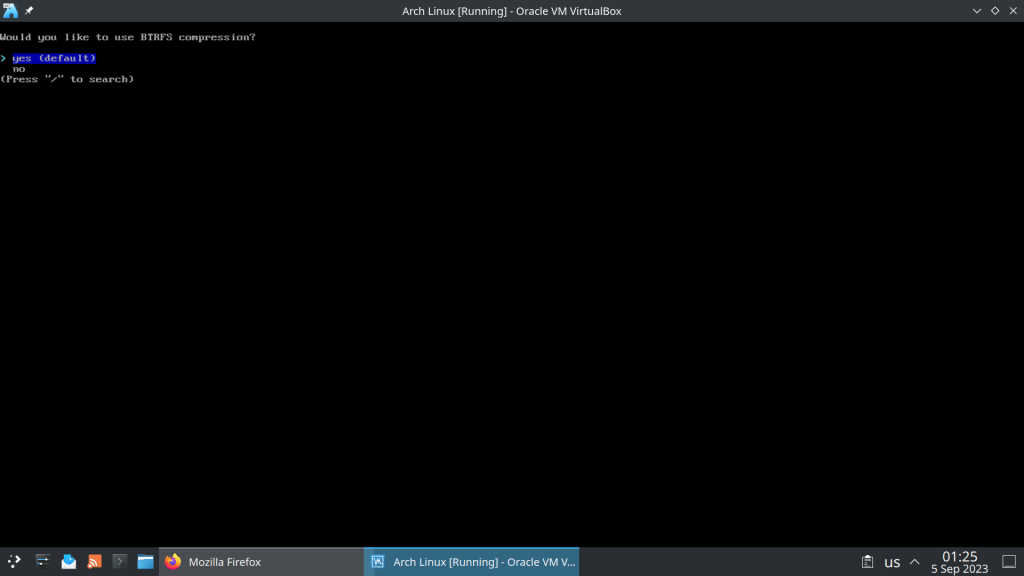
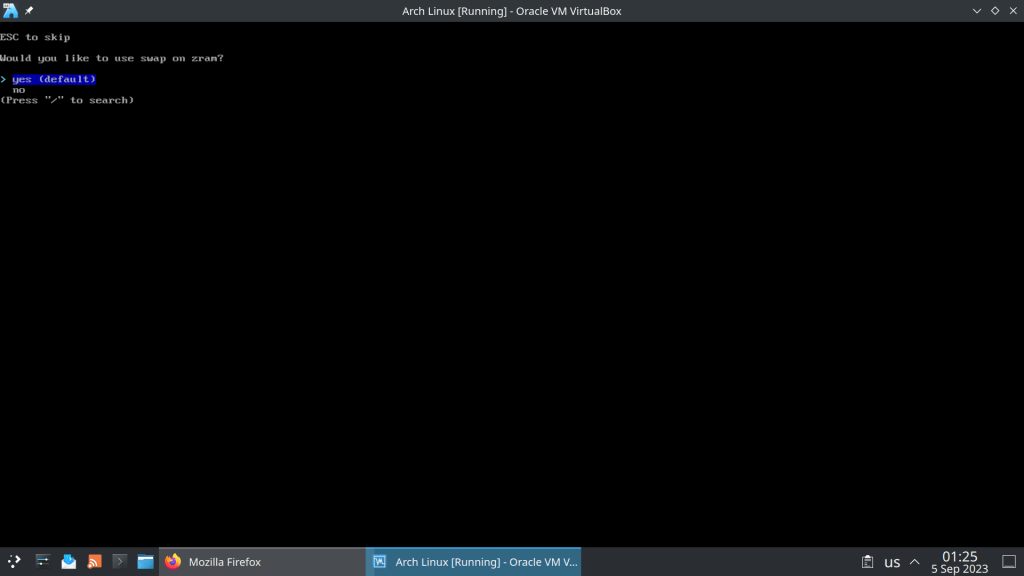
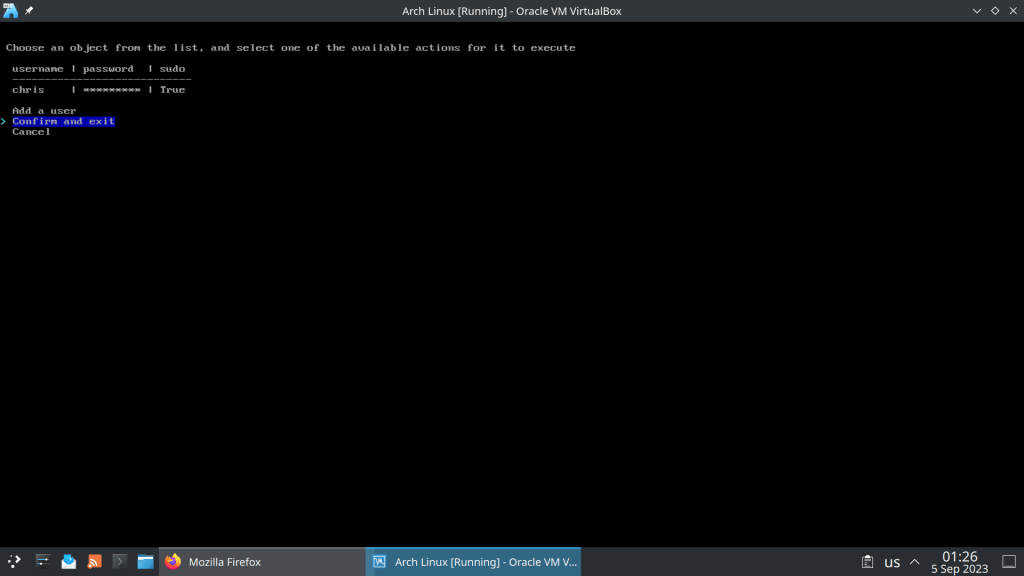
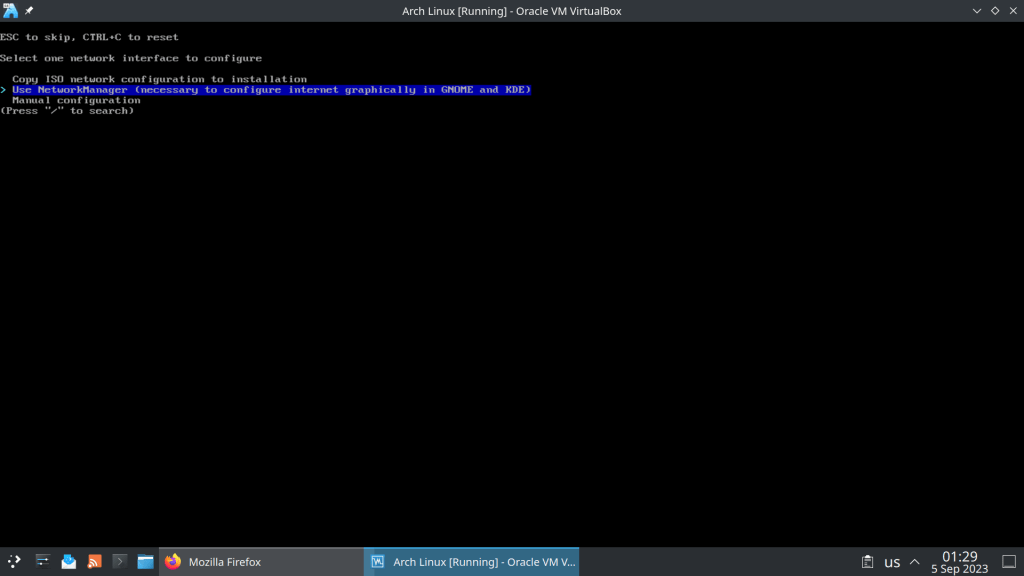
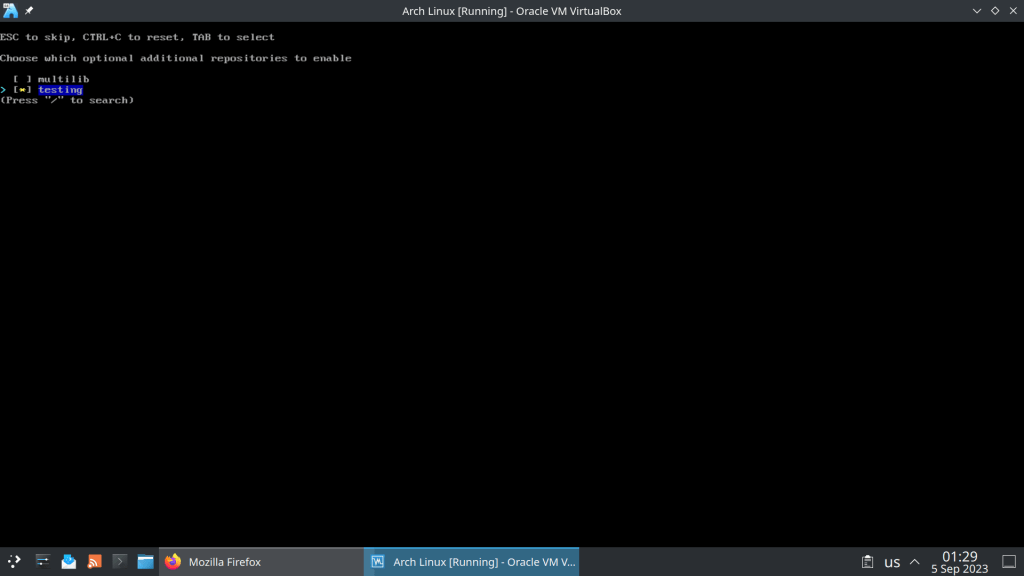
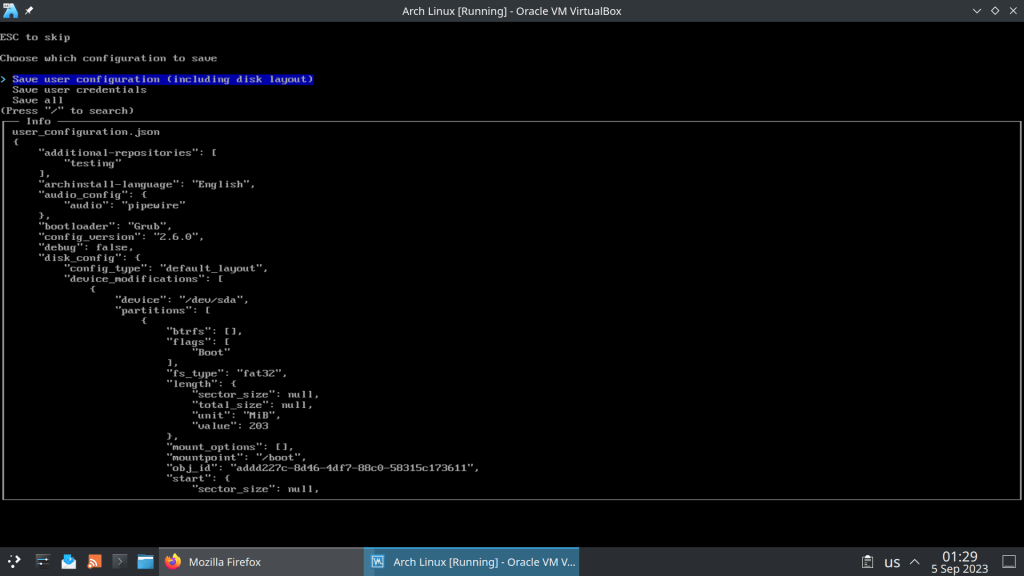
Comes with 6.4.12 Kernel and archinstall 2.6.0-1, a python installation script













 /root
/root 