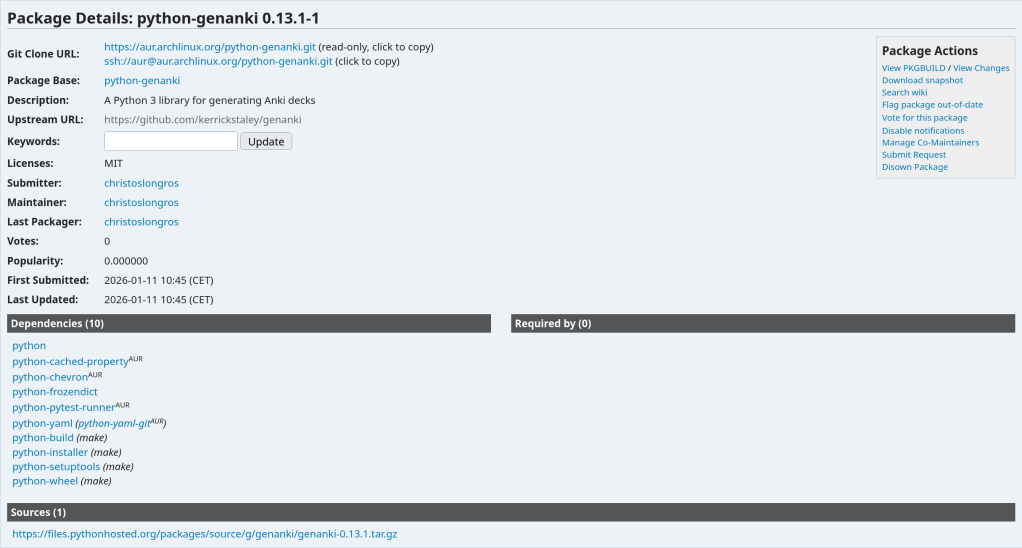
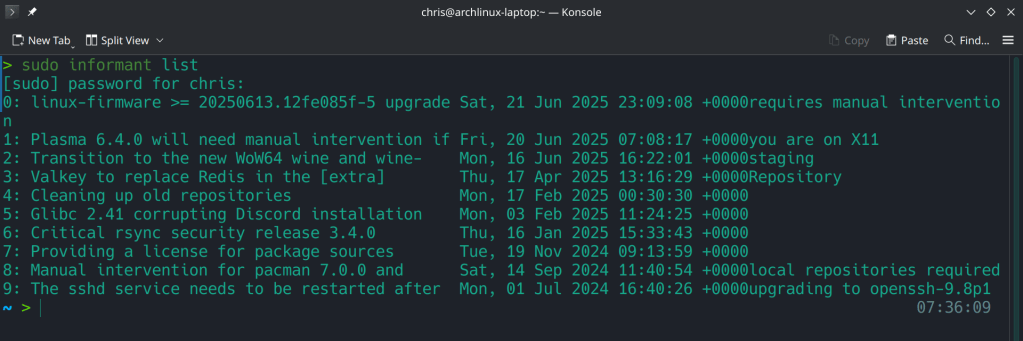
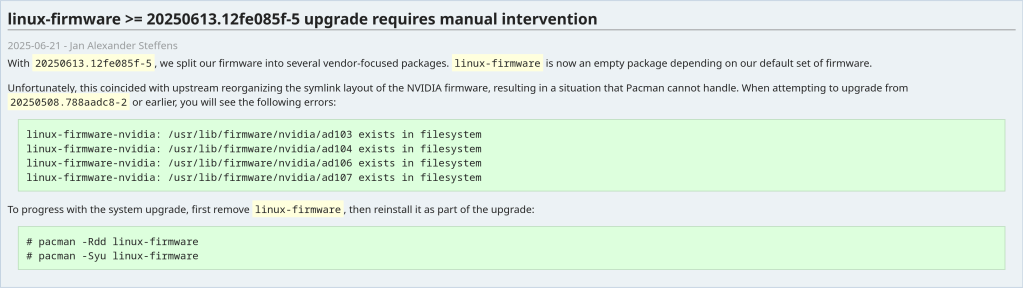
“Due to the current influx of malicious package adoptions and follow-up
commits made via the AUR”
Category: Arch Linux
-
-
-
The ArchZFS project has moved its official package repository from archzfs.com to GitHub Releases. Here’s how to migrate — and why this matters for Arch Linux ZFS users.
If you run ZFS on Arch Linux, you almost certainly depend on the ArchZFS project for your kernel modules. The project has been the go-to source for prebuilt ZFS packages on Arch for years, saving users from the pain of building DKMS modules on every kernel update.
The old
archzfs.comrepository has gone stale, and the project has migrated to serving packages directly from GitHub Releases. The packages are built the same way and provide the same set of packages — the only difference is a new PGP signing key and the repository URL.How to Migrate
If you’re currently using the old
archzfs.comserver in your/etc/pacman.conf, you need to update it. There are two options depending on your trust model.Option 1: Without PGP Verification
The PGP signing system is still being finalized, so if you just want it working right away, you can skip signature verification for now:
pacman.conf
[archzfs] SigLevel = Never Server = https://github.com/archzfs/archzfs/releases/download/experimentalOption 2: With PGP Verification (Recommended)
For proper package verification, import the new signing key first:
bash
# pacman-key --init # pacman-key --recv-keys 3A9917BF0DED5C13F69AC68FABEC0A1208037BE9 # pacman-key --lsign-key 3A9917BF0DED5C13F69AC68FABEC0A1208037BE9Then set the repo to require signatures:
pacman.conf
[archzfs] SigLevel = Required Server = https://github.com/archzfs/archzfs/releases/download/experimentalAfter updating your config, sync and refresh:
bash
# pacman -SyWhat’s Available
The repository provides the same package groups as before, targeting different kernels:
Package Group Kernel Use Case archzfs-linuxlinux (default) Best for most users, latest stable OpenZFS archzfs-linux-ltslinux-lts LTS kernel, better compatibility archzfs-linux-zenlinux-zen Zen kernel with extra features archzfs-linux-hardenedlinux-hardened Security-focused kernel archzfs-dkmsAny kernel Auto-rebuilds on kernel update, works with any kernel Note on DKMS vs Prebuilt Prebuilt packages are tied to a specific kernel version — if the Arch repos push a newer kernel than ArchZFS has built for, you’ll be blocked from updating until ArchZFS catches up. The DKMS packages avoid this by compiling locally, at the cost of longer update times. Choose based on your tolerance for build times vs. update delays.Why GitHub Releases?
Hosting a pacman repository on GitHub Releases is a clever approach. GitHub handles the CDN, availability, and bandwidth — no more worrying about a single server going down and blocking ZFS users from updating. The build pipeline uses GitHub Actions, so packages are built automatically and transparently. You can even inspect the build scripts in the repository itself.
The trade-off is that the URL is a bit unwieldy compared to the old
archzfs.com/$repo/$arch, but that’s a minor cosmetic issue.A Note of Caution
The project labels this as experimental and advises starting with non-critical systems. In practice, the packages are the same ones the community has been using — the “experimental” label applies to the new distribution method, not the packages themselves. Still, the PGP signing system is being reworked, so you may want to revisit your
SigLevelsetting once that’s finalized.If You’re Using the Old Repository The oldarchzfs.comrepository is stale and will not receive updates. If you haven’t migrated yet, do it now — before your nextpacman -Syupulls a kernel that your current ZFS modules don’t support, leaving you unable to import your pools after reboot.Quick Migration Checklist
Edit pacman.conf→Import new PGP key→pacman -Sy→pacman -SyuFor full details and ongoing updates, check the ArchZFS wiki and the release page.
-
Tutorial · February 2026 · 15 min read
QEMU on Arch Linux: A Practical Guide to Virtual Machine Testing
From cloud images and package building to kernel module debugging and cross-platform validation — all from the command line.
Contents
01 Why QEMU?
02 Spinning Up Arch Linux Cloud Images
03 Running FreeBSD in QEMU
04 Testing OpenZFS with QEMU
05 Sharing Files Between Host and Guest
06 Networking Options
07 Testing Real Hardware Drivers
08 Quick Reference
Why QEMU?
QEMU combined with KVM turns your Linux host into a bare-metal hypervisor. Unlike VirtualBox or VMware, QEMU offers direct access to hardware emulation options, PCI passthrough, and granular control over every aspect of the virtual machine. On Arch Linux, setup is minimal.
$ sudo pacman -S qemu-full

# Verify KVM support
$ lsmod | grep kvm
kvm_amd               200704  0
kvm                  1302528  1 kvm_amd
You should see
kvm_amdorkvm_intelloaded. That’s it — you’re ready to run VMs at near-native performance.Spinning Up Arch Linux Cloud Images
The fastest path to a working Arch Linux VM is the official cloud image — a pre-built qcow2 disk designed for automated provisioning with cloud-init.
Download and Prepare
$ curl -LO https://geo.mirror.pkgbuild.com/images/latest/Arch-Linux-x86_64-cloudimg.qcow2
$ qemu-img resize Arch-Linux-x86_64-cloudimg.qcow2 20G
The image ships at a minimal size. Resizing to 20G gives room for package building, compilation, and development work.
Cloud-Init Configuration
Cloud images expect a cloud-init seed to configure users, packages, and system settings on first boot. Install
cloud-utilson your host:$ sudo pacman -S cloud-utilsCreate a
user-datafile. Note the unquoted heredoc — this ensures shell variables expand correctly:SSH_KEY=$(cat ~/.ssh/id_ed25519.pub 2>/dev/null || cat ~/.ssh/id_rsa.pub) cat > user-data <<EOF #cloud-config users: - name: chris sudo: ALL=(ALL) NOPASSWD:ALL shell: /bin/bash lock_passwd: false plain_text_passwd: changeme ssh_authorized_keys: - ${SSH_KEY} packages: - base-devel - git - vim - devtools - namcap growpart: mode: auto devices: ['/'] EOF⚠ Common Pitfall
Using
'EOF'(single-quoted) prevents variable expansion, so${SSH_KEY}becomes a literal string. Always use unquotedEOFwhen you need variable substitution.Generate the seed ISO and launch:
$ cloud-localds seed.iso user-data

$ qemu-system-x86_64 \
  -enable-kvm \
  -m 4G \
  -smp 4 \
  -drive file=Arch-Linux-x86_64-cloudimg.qcow2,if=virtio \
  -drive file=seed.iso,format=raw,if=virtio \
  -nographic
Cloud-Init Runs Once
Cloud-init marks itself as complete after the first boot. If you modify
user-dataand rebuildseed.iso, the existing image ignores it. You must download a fresh qcow2 image before applying new configuration.Use
Ctrl+A, Xto kill the VM.Running FreeBSD in QEMU
FreeBSD provides pre-built VM images in qcow2 format. FreeBSD 15.0-RELEASE (December 2025) is the latest stable release, while 16.0-CURRENT snapshots are available for testing bleeding-edge features.
Download
# FreeBSD 15.0 stable
$ curl -LO https://download.freebsd.org/releases/VM-IMAGES/15.0-RELEASE/amd64/Latest/FreeBSD-15.0-RELEASE-amd64-ufs.qcow2.xz
$ xz -d FreeBSD-15.0-RELEASE-amd64-ufs.qcow2.xz

# FreeBSD 16.0-CURRENT (development snapshot)
$ curl -LO https://download.freebsd.org/snapshots/VM-IMAGES/16.0-CURRENT/amd64/Latest/FreeBSD-16.0-CURRENT-amd64-ufs.qcow2.xz
$ xz -d FreeBSD-16.0-CURRENT-amd64-ufs.qcow2.xz

$ qemu-img resize FreeBSD-15.0-RELEASE-amd64-ufs.qcow2 20G
The Serial Console Challenge
Unlike Linux cloud images, FreeBSD VM images default to VGA console output. Launching with
-nographicappears to hang — the system is actually booting, but sending output to the emulated display.Boot with VGA first to configure serial:
$ qemu-system-x86_64 \
  -enable-kvm \
  -m 4G \
  -smp 4 \
  -hda FreeBSD-15.0-RELEASE-amd64-ufs.qcow2 \
  -vga std
Login as
root(no password), then enable serial console permanently:# echo 'console="comconsole"' >> /boot/loader.conf # poweroffAll subsequent boots work with
-nographic. Alternatively, at the FreeBSD boot menu, press 3 to escape to the loader prompt and typeset console=comconsolethenboot.Disk Interface Note
If FreeBSD fails to boot with
if=virtio, fall back to IDE emulation using-hdainstead. IDE is universally supported.Testing OpenZFS with QEMU
One of the most powerful uses of QEMU on Arch Linux is building and testing OpenZFS against new kernels. Arch’s rolling release model means kernel updates arrive frequently, and out-of-tree modules like ZFS need validation after every update.
Build Environment
$ git clone https://github.com/openzfs/zfs.git
$ cd zfs
$ ./autogen.sh
$ ./configure --enable-debug
$ make -j$(nproc)
$ sudo make install
$ sudo ldconfig
$ sudo modprobe zfs
Running the ZFS Test Suite
Before running the test suite, a critical and often-missed step — install the test helpers:
$ sudo ~/zfs/scripts/zfs-helpers.sh -i

# Create loop devices for virtual disks
for i in $(seq 0 15); do
  sudo mknod -m 0660 /dev/loop$i b 7 $i 2>/dev/null
done

# Run sanity tests
$ ~/zfs/scripts/zfs-tests.sh -v -r sanity
Real-World Debugging: From 18% to 97.6%
Testing OpenZFS 2.4.99 on kernel 6.18.8-arch2-1 revealed two cascading issues that dropped the pass rate dramatically. Here’s what happened and how to fix it.
Problem 1: Permission denied for ephemeral users. The test suite creates temporary users (
staff1,staff2) for permission testing. If your ZFS source directory is under a home directory with restrictive permissions, these users can’t traverse the path:err: env: 'ksh': Permission denied staff2 doesn't have permissions on /home/arch/zfs/tests/zfs-tests/bin$ chmod o+x /home/arch $ chmod -R o+rx /home/arch/zfs $ sudo chmod o+rw /dev/zfsProblem 2: Leftover test pools cascade failures. If a previous test run left a ZFS pool mounted, every subsequent setup script fails with “Device or resource busy”:
$ sudo zfs destroy -r testpool/testfs
$ sudo zpool destroy testpool
$ rm -rf /var/tmp/testdir
✓ Result
After fixing both issues, the sanity suite completed in 15 minutes: 808 PASS, 6 FAIL, 14 SKIP. The remaining 6 failures were all environment-related (missing packages) — zero kernel compatibility regressions.
Sharing Files Between Host and Guest
QEMU’s 9p virtfs protocol allows sharing a host directory with the guest without network configuration — ideal for an edit-on-host, build-in-guest workflow:
$ qemu-system-x86_64 \
  -enable-kvm \
  -m 4G \
  -smp 4 \
  -drive file=Arch-Linux-x86_64-cloudimg.qcow2,if=virtio \
  -virtfs local,path=/home/chris/shared,mount_tag=host_share,security_model=mapped-xattr,id=host_share \
  -nographic
Inside the guest:
$ sudo mount -t 9p -o trans=virtio host_share /mnt/sharedNetworking Options
QEMU’s user-mode networking (
-nic user) is the simplest setup — it provides NAT-based internet access and port forwarding without any host configuration:# Forward host port 2222 to guest SSH -nic user,hostfwd=tcp::2222-:22This is sufficient for most development and testing workflows. For bridged or TAP networking, consult the QEMU documentation.
Testing Real Hardware Drivers
QEMU emulates standard hardware (e1000 NICs, emulated VGA), not your actual devices. If you need to test drivers against real hardware — such as a Realtek Ethernet controller or an AMD GPU — you have two options:
PCI Passthrough (VFIO): Bind a real PCI device to the
vfio-pcidriver and pass it directly to the VM. This requires IOMMU support (amd_iommu=onin the kernel command line) and removes the device from the host for the duration.Native Boot from USB: Write a live image to a USB stick and boot your physical machine directly. For driver testing, this is almost always the better choice:
$ sudo dd if=FreeBSD-16.0-CURRENT-amd64-memstick.img of=/dev/sdX bs=4M status=progressQuick Reference
Task Command Start Arch VM qemu-system-x86_64 -enable-kvm -m 4G -smp 4 -drive file=arch.qcow2,if=virtio -drive file=seed.iso,format=raw,if=virtio -nographicStart FreeBSD (VGA) qemu-system-x86_64 -enable-kvm -m 4G -smp 4 -hda freebsd.qcow2 -vga stdStart FreeBSD (serial) qemu-system-x86_64 -enable-kvm -m 4G -smp 4 -hda freebsd.qcow2 -nographicKill VM Ctrl+A, XResize disk qemu-img resize image.qcow2 20GCreate seed ISO cloud-localds seed.iso user-data
QEMU Arch Linux FreeBSD OpenZFS KVM
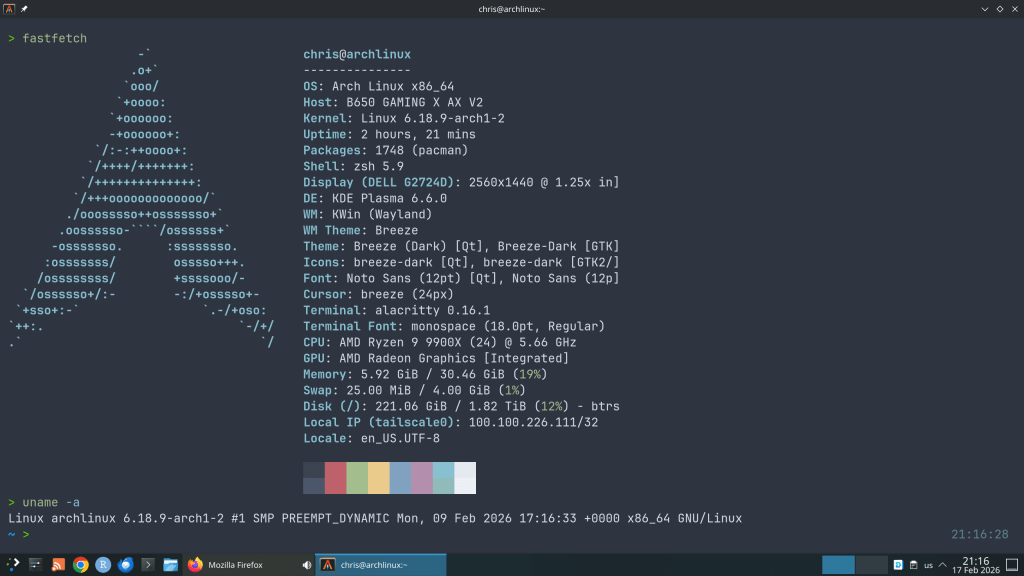
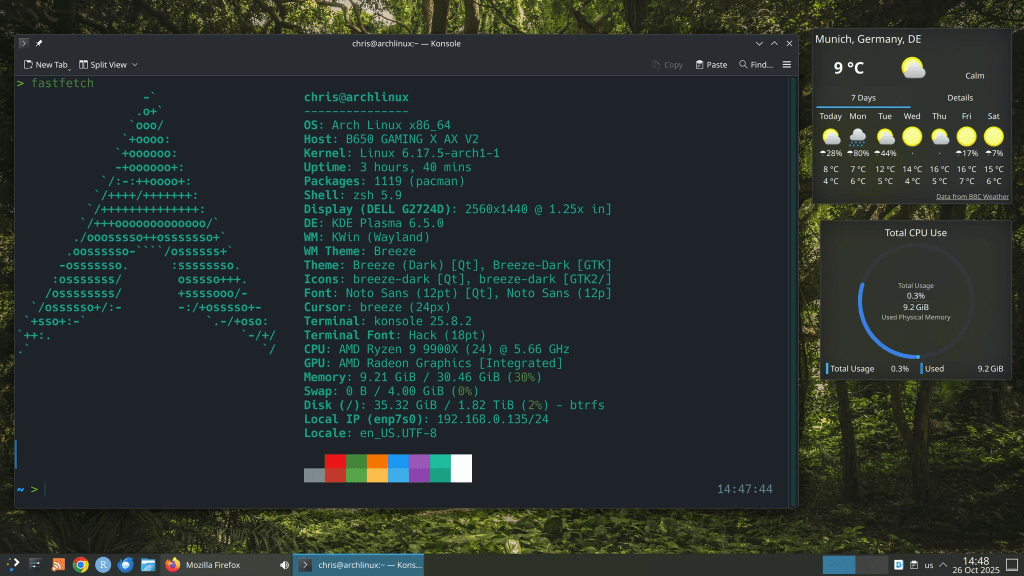
Written from real-world testing on AMD Ryzen 9 9900X · Arch Linux · Kernel 6.18.8
-
-
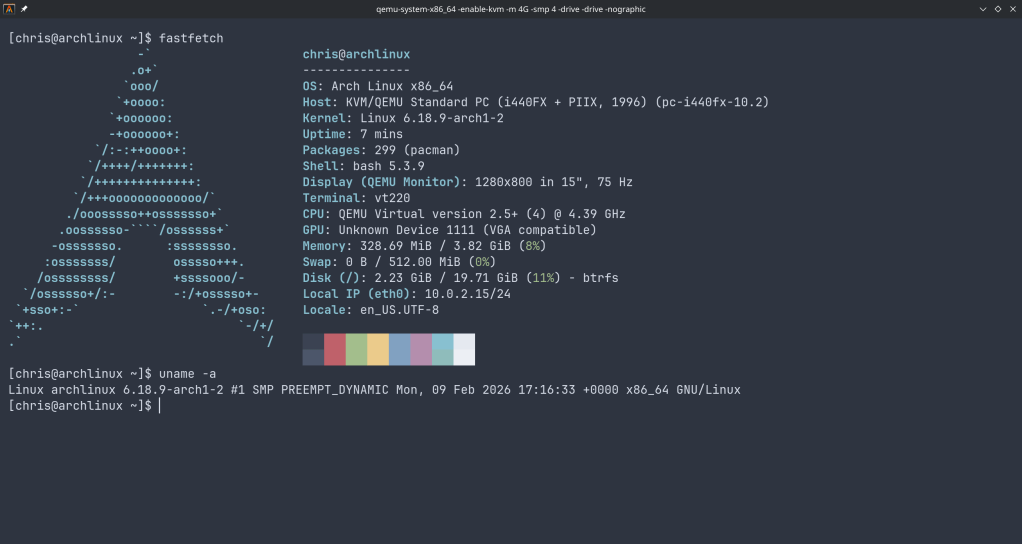
“An Arch Linux user on Wednesday uploaded malicious AUR packages of firefox-patch-bin, librewolf-fix-bin, and zen-browser-patched-bin. These AUR packages ended up installing a binary file from a GitHub repository that ended up being a remote access trojan.”
-
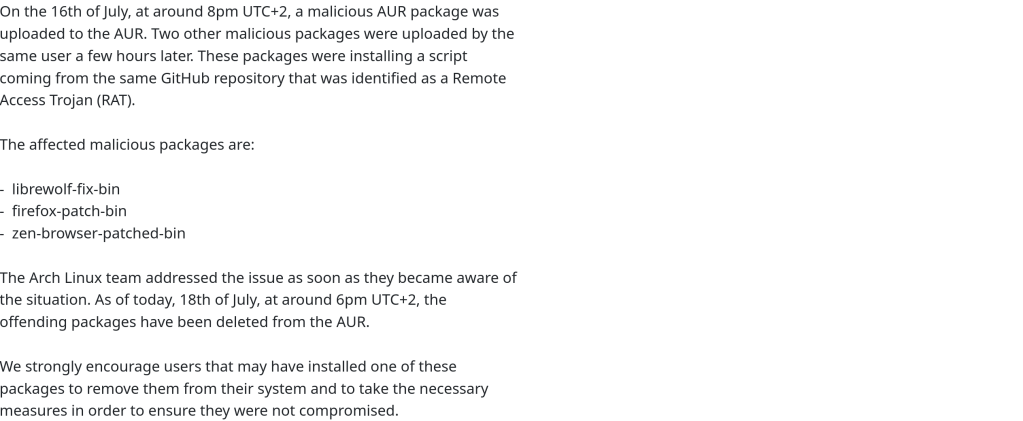
With 6.14.9 kernel