




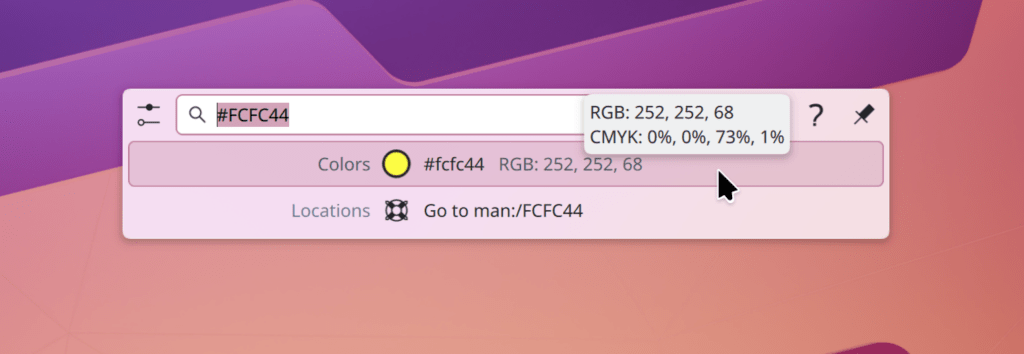
KRunner is now aware of various types of color codes, and can display the color and other textual representations of it.
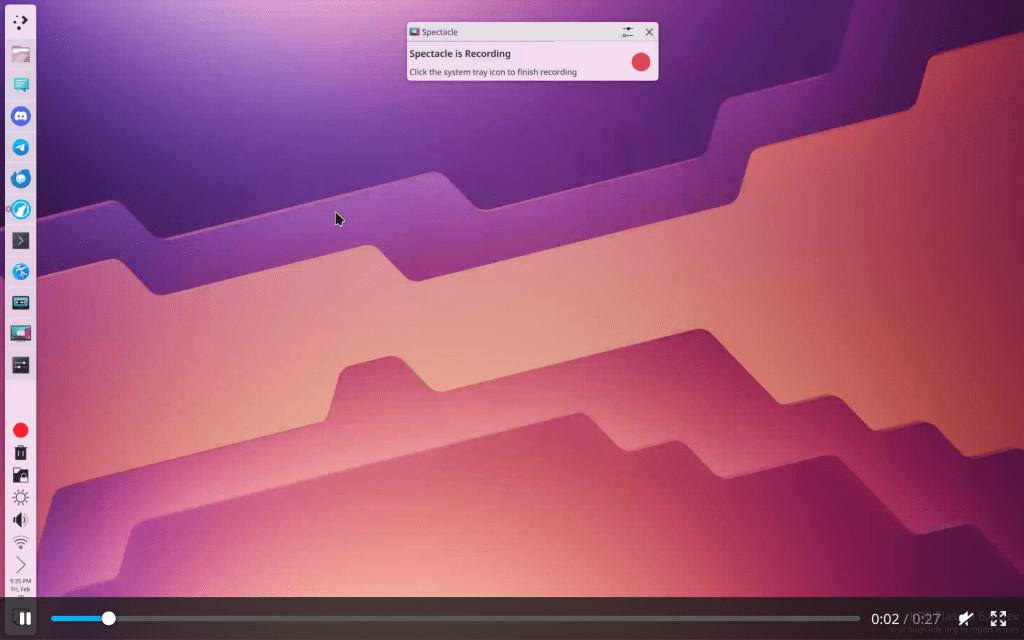
Spectacle has gotten a big UI overhaul! Now it launches by default into the Rectangular Region overlay (this is configurable, of course), allowing you to drag a box to screenshot an area or immediately capture the whole screen, annotate on anything, and pick any other type of screenshot or recording. This new UX is much less modal and feels great to use!
The “About This System” page in Info Center and System Settings now indicates the system’s memory more accurately, displaying both the physical amount and also the actually usable amount, and offering information about why the numbers might differ.

Source: https://blogs.kde.org/2025/03/01/this-week-in-plasma-great-stuff-for-6.4/
 /root
/root 