




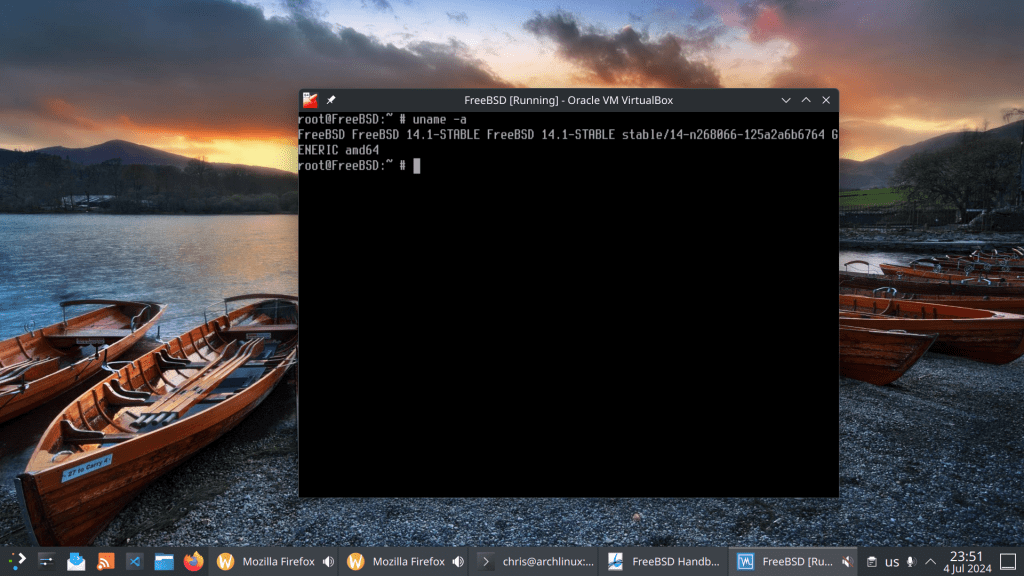
After installing the 14.1 point release I decided to follow the stable/14 branch.
First step was to pull the source code and checkout to the stable branch. After that build world and build the kernel. I used 4 jobs as my processor has 4 cores. Use this command accordingly to your core/thread number.
Curious to see how my AMD Ryzen 9 7950x3d performs !!
- cd /usr/src/
- git clone –branch stable/14 https://git.FreeBSD.org/src.git
- make -j4 -DNO_CLEAN buildworld
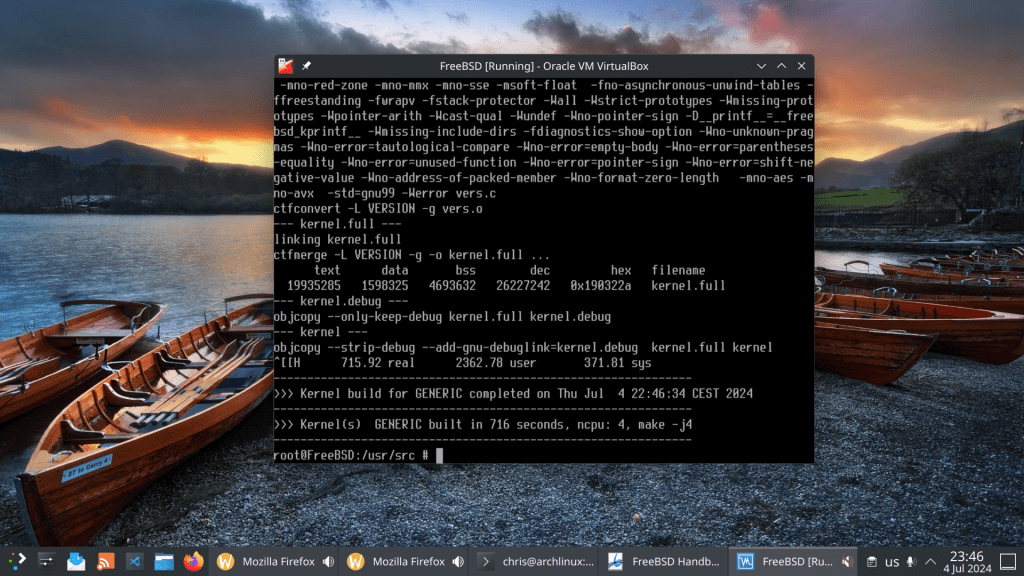
- make -j4 -DNO_CLEAN buildkernel
- make installkernel
- shutdown -r now
- cd /usr/src
- make installworld
- shutdown -r now
Kernel build in 716 seconds ~ 11 minutes
Voilà !
 /root
/root 