




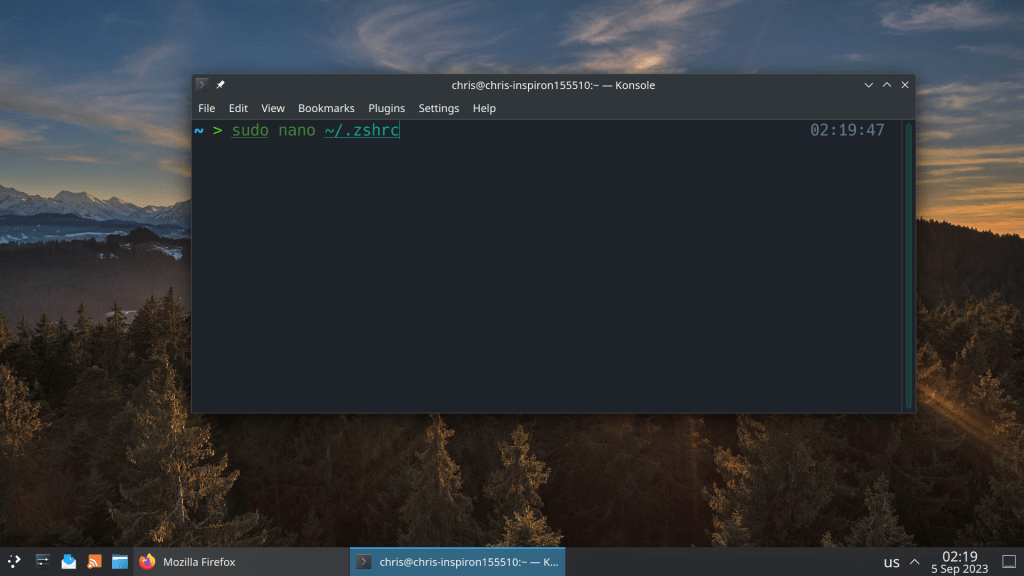
2 of the most common commands that I use all the time is sudo pacman -Syu for updating packages and sudo pacman -Scc for clearing the package cache
Setting aliases saves a lot of time 🙂
#Aliases
alias update="sudo pacman -Syu && yay -Syu"
alias clearcache="sudo pacman -Scc && yay -Scc"
# Enable Powerlevel10k instant prompt. Should stay close to the top of ~/.zshrc.
# Initialization code that may require console input (password prompts, [y/n]
# confirmations, etc.) must go above this block; everything else may go below.
if [[ -r "${XDG_CACHE_HOME:-$HOME/.cache}/p10k-instant-prompt-${(%):-%n}.zsh" ]]; then
  source "${XDG_CACHE_HOME:-$HOME/.cache}/p10k-instant-prompt-${(%):-%n}.zsh"
fi

# Use powerline
USE_POWERLINE="true"
# Source manjaro-zsh-configuration
if [[ -e /usr/share/zsh/manjaro-zsh-config ]]; then
  source /usr/share/zsh/manjaro-zsh-config
fi
# Use manjaro zsh prompt
if [[ -e /usr/share/zsh/manjaro-zsh-prompt ]]; then
  source /usr/share/zsh/manjaro-zsh-prompt
fi

# To customize prompt, run `p10k configure` or edit ~/.p10k.zsh.
[[ ! -f ~/.p10k.zsh ]] || source ~/.p10k.zsh


#Aliases
alias update="sudo pacman -Syu && yay -Syu"
alias clearcache="sudo pacman -Scc && yay -Scc"
 /root
/root 