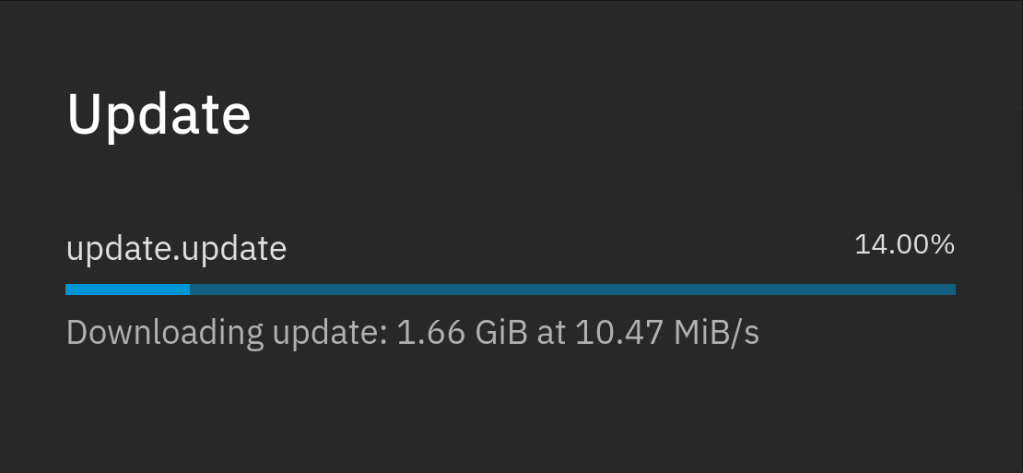
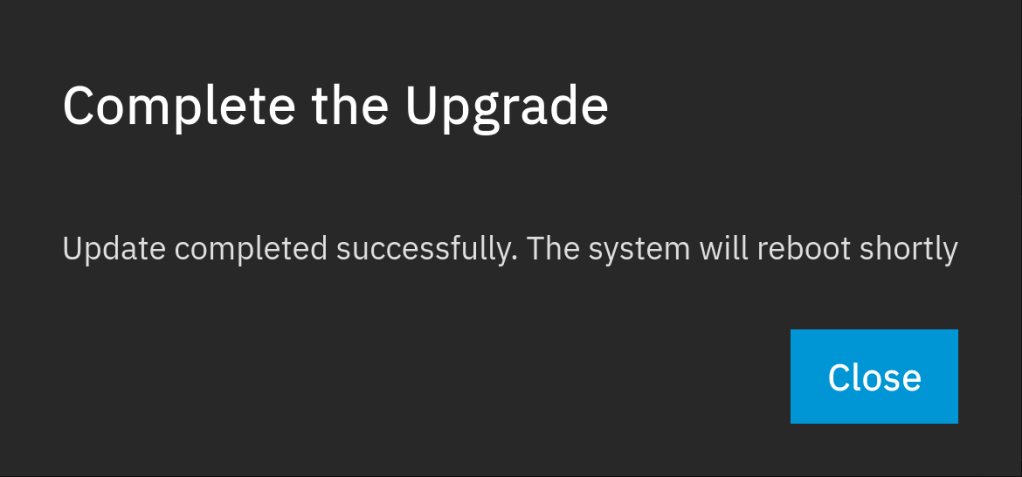
Tag: NAS
-
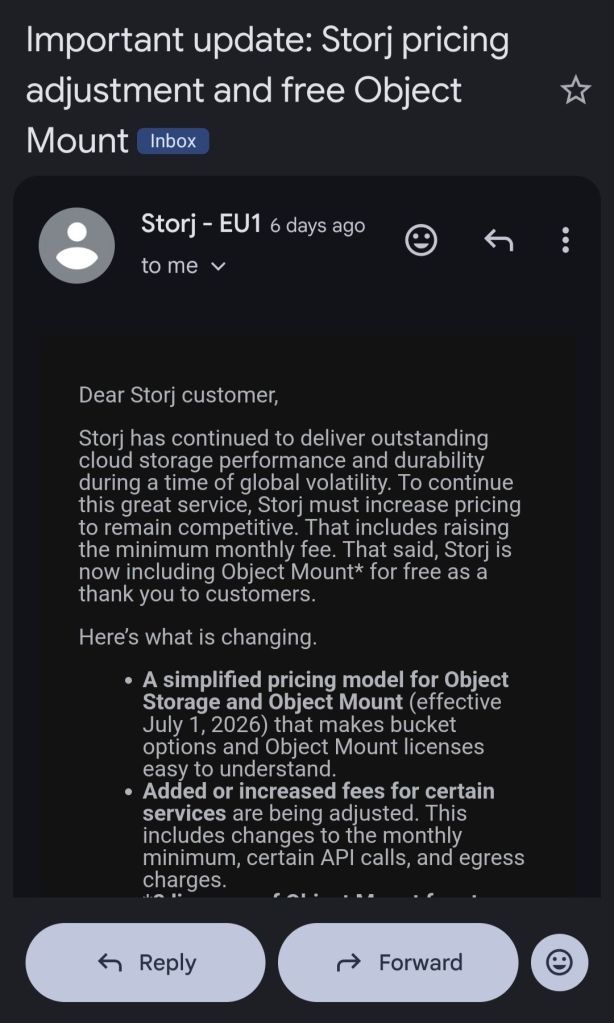
From July 1 StorJ will introduce a minimum 50 dollar per month payment irrespective from storage usage !
As of now I run weekly S3 backups with restic from my TrueNAS to StroJ. I may need to migrate to some other solution e.g. Hetzner ….


-
Running TrueNAS in VirtualBox is a great way to test configurations, experiment with ZFS pools, or learn the TrueNAS UI before deploying on real hardware. As of February 2026, the latest stable version is TrueNAS 25.10.2.1 (Goldeye), with TrueNAS 26 beta planned for April 2026.
VM Settings
- Type: BSD, FreeBSD (64-bit)
- RAM: 8 GB minimum (ZFS needs memory)
- CPU: 2+ cores
- Disk 1: 16 GB (boot drive)
- Disk 2-4: Create additional virtual disks for your ZFS pool (e.g., 3x 20 GB for a RAIDZ1)
- Network: Bridged adapter (so TrueNAS gets its own IP on your LAN)
Important VirtualBox Settings
Under System > Processor, make sure to enable PAE/NX. Under System > Acceleration, enable VT-x/AMD-V and Nested Paging.
For the disk controller, use AHCI (not IDE) for better performance and compatibility.
Note: If you’re on an AMD system and get a VERR_SVM_IN_USE error, you may need to unload the KVM modules first — see my post on VirtualBox AMD-V fix.
Installation
- Download the TrueNAS 25.10 ISO from truenas.com
- Mount the ISO in VirtualBox’s optical drive
- Boot the VM and follow the installer
- Install to the 16 GB boot disk
- Remove the ISO and reboot
After Installation
Once TrueNAS boots, it will display the web UI address on the console. Open it in your browser and create your ZFS pool using the additional virtual disks.
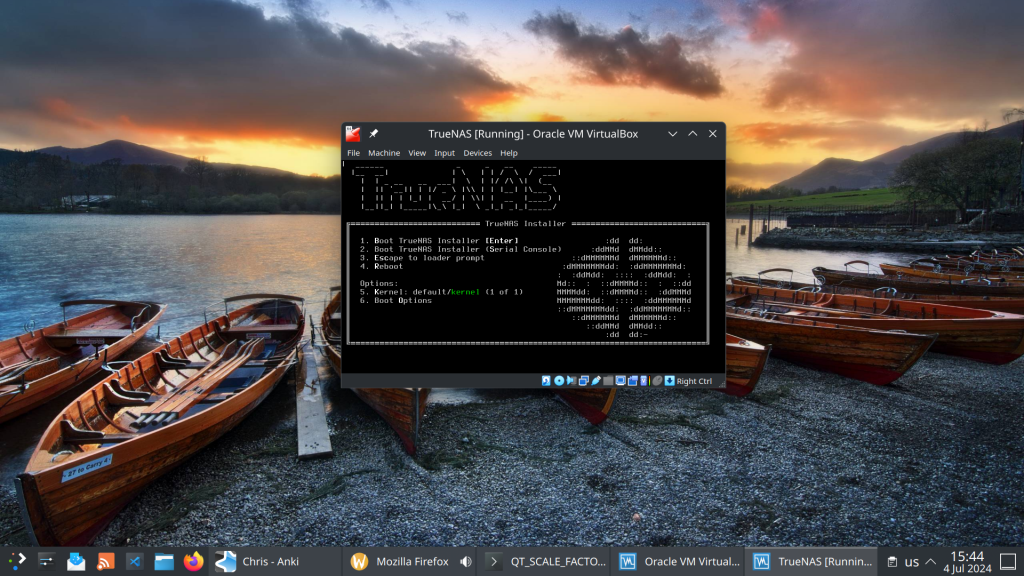
This setup is perfect for testing pool configurations, snapshots, replication, and apps before committing to production hardware.
-
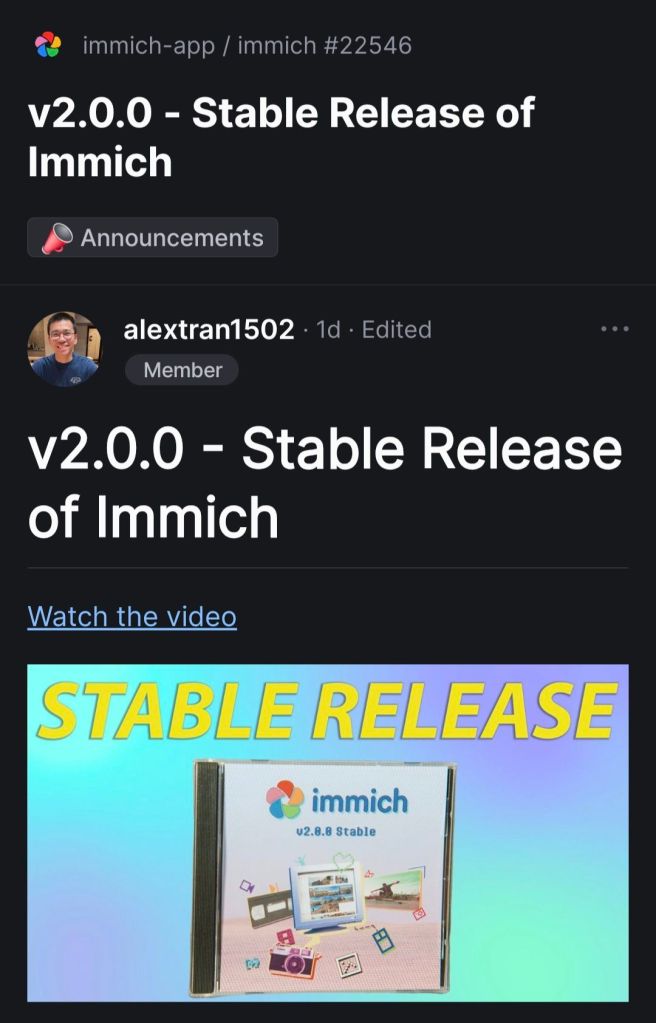
First time immich becomes stable.

-
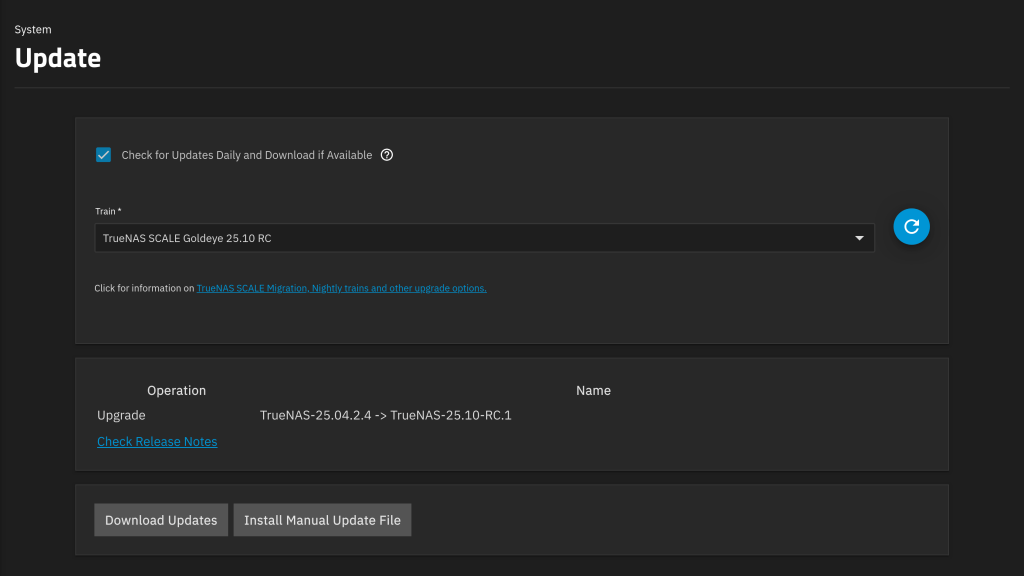
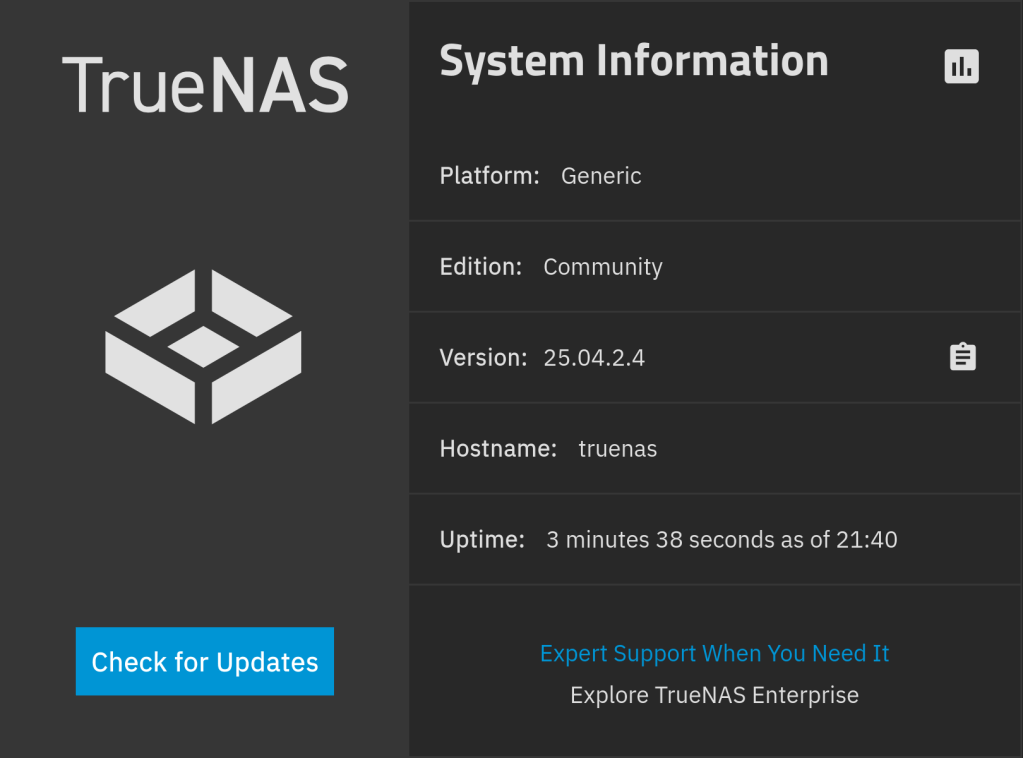
Notable Changes
- Fixes an issue where the ACL editor ignored unchecked “Apply Owner” and “Apply Group” checkboxes and always applied owner/group changes recursively, potentially causing unintended ownership changes (NAS-137378).
- Fixes an issue where SMB threads could become stuck at 100% CPU usage on Windows clients, causing Windows Explorer to become unresponsive until the thread was manually killed (NAS-137095).
See the 25.04.2.4 Release Notes for more details.

-
After deleting an rsync backup task in order to change user permissions and then creating a task with the same destination path I get the above error.
Solution:
- delete the synobkpinfo.db file
- rename the backup folder e.g. backup to backup_old
- create a new task with the same destination backup
- copy new synobkpinfo.db into backup_old
- delete backup
- rename backup_old to backup
I also investigated the .db file using SQLite Browser:

#synology_to_truenas_backup