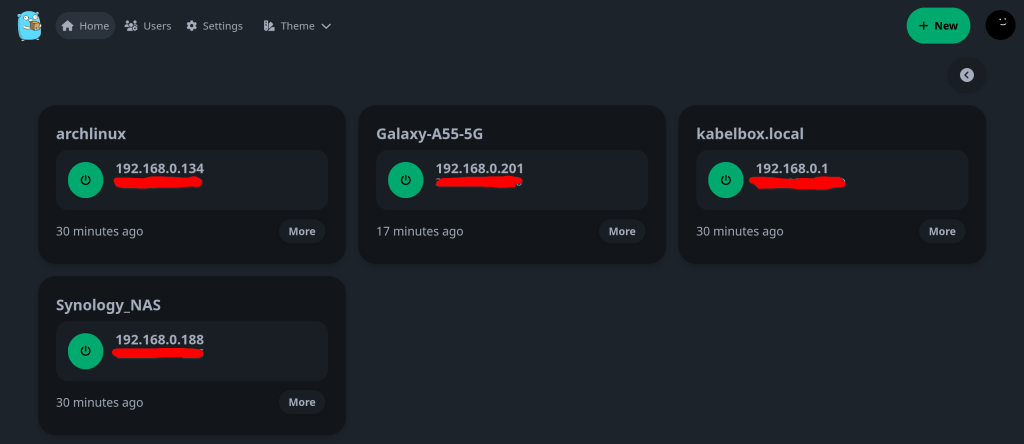
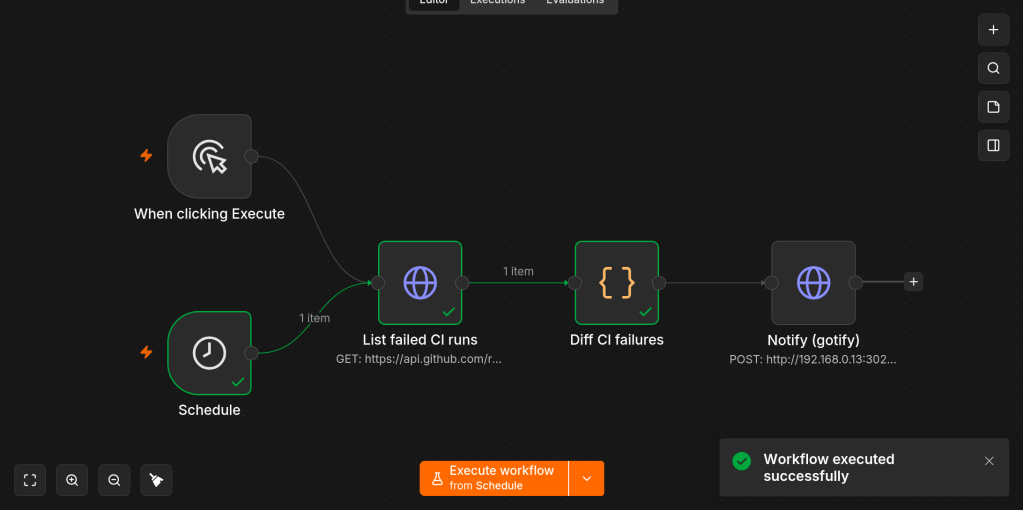
“A simple wake on lan web app written with SvelteKit, Go and PocketBase.“
A very useful docker container that enables easy Wake-On-Lan (WoL) management in a dashboard. I run it in my TrueNAS server so I can wake, suspend and turn-off my LAN devices remotely on command.
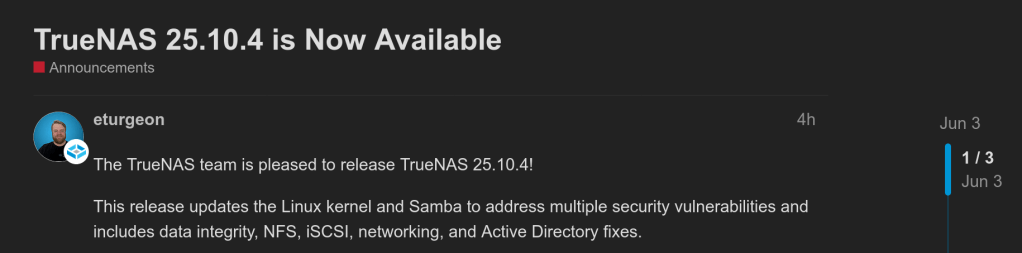
Updates the Linux kernel to the latest 6.12 LTS release (v6.12.91). This update mitigates several kernel vulnerabilities, including the Dirty-Frag local privilege escalation (CVE-2026-43284 and CVE-2026-43500), the CIFSwitch local privilege escalation in the CIFS client (CVE-2026-46243), a ptrace privilege issue (CVE-2026-46333), and the related Fragnesia privilege escalation in the ESP-in-TCP path (CVE-2026-46300). It also enables additional CPU side-channel mitigations.
Updates Samba to version 4.22.10 to address multiple security vulnerabilities. This Samba maintenance release resolves several CVEs, including a missing access check that let read-only users set or delete reparse point attributes (CVE-2026-1933) and a flaw in the WORM (Write Once, Read Many) module that allowed protected files to be overwritten by renaming a new file over them (CVE-2026-2340). See the Samba 2026 security release impact statement for the TrueNAS-specific impact assessment, or the Samba 4.22.10 release notes for the complete upstream list.
Fixes a potential double free when freeing blocks cloned after deduplication table pruning. Blocks created through block cloning could be freed more than once if their deduplication table (DDT) entries had already been pruned, because the free path did not check the block reference table (BRT) first.
Fixes virtual machines stored on NFSv4.1 datasets failing to power on. A change introduced in 25.10.2.1 could cause the NFSv4 change cookie to move backward after a file left the cache due to memory pressure, a remount, or a reboot. NFSv4.1 clients that depend on a monotonic change cookie, notably VMware ESXi, rejected the affected files. A virtual machine stored on an NFSv4.1-exported ZFS dataset then failed to power on with the error “The file specified is not a virtual disk.” This release reverts that change while a complete fix is finalized upstream.
Fixes a kernel crash in the iSCSI target layer during SCSI bus or LUN resets. A use-after-free in the clustered locking path of the iSCSI target could crash the system during a SCSI reset, most often on Enterprise High Availability (HA) systems while a peer controller was leaving the cluster. The target layer now waits for lock teardown to complete before releasing the associated memory.
Improves iSCSI LUN replacement during High Availability failover. On Enterprise HA systems, cleanup of a replaced LUN could stall during failover while a peer controller was being evicted from the cluster, which blocked later LUN replacements. Cleanup is now held until the cluster coordination it depends on has finished.
Fixes a validation error that blocked static network configuration on some High Availability systems. On HA-capable systems, saving a static network configuration could incorrectly fail with “Enabling DHCPv4/v6 on HA systems is unsupported” even when DHCP was not being enabled. This affected fresh installs before any interface had a saved configuration. The check now triggers only when DHCP or IPv6 autoconfiguration is explicitly enabled.
Improves Active Directory rejoin, reset, and recovery handling. This release hardens the Active Directory rejoin and directory services reset operations, improves domain controller selection on systems with more than one available controller, and produces clearer diagnostics when a join or authentication problem occurs.
Fixes ZFS automatic snapshots not being created after a Time Machine backup until the Mac reconnects. When a Time Machine SMB share has automatic snapshots enabled, recent macOS versions (Tahoe and later) sometimes keep the SMB session open after a backup completes instead of disconnecting, which prevented the post-backup ZFS snapshot from being taken until the client reconnected or restarted. The snapshot logic is updated to handle these persistent Time Machine sessions.
Reduces excessive winbind log messages for failed user and group lookups. When Active Directory is enabled, looking up a user or group that does not exist (for example through getpwnam or getgrnam) generated a warning for every failed lookup, which could rapidly fill the winbind log. These messages are now logged at informational level instead of as warnings.
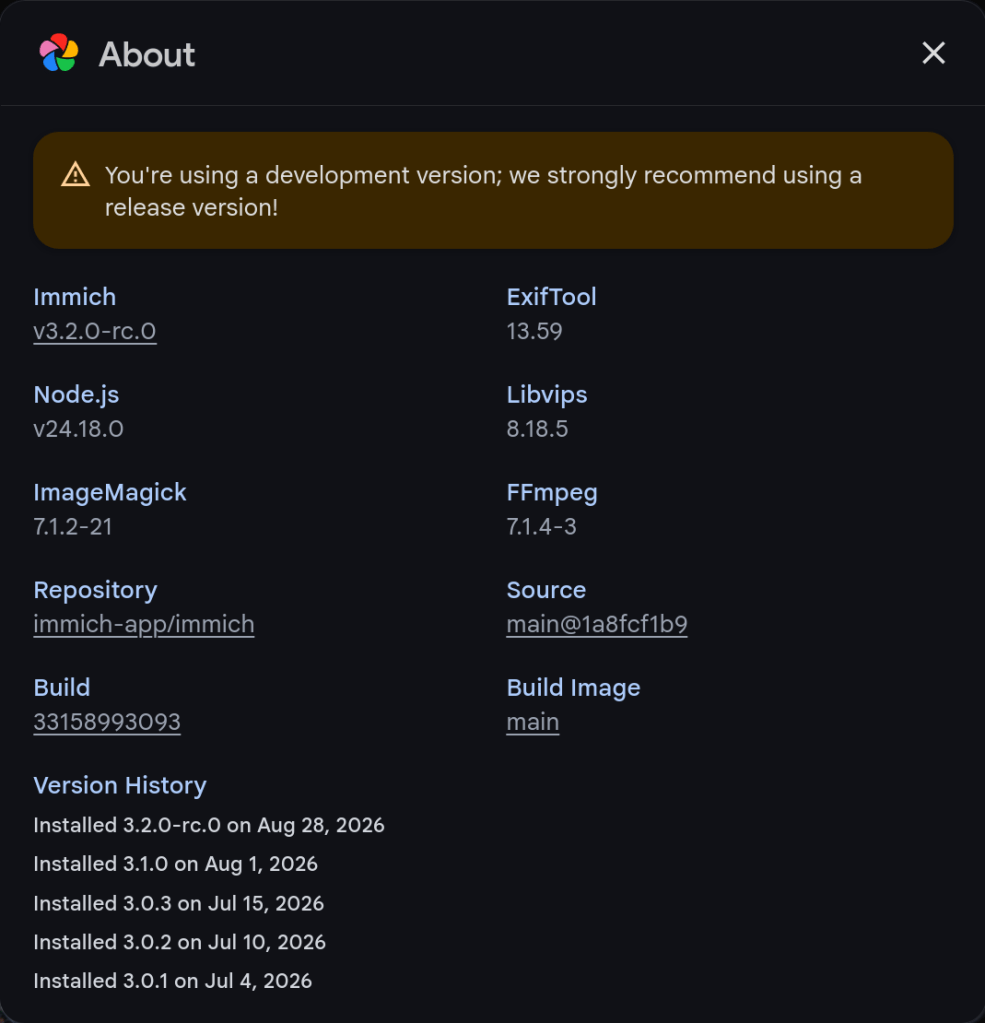
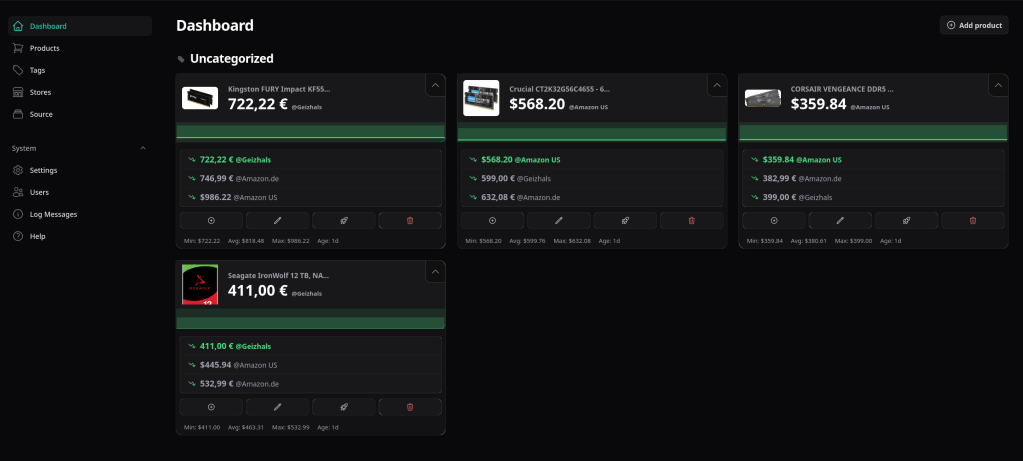
RAM prices are getting high, so I set up a self-hosted price tracking service called PriceBuddy to monitor specific products on Amazon.de, Amazon.com, and Geizhals.
I also built a SeleniumBase scraper to parse data from the Geizhals website.
The latest episode of TrueNAS Tech Talk (T3) — Episode 56 — dropped on March 6, 2026, and it’s packed with news that every TrueNAS homelab enthusiast and sysadmin will want to hear. Hosts Kris Moore and Chris Peredun (the TrueNAS HoneyBadger) cover the upcoming TrueNAS 26 release schedule, a deep dive into the new dataset tiering feature, and tackle eight viewer questions.
TrueNAS 26: A (Tentative!) Release Timeline
The big headline this week is that Kris and Chris finally lay out the tentative roadmap from the first TrueNAS 26 BETA release all the way through to the .0 general availability. If you’ve been waiting to know when you can get your hands on the next generation of TrueNAS software, this episode gives you the clearest picture yet. No more codenames, no more decimal versioning — as the team confirmed back in Ep. 52, TrueNAS is moving to a clean annual release cycle, and 26 is the first major fruit of that shift.
Dataset Tiering: Hybrid Storage Gets Smarter
One of the standout features coming to TrueNAS 26 is dataset tiering — the ability to mix fast flash and spinning-disk pools and automatically tier datasets (or shares) between them. This is an Enterprise-tier feature, meaning it won’t land in the Community Edition, but the architecture is fascinating for anyone interested in how ZFS and TrueNAS manage data placement at scale. Since this is implemented at the TrueNAS layer rather than directly in OpenZFS, pools remain compatible with standard OpenZFS if you ever need to migrate away, though some caveats may apply.
For those of us running pure Community Edition homelabs — Docker stacks, S3-compatible storage, and all — it’s still a great signal of the direction TrueNAS engineering is heading.
Eight Viewer Questions
As always, Kris and Chris close out the episode with a batch of community questions — likely touching on storage configuration, upgrade paths, and follow-up on ZFS AnyRaid and Spotlight search (truesearch) from recent episodes.
Why This Episode Matters for Homelab Users
If you’re self-hosting on TrueNAS Scale — running Docker containers, managing snapshots over Tailscale, or experimenting with S3-compatible backends like RustFS or Garage — TrueNAS 26 is a significant milestone. The annual cadence promises more predictable upgrade windows, and features like dataset tiering give a window into where the platform’s storage smarts are heading.
After years of using Anki for medical school, I finally got tired of relying on AnkiWeb for syncing. Privacy concerns, sync limits, and the occasional downtime pushed me to self-host. The problem? The official Anki project provides source code but no pre-built Docker image. Building from source every time there’s an update? No thanks.
So I built Anki Sync Server Enhanced — a production-ready Docker image with all the features self-hosters actually need.
Why Self-Host Your Anki Sync?
Privacy — Your flashcards stay on your server
No limits — Sync as much as you want
Speed — Local network sync is instant
Control — Backups, monitoring, your rules
What Makes This Image Different?
I looked at existing solutions and found them lacking. Most require you to build from source or offer minimal features. Here’s what this image provides out of the box:
Feature
Build from Source
This Image
Pre-built Docker image
No
Yes
Auto-updates
Manual
Daily builds via GitHub Actions
Multi-architecture
Manual setup
amd64 + arm64
Automated backups
No
Yes, with retention policy
S3 backup upload
No
Yes (AWS, MinIO, Garage)
Prometheus metrics
No
Yes
Web dashboard
No
Yes
Notifications
No
Discord, Telegram, Slack, Email
Quick Start
Getting started takes less than a minute:
docker run -d \
--name anki-sync \
-p 8080:8080 \
-e SYNC_USER1=myuser:mypassword \
-v anki_data:/data \
chrislongros/anki-sync-server-enhanced
That’s it. Your sync server is running.
Docker Compose (Recommended)
For a more complete setup with backups and monitoring:
If you’re using Anki seriously — for medical school, language learning, or any knowledge work — self-hosting your sync server gives you complete control over your data. This image makes it as simple as a single Docker command.
Questions or feature requests? Open an issue on GitHub or leave a comment below.