






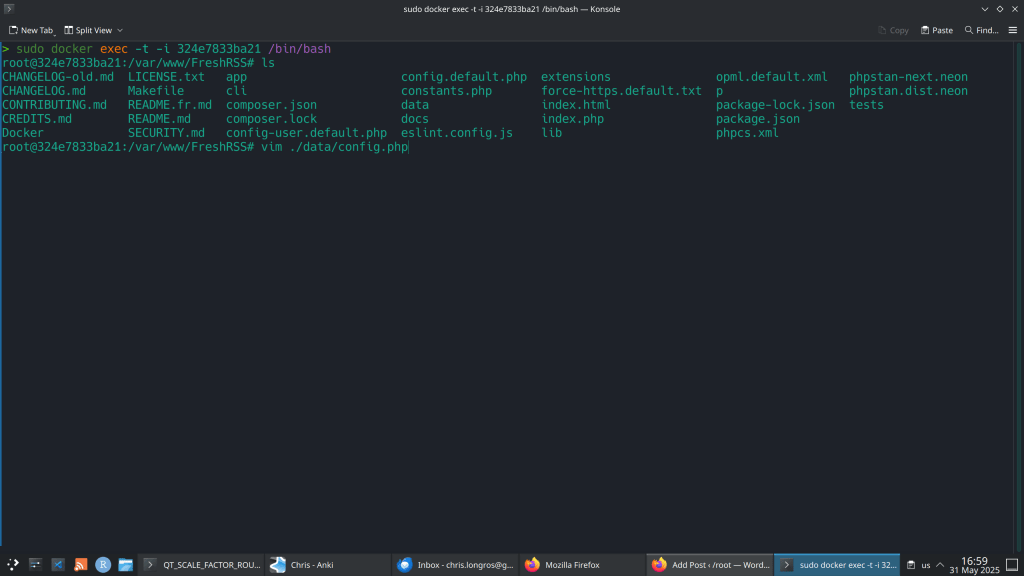
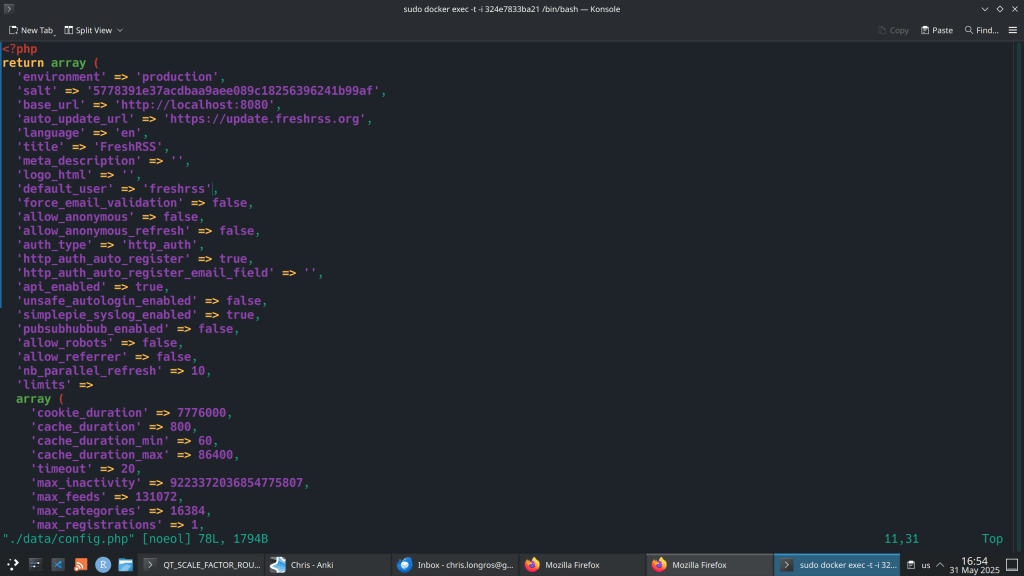
So I changed the authentication to http and I could not login using the Web Interface. I received the following error:
“Error 403 – Forbidden
You don’t have permission to access this page [HTTP Remote-User= ; Remote IP address=172.17.0.1]”
Solution:

This is a security-focussed release for FreshRSS 1.26.x, addressing several CVEs (thanks @Inverle) 🛡
A few highlights ✨:
Notes ℹ:
“This is a security-focussed release for FreshRSS 1.26.x, addressing several CVEs”

1.25.0 key changes:
Require PHP 8.1+ (and improved support of PHP 8.4+)Require PostgreSQL 10+ or MariaDB 10.0.5+ or MySQL 8+# Rebuild an image (see build section below) or get a new online version:
docker pull freshrss/freshrss
# And then
docker stop freshrss
docker rename freshrss freshrss_old
docker run -d --restart unless-stopped --log-opt max-size=10m \
-p 8080:80 \
-e TZ=Europe/Berlin \
-e 'CRON_MIN=1,31' \
-v freshrss_data:/var/www/FreshRSS/data \
-v freshrss_extensions:/var/www/FreshRSS/extensions \
--name freshrss \
freshrss/freshrss
# If everything is working, delete the old container
docker rm freshrss_old
https://github.com/FreshRSS/FreshRSS/blob/edge/Docker/README.md

System and software requirements:
Firstly install Docker eg. sudo pacman -S docker
Then set a docker container with the following command:

Complete the setup by visiting http://localhost:8080
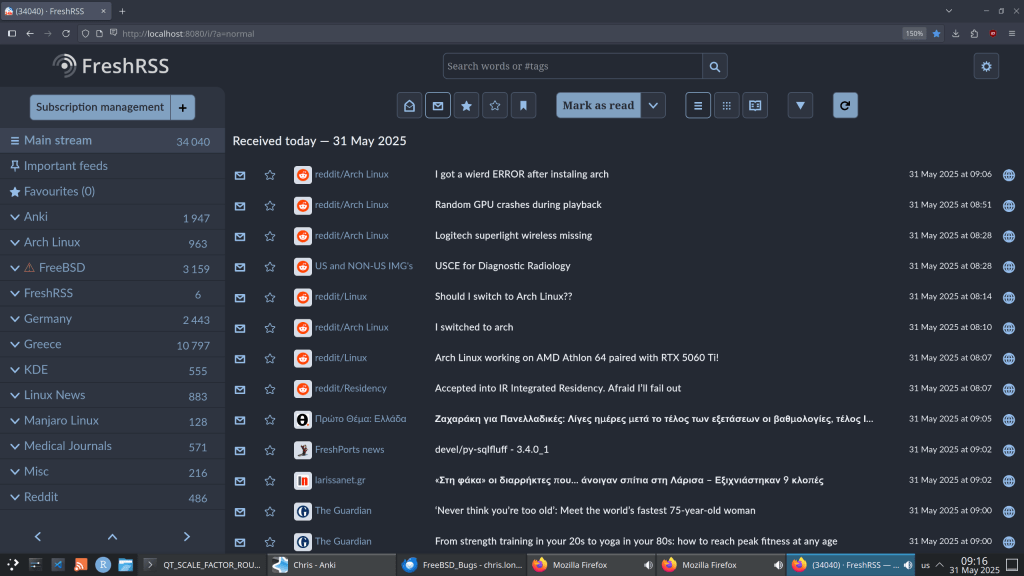
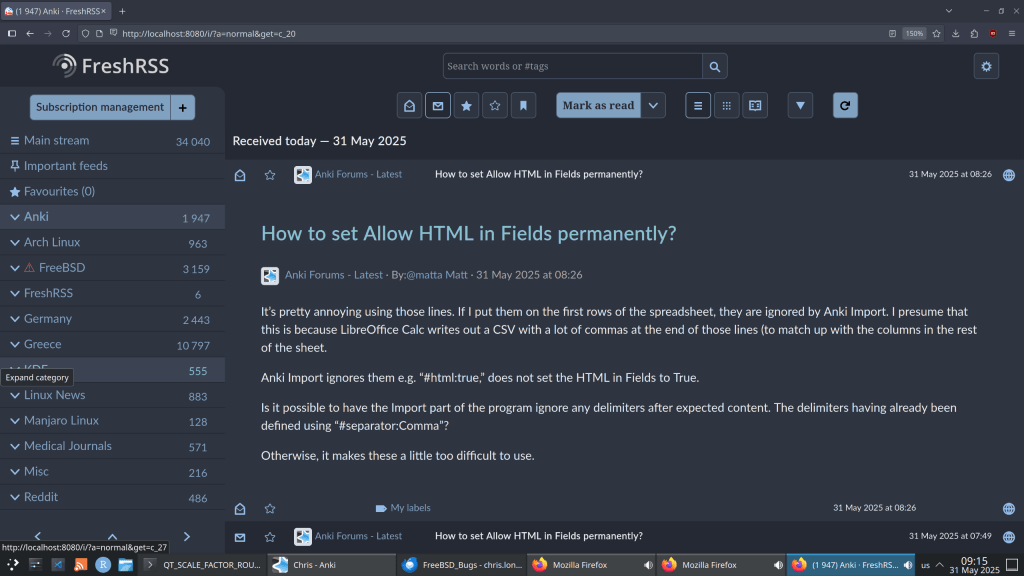
Final result. Enjoy ! 🙂

 /root
/root 