




With the Linux kernel 2.4.18, gcc 2.95.3, Mozilla 1.0rc3 and ReiserFS


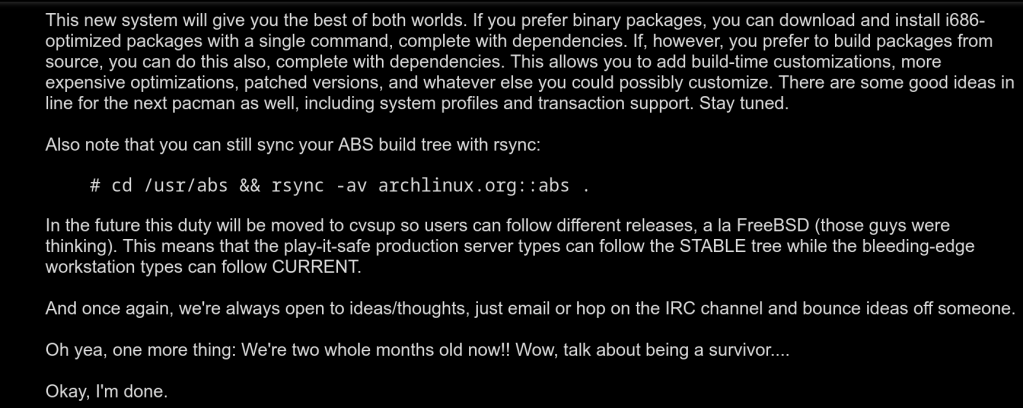


With the Linux kernel 2.4.18, gcc 2.95.3, Mozilla 1.0rc3 and ReiserFS
I plan to use it longterm
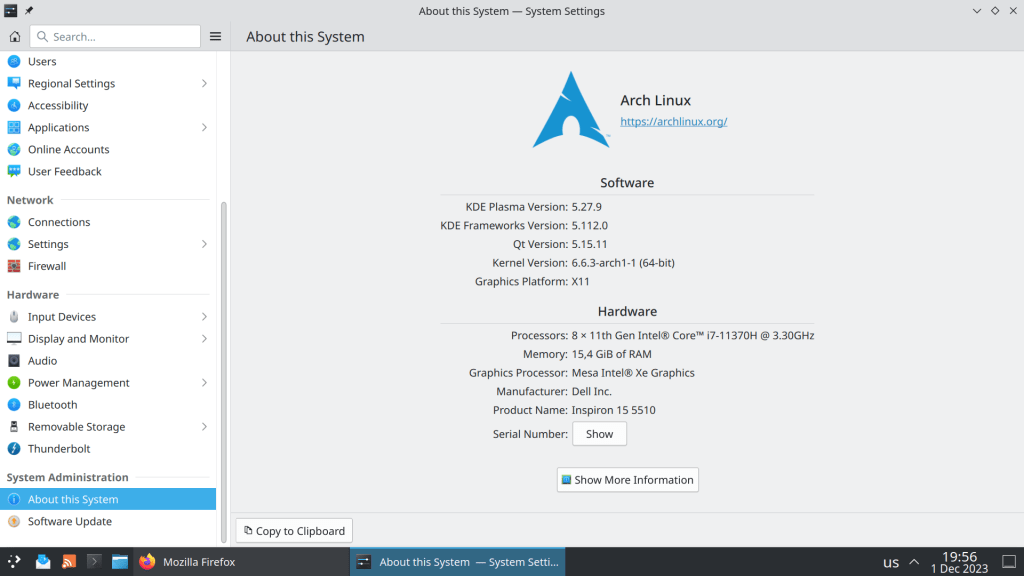

So from this point on the two packages will be in conflict if they are installed in the same system.
JDK is for executing and compiling Java applications
JRE/JRE-headless is only for Java Runtime

https://archlinux.org/news/incoming-changes-in-jdk-jre-21-packages-may-require-manual-intervention/
It is probably one of the most toxic Reddit communities. Some members offer help while other just make fun of novices, downvoting responses and posts for no reason or being total arrogant.
In contrast FreeBSD is the most welcoming community with experienced users in the IT world …
Just an observation that I made during the past couple of months.
Now with support for Ly display manager and custom number of parallel downloads

The new version is not yet in the Package Database but will be likely included in the October’s ISO.

https://github.com/archlinux/archinstall/releases/tag/v2.6.1
It was chosed against SHA512 because it offers 2 major advantages:
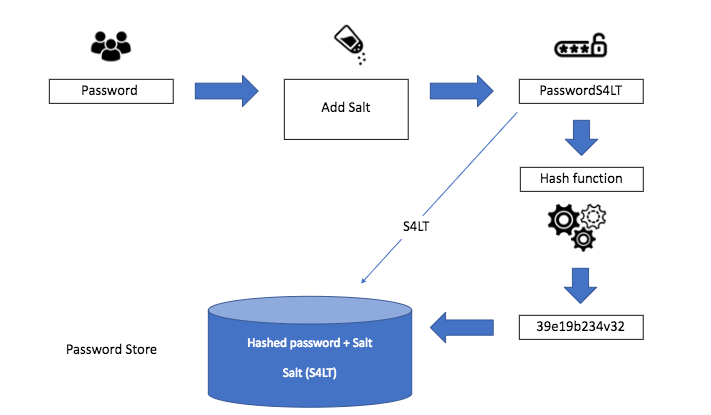

https://archlinux.org/news/changes-to-default-password-hashing-algorithm-and-umask-settings/
“A chroot is an operation that changes the apparent root directory for the current running process and their children. A program that is run in such a modified environment cannot access files and commands outside that environmental directory tree. This modified environment is called a chroot jail.”
I always have a spare USB device with an Arch Linux bootable iso just in case my system does not boot or after a package update that totally breaks my system.
In August 2022 there was a major GRUB bug that caused many systems failing to boot. At that time I was not in a home setting so chroot from a USB literally saved me.

Another case was using ibt=off in /etc/default/grub that turns off the Indirect Branch Tracking security feature, after a bug affected Nvidia drivers.
https://github.com/NVIDIA/open-gpu-kernel-modules/issues/256
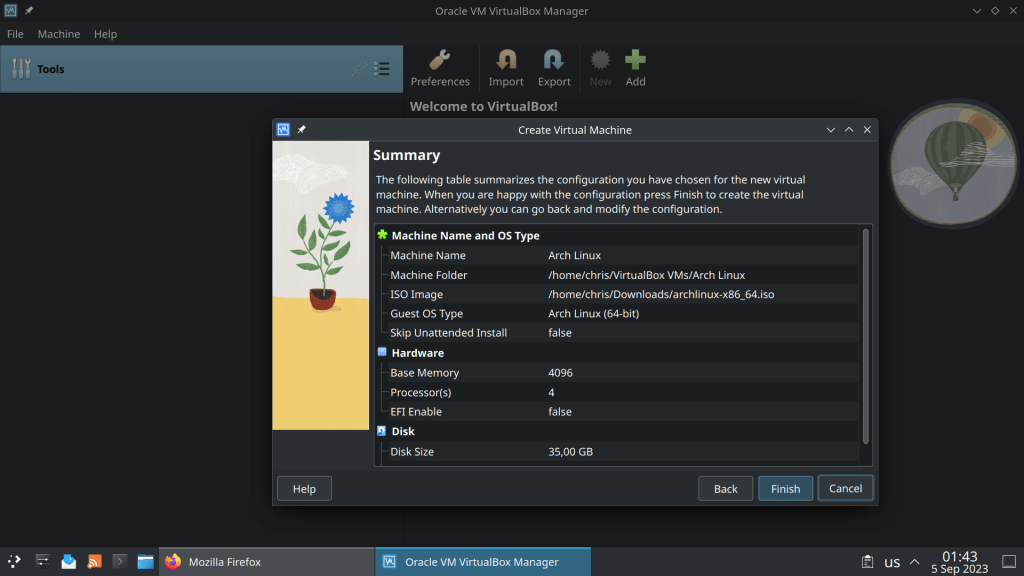
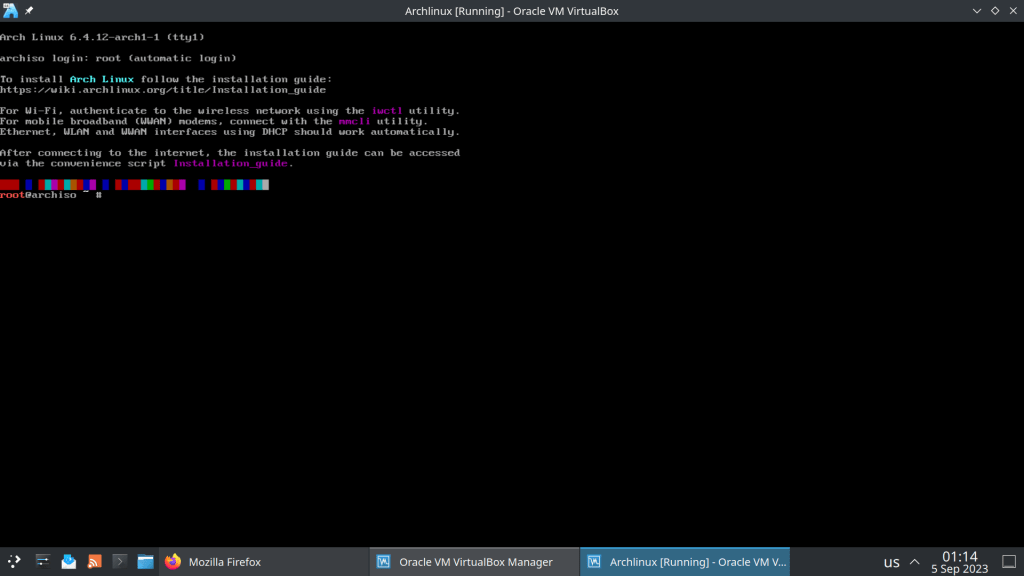
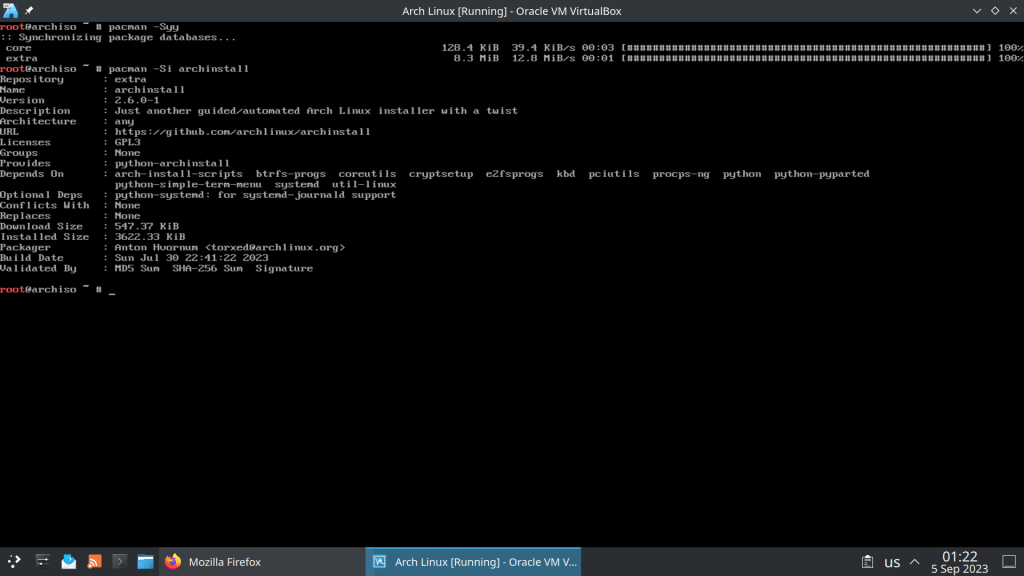
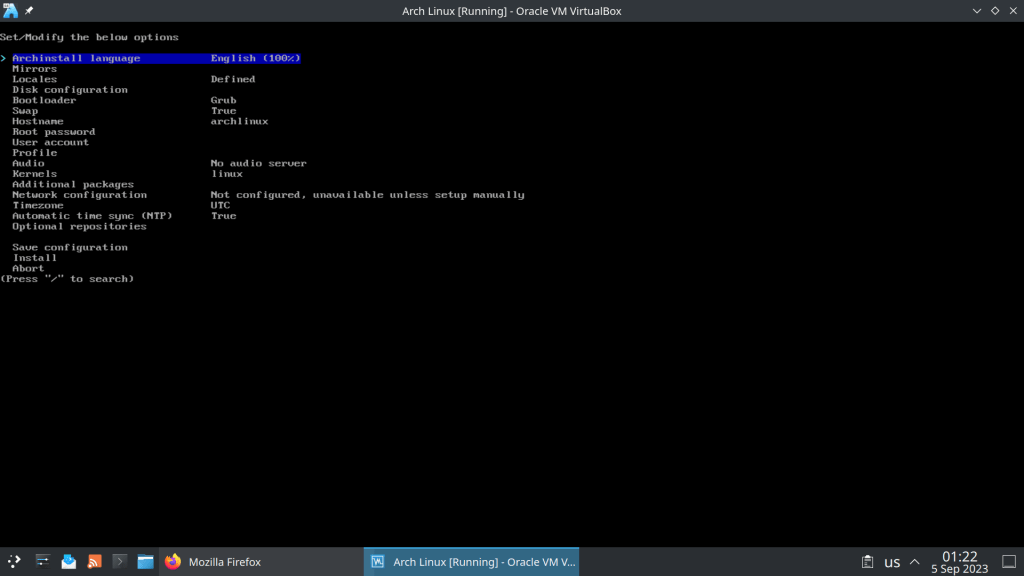
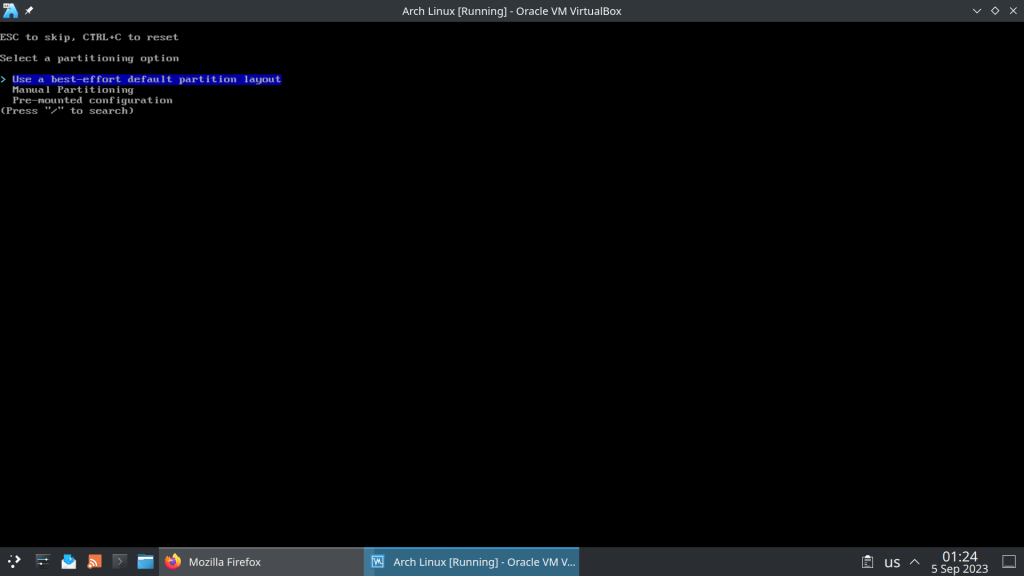
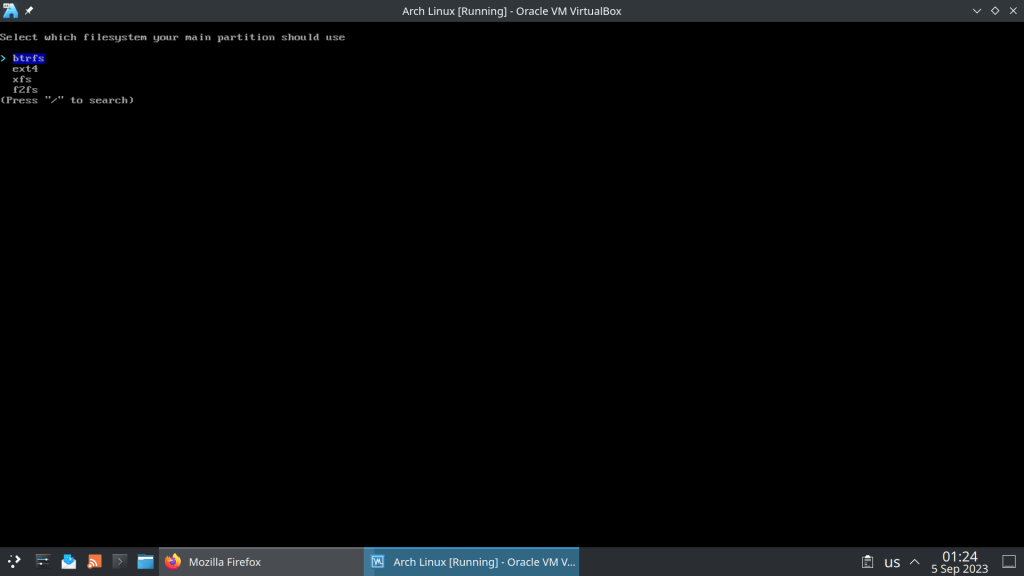
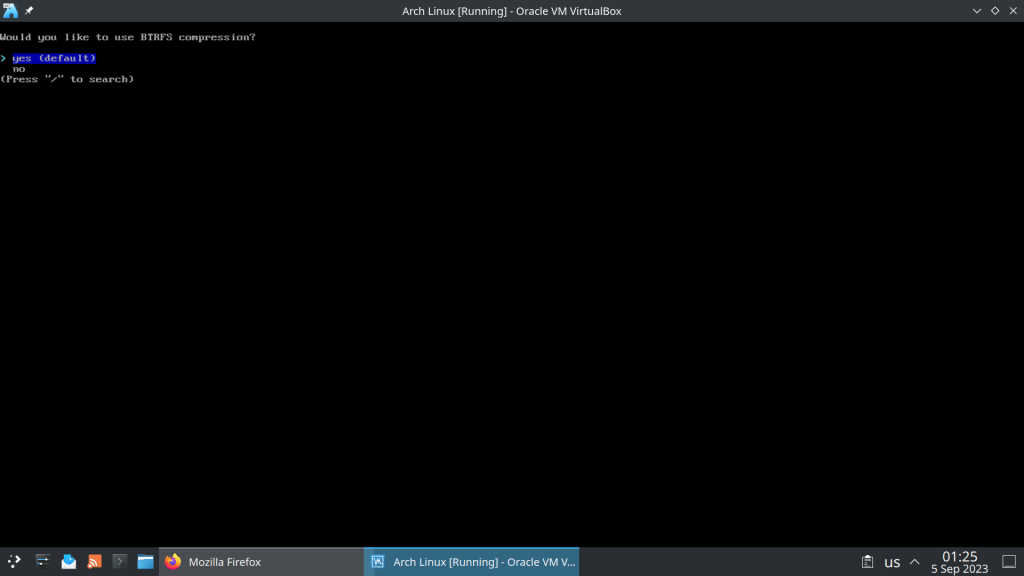
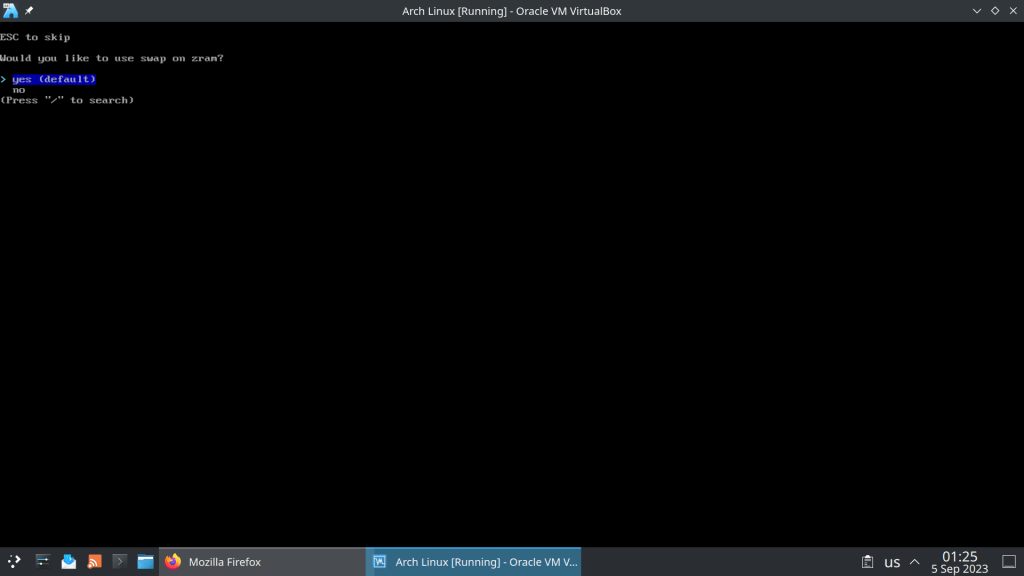
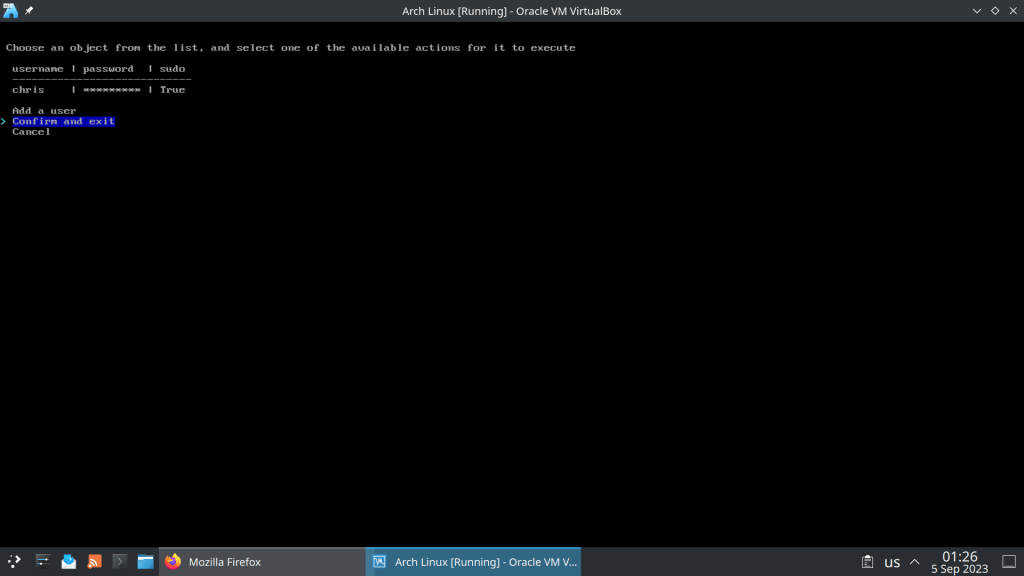
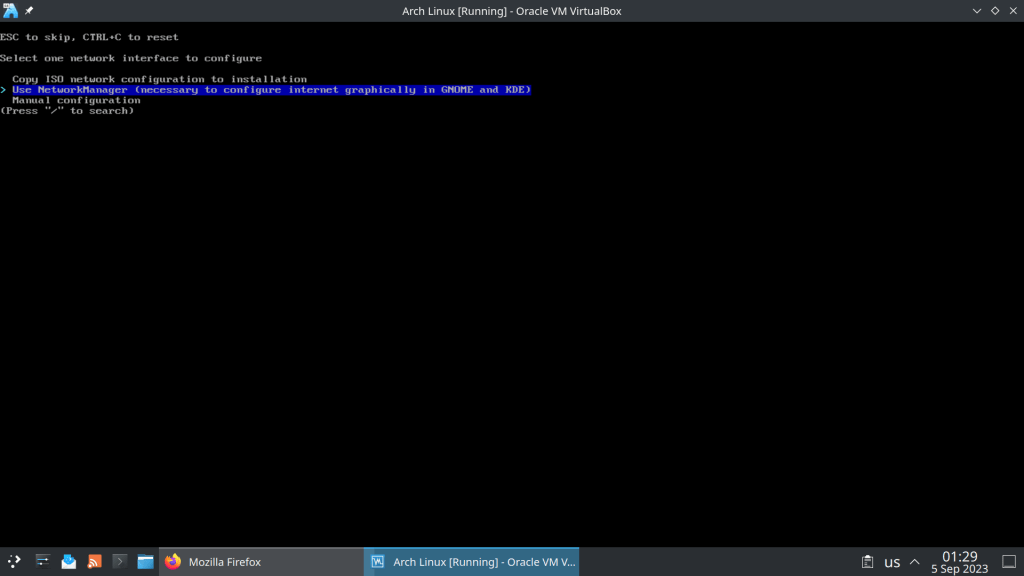
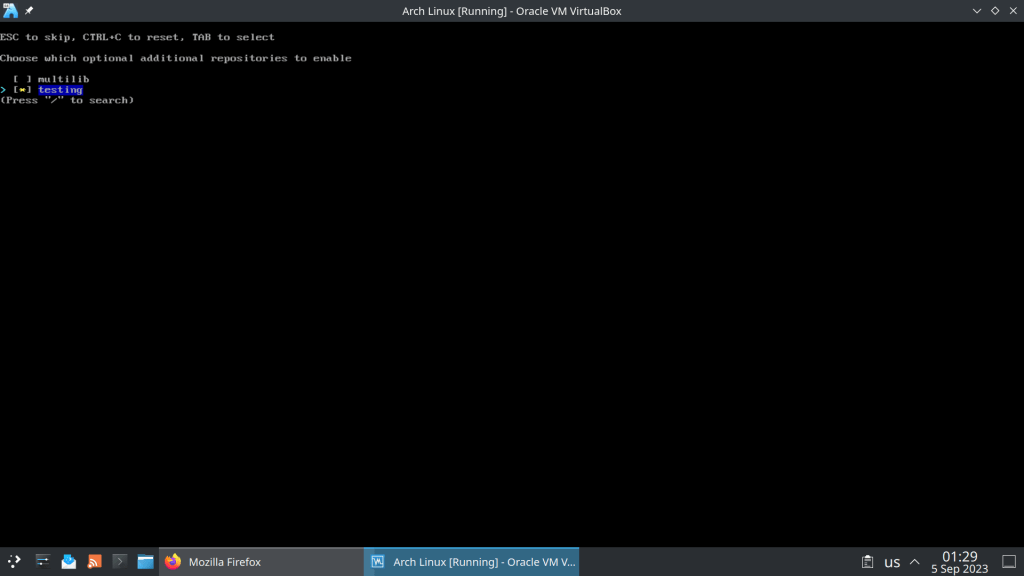
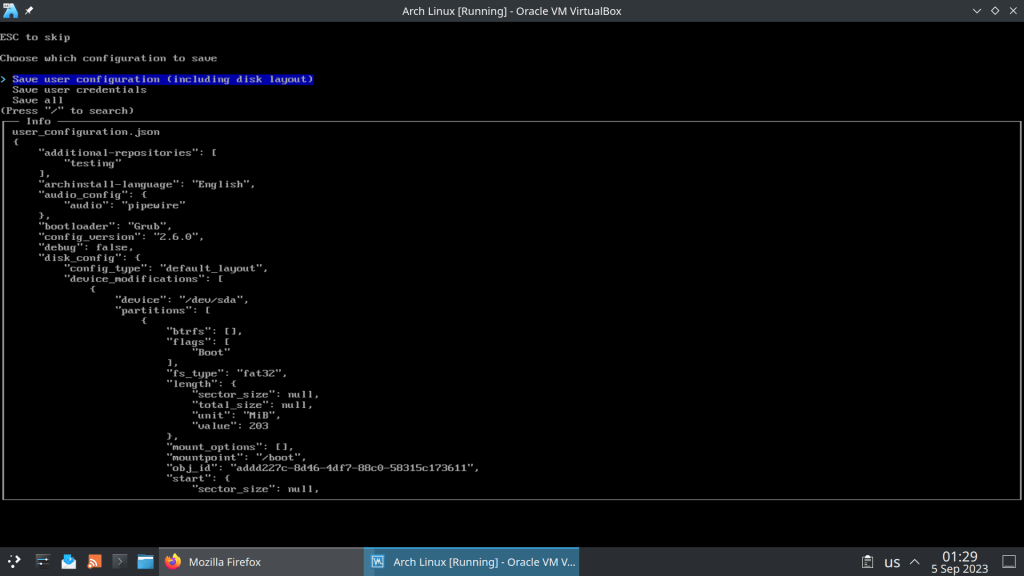
Comes with 6.4.12 Kernel and archinstall 2.6.0-1, a python installation script


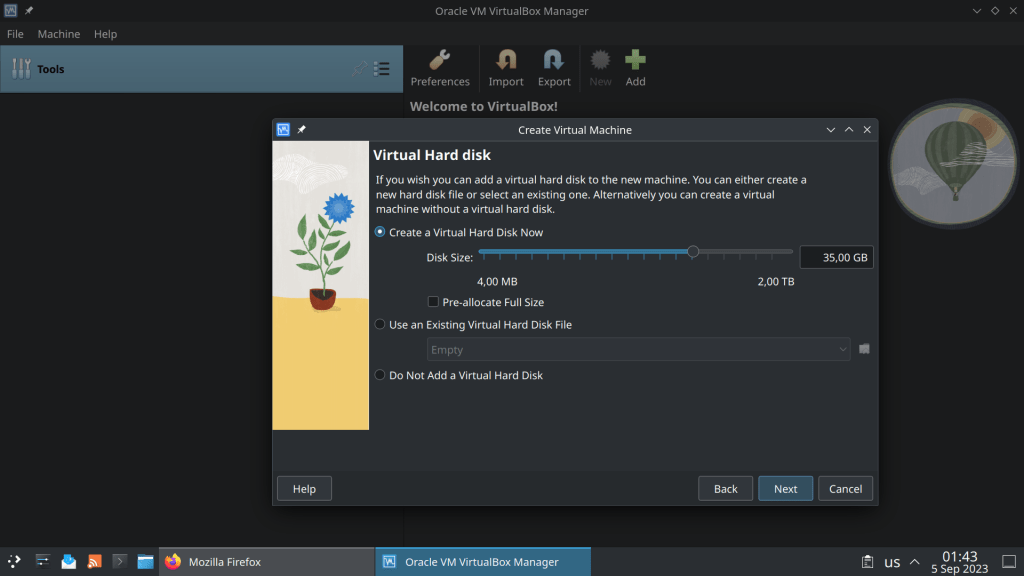











sudo pacman -S ufw (installs the ufw package)
sudo systemctl start ufw (starts ufw service)
sudo systemctl enabe ufw (starts ufw service by default at boot)
ufw default deny (denies all by default)
ufw allow from 192.168.0.0/24 (allows access from a local LAN network)
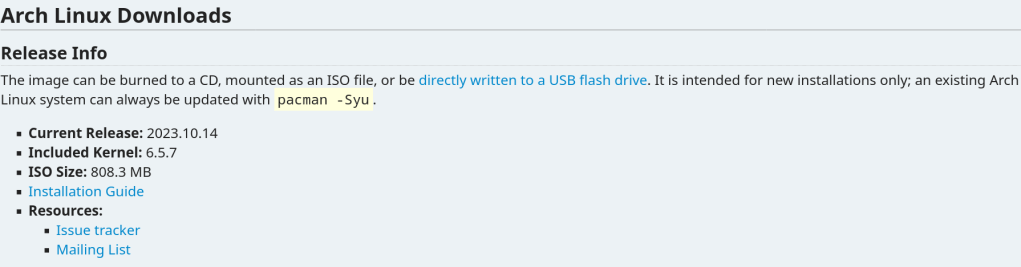
On the first day of every month a new iso is released


 /root
/root 