





Category: RStudio
-
I recently added my AUR package ankiR to the BioArchLinux repository, a repo that contains the majority of R Language related packages such as r-tidyverse etc.

-
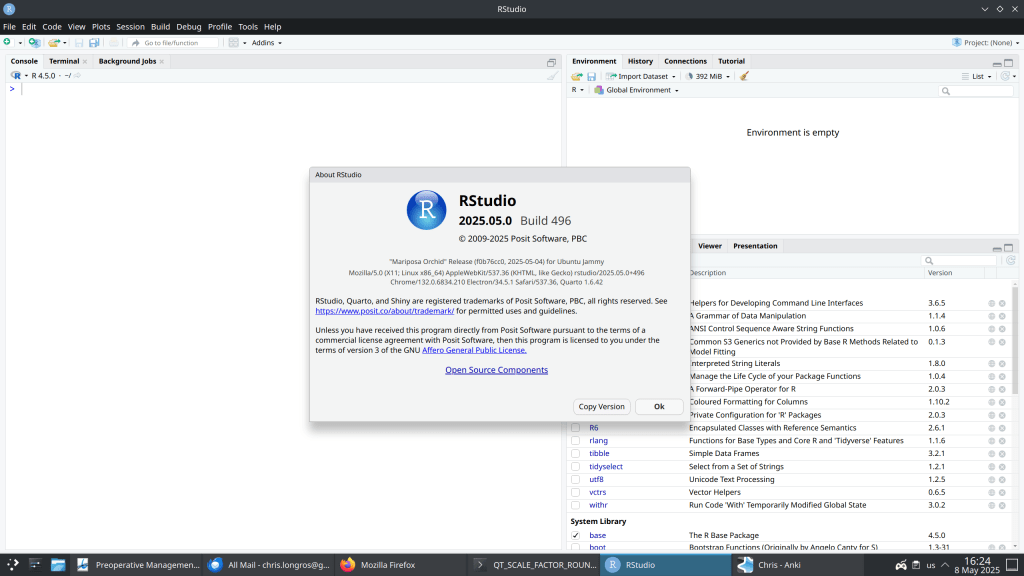
How to see the RStudio version you run from the command line?
Just use the RStudio.Version() function:
> RStudio.Version() $citation To cite RStudio in publications use: Posit team (2025). RStudio: Integrated Development Environment for R. Posit Software, PBC, Boston, MA. URL http://www.posit.co/. A BibTeX entry for LaTeX users is @Manual{, title = {RStudio: Integrated Development Environment for R}, author = {{Posit team}}, organization = {Posit Software, PBC}, address = {Boston, MA}, year = {2025}, url = {http://www.posit.co/}, } $mode [1] "desktop" $version [1] ‘2025.8.0.356’ $long_version [1] "2025.08.0+356" $release_name [1] "Cucumberleaf Sunflower" -
On your old system:
setwd("/Users/USER/Desktop/folder")
packages <- as.data.frame(installed.packages())
write.csv(packages, 'packages.csv')
Then on your new system:
packages <- read.csv(file.path('packages.csv'))[, -1]
base_packages <- as.data.frame(installed.packages())
to_install <- setdiff(packages$Package, base_packages$Package)
install.packages(to_install)
https://robertochiosa.medium.com/import-export-r-packages-a6a122005e00
-
Taking full advantage of your CPU multithreading power.
- Create a ~/.R/Makevars file and adjust the MAKEFLAGS environmental parameter according to your CPU characteristics. In my case with a 16 core CPU I set: MAKEFLAGS = -j32 for 32 jobs.
- Then see the configuration using makevars_user()
makevars_user()
[1] "/home/chris/.R/Makevars"
https://cran.r-project.org/doc/manuals/r-patched/R-admin.html#Customizing-package-compilation


 /root
/root 