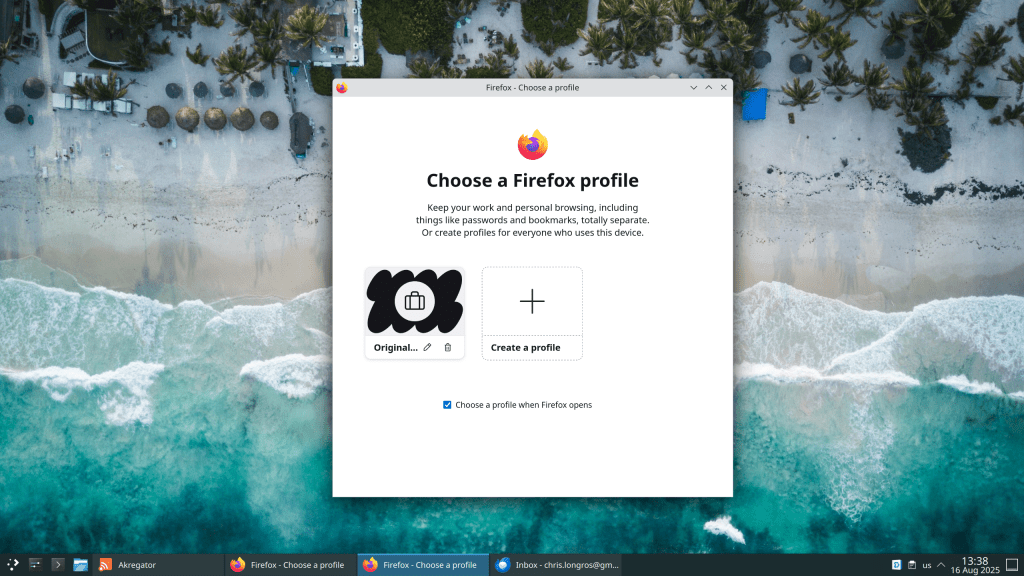
Here’s how to enable it:
chrislongros
Δ
Subscribe now to keep reading and get access to the full archive.
Type your email…
Subscribe
Continue reading





 /root
/root 